Slide 3 of 3 from Score Meter for PowerPoint
8045-score-meter-blue-3
How to Edit Data-Driven Charts in PowerPoint
- Text Layout
- Other
- Concept Explanation Slide
- 16:9
- 100% Editable
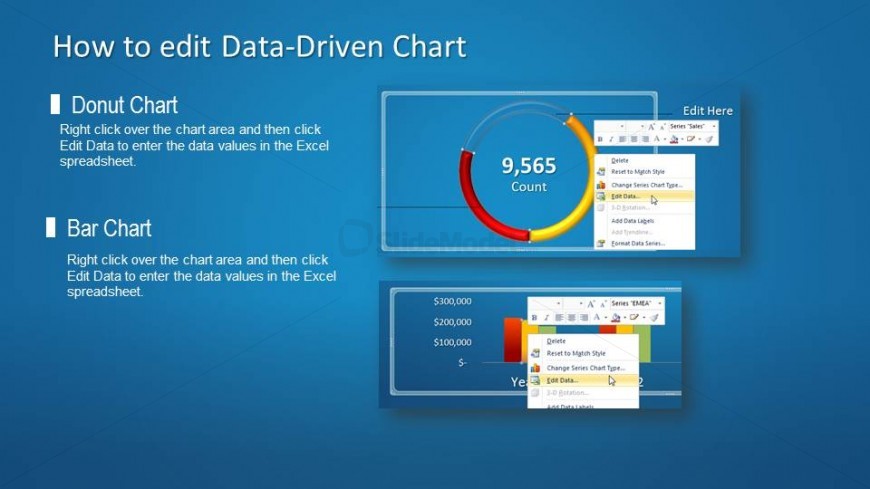
The Data-Driven Chart Editing Guide slide from the Score Meter for PowerPoint template offers a clear layout for instructional presentations focused on editing data visualizations. Featuring editable slides with donut and bar charts, it supports workshops and training sessions that require precise guidance on manipulating chart data within business presentation or pitch deck templates.
What’s on This Slide
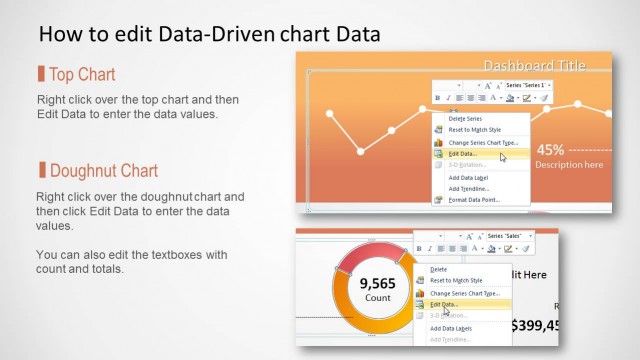
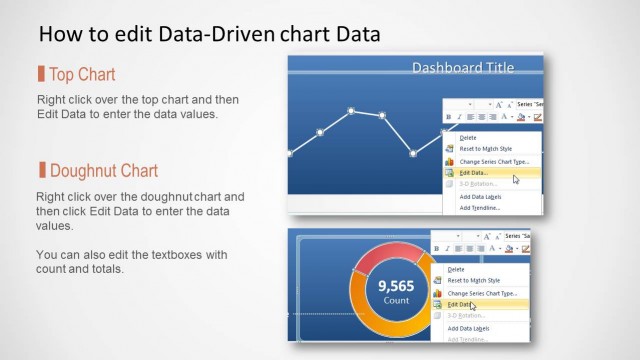
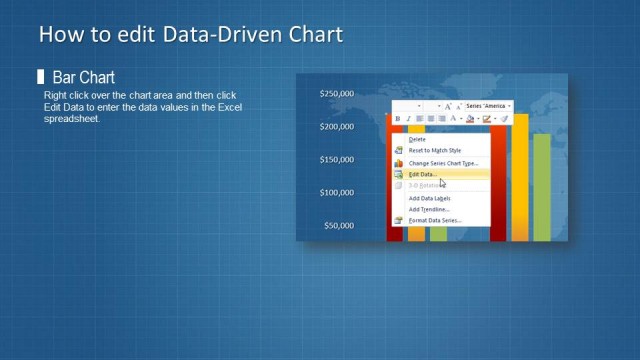
The layout features two sections for chart types, positioned in the left and right halves of the slide. The left section displays a donut chart with a central numeric value of 9,565, surrounded by a circular gauge in red, yellow, and green. The right section contains a bar chart with three vertical bars labeled with dollar amounts. Text placeholders are positioned above each chart type, aligned to the left. The background is a gradient blue, enhancing visibility and focus on the charts. Overall, the slide is structured to clearly present editing instructions for data-driven charts.
How to Use It
This layout serves as a tutorial for editing data-driven charts, suitable for instructional presentations. It fits into a sequence where users learn about data visualization techniques. Real-world applications include training sessions for new software users or workshops on data presentation. The clear division of chart types allows for focused discussions on specific editing processes. This slide can be used in contexts where visual data representation is critical, ensuring users understand how to manipulate chart data effectively.
Text Placeholders & Capacity
Keep your copy within these limits so it fits without resizing. Body slots can hold up to 25-30 words each.
| Placeholder | Count | Max characters (approx.) |
|---|---|---|
| Slide title | 1 | 30 |
| Body paragraph | 2 | 150 |
Slide Keywords
Download unlimited PowerPoint templates, charts and graphics for your presentations with our annual plan.
DOWNLOADReturn to Score Meter for PowerPoint.