Slide 3 of 3 from Blue Data-Driven Chart Concept for PowerPoint
8042-02-data-driven-chart-concept-blue-3
How to Edit Data-Driven Charts in PowerPoint
- Text Layout
- Other
- Process Slide
- 16:9
- 100% Editable
What’s on This Slide
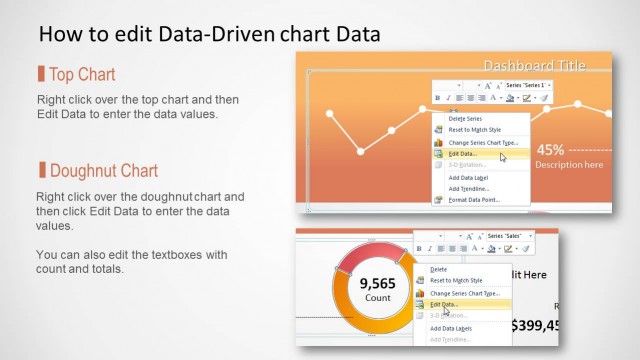
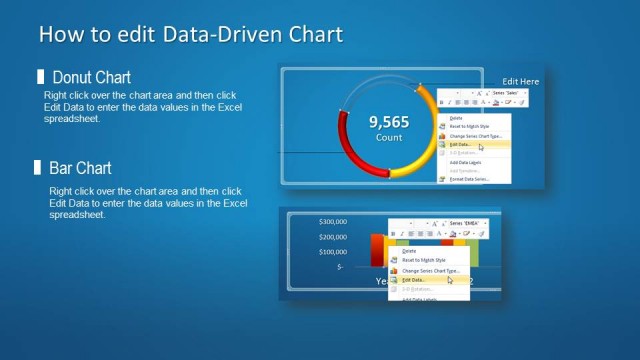
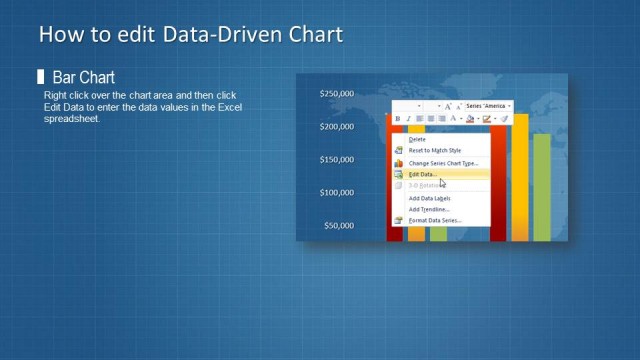
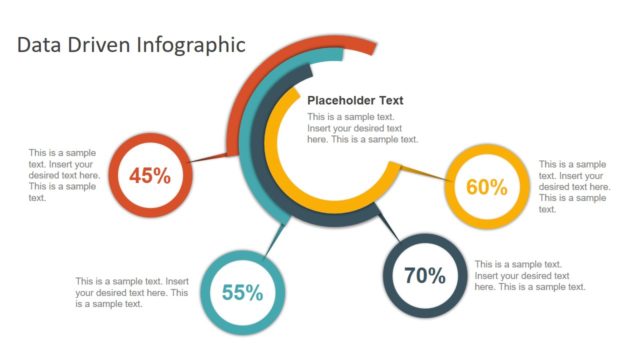
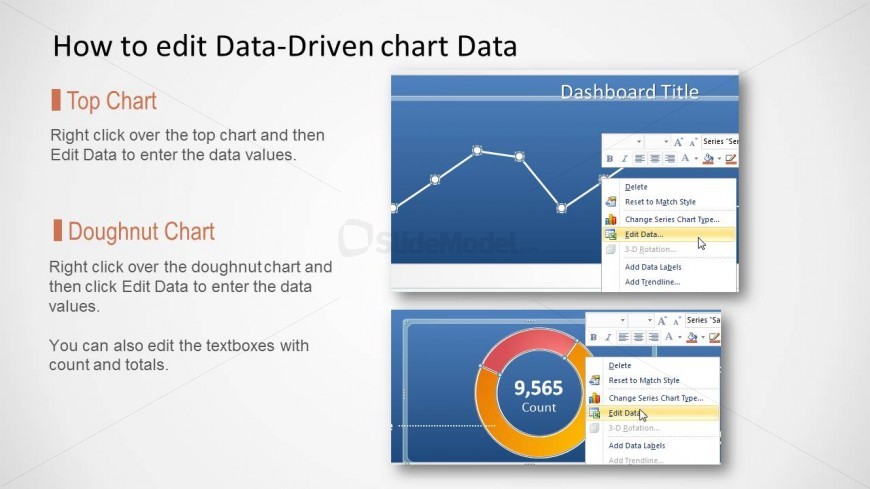
The layout features two main sections: a top chart and a doughnut chart. The top chart is positioned at the top left, displaying a line graph with data points connected by lines. The doughnut chart is located at the bottom right, featuring a circular design with a central count value. Text placeholders are present for the dashboard title and chart editing instructions, aligned to the left and right respectively. The overall color scheme is blue with white text, and there are visual indicators for editing options in both charts.
How to Use It
This layout serves as a guide for users to edit data-driven charts in a presentation. It fits well in a sequence where users need to understand how to manipulate data visualizations. This slide is useful for training sessions, workshops, or presentations aimed at analysts and managers who require hands-on instructions for updating charts. It can also be used in onboarding materials for new team members learning to use data visualization tools effectively.
Text Placeholders & Capacity
Keep your copy within these limits so it fits without resizing. Body slots can hold roughly 15-20 words each.
| Placeholder | Count | Max characters (approx.) |
|---|---|---|
| Slide title | 1 | 30 |
| Body paragraph | 2 | 100 |
Slide Keywords
Download unlimited PowerPoint templates, charts and graphics for your presentations with our annual plan.
DOWNLOAD