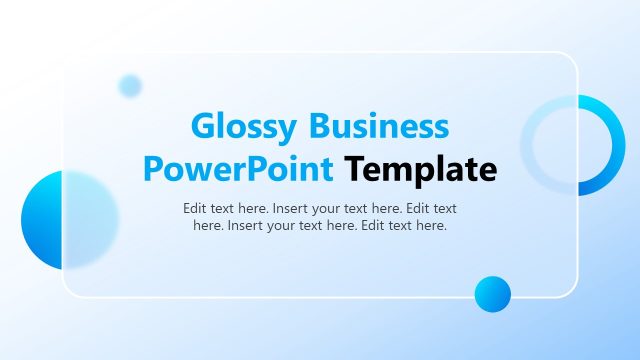
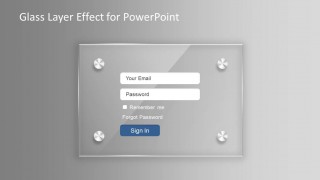
Glass Layer Effect PowerPoint Template is a presentation design template with an awesome glass effect created with PowerPoint graphics. You can easily adjust the layered glass effect to make creative layouts in PowerPoint.
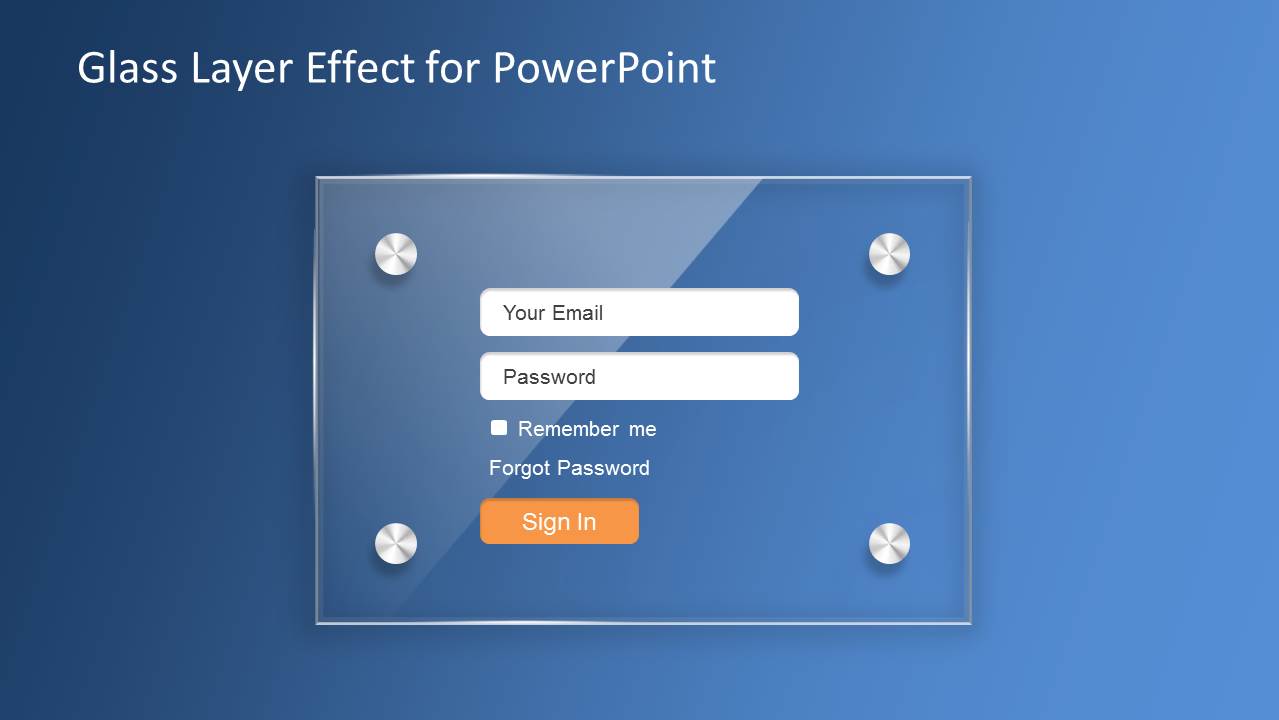
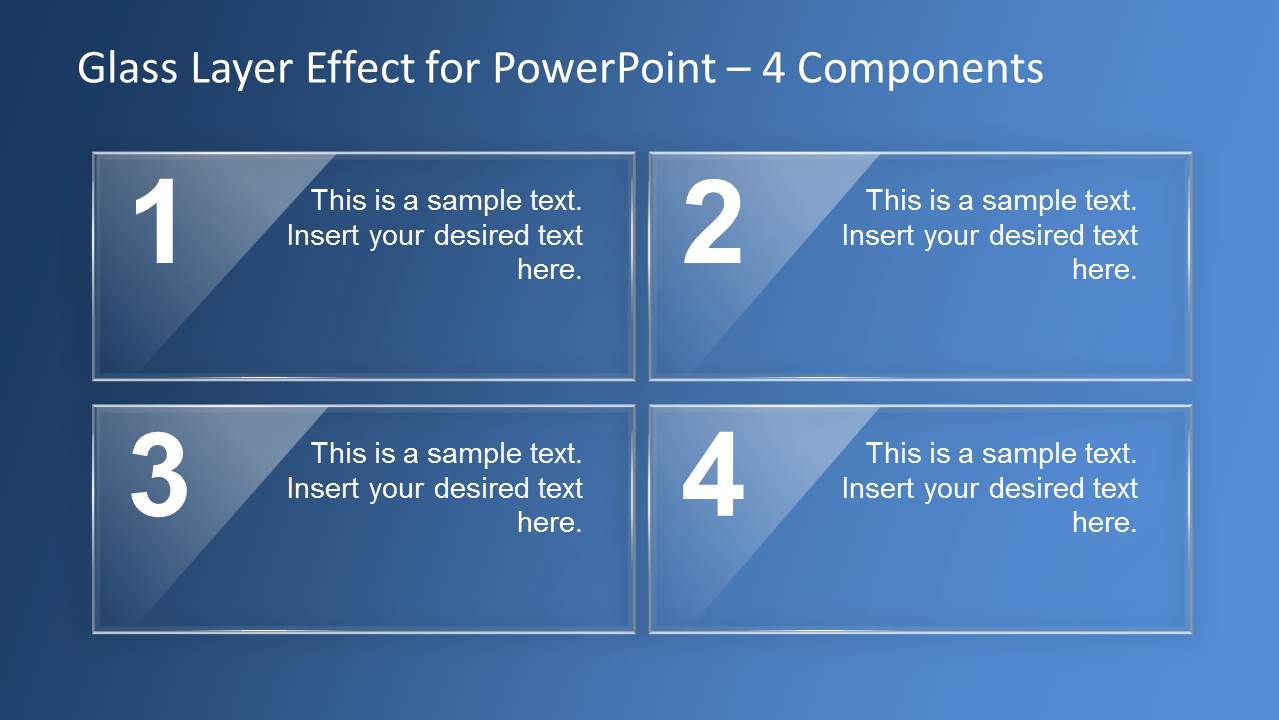
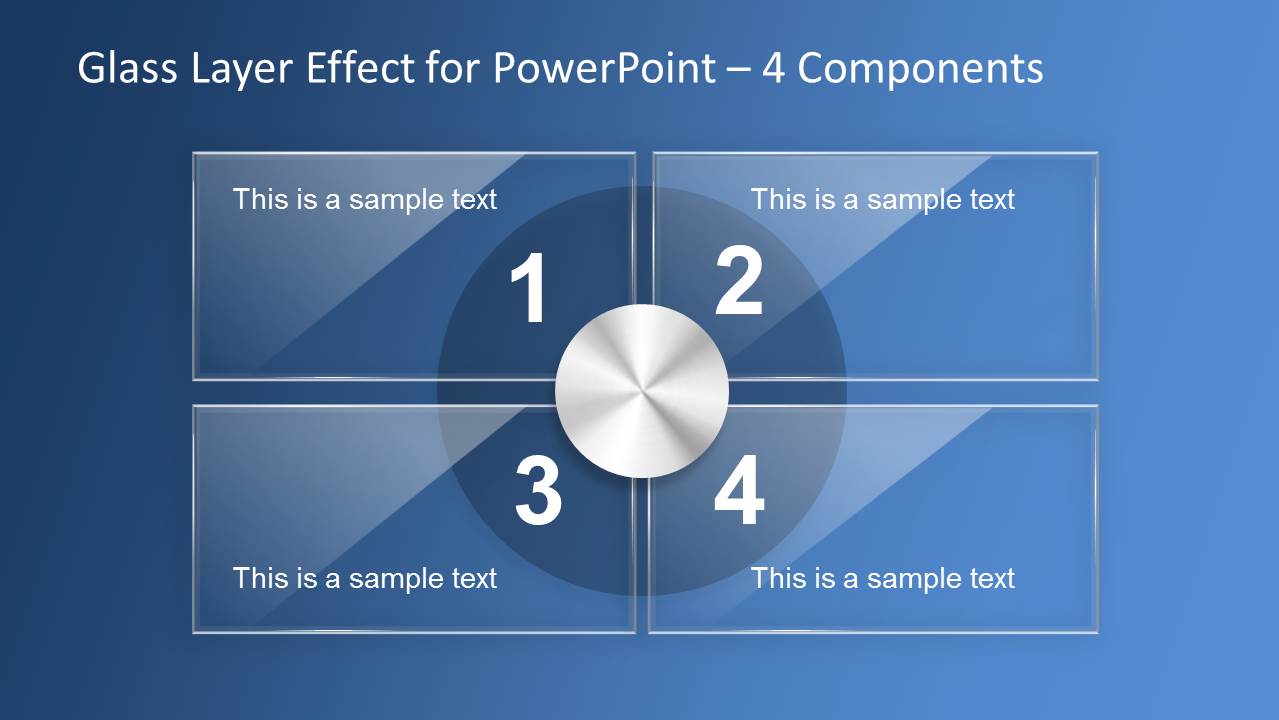
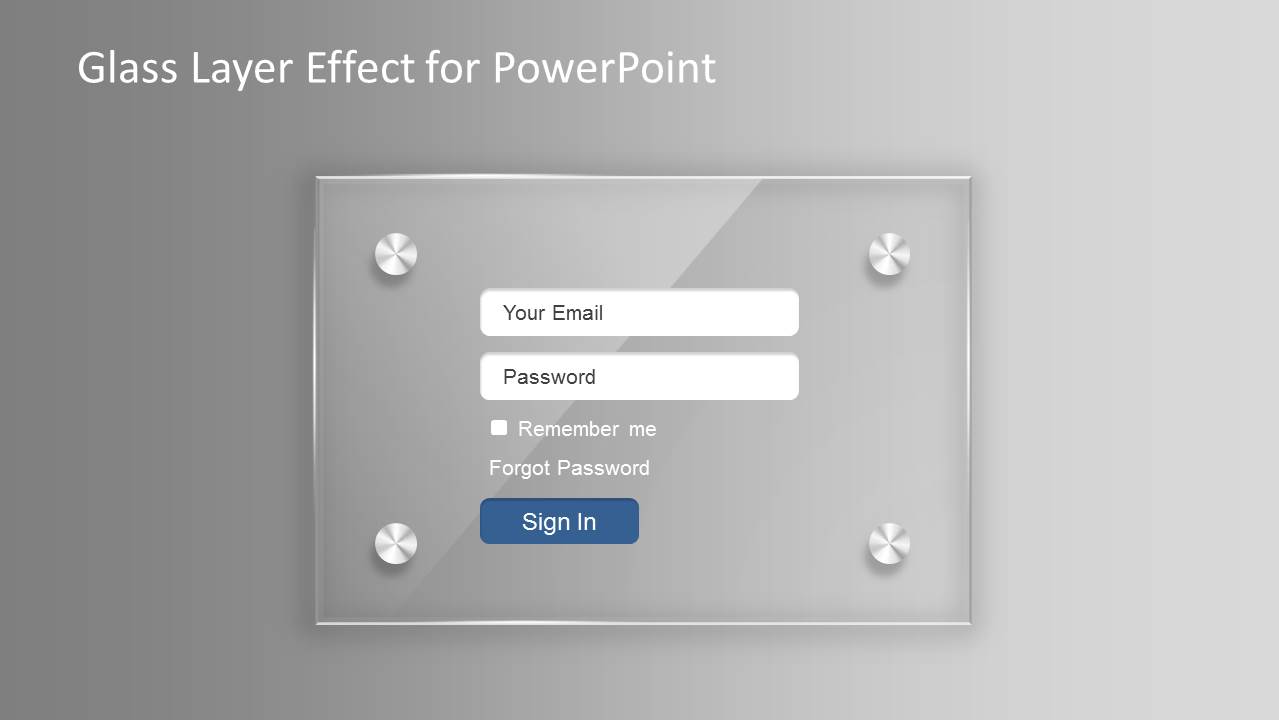
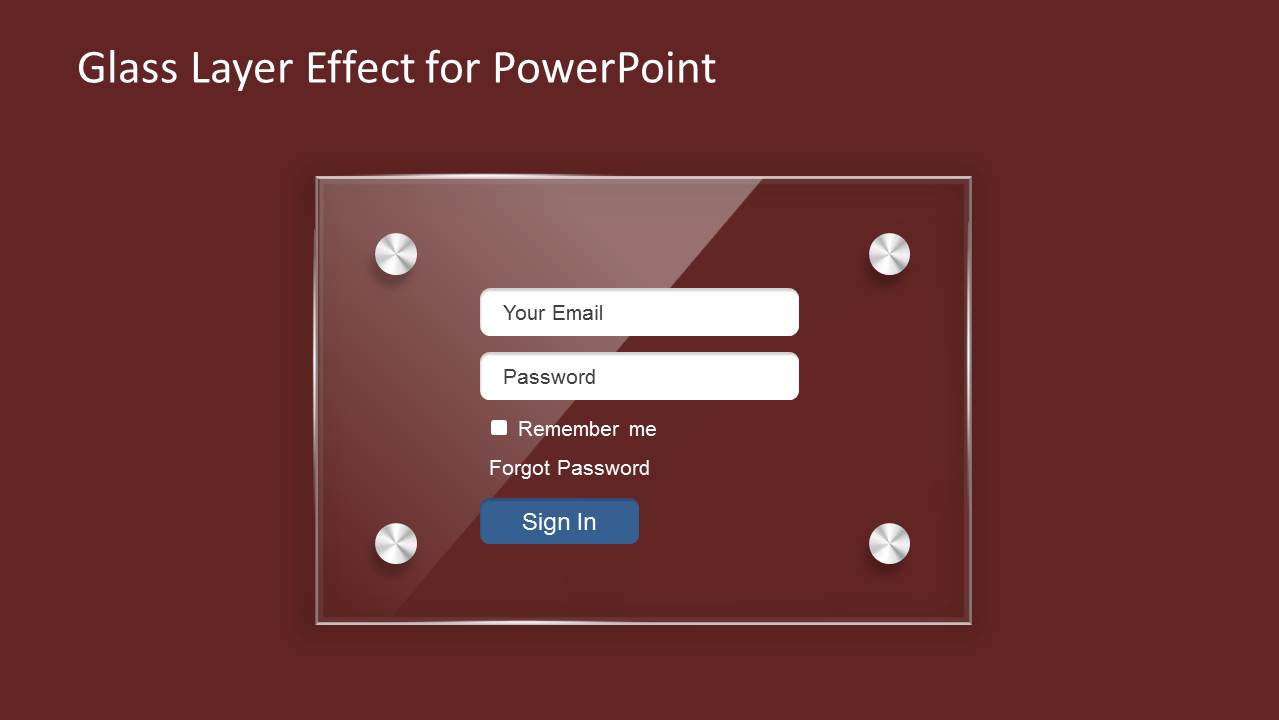
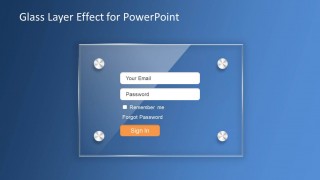
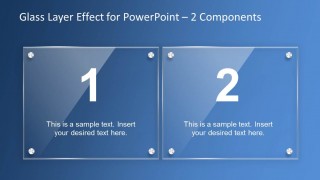
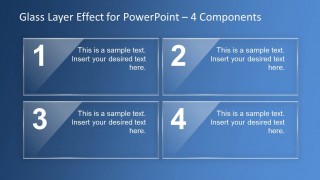
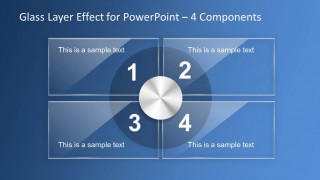
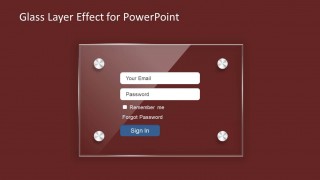
If you are looking for creative ideas to make modern presentations and keep them editable in PowerPoint then you can download this PPT template containing a few example slides simulating a login pane and other useful slides with two and four glass components that you may use to model a business diagram like. For example, you can use the four components slide to make a glass themed SWOT diagram slide for your marketing and business presentations.
What’s inside this template
Example presentation scenarios
- A UX designer can present an authentication screen direction to stakeholders using the login pane mockups and editable form labels.
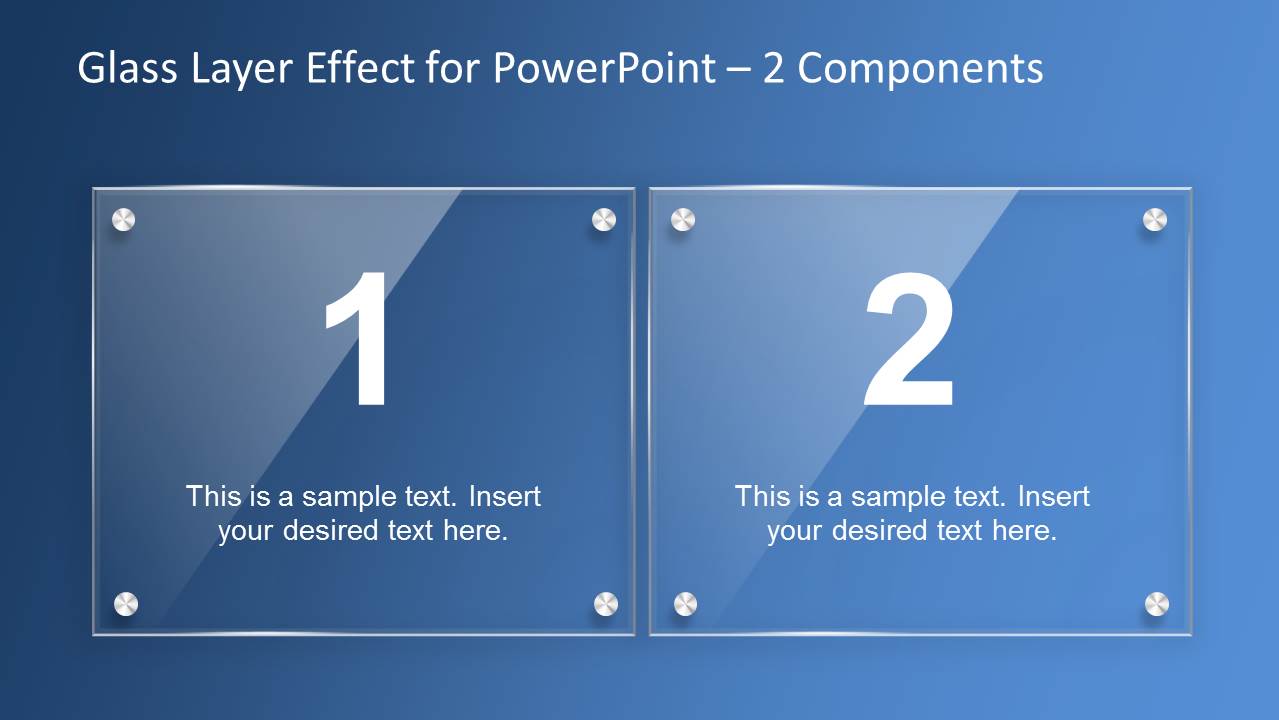
- A product manager can compare two product paths or feature options using the numbered two-component glass panel layout.
- A marketing strategist can organize four campaign priorities or SWOT-style points using the four-component matrix and quadrant slide.
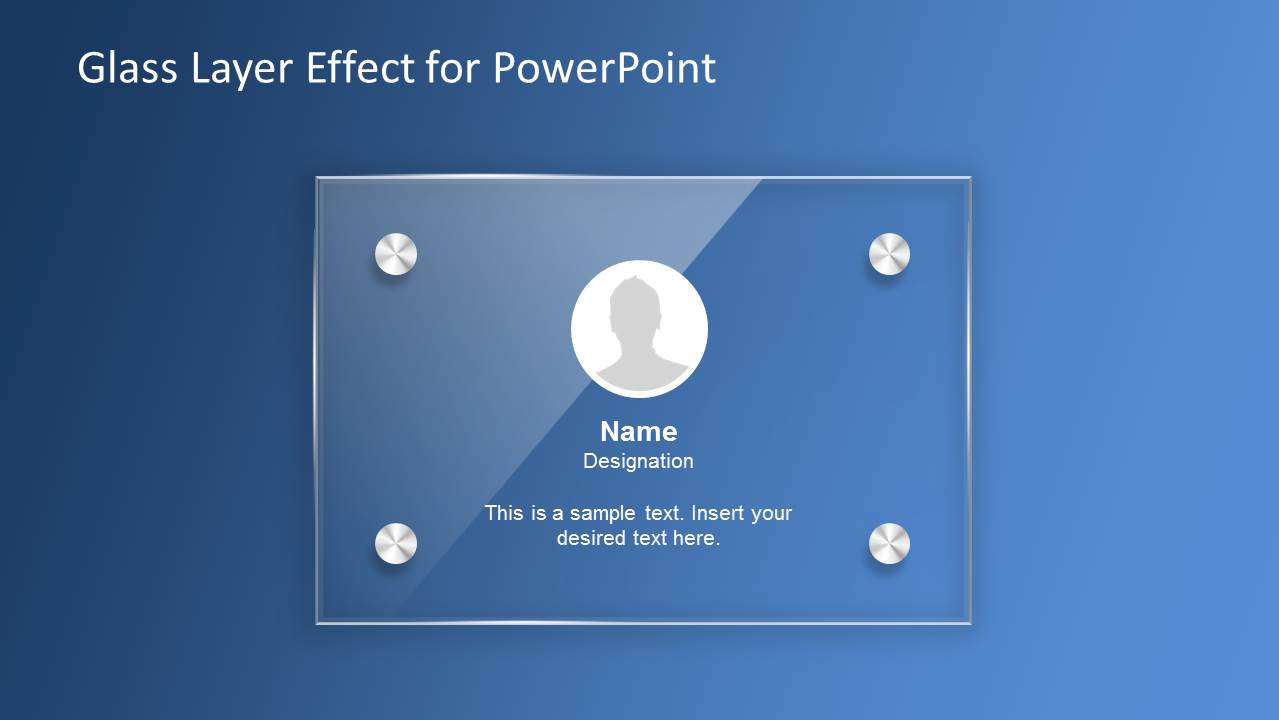
- A consultant can introduce a client portal or account experience using the profile card and login screen visuals.
Features
- 100% editable presentation template
- Compatible with Microsoft PowerPoint and Google Slides
- 16:9 aspect ratio slides
- Scalable vector shapes, icons and illustrations
- AI-Ready for Microsoft Copilot and Claude
- Instant access and download
Frequently asked questions
Q: How should a presenter communicate a clear message with these glass-effect slides?
A: Treat the glass layer as a framing device, not the message itself. Use the login mockup to introduce the digital experience, then move to the two-component or four-component layouts to explain choices, steps, or priorities. Keep text short because the translucent panels already add visual texture.
Q: Who is this template best suited for in a business presentation?
A: This template fits product, UX, software, and marketing presenters who need to make a digital concept feel tangible. It works well for login flows, account areas, portal concepts, and structured comparisons where a standard bullet slide would feel too plain for the subject.
Q: Why use a glassmorphism layout instead of a flat box diagram?
A: The translucent panes create depth and make simple component diagrams feel like interface layers. That metaphor is useful when discussing screens, access, user profiles, or layered decisions. The numbered panels still provide order, so the audience can follow the structure while noticing the modern visual treatment.

Glass Layer Effect PowerPoint Template
7-slide presentation template with glass panels, login mockups, and component diagrams for modern business visuals
Glass Layer Effect PowerPoint Template is a 7-slide shapes presentation with editable glass-style panels, login pane mockups, a profile card, two-component comparison, and four-component matrix layouts. It is built for product, UX, marketing, and business presenters working in Microsoft PowerPoint or Google Slides.
- Category
- Shapes
- Rating


 Loading...
- Aspect ratio
- 16:9
- Item ID
- 6622-01
- Colors
 Microsoft PowerPoint
  Microsoft Copilot
  Claude for PowerPoint
 Other formats supported
Subscribe today and get immediate
access to download our PowerPoint templates.