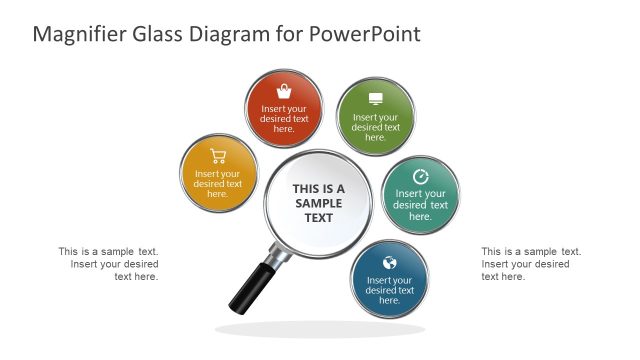
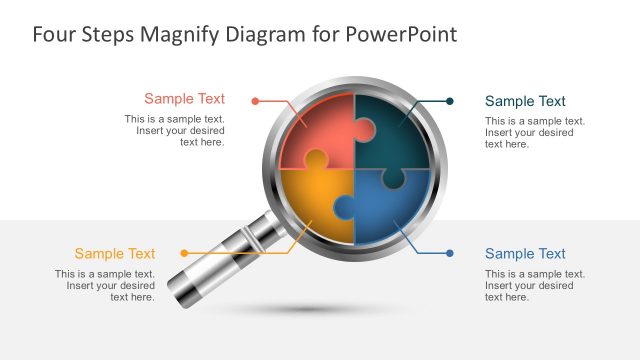
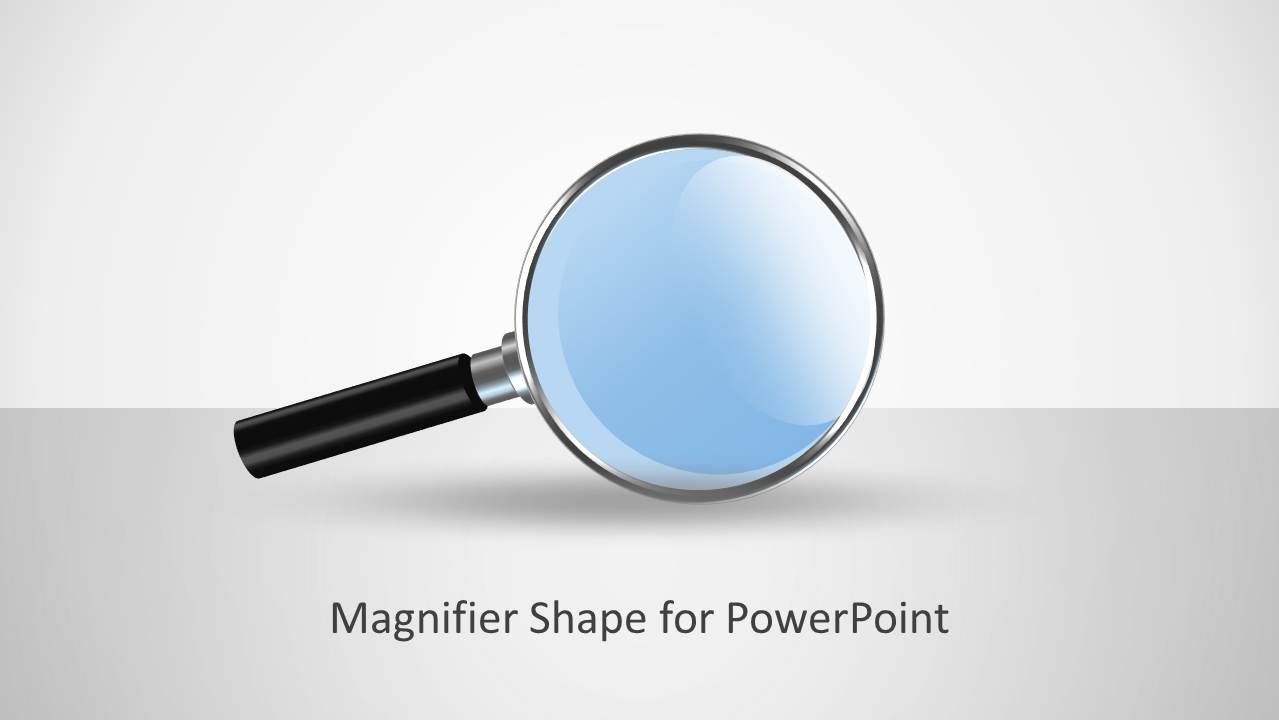
Magnifier Glass Shape for PowerPoint is a presentation design including a magnifier shape illustration for presentations that you can use to make presentation with metaphors for Research or highlight any important information and help to keep the focus.
You can use this magnifier shape for PowerPoint to highlight or empathize any important information in your presentation including facts or add a zoom effect in your slides. You can also use it to focus the attention in the important information, and as an alternative to the focus slide templates for PowerPoint. The magnifier glass PPT template contains an image of a Magnifying Glass.
Inside the shape you will find many different slide layouts containing magnifier shape in different ways.
What’s inside this template
Example presentation scenarios
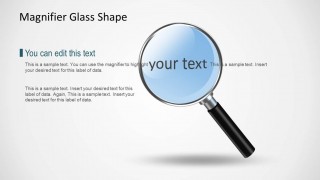
- A business analyst can use the text callout and zoomed text highlight layouts to explain the single finding that matters most in a research summary.
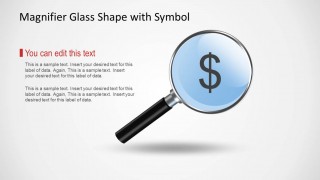
- A finance presenter can use the symbol-in-lens slide to focus the audience on a cost, revenue, or budget-related point without building a full financial dashboard.
- A consultant can use the two-magnifier comparison scene to contrast two business focus areas before recommending which one needs attention.
- A trainer can use the cover and magnifier highlight slides to introduce an inspection exercise where learners look closely at a process, fact, or sample statement.
Features
- 100% editable presentation template
- Compatible with Microsoft PowerPoint and Google Slides
- 16:9 aspect ratio slides
- Scalable vector shapes, icons and illustrations
- AI-Ready for Microsoft Copilot and Claude
- Instant access and download
Frequently asked questions
Q: How should a presenter use the magnifying glass metaphor without making the slide feel decorative?
A: Place the magnifier over the exact word, symbol, or message the audience must remember, then keep the surrounding copy short. The strongest slides in this set use the lens as a visual pointer, not as background art. Pair one concise insight with the magnified area so the audience knows what to inspect.
Q: Who is this template best suited for in a business presentation?
A: This template fits analysts, consultants, researchers, and managers who need to isolate one important detail inside a broader discussion. It works well for research observations, financial focus points, root-cause notes, or decision criteria. It is less suited to dense reporting where many charts or tables must be read together.
Q: Why does the magnifier layout help communicate focus and discovery?
A: A magnifying glass is a familiar inspection metaphor, so it quickly tells the audience that a specific detail deserves attention. The large lens, shadows, and open white space create a visual hierarchy that moves the eye from the headline to the highlighted text, symbol, or comparison point.



Magnifier Glass Shape for PowerPoint
5-slide presentation template with magnifying glass graphics for focus highlights and research callouts
Magnifier Glass Shape for PowerPoint is a 5-slide, 16:9 presentation template built around editable magnifying glass illustrations. It includes a cover, text-and-callout layout, symbol-in-lens layout, zoomed text highlight, and two-magnifier comparison scene for presenters explaining research findings, financial highlights, or focused details in Microsoft PowerPoint and Google Slides.
- Category
- Shapes
- Rating


 Loading...
- Aspect ratio
- 16:9
- Item ID
- 9076
- Colors
 Microsoft PowerPoint
  Microsoft Copilot
  Claude for PowerPoint
 Other formats supported
Subscribe today and get immediate
access to download our PowerPoint templates.