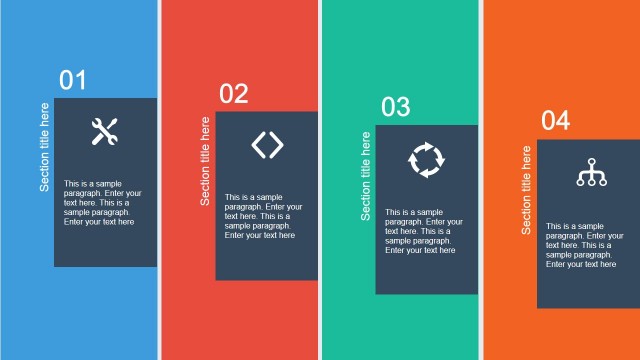
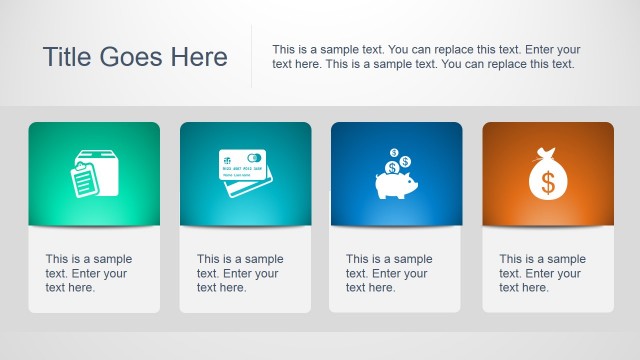
Create professional presentations with confidence and ease using this Flat Tiles PowerPoint Template. This PowerPoint Design may be used in business presentations such as sales and marketing, and even brochures and banners. The visual component of business presentations plays a very significant role – it can help make or break a business deal. Infographics with up-to-date PowerPoint icons and shapes are utilized to ensure that each slide is visually appealing. The PowerPoint shapes and icons are likewise easy to adapt and are 100% customizable according to the presenter’s specifications.
Well-prepared data in business presentations may nevertheless appear dull and boring when combined with unattractive visual design. The Flat Tiles PowerPoint Template uses professional Graphic Design principles to distribute the slide layout in an effective composite of elements that engages the attention of the audience and organizing the information in a visual processing fashion. Infographics are graphic representations of data or information believed to facilitate easy comprehension and retention. The human brain is believed to process faster and retain longer graphic information, as compared to plain text. Using Flat Tiles to organize information and visual graphics will help the presenter to design a professional layout with little effort.
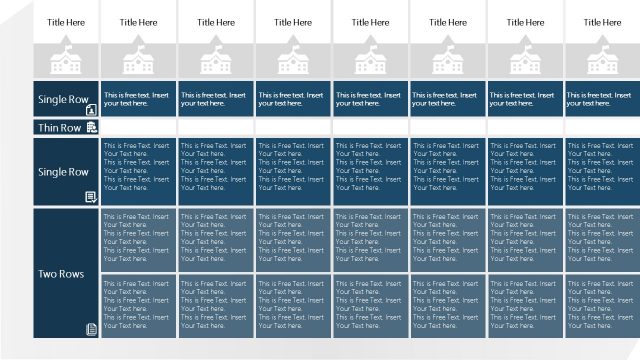
Featured in the PowerPoint slides are “Tiles”, simple flat rectangles that divide the content of the presentation into different sections. The tiles are designed in such a way that they become eye-catching platforms for important facts and figures. Through this structure, both the separation and interconnection of ideas of different divisions are well laid out.For business presentations, several slides are applicable for company profile or overview, as well as for showcasing of new products or services offered.
Rather than just giving the basic information, specifics of what sets the company, the product, or service apart from the others must also be presented. By doing so, the credibility and competence of the companyor brand will be established. Also, in putting the company’s best foot forward, the presenter may want to showcase its finest attributes – may it be facilities, human resource, reputable business partners or channels.
Create professional presentations that appeal to global audiences with this vibrant Flat Tiles PowerPoint Template.
What’s inside this template
Example presentation scenarios
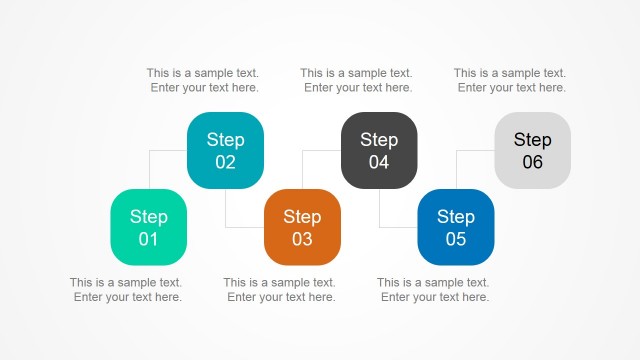
- A marketing manager can present a company overview by using the image mosaic, icon tile board, and six-tile content grid to separate services, proof points, and brand messages.
- A sales presenter can introduce a product line by using the device mockup slides to show desktop, tablet, and mobile touchpoints alongside concise value statements.
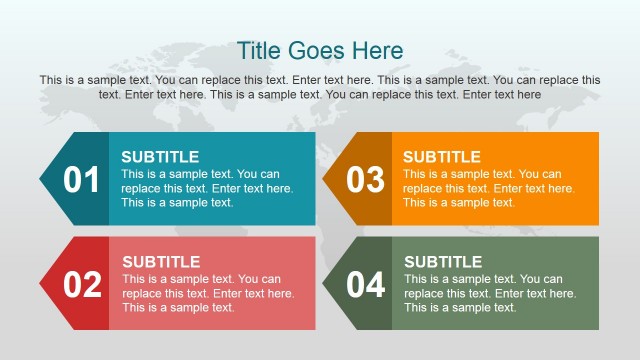
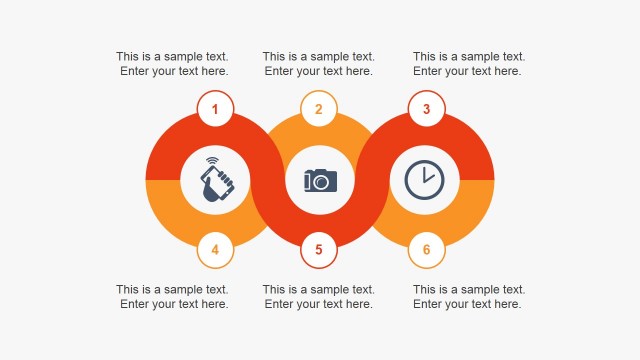
- A consultant can structure a workshop or proposal section with the numbered list bands, four-quadrant tile layout, and icon process slide to organize priorities.
- A corporate communications team can create event or brochure-style slides by using the full-photo title slides, coffee break divider, and road photo step layout.
Features
- 100% editable presentation template
- Compatible with Microsoft PowerPoint and Google Slides
- 16:9 aspect ratio slides
- Scalable vector shapes, icons and illustrations
- AI-Ready for Microsoft Copilot and Claude
- Instant access and download
Frequently asked questions
Q: How should a presenter make the tile layouts clear instead of visually busy?
A: Assign one job to each tile size. Use large tiles for the main message or photo, medium tiles for supporting points, and small tiles for icons or labels. In layouts such as the four-quadrant slide and six-tile grid, keep each block to one short idea so the audience can scan rather than read.
Q: What communication situation is this template best suited for?
A: This template works best when the presenter needs to package business information into compact, visual sections. Marketing, sales, and consulting teams can use the icon tile board, photo mosaic, device mockups, and numbered bands to present a company profile, service overview, or product story without relying on long paragraphs.
Q: Why does the flat tile design help business audiences follow the message?
A: The tiles act like a dashboard or app interface: each block signals a separate topic while still belonging to one visual system. This helps viewers group related ideas, compare sections, and remember icons, photos, and short labels. The repeated rectangle motif also keeps varied slide types visually connected.







Flat Tiles PowerPoint Template
31-slide flat tile presentation template with icon grids, image mosaics, and device mockups
The Flat Tiles PowerPoint Template is a 31-slide presentation template for business profiles, product overviews, and marketing decks. It uses colored tile grids, icon menus, image mosaics, numbered list bands, and device mockup slides. Layouts are built for Microsoft PowerPoint and Google Slides with editable vector shapes.
- Category
- Template Backgrounds
- Rating


 Loading...
- Aspect ratio
- 16:9, 4:3
- Item ID
- 6807-01
- Colors
 Microsoft PowerPoint
 Microsoft Copilot
 Claude for PowerPoint
Other formats supported
Subscribe today and get immediate
access to download our PowerPoint templates.