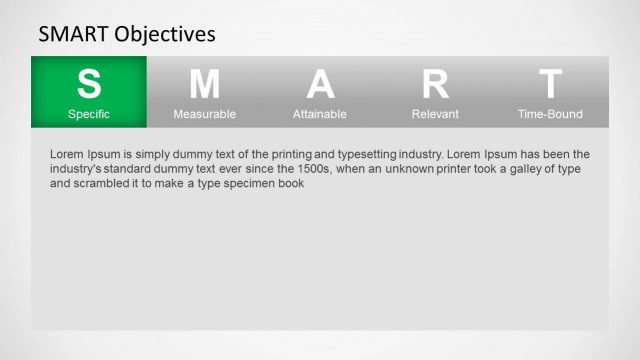
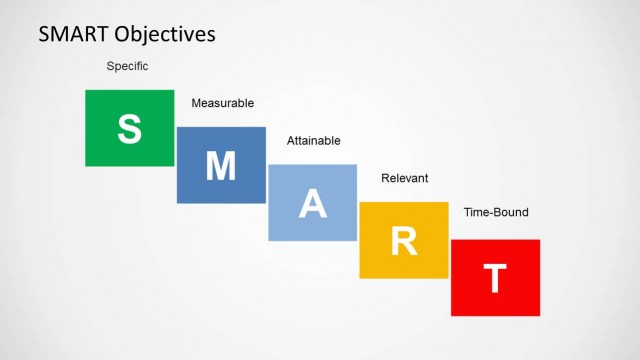
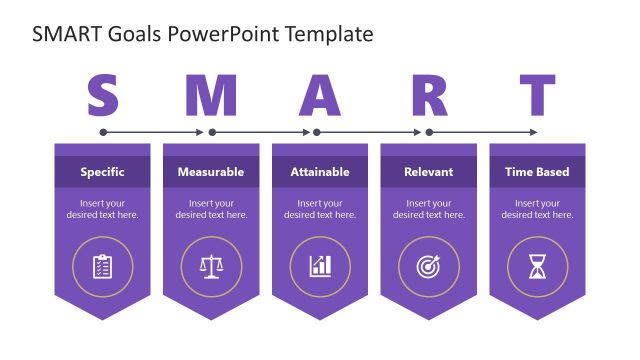
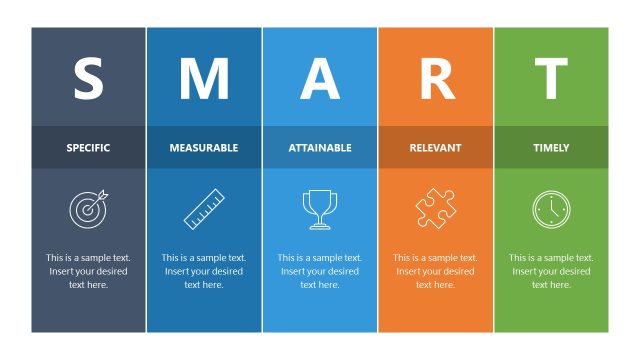
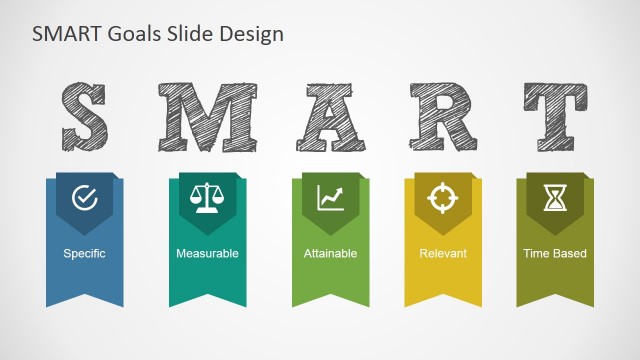
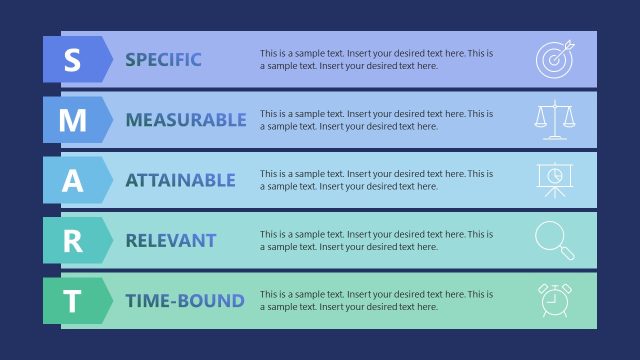
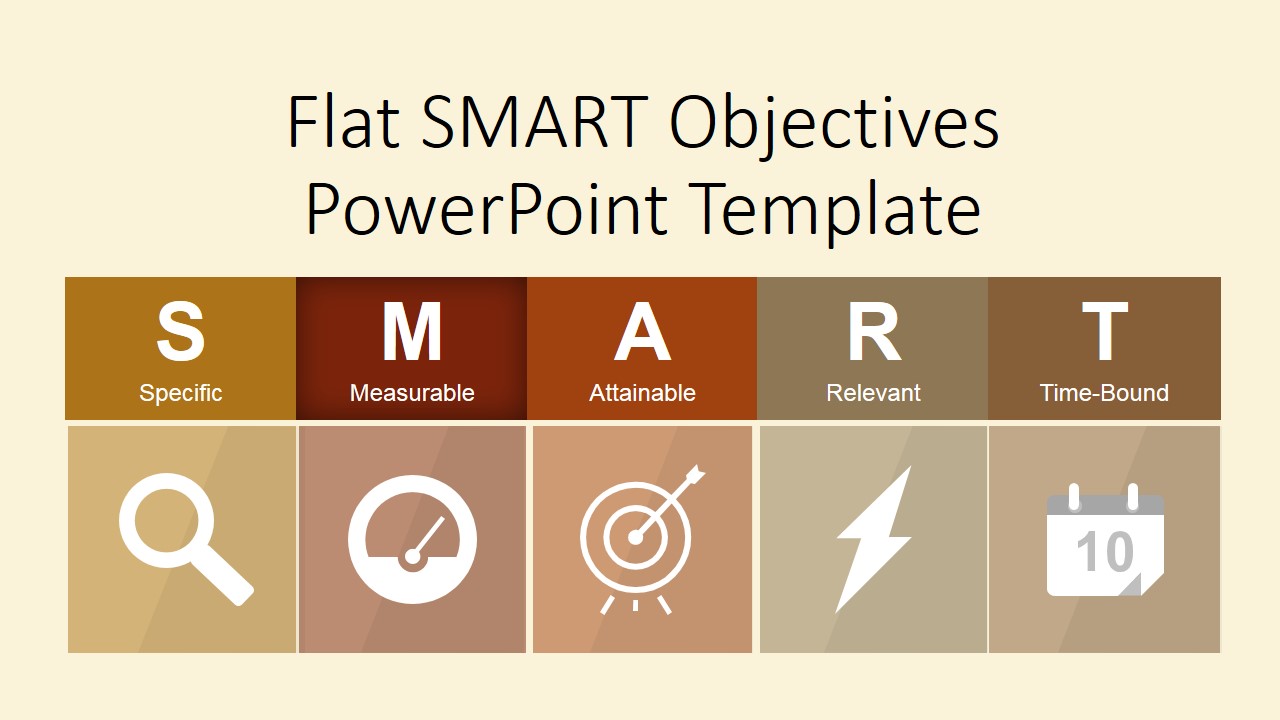
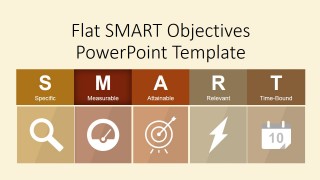
Flat SMART Objectives PowerPoint Template is a professional presentation for presenting SMART Objectives. It is ideal for consultants, business analysts, or executives who need to define Business Goals and their Key Performance Indicators through a rational process. SMART is an acronym that stands for:
- Specific
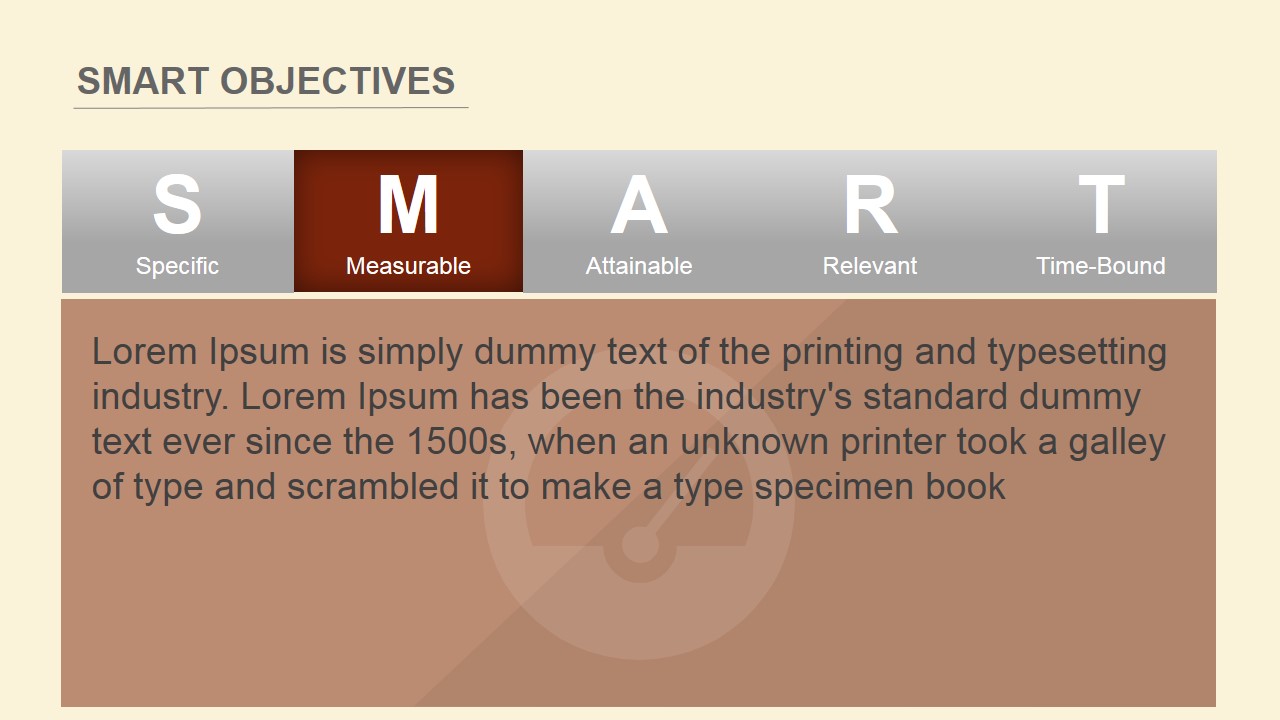
- Measurable
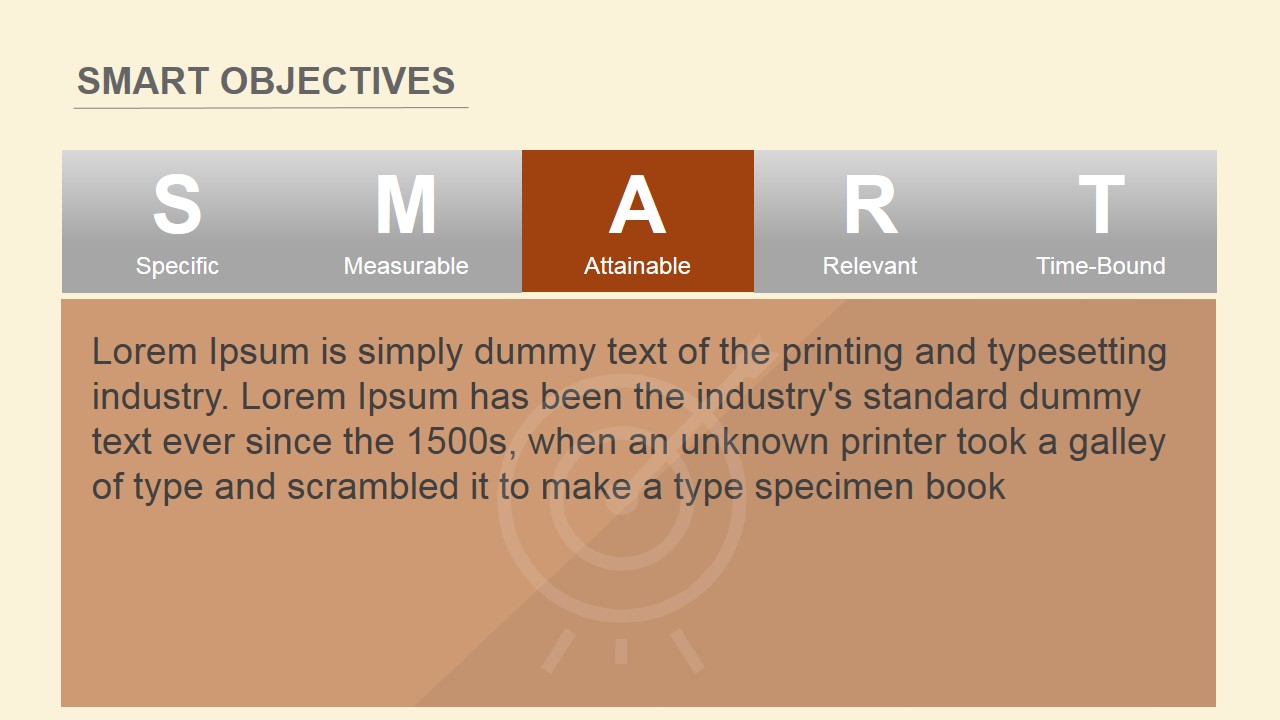
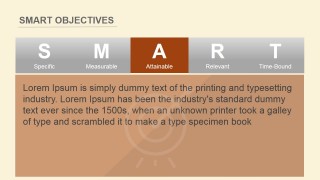
- Attainable
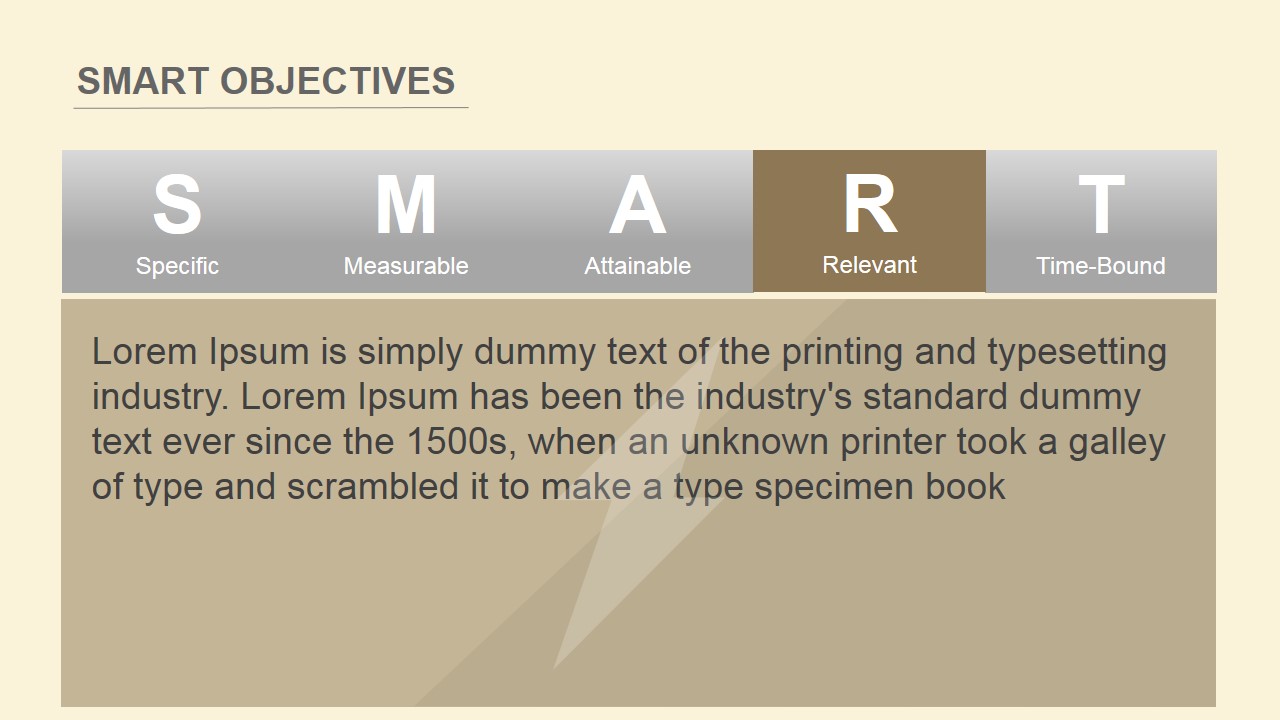
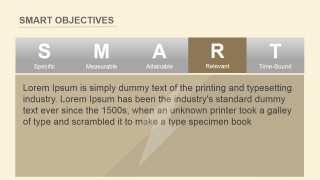
- Relevant
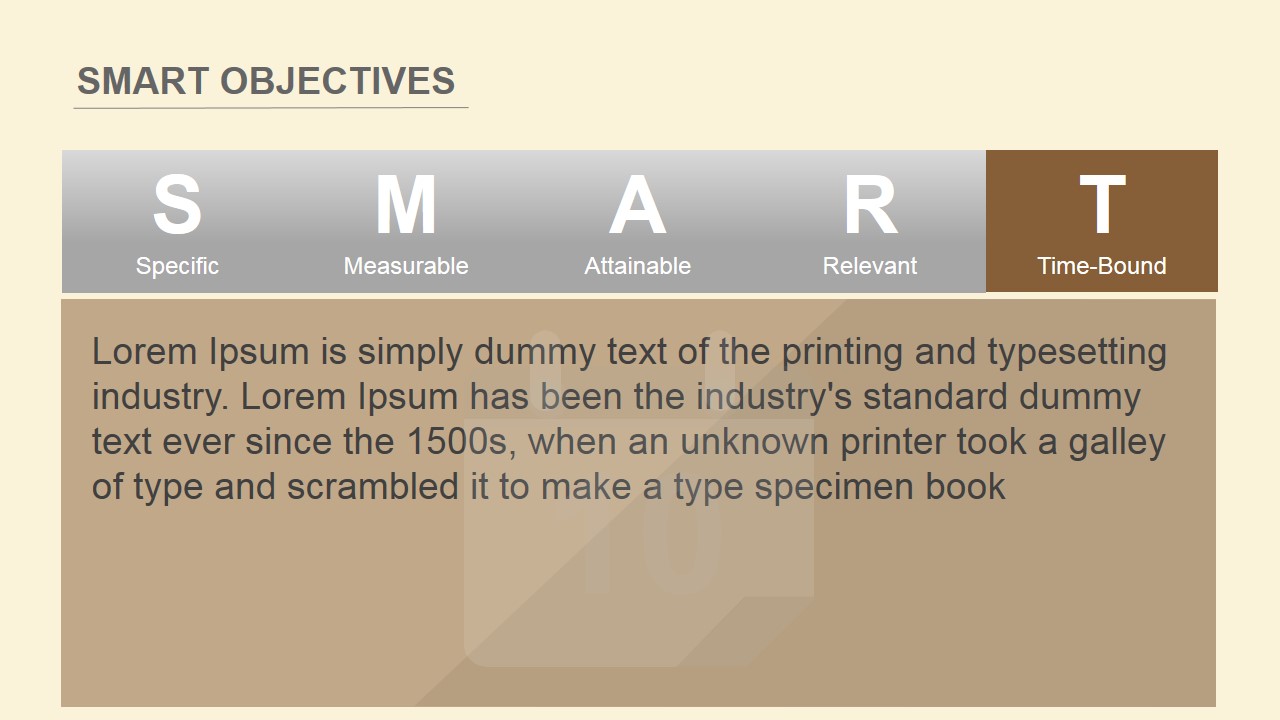
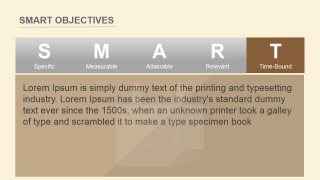
- Time-Bound
Goal setting is a normal process in every organization. Defining goals directs the strategies and tactics that guide the business and operations. When objectives are created through the SMART criterion, not only do the goals help the teams align. Also, they are measurable and traceable. This simple process allows managers of all layers to define clearly what needs to be achieved. People create plans around the objectives. Due to the SMART goals criterion, those plans are aligned with the general strategy.
Create a Professional Presentation with our Flat SMART Objectives PowerPoint Template and impress your audience with high-quality graphics that appeal to global executives. Alternatively, download other SMART Goals templates for PowerPoint and slide designs or OKR templates.
What’s inside this template
Example presentation scenarios
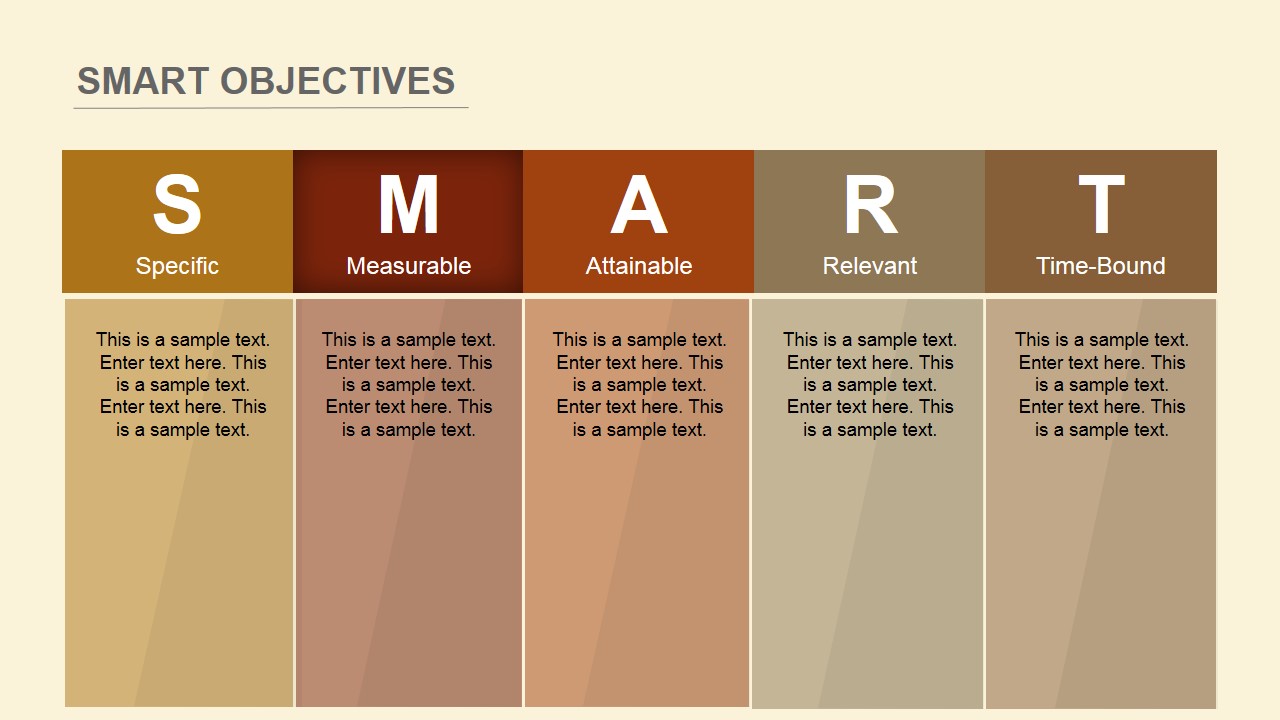
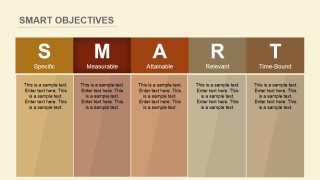
- A project manager can use the five-column SMART table to align a team on how a project objective will be written before work begins.
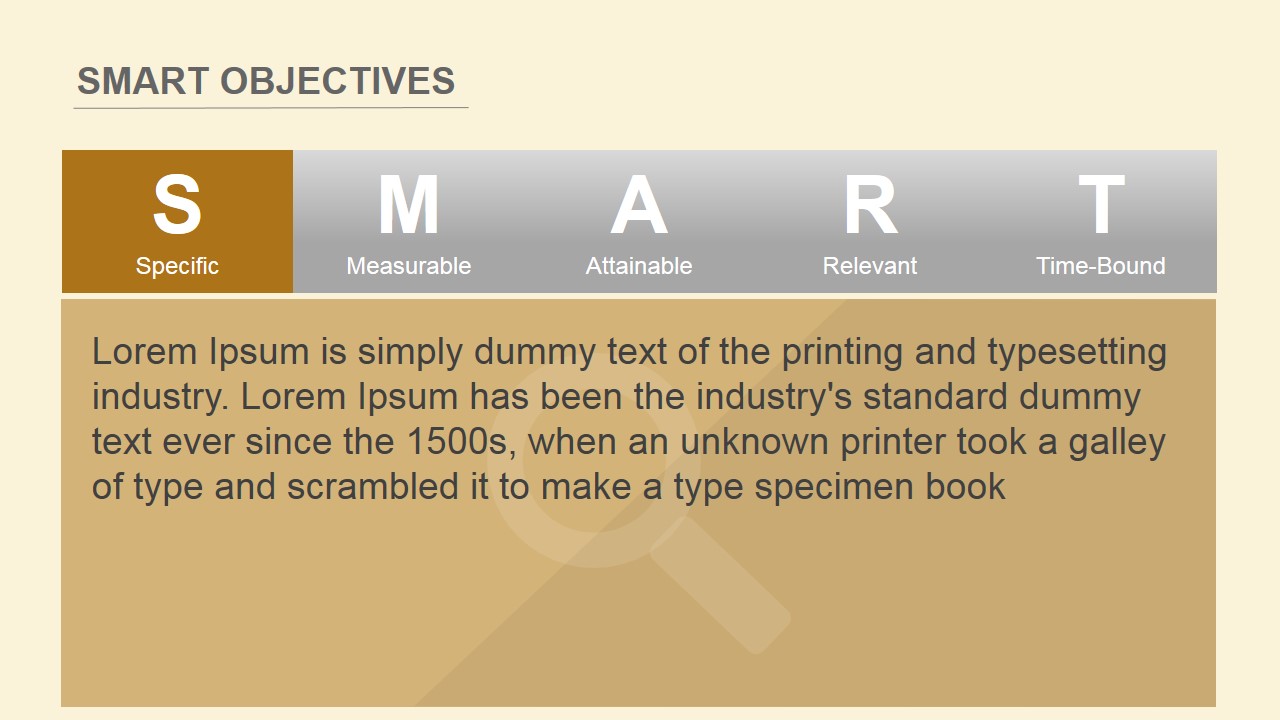
- An HR facilitator can use the letter highlight slides to teach employees how Specific, Measurable, Attainable, Relevant, and Time-Bound goals differ.
- A consultant can use the cover grid and individual criterion slides to turn a client goal-setting workshop into a structured discussion.
- An operations leader can use the Time-Bound and Measurable detail slides to connect performance targets with deadlines and tracking expectations.
Features
- 100% editable presentation template
- Compatible with Microsoft PowerPoint and Google Slides
- 16:9 aspect ratio slides
- Scalable vector shapes, icons and illustrations
- AI-Ready for Microsoft Copilot and Claude
- Instant access and download
Frequently asked questions
Q: How should a presenter guide the audience through the SMART framework with this deck?
A: Start with the cover to name the five SMART criteria, then use the five-column table to compare them at a glance. Reserve slides 3 through 7 for discussion, examples, and rewriting weak objectives. This sequence helps the audience first recognize the framework, then apply each criterion to a real business goal.
Q: Who is this template best suited for, and in what meeting context?
A: This template fits managers, consultants, HR facilitators, and project leads who need to set clearer objectives with a team. It works well in planning sessions, performance reviews, and personal development workshops where participants must translate broad intentions into specific, measurable, attainable, relevant, and time-bound commitments.
Q: Why does the repeated SMART ribbon make the message easier to follow?
A: The repeated S-M-A-R-T ribbon acts as both an acronym cue and a progress marker. Each detail slide highlights one letter while dimming the others, so the audience always knows which criterion is under discussion and how it fits into the full objective-setting method.
Flat SMART Objectives PowerPoint Template
7-slide presentation template for SMART goals, objectives, measurable performance planning, and team workshops
Flat SMART Objectives PowerPoint Template is a 7-slide presentation for defining goals with the SMART framework. It includes a SMART acronym grid, a five-column criteria table, individual letter highlight slides, and flat objective icons. Managers, consultants, analysts, and HR teams can edit it in Microsoft PowerPoint or Google Slides.
- Category
- Business PowerPoint Templates
- Rating


 Loading...
- Aspect ratio
- 16:9, 4:3
- Item ID
- 6215-04
- Colors
 Microsoft PowerPoint
  Microsoft Copilot
  Claude for PowerPoint
 Other formats supported
Subscribe today and get immediate
access to download our PowerPoint templates.