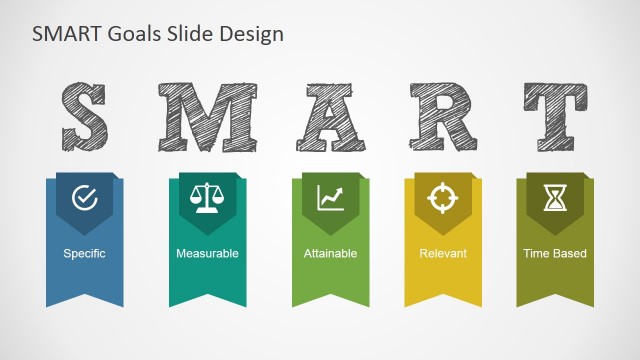
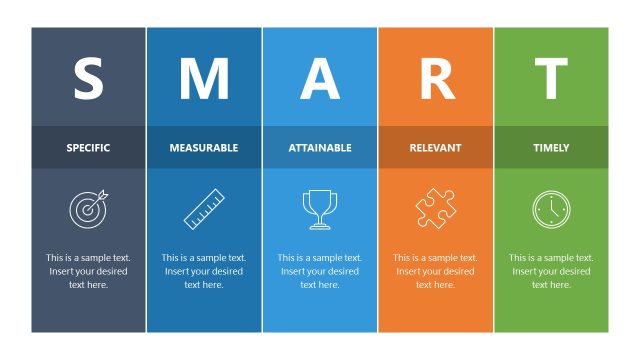
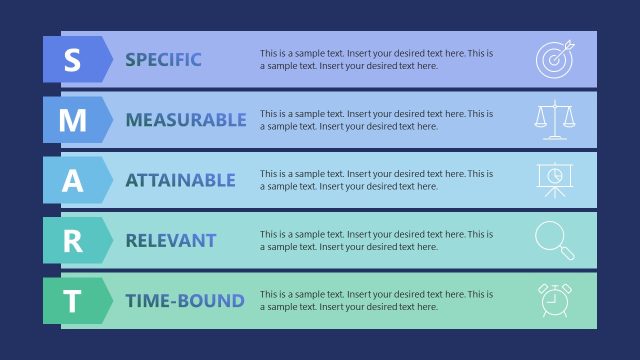
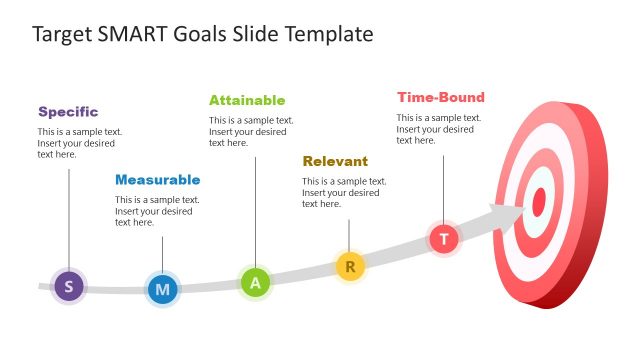
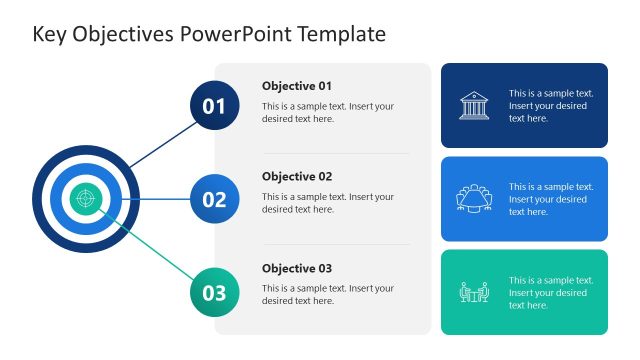
SMART Objectives PowerPoint Template provides slide designs to help you create presentations about specific, measurable, assignable, realistic and time bound objectives.
Using this SMART Goals template you can create presentations to lay out essential aspects regarding your project to achieve desired goals using the SMART criteria. Using SMART Goals will allow you to define a clear roadmap to work with your team and achieve short, medium and long term objectives.
Also see our collection of Project Management PowerPoint Templates.
What’s inside this template
Example presentation scenarios
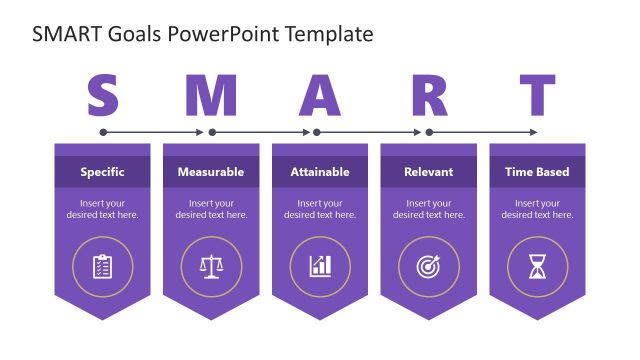
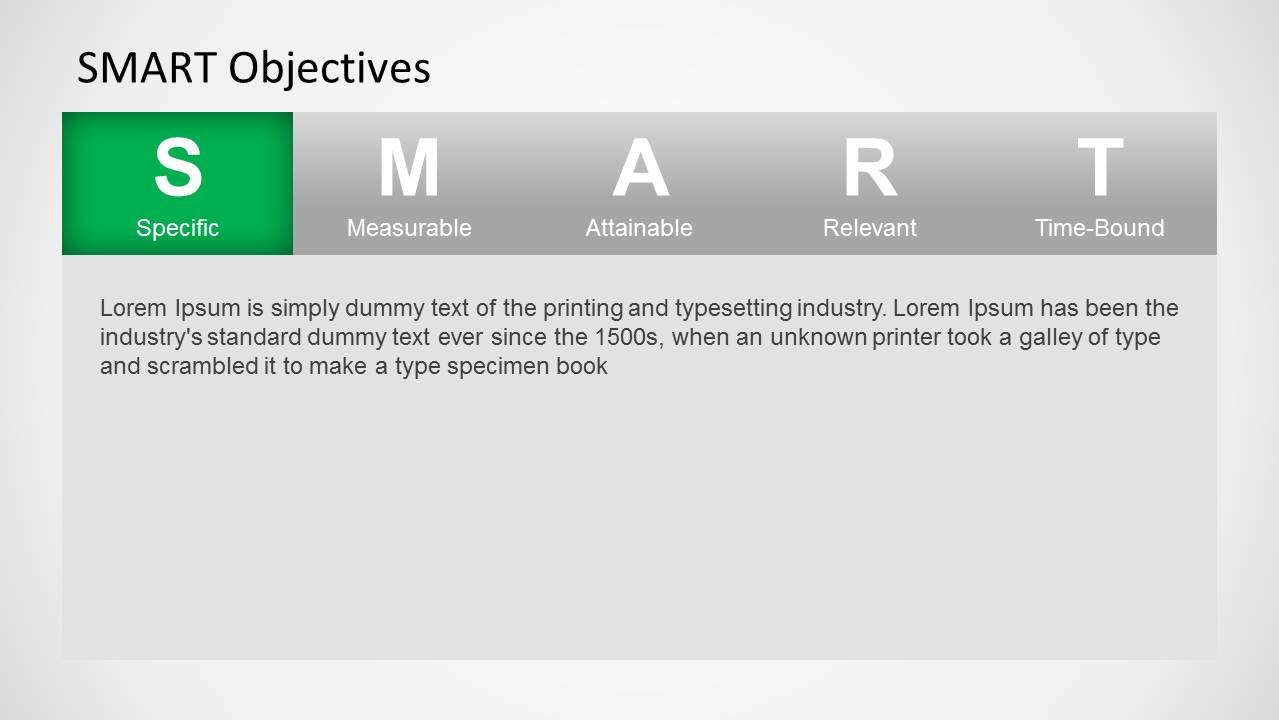
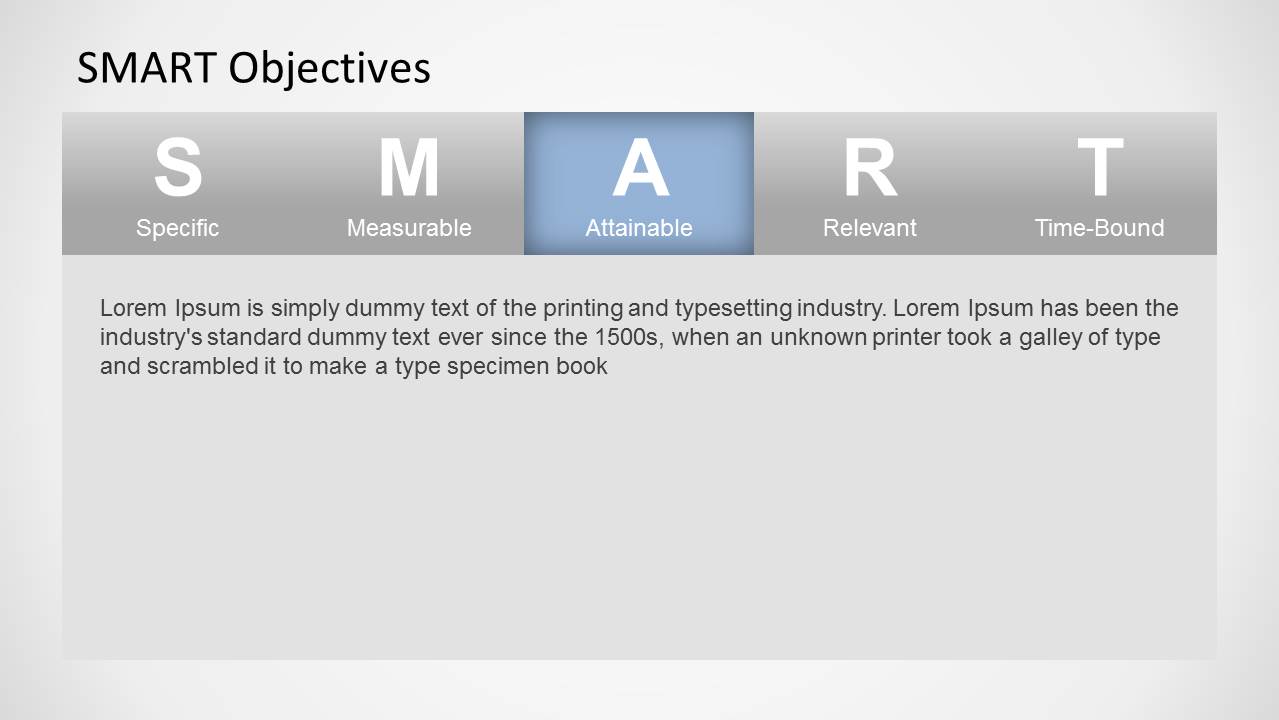
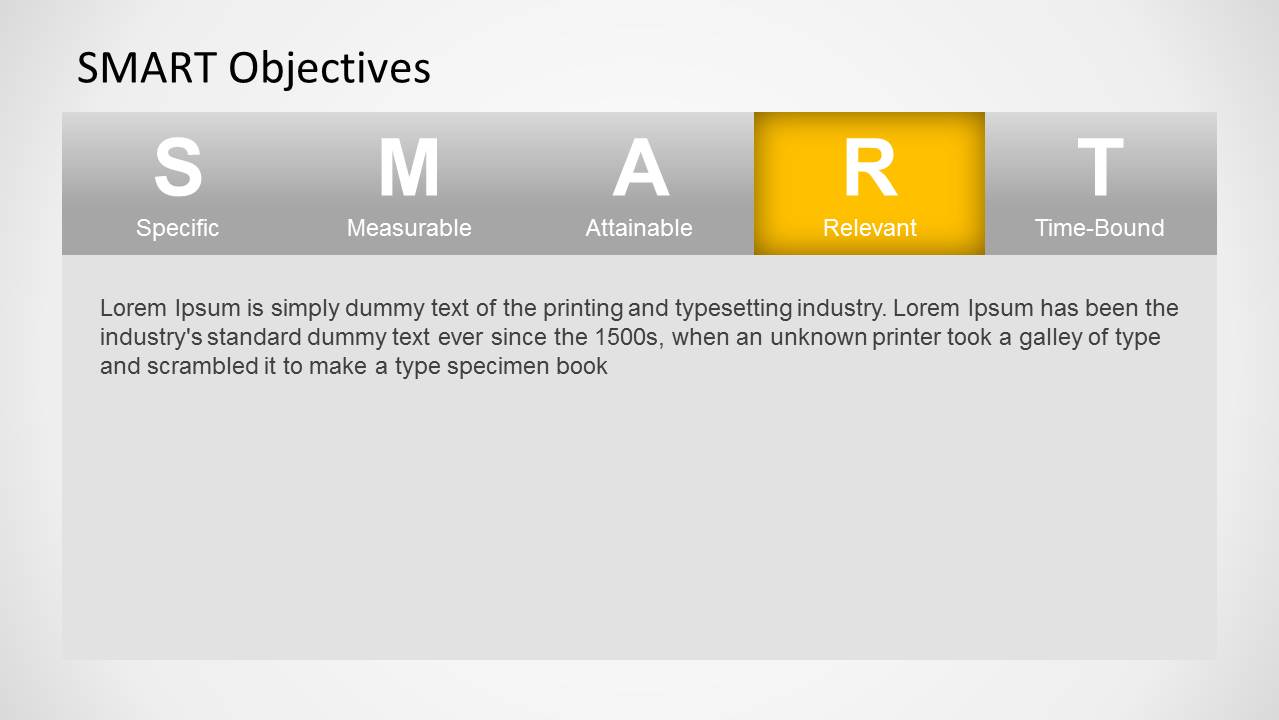
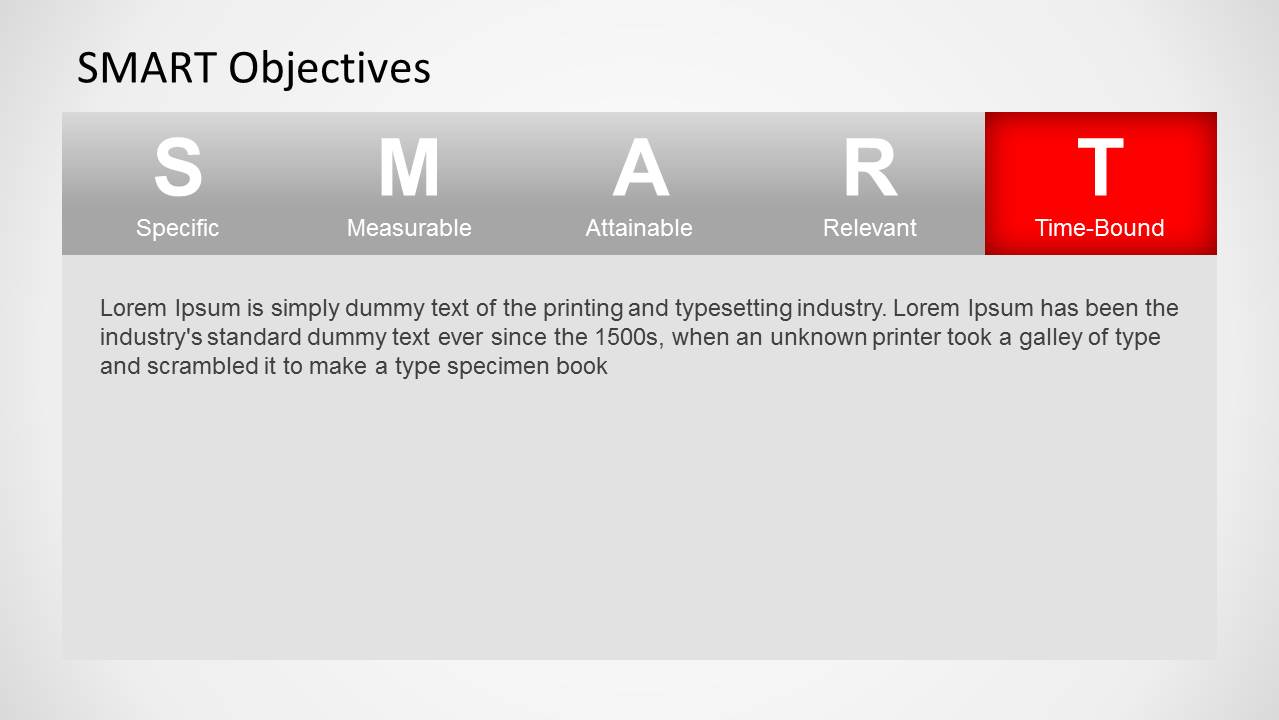
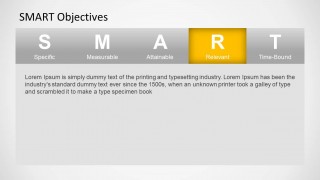
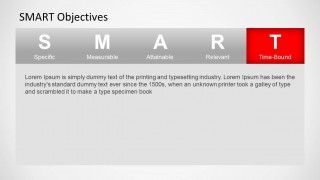
- A project manager can use the highlighted SMART criterion panels to help a team rewrite vague project goals into specific, measurable, and time-bound objectives.
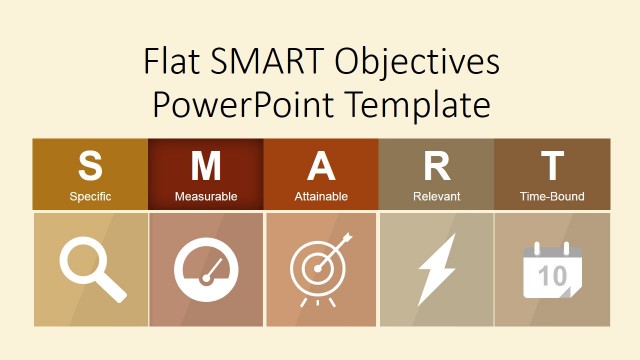
- An HR facilitator can use the tabbed acronym ribbon slides during a performance review workshop to explain how employees should frame development goals.
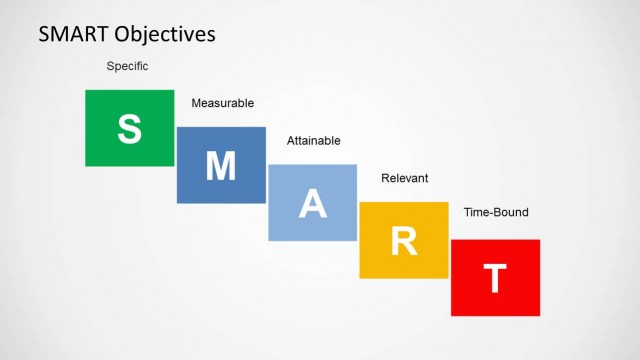
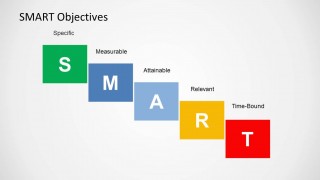
- A business coach can use the staircase acronym diagram to summarize the five SMART elements after guiding a client through personal planning.
- A department leader can use the individual S, M, A, R, and T slides to align stakeholders before approving quarterly team objectives.
Features
- 100% editable presentation template
- Compatible with Microsoft PowerPoint and Google Slides
- Scalable vector shapes, icons and illustrations
- AI-Ready for Microsoft Copilot and Claude
- Instant access and download
Frequently asked questions
Q: How should a presenter use this template to make SMART objectives clear?
A: Present one criterion at a time and connect each letter to a real objective from the audience's work. Use slides 1 through 5 to define Specific, Measurable, Attainable, Relevant, and Time-Bound without overcrowding the slide. End with the staircase diagram so the group can see the framework as one connected checklist.
Q: Who is this template best suited for, and in what meeting setting?
A: This template fits managers, HR teams, trainers, and project leads who need to teach a goal-setting method before asking people to write objectives. It works well in planning meetings, performance management sessions, and workshops where the audience must turn intentions into practical, agreed-upon goals.
Q: Why does the repeated tab design work for explaining SMART goals?
A: The repeated ribbon keeps all five SMART criteria visible while the color highlight directs attention to the current concept. This reduces cognitive load because the audience always knows where they are in the framework. The final staircase metaphor then reframes the criteria as progressive steps toward a well-formed objective.


SMART Objectives PowerPoint Template
6-slide SMART objectives presentation template with goal-setting criteria panels and a staircase acronym diagram
The SMART Objectives PowerPoint Template is a 6-slide presentation for explaining Specific, Measurable, Attainable, Relevant, and Time-Bound goals. It includes horizontal SMART acronym panels with one highlighted criterion per slide and a staircase acronym diagram. Project managers, team leaders, coaches, and performance reviewers can use it to structure goal-setting discussions in PowerPoint.
- Category
- Business PowerPoint Templates
- Rating


 Loading...
- Item ID
- 6215-03
- Colors
 Microsoft PowerPoint
  Microsoft Copilot
  Claude for PowerPoint
 Other formats supported
Subscribe today and get immediate
access to download our PowerPoint templates.