The presenter can use the SMART Goals Slide Design for PowerPoint to evaluate different business goals. It can be applied to any type of management or marketing plan, and can be edited to fit any type of corporate presentation.
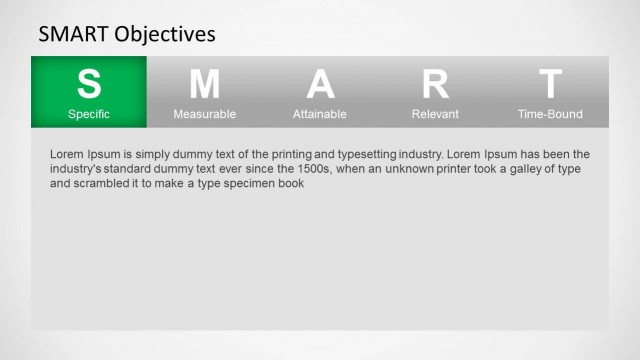
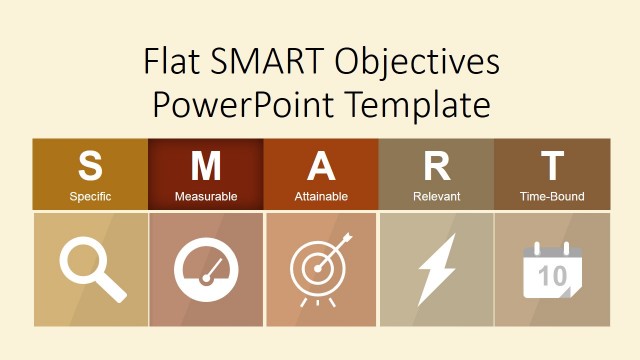
SMART is a mnemonic device that refers to a set of criteria used to set objectives. It can be used in project management, employee performance management, personal development, and several other business environments. The SMART Goals presentation criteria are commonly attributed to Peter Drucker’s Management by Objective. They are used to more easily understand the concepts behind effective goal-setting definitions. SMART is important in goal setting to allow management or the team involved to improve the business plan. This makes resolving the problems in the plan easier, making the process run smoother and more efficiently. The user can also download other PowerPoint designs featuring this concept, such as the Flat SMART Objectives PowerPoint Template.
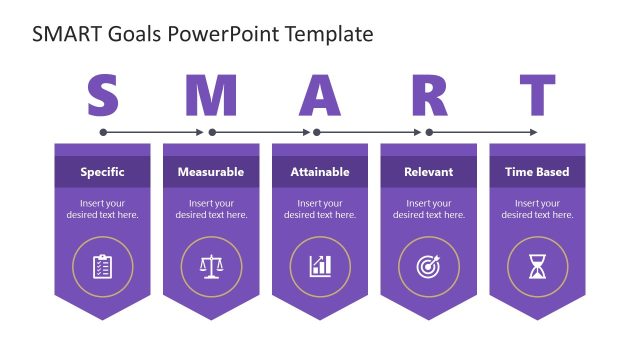
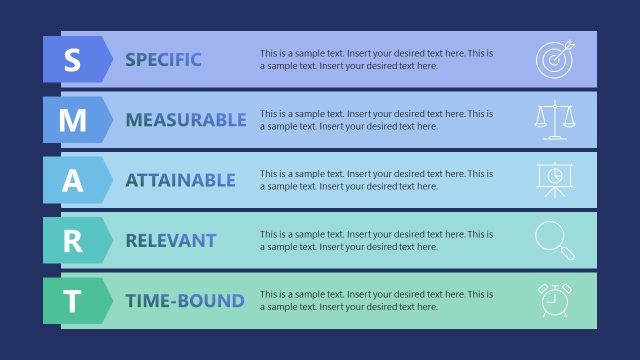
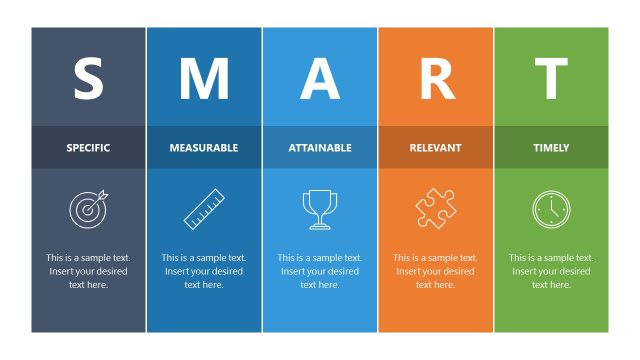
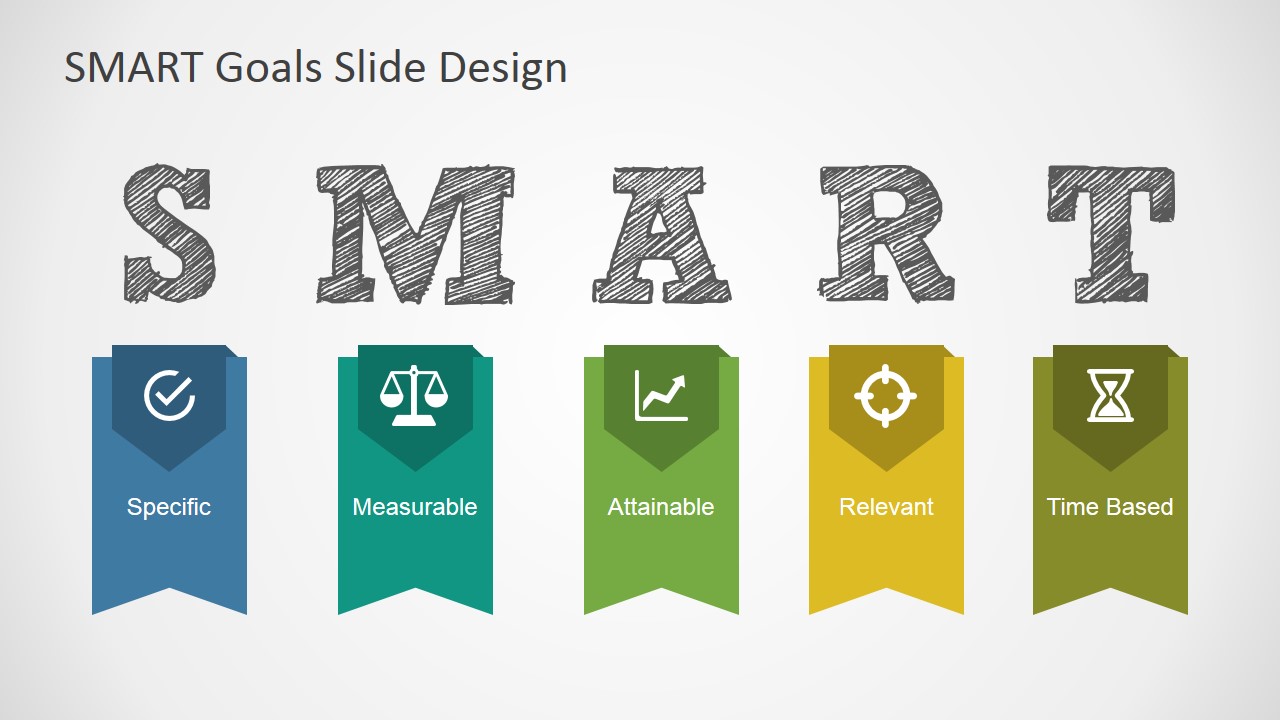
The particular criteria are specific, measurable, Attractive, relevant, and timely. These are shown on the SMART Goals template as vertical banners of different colors. The banners are also accompanied by minimalist logos corresponding to one of the criteria. Above each banner is a letter referring to the SMART criterion. The colors are specifically designed to become visually appealing. They create a colorful gradient that is easy on the eyes.
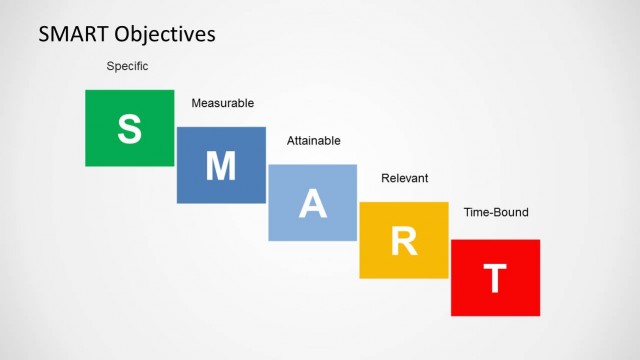
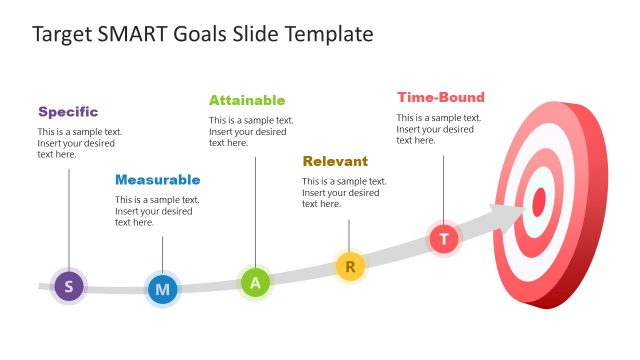
The first of the SMART criteria is specific. This refers to the need to have a definite and particular goal. With this, the members of the marketing team or any type of business plan have a better focus of the business goals. This ensures that the team knows what to expect and the importance of every step in the plan. Measurable means that the plan can be tracked and have specific key performance indicators. attainable stresses the importance of how realistic the plan is. The company must have the proper amount of manpower and money in order to complete its strategic goals. Otherwise, the efforts to complete it may prove futile. The fourth criterion, relevance, means that the plan must be related or important to the overall business stratagem. The last criterion is timely, time-bound. This mean is that the goal must be achievable within a specific timeframe.
Ideal for showing the qualifications of a business plan, SMART Goals Slide Design for PowerPoint can be edited to suit the presenter’s needs. The user may use certain specifications to suit the SMART Goals presentation template to the target audience.
What’s inside this template
Example presentation scenarios
- A project manager can use the five ribbon criteria banners to check whether a proposed project objective is specific, measurable, attainable, relevant, and time based before work begins.
- An HR trainer can present the SMART acronym header and criterion icons during a performance management workshop to make goal-writing rules easy to remember.
- A marketing manager can use the slide in a planning review to compare a campaign goal against the visible SMART categories before approving the plan.
- A consultant can open a client goal-setting session with the infographic, then ask participants to rewrite vague objectives under each ribbon label.
Features
- 100% editable presentation template
- Compatible with Microsoft PowerPoint and Google Slides
- 16:9 aspect ratio slides
- Scalable vector shapes, icons and illustrations
- AI-Ready for Microsoft Copilot and Claude
- Instant access and download
Frequently asked questions
Q: How should a presenter explain the SMART criteria with this single-slide layout?
A: Move left to right across the five ribbon banners and treat each one as a decision test. State the goal, then ask whether it is specific, measurable, attainable, relevant, and time based. The repeated letter-icon-label structure keeps the explanation consistent and prevents the presenter from spending too long on one criterion.
Q: Who is this SMART goals slide best suited for?
A: This slide fits managers, trainers, project leads, and consultants who need to introduce goal-setting rules before discussion or planning. It works best as a framing slide in a workshop, team meeting, marketing plan review, or performance conversation where the audience will apply the criteria to real objectives.
Q: Why does the ribbon-and-acronym design help the message?
A: The oversized SMART letters make the mnemonic the dominant memory cue, while the five colored ribbons separate the criteria into equal parts. Each icon adds a quick visual metaphor: a check mark for specificity, scales for measurement, an upward chart for attainability, a target for relevance, and an hourglass for time.

SMART Goals Slide Design for PowerPoint
1-slide SMART goals presentation template with ribbon criteria banners and goal-setting icons
This 1-slide SMART goals presentation template explains the Specific, Measurable, Attainable, Relevant, and Time Based framework with a large acronym header, five vertical ribbon banners, and matching criterion icons. It is built for managers, marketers, trainers, and project leads using Microsoft PowerPoint or Google Slides.
- Category
- Business PowerPoint Templates
- Rating


 Loading...
- Aspect ratio
- 16:9
- Item ID
- 6991-01
- Colors
 Microsoft PowerPoint
 Microsoft Copilot
 Claude for PowerPoint
Other formats supported
Subscribe today and get immediate
access to download our PowerPoint templates.