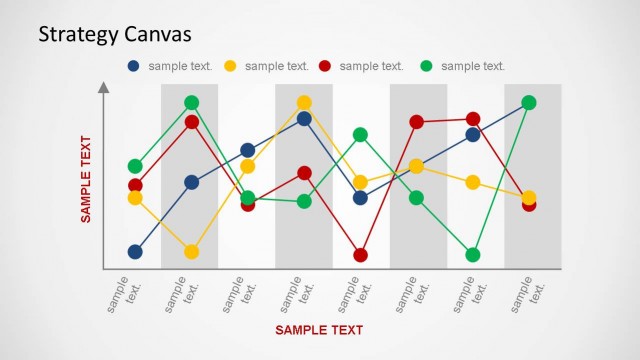
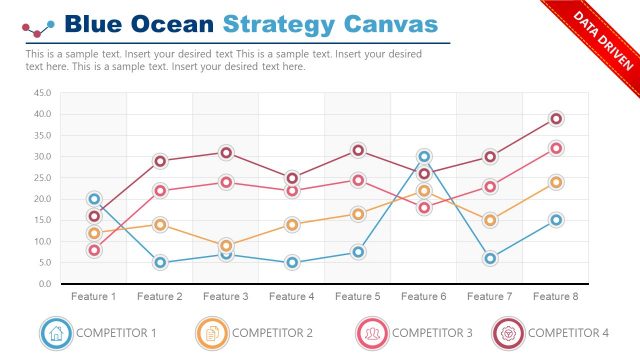
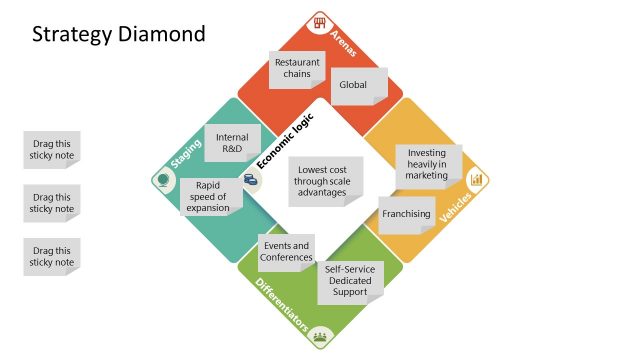
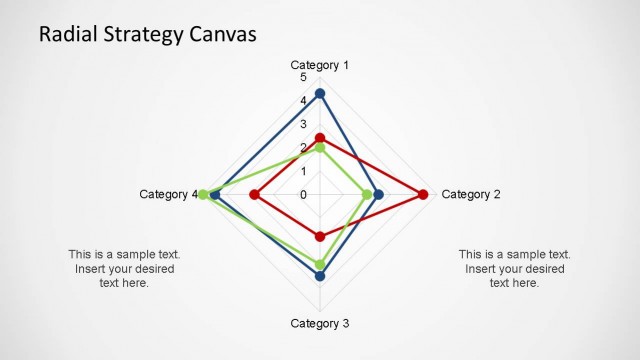
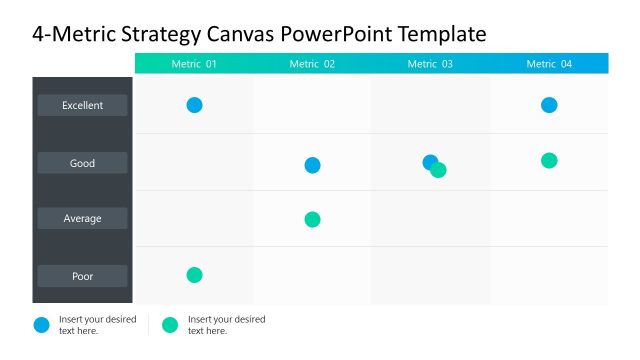
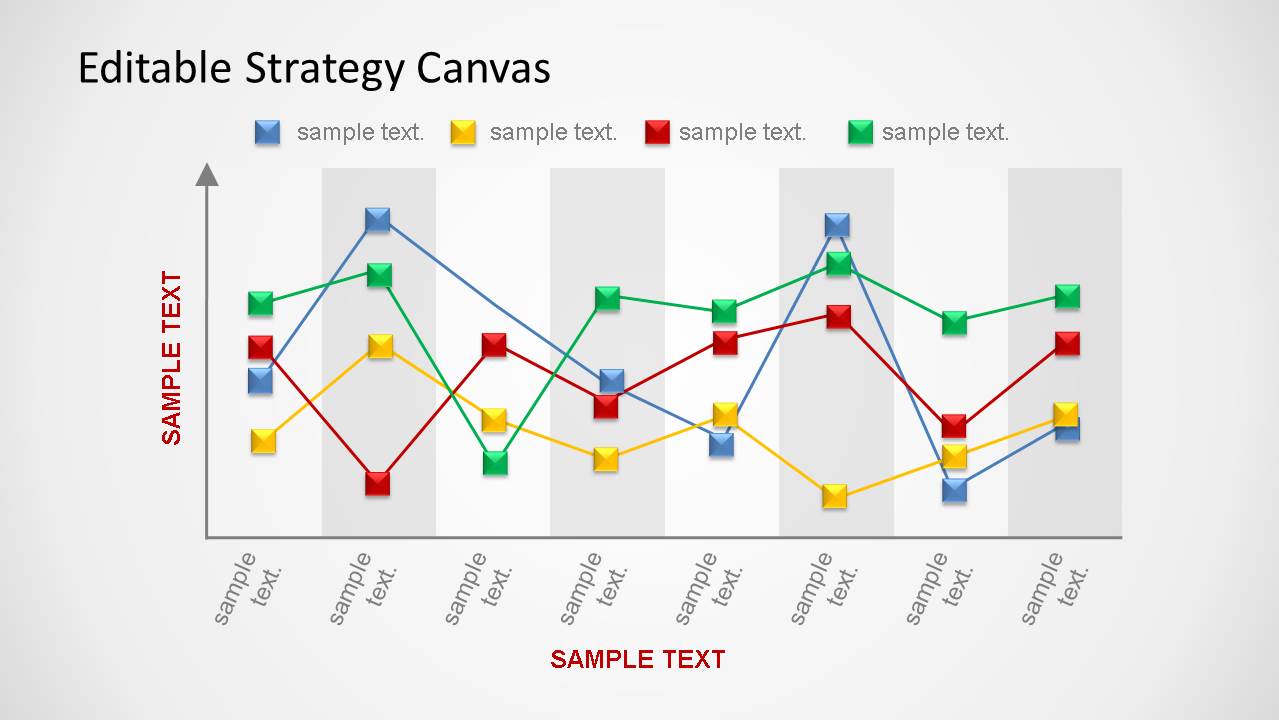
Editable Strategy Canvas PowerPoint Template is a presentation with shapes of the well know Strategy Canvas tool. This specific template is created of PowerPoint shapes , enabling the user to manipulate the objects without the need of editing any dataset. This flexibility is useful for interactive manipulation or for creating animations. With the option of “Edit Point” the user can edit the lines and each dot of the chart can be manipulated as individual objects.
When working on the comparison of different Strategies, having the ability to customize the Canvas with simple edit commands saves considerable amount of time to the user, and provide the same experience as an Excel created chart.
What’s inside this template
Example presentation scenarios
- A strategy consultant can use the light strategy canvas chart to help a client compare competitors across value factors and identify where a differentiated offering should stand apart.
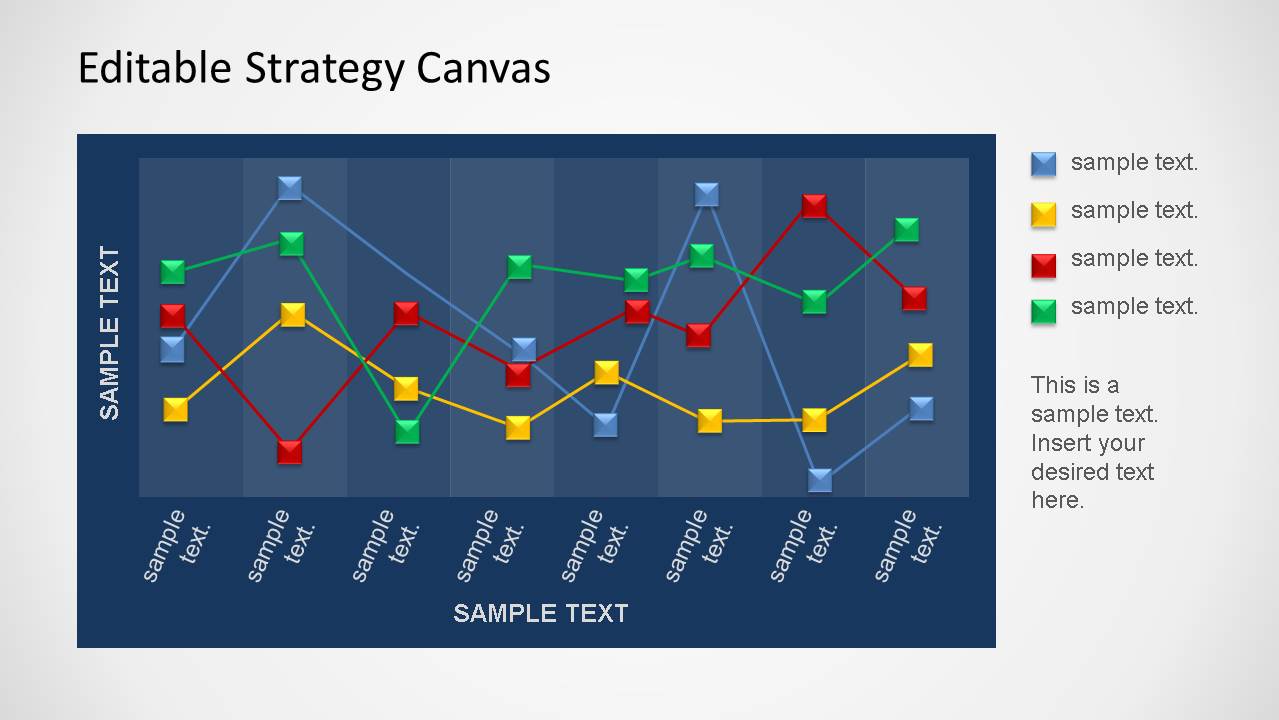
- A product manager can use the dark chart panel with the side legend and notes area to explain how a product roadmap changes the current competitive profile.
- A marketing leader can use the four-series line chart to show positioning differences between brands, price tiers, or customer segments during a planning session.
- An executive team can use the chart layouts in a Blue Ocean workshop to discuss which factors should be raised, reduced, created, or removed.
Features
- 100% editable presentation template
- Compatible with Microsoft PowerPoint and Google Slides
- 16:9 aspect ratio slides
- Scalable vector shapes, icons and illustrations
- AI-Ready for Microsoft Copilot and Claude
- Instant access and download
Frequently asked questions
Q: How should a presenter explain the strategy canvas without overloading the audience?
A: Start by naming the factors on the horizontal axis, then explain what each colored line represents before discussing any peaks or dips. The chart is most effective when the presenter focuses on two or three meaningful gaps, using the legend and notes area to connect those gaps to strategic choices.
Q: Who is this template best suited for in a business discussion?
A: This template fits strategy consultants, product managers, marketing leaders, and executives who need to compare competing offerings at a high level. It is best when the meeting goal is to discuss positioning, differentiation, or Blue Ocean choices, not to audit detailed operational performance or financial metrics.
Q: Why does the strategy canvas format work well for competitive analysis?
A: The line chart acts as a visual metaphor for a strategic profile: each series shows how an offer performs across the same factors. The alternating plot bands, clear legend, and color-coded lines make it easier for the audience to see patterns, outliers, and tradeoffs instead of reading a dense table.

Editable Strategy Canvas PowerPoint Template
3-slide presentation template for strategy canvas line charts and competitive analysis in PowerPoint and Google Slides
This 3-slide strategy presentation template provides editable strategy canvas line chart layouts for competitive analysis, Blue Ocean planning, and factor-by-factor comparison. Visible slides include a dark chart panel with side legend and notes plus a light chart canvas with four color-coded series, built for Microsoft PowerPoint and Google Slides.
- Category
- Strategy
- Rating


 Loading...
- Aspect ratio
- 16:9
- Item ID
- 6430-03
- Colors
 Microsoft PowerPoint
  Microsoft Copilot
  Claude for PowerPoint
 Other formats supported
Subscribe today and get immediate
access to download our PowerPoint templates.