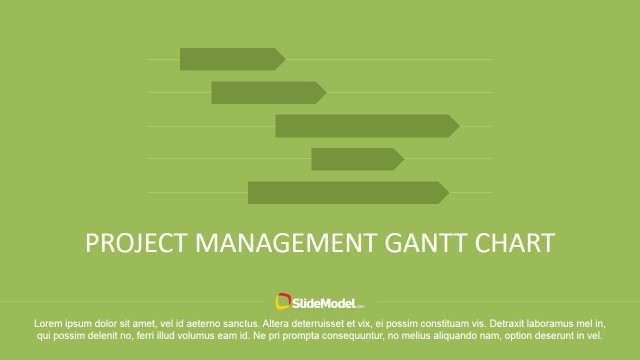
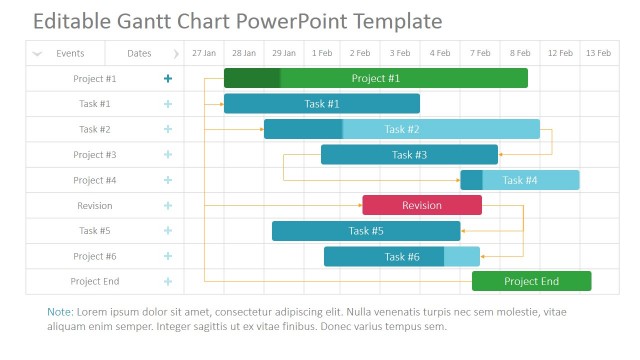
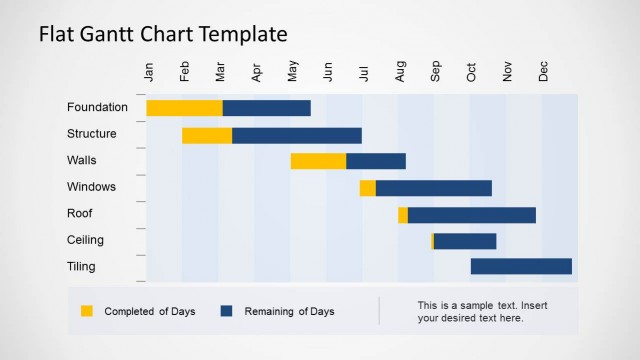
Editable Gantt Chart for PowerPoint is a modern and professional template designed to create Timelines, Roadmaps and Project Plans presentations.
Gantt Charts are extremely popular for Project Management activities; they are an elegant, simple and visually powerful tool for communicating projects activities durations, dependencies and milestones. Gantt Charts are a specialization of bar charts, used to describe schedules. The horizontal Axis measure Time. The Vertical Axis is discrete, where each row is represented by a Bar. Each Bar Represents a Task (or group of tasks). The length of the bar represents its duration. Each tasks has three main properties:
- Task Start Date & Time
- Task End Date & Time
- Task Curation Percentage
When creating a Gantt Chart, Project Managers allocate Resources to each task (people, money, machinery, etc.) and defines precedence of tasks. This exercise is known as Project Planning, and its main inputs are:
- Work Breakdown Structure (WBS)
- Resources
- Project Milestones (predefined)
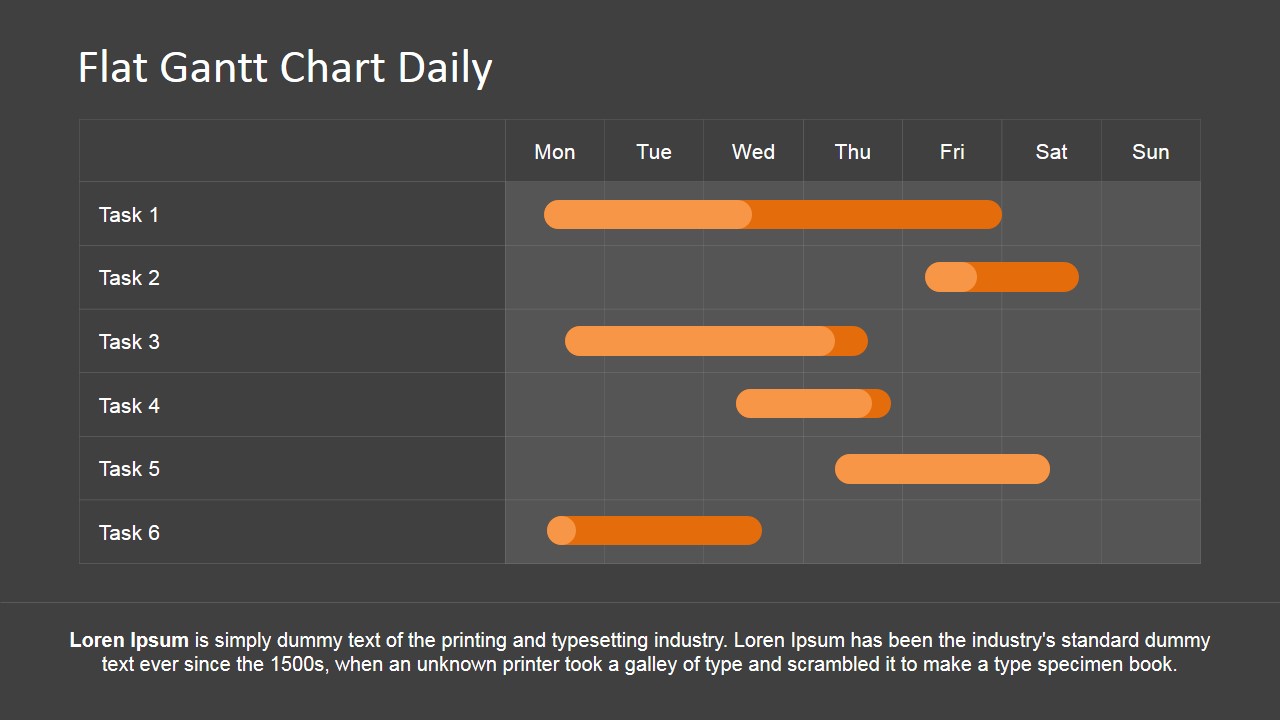
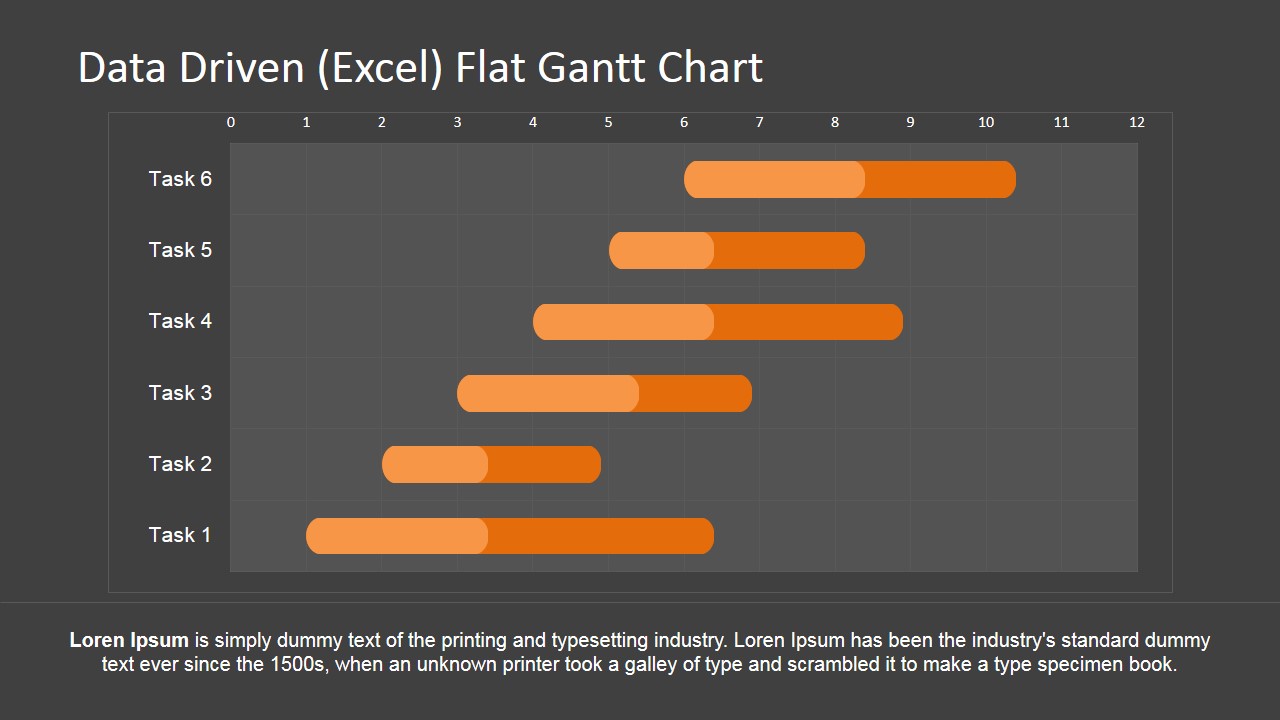
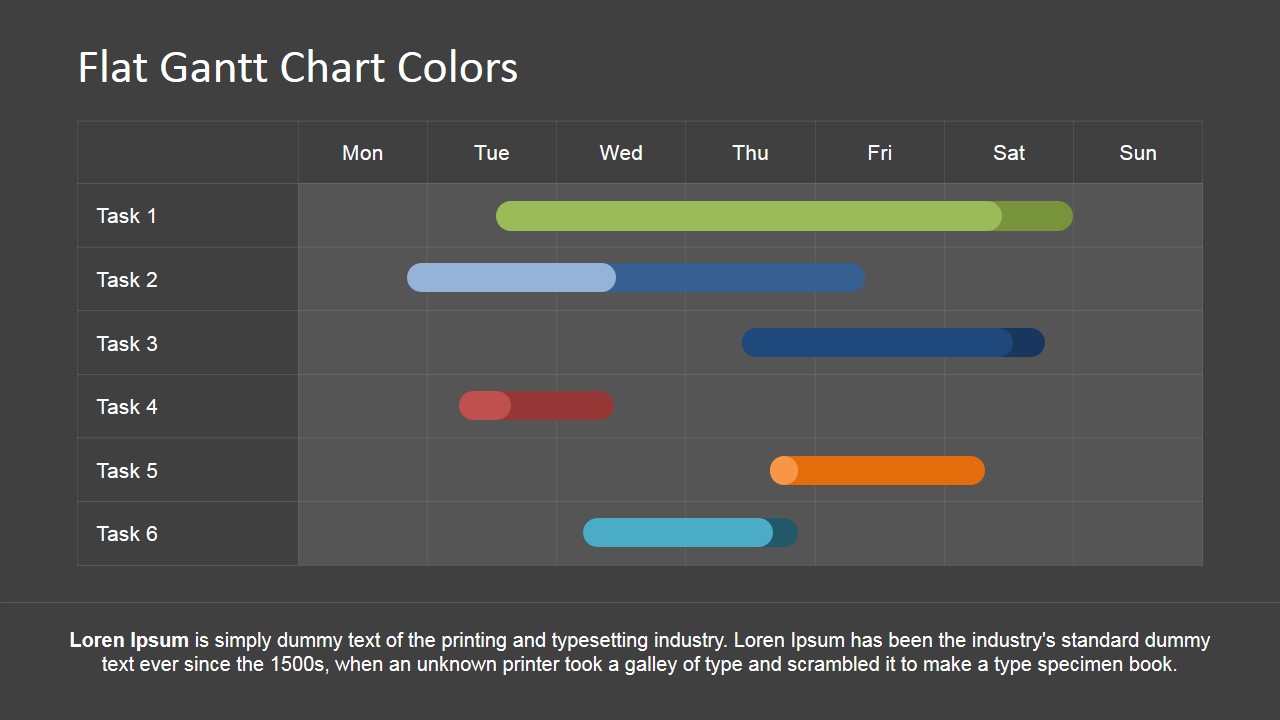
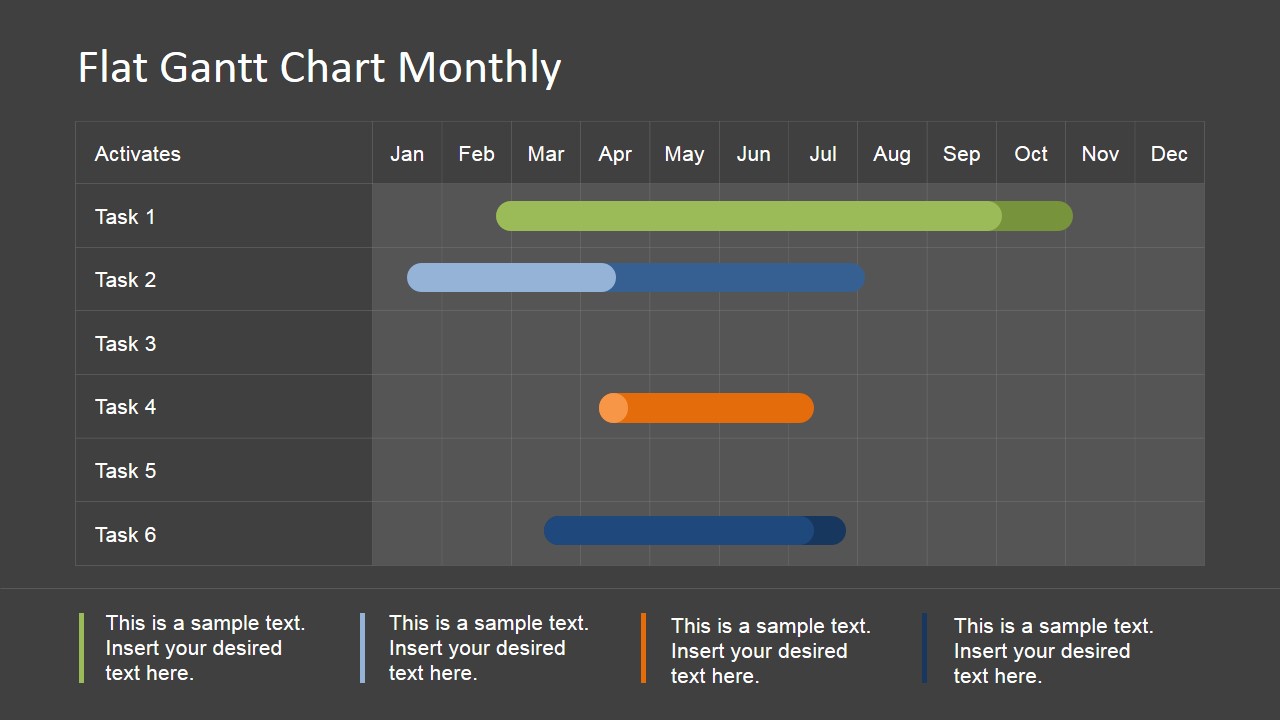
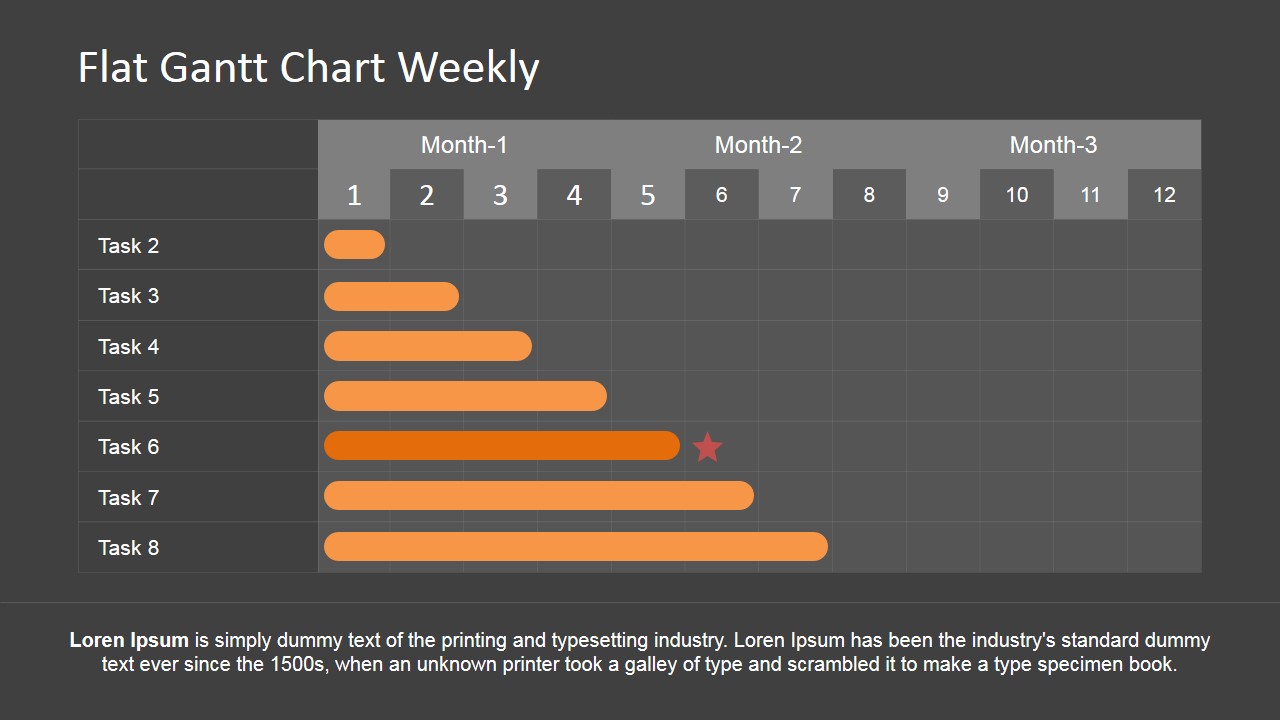
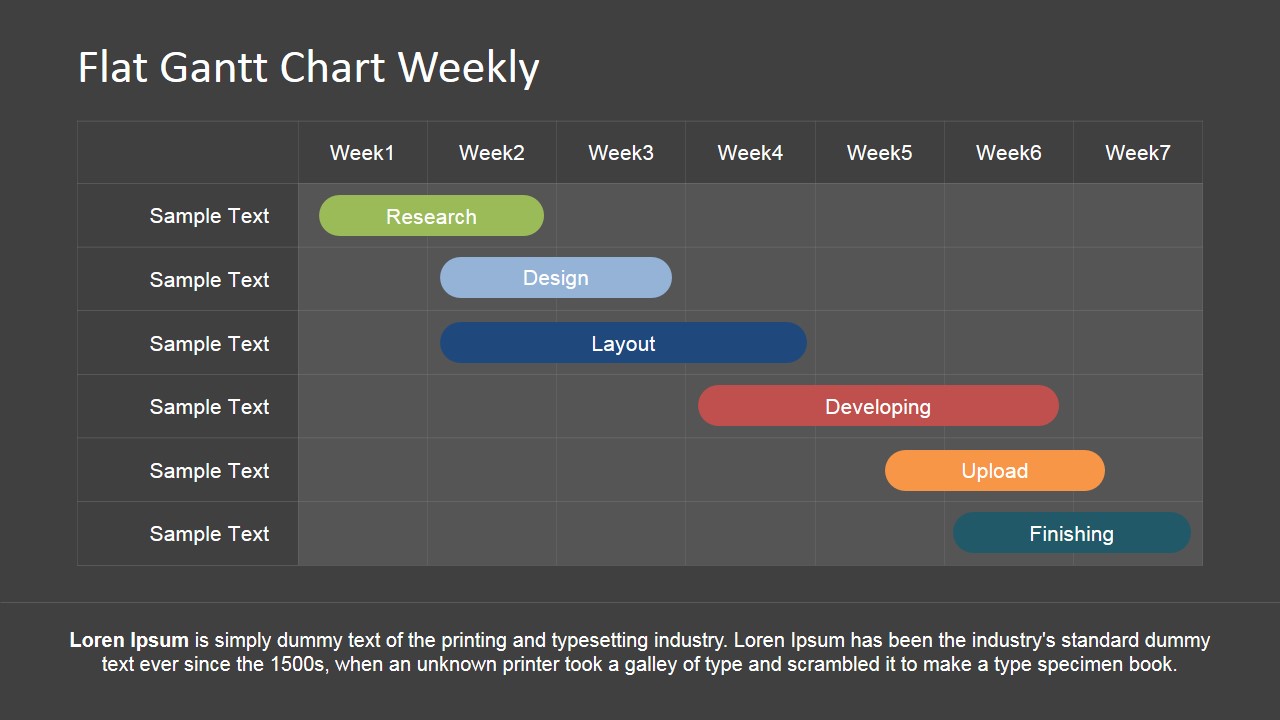
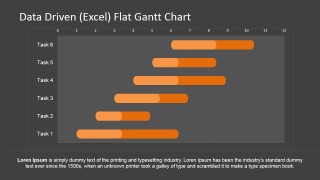
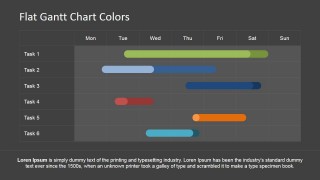
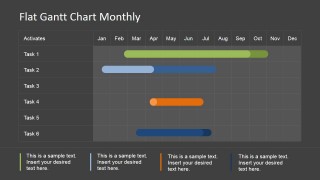
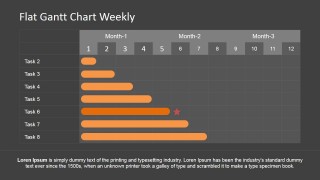
Our Flat Gantt Chart PowerPoint Template provides several versions of Generic Project Plans, for Daily, Weekly or Monthly Plans. Also this work plan template provides a Data Driven Gantt Chart that can be configured through Microsoft Excel data. Each Slide can be fully edited by users, allowing the full customization of colors, shapes sizes, number of Tasks and Schedule Time Frame. Presenters can create professional Roadmaps or Timelines combining each of the shapes and their connectors. For Milestones highlight, the template provides star icons to use as markers.
Impress your audiences with professionally designed Timelines in PowerPoint ideal for Steering meetings, project meetup or project review meetings.
Alternatively, you can download other Gantt-style Roadmap slides for presentations, or editable Gantt Chart templates for PowerPoint.
What’s inside this template
Example presentation scenarios
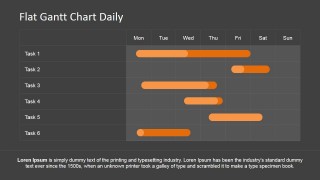
- A project manager can present a kickoff schedule by using the daily Gantt chart to show task start dates, durations, and weekday sequencing.
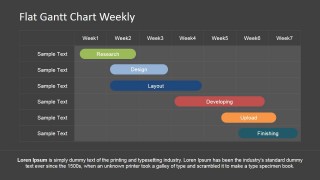
- A PMO lead can report progress in a steering meeting by using the weekly Gantt chart with a milestone star to point out a key deadline.
- A product manager can explain a release plan by using the monthly Gantt chart to group work across calendar months and add short legend notes.
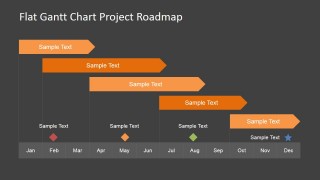
- A consultant can summarize a client implementation plan by using the project roadmap slide with arrow bars and milestone markers.
Features
- 100% editable presentation template
- Compatible with Microsoft PowerPoint and Google Slides
- 16:9 aspect ratio slides
- Scalable vector shapes, icons and illustrations
- Data-driven charts, editable in Microsoft Excel
- AI-Ready for Microsoft Copilot and Claude
- Instant access and download
Frequently asked questions
Q: How should a presenter explain a project schedule with this template?
A: Start with the time scale that matches the decision being discussed. Use the daily Gantt slide for near-term task coordination, the weekly layouts for phase progress, and the monthly chart or roadmap for executive timing. Keep each task label short, then use the footer or legend areas for assumptions, constraints, or status notes.
Q: Who is this template best suited for in a project meeting?
A: It is best for project managers, PMO leads, consultants, and product owners who need to turn a work plan into a visual schedule. The task rows and horizontal bars make it easier to discuss durations, overlaps, and milestones with sponsors, delivery teams, or client stakeholders without showing a dense project plan export.
Q: Why do the flat bars and roadmap arrows work well for schedule communication?
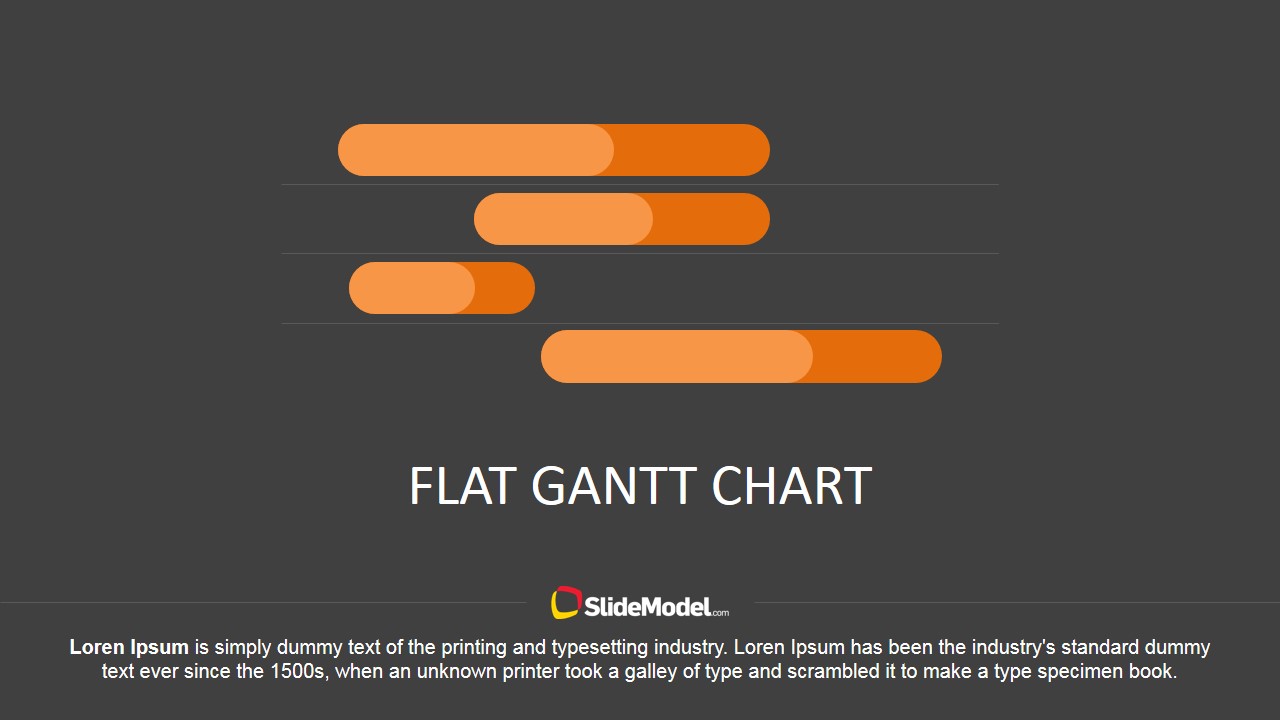
A: The horizontal bars create an immediate reading of duration because length maps to time. The roadmap arrows on the final slide add a forward-motion metaphor, which is useful when presenting a plan as a sequence of phases. Milestone icons give the audience fixed reference points inside a broader timeline.

Editable Gantt Chart for PowerPoint
8-slide presentation template for Gantt charts, project roadmaps, and timeline planning
Editable Gantt Chart for PowerPoint is an 8-slide planning template for project managers and teams. It includes daily, weekly, monthly, color-coded, data-driven, and roadmap Gantt layouts. Schedule bars, task rows, milestone markers, and chart data can be edited, including Excel spreadsheet editing in PowerPoint, for Microsoft PowerPoint and Google Slides.
- Category
- Timelines & Planning
- Rating


 Loading...
- Aspect ratio
- 16:9, 4:3
- Item ID
- 6824-02
- Colors
 Microsoft PowerPoint
  Microsoft Copilot
  Claude for PowerPoint
 Other formats supported
Subscribe today and get immediate
access to download our PowerPoint templates.