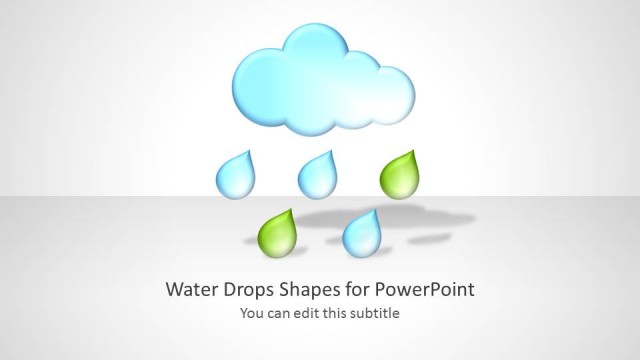
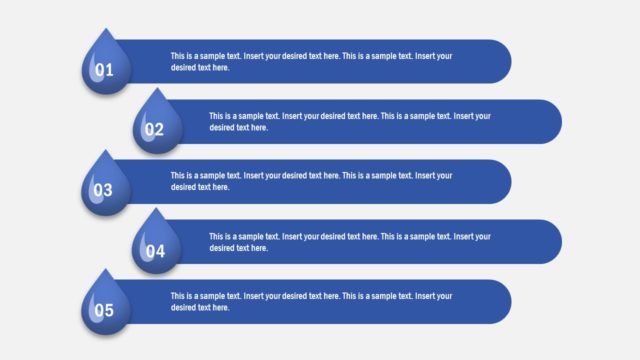
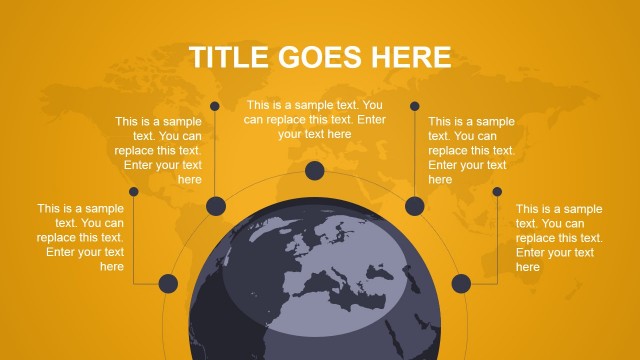
Generate a creative presentation on sustainable water supply, Chemistry, or the environment through Drop Shapes for PowerPoint. The PowerPoint design shows droplets of water that come in different shades on some slides. It is visually attractive with the 3D effect of the graphics.
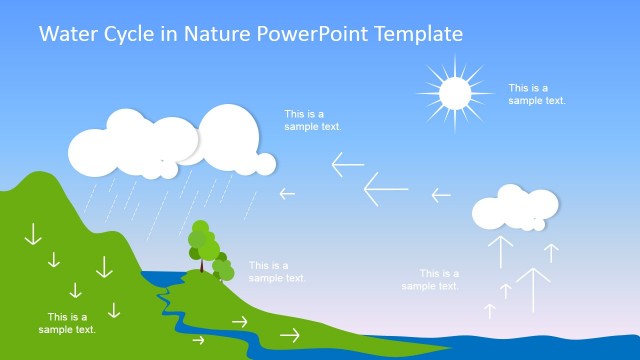
The concept of sustainability means that there is enough and long-lasting resources for everyone. Being one of our resources, water should be used efficiently. Many planning methods are applied by sectors that regulate its supply. The distribution is affected by factors such as weather, geography, amount of rainfall, and a lot more. It is widely used by environmental organizations and disaster risk reduction and management parties. These groups ensure water is given importance because it is one of our basic needs.
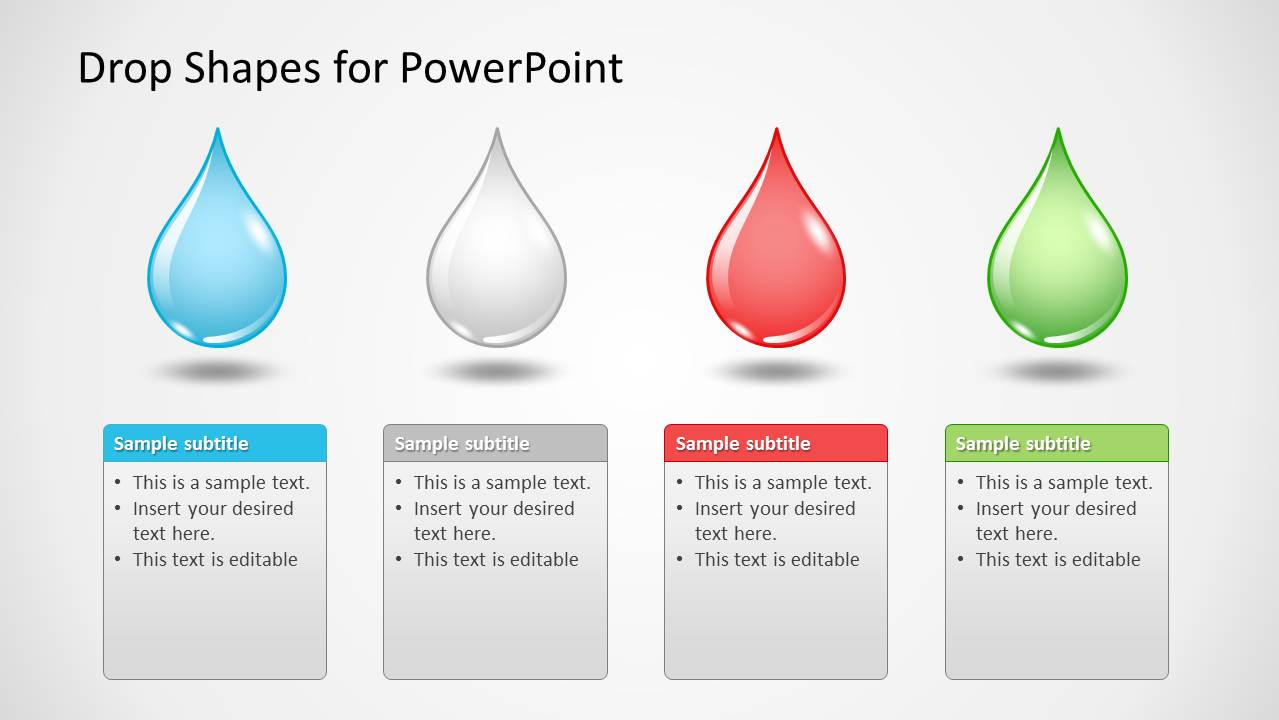
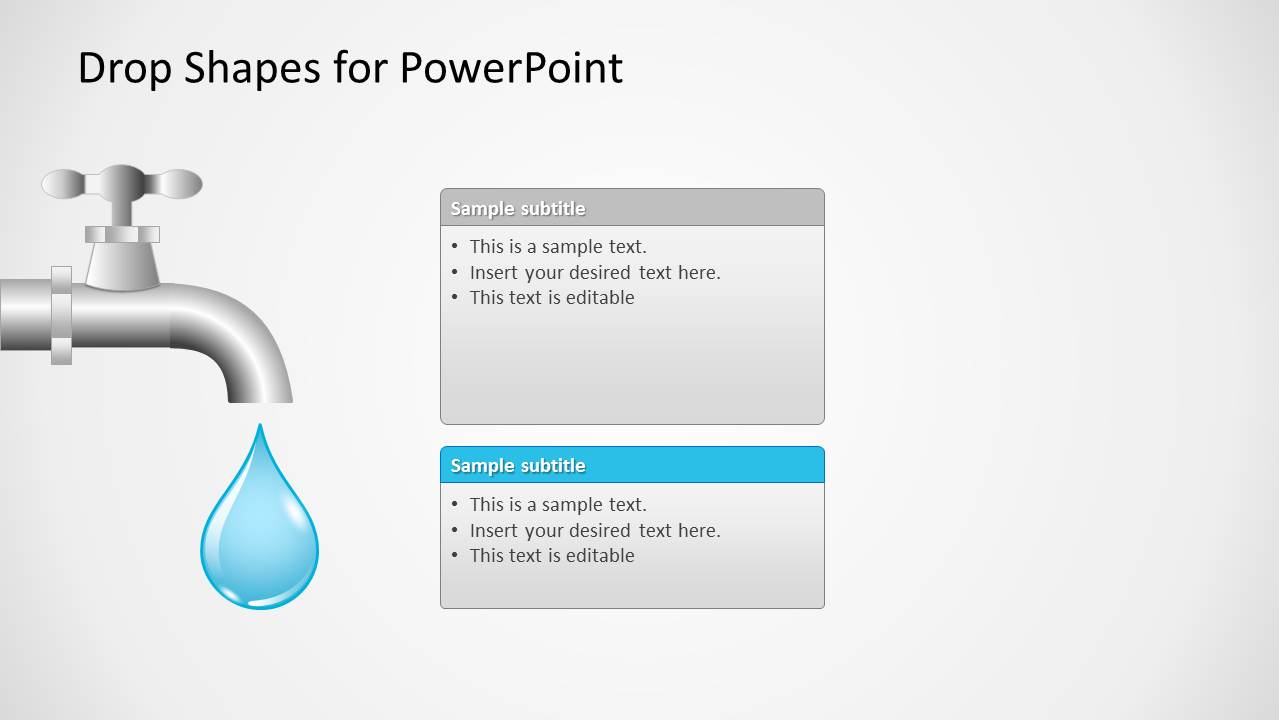
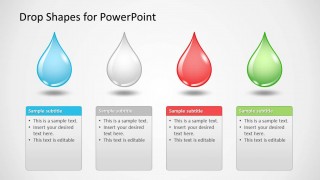
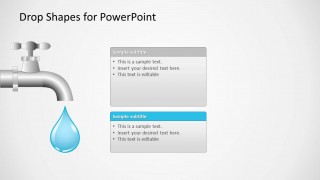
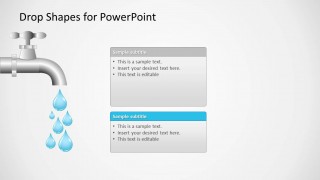
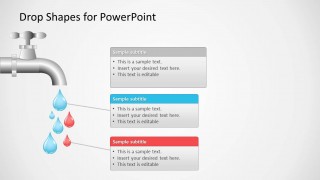
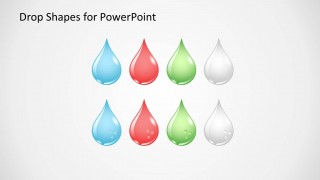
In the first slide, the user can enter the title of the presentation. The factors that affect sustainable water supply can be presented using the drops. These different colored drops can be found in the third slide. The presenter can then explain details on the text placeholders. The faucet can represent production or the amount that every household will be receiving. In the 7th slide, water volumes can be included to display or compare the output.
All colors can be personalized by the user to add a specific feel in the presentation. The template is not only ideal for sustainability but also to a number of other environmental concepts. It is also applicable to Chemistry reports. The diagram also provides a visual appeal that keeps the attention of the audience. The graphics replace the text to make it simple yet interesting. Fonts can be customized can be changed according to the presenter’s need as well.
Amaze your audience with Drop Shapes for PowerPoint. It comes with innovative and modern visuals. Similar template with Water Drop Shapes can be downloaded from the SlideModel gallery.
What’s inside this template
Example presentation scenarios
- A water resource planner can explain supply constraints to stakeholders by using the faucet process slides and editable callout boxes to connect flow, output, and key factors.
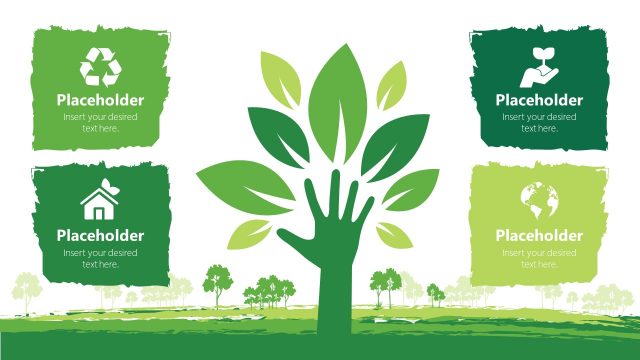
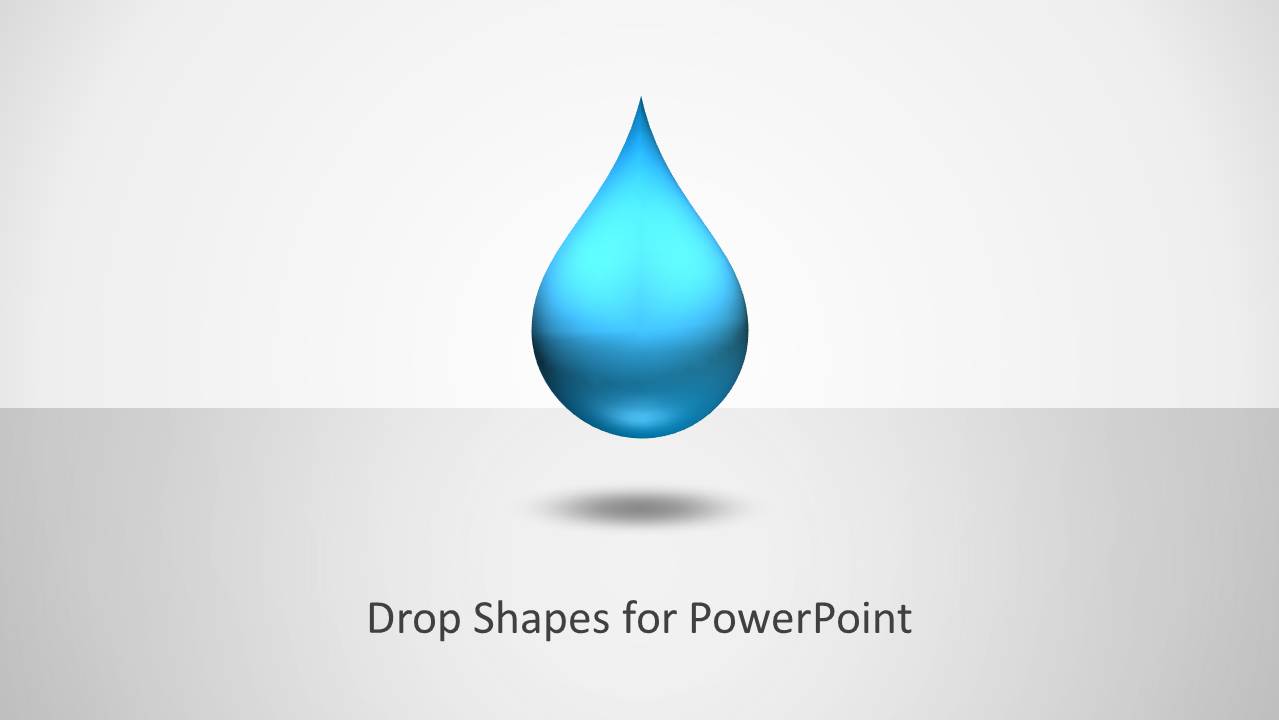
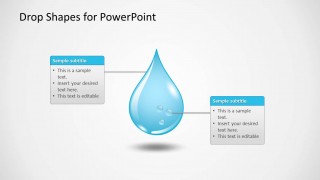
- An environmental educator can introduce water conservation concepts with the title droplet slide, two-callout droplet diagram, and four-color comparison layout.
- A chemistry instructor can present liquid properties or sample categories by assigning meanings to the blue, red, green, and gray droplet icons on the comparison slide.
- A public sector communicator can report program outputs by using the multiple-droplet faucet layouts to show distribution, volume categories, or observed conditions.
Features
- 100% editable presentation template
- Compatible with Microsoft PowerPoint and Google Slides
- Scalable vector shapes, icons and illustrations
- AI-Ready for Microsoft Copilot and Claude
- Instant access and download
Frequently asked questions
Q: How should a presenter organize a message around these droplet and faucet layouts?
A: Start with the large droplet title slide to frame the water-related theme, then use the single-droplet callouts for definitions or causes. Move to the four-option comparison when the audience must compare factors. Use the faucet slides last when explaining flow, supply, distribution, or output so the visual metaphor supports the conclusion.
Q: Who benefits most from using this template instead of a generic environmental deck?
A: This template fits presenters who need a simple visual language for water, liquids, or resource flow rather than a broad nature theme. Water planners, sustainability teams, chemistry educators, and public sector presenters can map ideas to droplets, color-coded categories, and faucet diagrams without relying on long text blocks.
Q: Why do the water drop and faucet metaphors work for this kind of presentation?
A: The droplet shapes make abstract topics such as conservation, quality, rainfall, chemistry, or allocation easier to group and remember. The faucet graphics add a cause-and-output metaphor, which helps audiences see a relationship between inputs, controls, and distribution. Color-coded drops also support quick category recognition.




Drop Shapes for PowerPoint
8-slide PowerPoint presentation template with water drop shapes, faucet diagrams, and environmental text callouts
Drop Shapes for PowerPoint is an 8-slide presentation template built around editable water droplet and faucet illustrations. It includes a title slide, two-callout diagram, four-option comparison, faucet process visuals, and a droplet icon set. It is suited for environmental, water supply, chemistry, or sustainability presentations in PowerPoint.


 Loading...
 Microsoft PowerPoint
  Microsoft Copilot
  Claude for PowerPoint
 Other formats supported
Subscribe today and get immediate
access to download our PowerPoint templates.