Slide 7 of 8 from Drop Shapes for PowerPoint
1184-drops-shape-for-powerpoint-wide-7
Drop Shapes for PowerPoint Slide 7
- Text Layout
- List Blocks
- Concept Explanation Slide
- 16:9
- 100% Editable
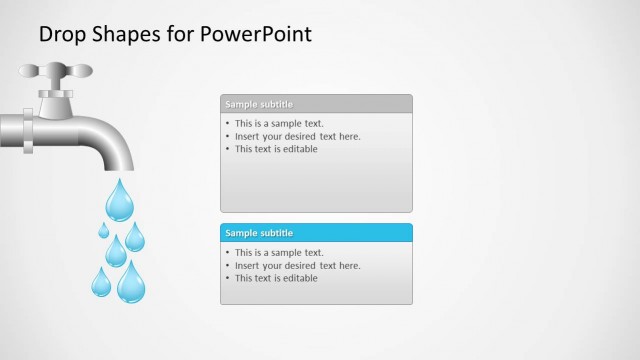
The Drop Shapes with Text Boxes slide from the Drop Shapes for PowerPoint template offers a structured layout ideal for business presentations requiring clear feature comparisons or project updates. This slide combines editable shapes and text boxes arranged vertically with thematic vector icons, facilitating organized storytelling in corporate presentations or pitch deck templates.
What’s on This Slide
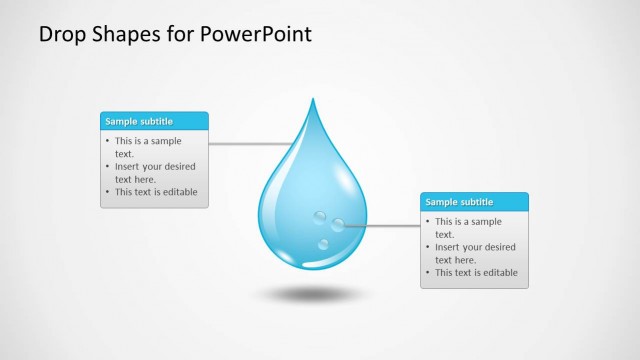
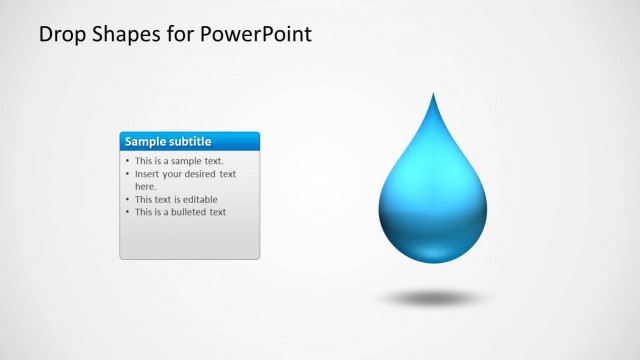
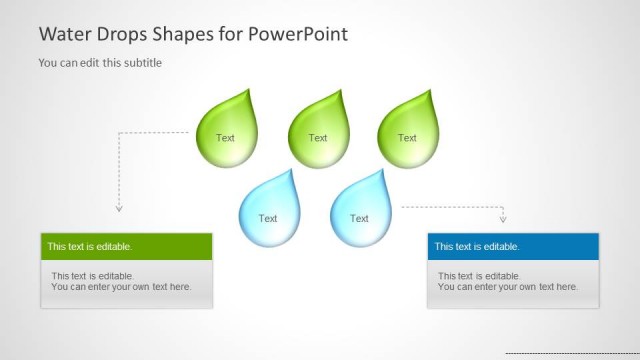
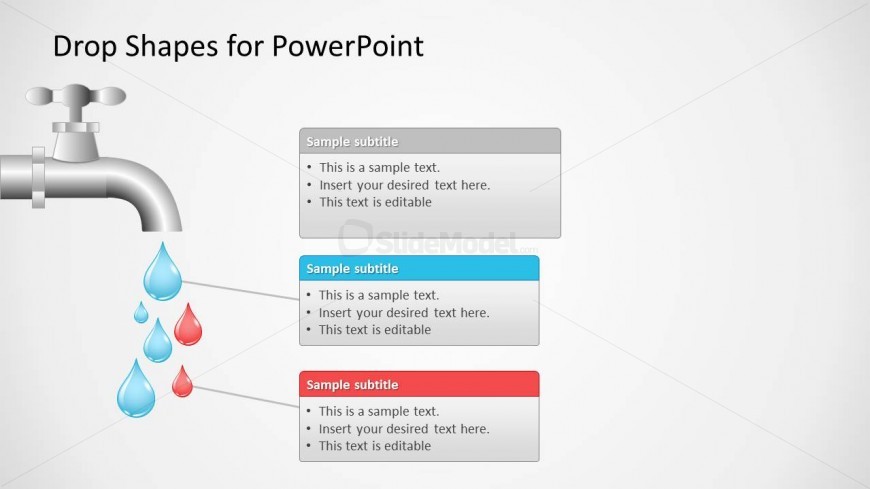
The slide features a faucet graphic at the top left, with water droplets cascading downwards. Below the faucet, three rectangular text boxes are arranged vertically, each with a colored header. The first box has a gray header, the second is blue, and the third is red. Each box contains placeholder text aligned to the left, with bullet points indicating editable content. The overall layout is clean, with a light background that enhances the visibility of the text and shapes. The faucet and droplets create a thematic connection to the text boxes.
How to Use It
This layout serves as a structured way to present information in a segmented format, ideal for comparing different topics or categories. It fits well in a presentation sequence after introducing a concept, allowing for detailed explanations or examples. Business scenarios include product features, service comparisons, or project updates. The vertical arrangement helps guide the audience's focus from one point to the next, making it effective for storytelling or instructional purposes.
Text Placeholders & Capacity
Keep your copy within these limits so it fits without resizing. Body slots can hold approximately 15-20 words each.
| Placeholder | Count | Max characters (approx.) |
|---|---|---|
| Slide title | 1 | 30 |
| Subtitle | 3 | 30 |
| Body paragraph | 3 | 100 |
Slide Keywords
Download unlimited PowerPoint templates, charts and graphics for your presentations with our annual plan.
DOWNLOADReturn to Drop Shapes for PowerPoint.