Slide 6 of 8 from Drop Shapes for PowerPoint
1184-drops-shape-for-powerpoint-wide-6
Drop Shape Layout for Presentations
- Text Layout
- List Blocks
- Concept Explanation Slide
- 16:9
- 100% Editable
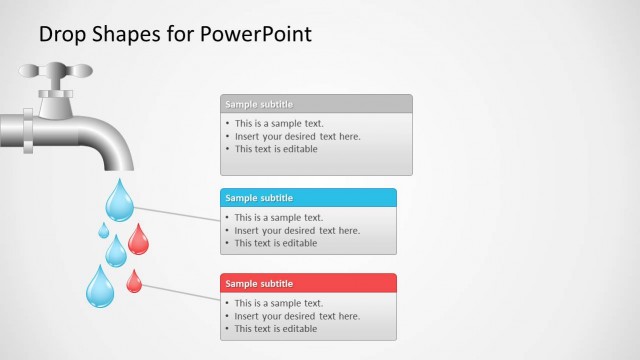
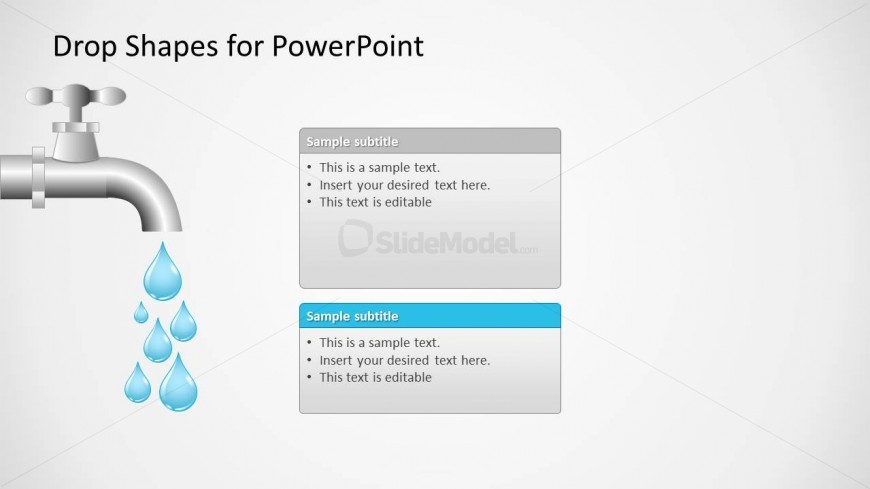
The Drop Shape Layout with Text Boxes from the Drop Shapes for PowerPoint template offers a clear visual framework ideal for environmental strategy presentations and resource management discussions. Featuring editable slides with a faucet and cascading droplets, this slide design supports comparing options and highlighting solutions within a business presentation or corporate slide deck.
What’s on This Slide
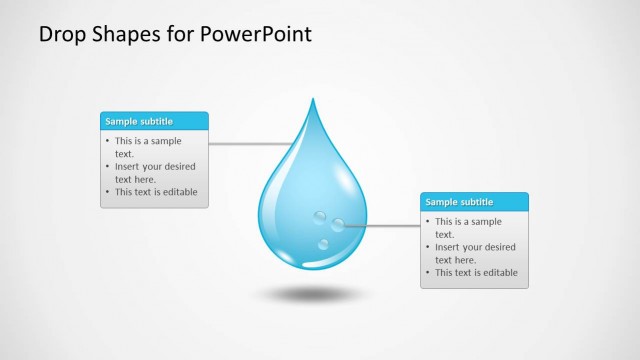
The layout features a faucet on the left side, with water droplets cascading down. To the right, there are two text boxes stacked vertically. The top box has a light gray background, while the bottom box is highlighted in blue. Each text box contains sample text placeholders, with bullet points indicating editable content. The faucet and droplets create a visual hierarchy, drawing attention to the text areas. The overall composition is balanced, with the faucet serving as a thematic element that complements the text.
How to Use It
This layout serves as a visual representation of concepts related to water or fluid dynamics, making it suitable for discussions on topics like resource management or environmental issues. It fits well in a presentation sequence after introducing a problem, leading into solutions or strategies. The dual text boxes allow for comparison or contrasting ideas, making it useful in business scenarios where multiple options or perspectives are presented.
Text Placeholders & Capacity
Keep your copy within these limits so it fits without resizing. Body slots can hold roughly 8-10 words each.
| Placeholder | Count | Max characters (approx.) |
|---|---|---|
| Slide title | 1 | 30 |
| Subtitle | 2 | 30 |
| Body paragraph | 4 | 50 |
Slide Keywords
Download unlimited PowerPoint templates, charts and graphics for your presentations with our annual plan.
DOWNLOADReturn to Drop Shapes for PowerPoint.