Slide 4 of 8 from Drop Shapes for PowerPoint
1184-drops-shape-for-powerpoint-wide-4
Drop Shape Comparison Layout for Presentations
- Text Layout
- Other
- Comparison Slide
- 16:9
- 100% Editable
The Drop Shape Comparison Layout from the Drop Shapes for PowerPoint template offers a clear and visually engaging way to compare product features, service offerings, or performance metrics. This slide uses editable shapes and text boxes beneath colorful drop icons to highlight distinctions effectively, making it suitable for business presentations and pitch deck templates that require structured comparison visuals.
What’s on This Slide
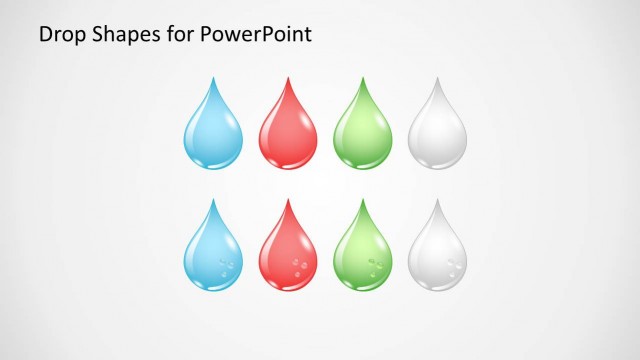
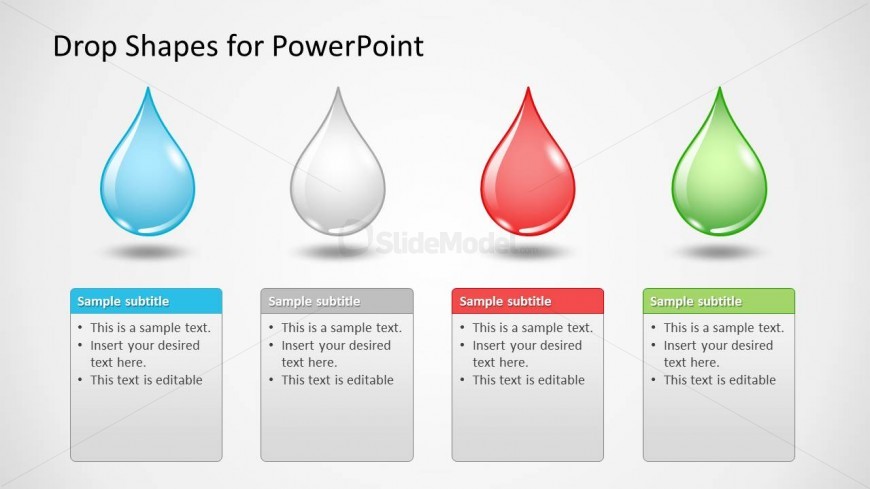
The layout features four drop-shaped icons arranged horizontally at the top. Each drop is a different color: blue, gray, red, and green. Below each drop, there are rectangular text boxes aligned vertically, with a subtitle area at the top of each box. The text boxes are evenly spaced and contain sample text placeholders, which are editable. The overall background is light, creating a neutral canvas for the colorful drops and text. The visual hierarchy emphasizes the drops, with the text boxes serving as supporting elements.
How to Use It
This layout serves as a comparison tool, ideal for showcasing different options or categories. It fits well in a presentation sequence following an introduction or problem statement, allowing for clear differentiation between items. Business scenarios include product feature comparisons, service offerings, or performance metrics. Each drop can represent a unique concept or category, making it versatile for various contexts.
Text Placeholders & Capacity
Keep your copy within these limits so it fits without resizing. Body slots are tight, roughly 15-20 words each.
| Placeholder | Count | Max characters (approx.) |
|---|---|---|
| Slide title | 1 | 30 |
| Subtitle | 4 | 50 |
| Body paragraph | 4 | 100 |
Slide Keywords
Download unlimited PowerPoint templates, charts and graphics for your presentations with our annual plan.
DOWNLOADReturn to Drop Shapes for PowerPoint.