Slide 5 of 8 from Drop Shapes for PowerPoint
1184-drops-shape-for-powerpoint-wide-5
Faucet with Text Boxes for Presentations
- Text Layout
- Two Column Text
- Context Slide
- 16:9
- 100% Editable
What’s on This Slide
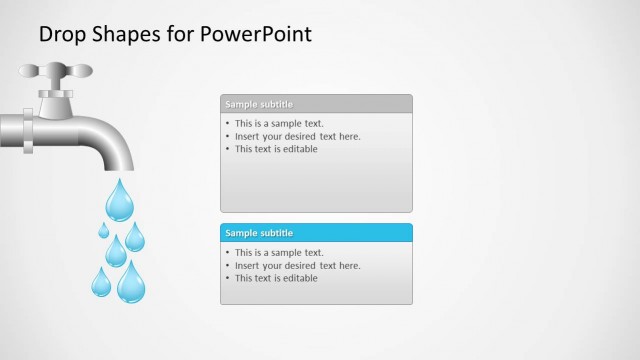
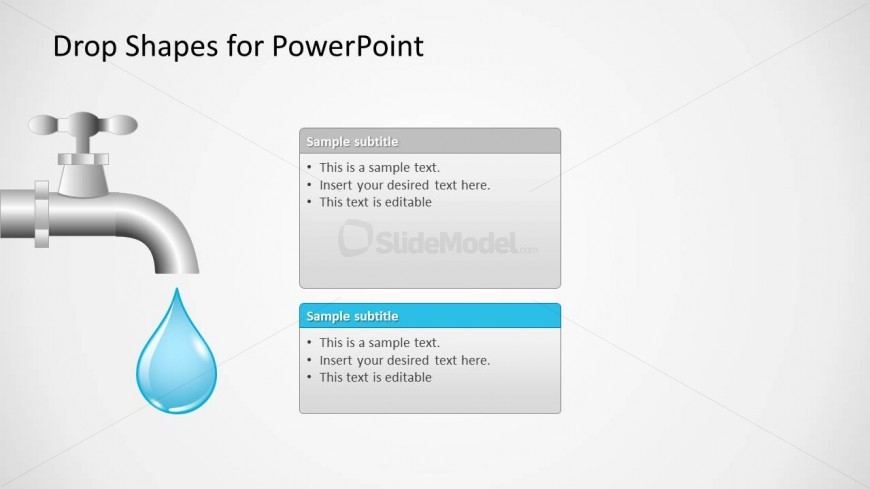
The layout features a faucet graphic positioned at the top left, with a water droplet below it. Two rectangular text boxes are aligned vertically on the right side. The top box is gray with a sample subtitle and three bullet points, while the bottom box is blue with a similar subtitle and three bullet points. The faucet and droplet are stylized icons, contributing to a clear visual hierarchy. The background is light, enhancing the contrast of the elements. Text placeholders are present in both boxes, allowing for editable content.
How to Use It
This layout serves as a visual representation for presenting information related to water or fluid dynamics. It fits well in a sequence discussing topics like resource management or environmental issues. The dual text boxes allow for comparisons or separate points, making it suitable for business presentations, educational content, or product descriptions. It can effectively highlight key messages or data points in a concise format.
Text Placeholders & Capacity
Keep your copy within these limits so it fits without resizing. Body slots can hold roughly 6-8 words each.
| Placeholder | Count | Max characters (approx.) |
|---|---|---|
| Slide title | 1 | 30 |
| Subtitle | 2 | 20 |
| Body paragraph | 6 | 40 |
Slide Keywords
Download unlimited PowerPoint templates, charts and graphics for your presentations with our annual plan.
DOWNLOADReturn to Drop Shapes for PowerPoint.