Slide 2 of 8 from Drop Shapes for PowerPoint
1184-drops-shape-for-powerpoint-wide-2
Drop Shape for PowerPoint Slide
- Media Layout
- Other
- Context Slide
- 16:9
- 100% Editable
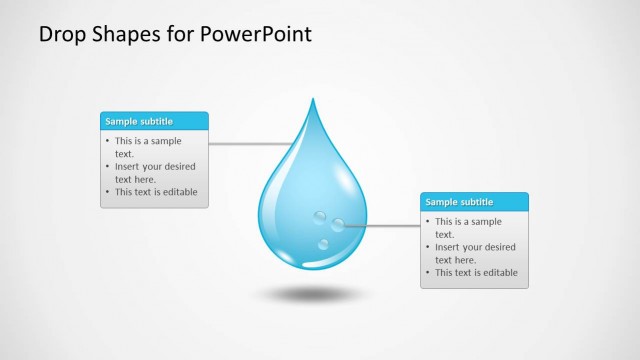
The Drop Shape with Text Box slide from the Drop Shapes for PowerPoint template offers a clear layout combining a prominent vector icon with editable slides for presenting key points. This slide template is well-suited for business presentations or pitch deck templates that require thematic visuals and concise textual content to introduce topics or highlight product features effectively.
What’s on This Slide
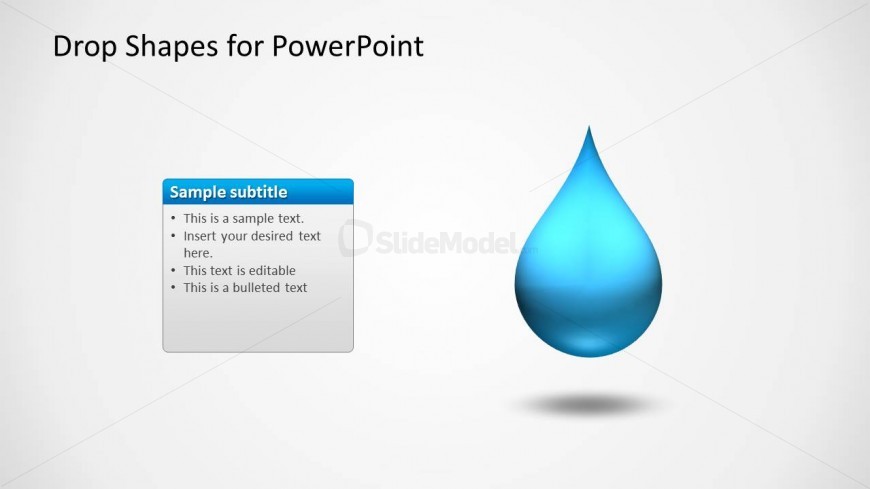
The slide features a large blue drop shape positioned centrally, with a subtle shadow underneath. To the left, a rectangular text box displays a sample subtitle in a blue header. Below the header, there are four bullet points aligned vertically. The text box is bordered and has a white background, contrasting with the drop shape. The overall layout emphasizes the drop shape while providing space for textual content. The background is a light gradient, enhancing the visual appeal without overwhelming the main elements.
How to Use It
This layout serves as a visual anchor for presenting key points alongside a central image. It is suitable for introductory slides, product features, or thematic presentations where a drop shape symbolizes water-related concepts. Positioned early in the presentation, it can effectively introduce topics or highlight important information. It is ideal for scenarios such as environmental discussions, product launches related to hydration, or creative concepts in design.
Text Placeholders & Capacity
Keep your copy within these limits so it fits without resizing. Body slots can hold roughly 6-8 words each.
| Placeholder | Count | Max characters (approx.) |
|---|---|---|
| Slide title | 1 | 30 |
| Subtitle | 1 | 50 |
| Item body | 4 | 40 |
Slide Keywords
Download unlimited PowerPoint templates, charts and graphics for your presentations with our annual plan.
DOWNLOADReturn to Drop Shapes for PowerPoint.