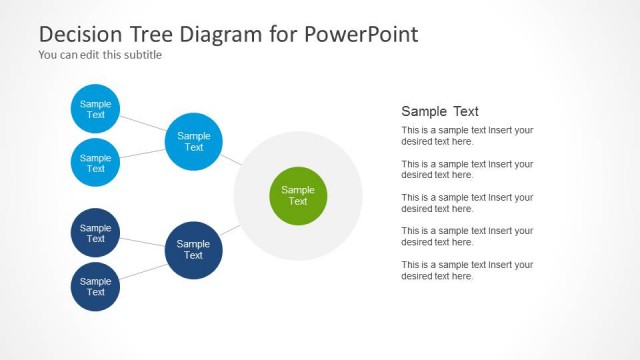
Slide 2 of 3 from Decision Tree Diagram with Text Boxes for PowerPoint
Three Layers Decision Tree PowerPoint Diagram
Decision Tree Diagram with Text Boxes for PowerPoint
- Diagram
- Other
- Process Slide
- 16:9
- 100% Editable
The Decision Tree Diagram with Text Boxes slide from the Decision Tree Diagram with Text Boxes for PowerPoint template offers a clear, editable slide layout for mapping decision-making processes. This slide template supports strategic planning and risk assessments by visually organizing choices and outcomes using vector icons and text placeholders. Its left-to-right flow and structured design make it a practical addition to business presentations and pitch deck templates requiring precise project evaluations.
About This Slide
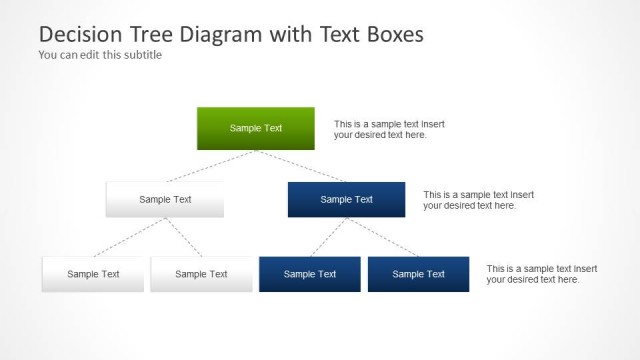
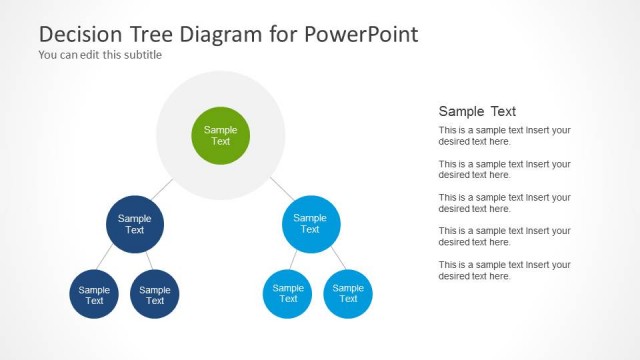
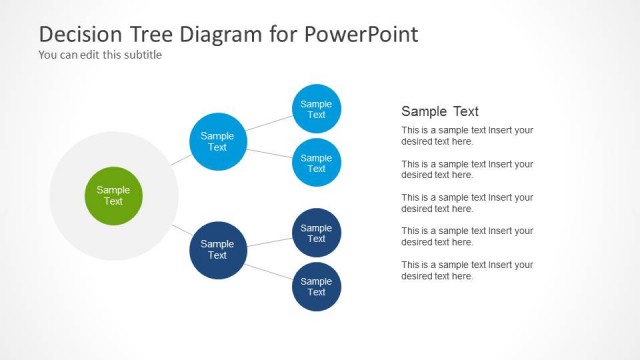
Slide design containing a simple decision tree diagram created with PowerPoint shapes and three levels of hierarchy. You can use this PowerPoint template to prepare presentations on decision making, root cause analysis and problem solving slide designs.
What’s on This Slide
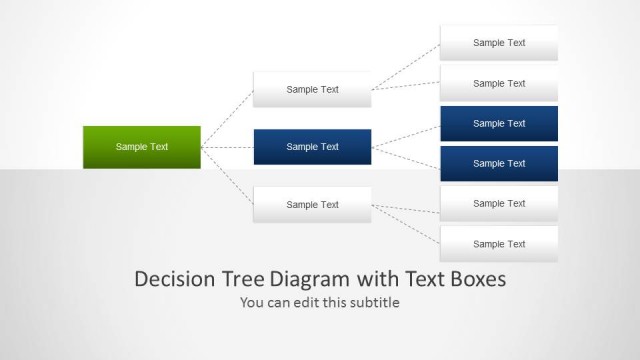
The slide features a decision tree diagram with a left-to-right layout. It includes a main node on the left, represented by a green rectangle, connecting to multiple branches that lead to blue rectangles. Each node contains text placeholders for descriptions, with some nodes having additional text boxes below them. The visual hierarchy emphasizes the main node, while the branches are connected by lines indicating flow. The background is light, enhancing readability, and the overall composition organizes information clearly across the slide.
How to Use It
This layout serves as a decision tree diagram, ideal for illustrating choices and outcomes in a structured manner. It fits well in presentations discussing decision-making processes, risk assessments, or strategic planning. The slide can be used to map out various options and their potential results, making it suitable for business scenarios such as project evaluations or sales strategies. It is positioned as the second slide in a sequence, following an introductory slide and preceding a more detailed analysis.
Text Placeholders & Capacity
Keep your copy within these limits so it fits without resizing. Node body slots can accommodate roughly 15-20 words each.
| Placeholder | Count | Max characters (approx.) |
|---|---|---|
| Slide title | 1 | 40 |
| Subtitle | 1 | 40 |
| Item heading | 6 | 30 |
| Item body | 6 | 100 |
Slide Keywords
Download unlimited PowerPoint templates, charts and graphics for your presentations with our annual plan.
DOWNLOADReturn to Decision Tree Diagram with Text Boxes for PowerPoint.