Slide 3 of 6 from Decision Tree Diagram for PowerPoint
6108-01-decision-tree-diagram-3
Decision Tree Diagram for PowerPoint
- Diagram
- Tree Hierarchy
- Process Slide
- 16:9
- 100% Editable
The Decision Tree Diagram slide from the Decision Tree Diagram for PowerPoint template offers a clear visual hierarchy ideal for illustrating decision-making processes. This slide layout, featuring editable shapes and vector icons, supports business presentations and project planning by mapping choices and outcomes effectively within a corporate presentation or pitch deck template.
What’s on This Slide
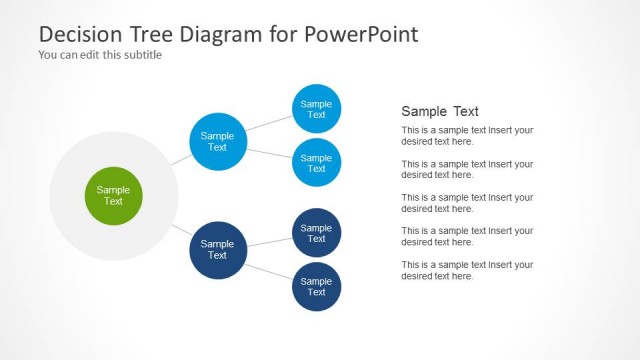
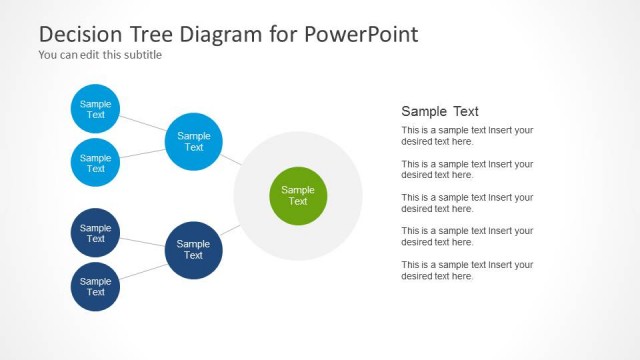
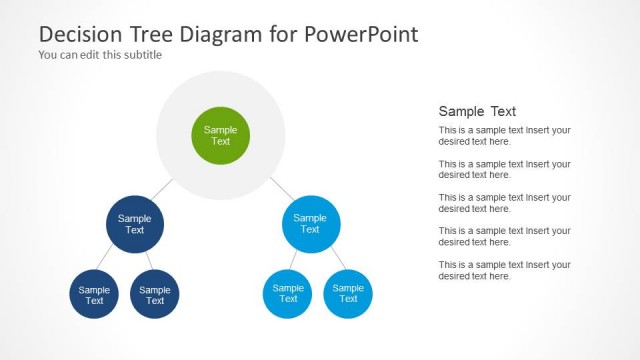
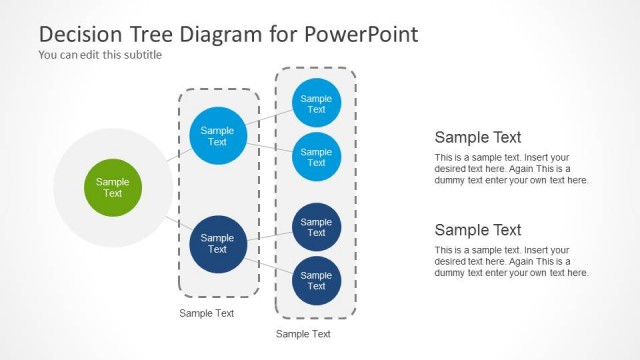
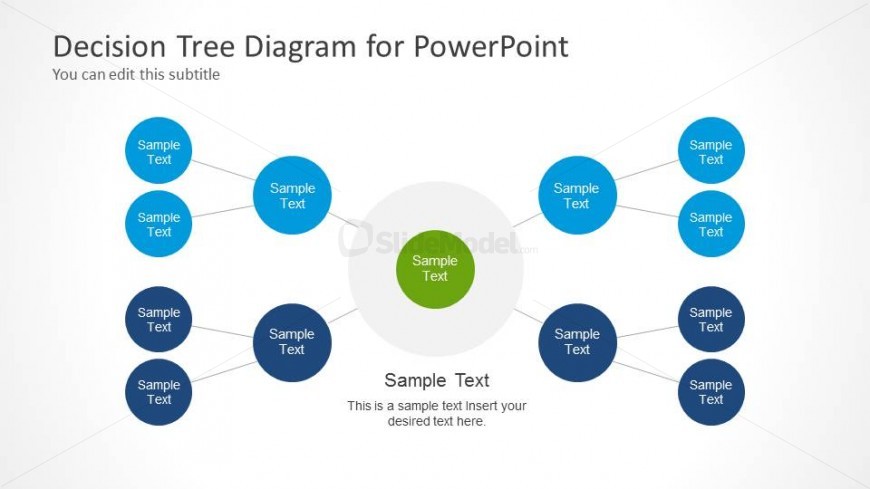
The layout features a central node surrounded by eight peripheral nodes, arranged in a circular pattern. The central node is larger and colored green, while the surrounding nodes are blue. Each node contains a text placeholder aligned centrally. Connecting lines extend from the central node to each surrounding node, indicating relationships. The background is light, enhancing visibility. There are additional text placeholders at the top for the title and subtitle. The overall composition emphasizes the central decision point, with a clear visual hierarchy.
How to Use It
This layout serves as a decision tree diagram, illustrating choices and outcomes. It is effective for visualizing decision-making processes or branching scenarios. In a presentation, it can follow a problem statement, guiding the audience through potential solutions. Suitable for business contexts, it can be used in sales strategies, project planning, or organizational decision-making. The structure allows for easy modification of text to fit specific scenarios, making it versatile for various presentations.
Text Placeholders & Capacity
Keep your copy within these limits so it fits without resizing. Node labels can hold about 20 characters each.
| Placeholder | Count | Max characters (approx.) |
|---|---|---|
| Slide title | 1 | 30 |
| Subtitle | 1 | 50 |
| Item heading | 8 | 20 |
| Item body | 8 | 50 |
Slide Keywords
Download unlimited PowerPoint templates, charts and graphics for your presentations with our annual plan.
DOWNLOADReturn to Decision Tree Diagram for PowerPoint.