Slide 1 of 6 from Decision Tree Diagram for PowerPoint
6108-01-decision-tree-diagram-1
Decision Tree Diagram for PowerPoint
- Diagram
- Tree Hierarchy
- Process Slide
- 16:9
- 100% Editable
The Decision Tree Diagram slide from the Decision Tree Diagram for PowerPoint template offers a clear visual hierarchy ideal for illustrating decision-making processes and hierarchical relationships. This slide layout integrates editable shapes and vector icons to enhance business presentations, project planning, and sales strategies. Its balanced composition and vertical text area support detailed explanations, making it a versatile choice for corporate presentations and pitch deck templates.
What’s on This Slide
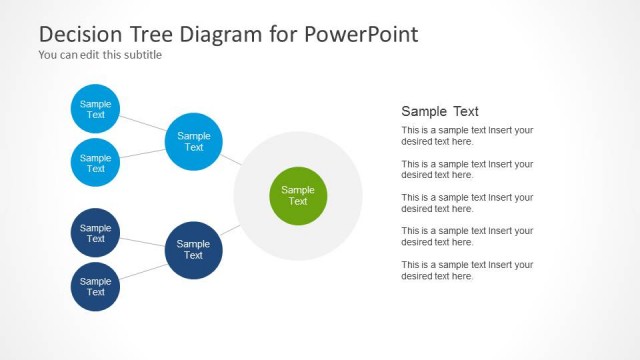
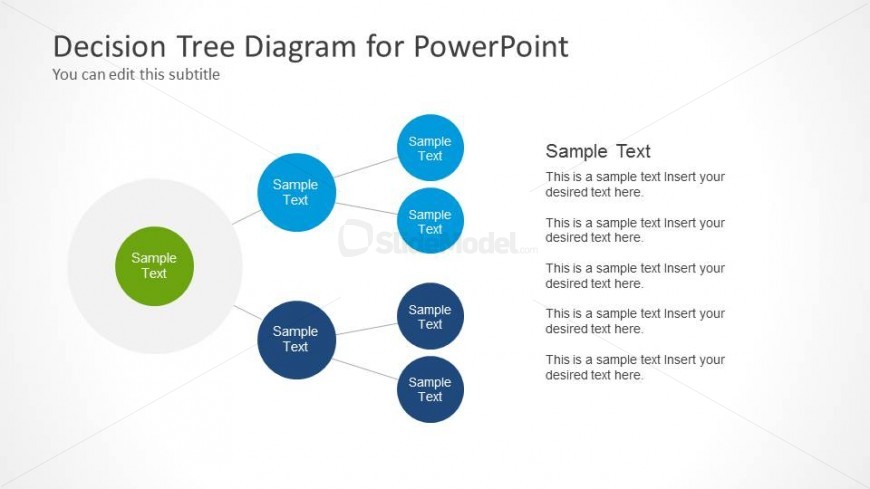
The layout features a central circular node in green, surrounded by several blue circular nodes. The central node contains a text placeholder, while each surrounding node also has a text placeholder. Lines connect the central node to the surrounding nodes, indicating relationships. To the right, there is a vertical text area with multiple text placeholders aligned in a single column. The background is light, enhancing the visibility of the nodes and text. The overall composition is balanced, with a clear visual hierarchy between the central and surrounding nodes.
How to Use It
This layout serves as a decision tree diagram, illustrating choices and their potential outcomes. It fits well in presentations discussing decision-making processes or hierarchical relationships. This structure is useful in business contexts, such as sales strategies, project planning, or organizational structures. It can also be applied in educational settings to explain concepts or processes. The vertical text area allows for detailed explanations or descriptions related to the decision points shown in the diagram.
Text Placeholders & Capacity
Keep your copy within these limits so it fits without resizing. Node slots can accommodate brief text, roughly 10 words each.
| Placeholder | Count | Max characters (approx.) |
|---|---|---|
| Slide title | 1 | 30 |
| Subtitle | 1 | 50 |
| Item body | 5 | 50 |
| Body paragraph | 5 | 150 |
Slide Keywords
Download unlimited PowerPoint templates, charts and graphics for your presentations with our annual plan.
DOWNLOADReturn to Decision Tree Diagram for PowerPoint.