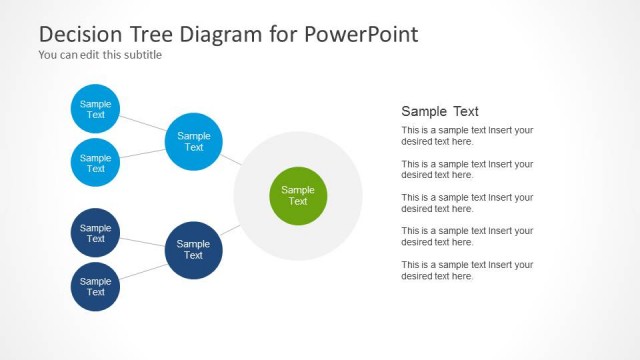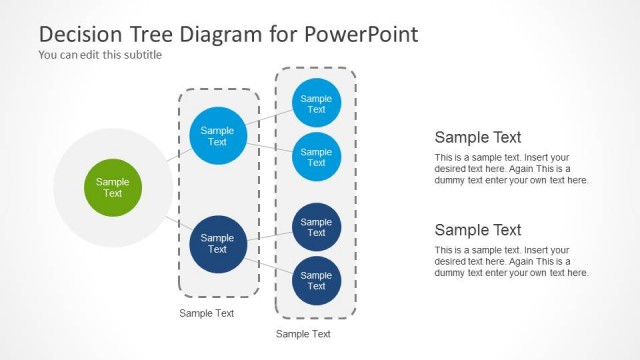
Slide 3 of 3 from Decision Tree Diagram with Text Boxes for PowerPoint
6108-02-decision-tree-diagram-3
Decision Tree Diagram with Text Boxes
- Diagram
- Tree Hierarchy
- Strategic Analysis Slide
- 16:9
- 100% Editable
The Decision Tree Diagram with Text Boxes slide from the Decision Tree Diagram with Text Boxes for PowerPoint template offers a clear visual hierarchy to map decision processes. Ideal for business presentations, this slide layout uses editable shapes and vector icons to illustrate strategic choices and project options effectively within a corporate presentation or pitch deck template.
What’s on This Slide
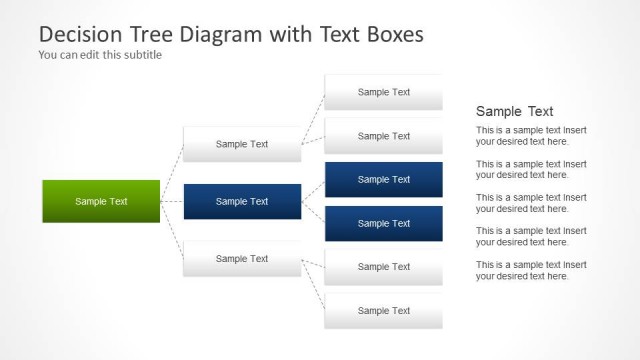
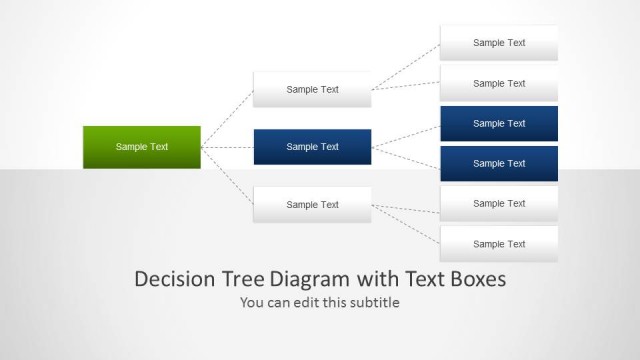
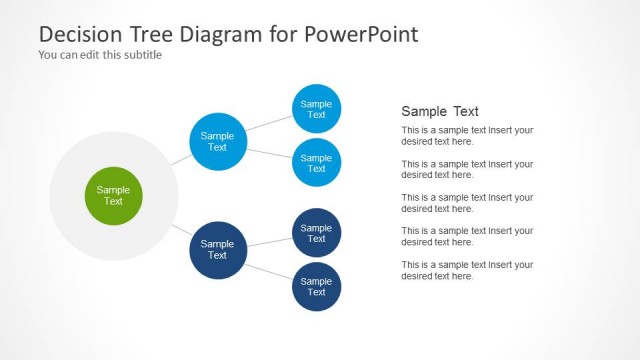
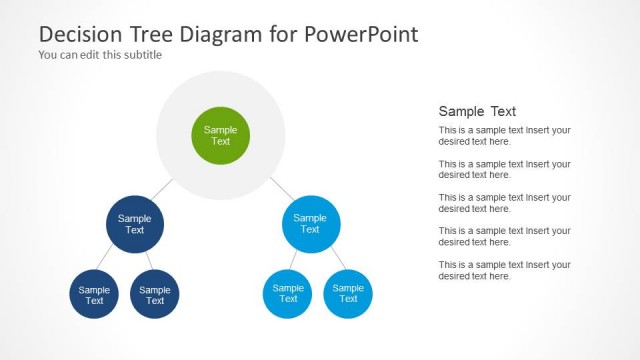
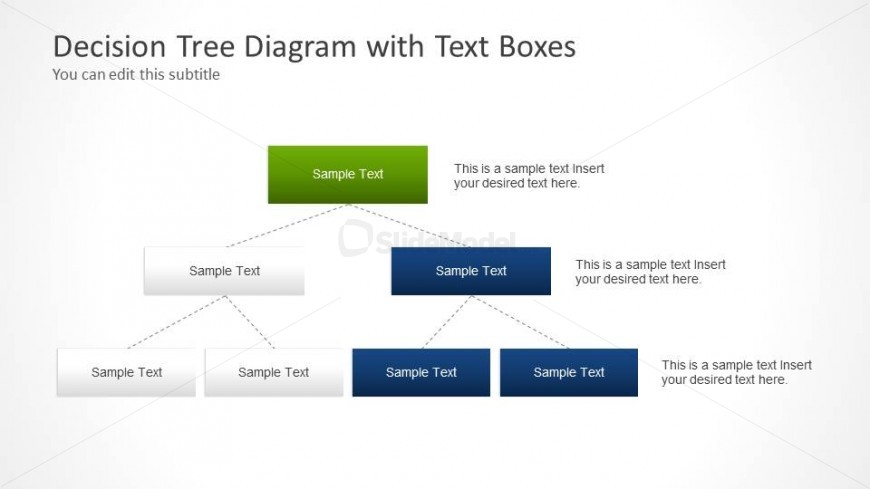
The slide features a decision tree diagram arranged in a top-down layout. At the top, a green rectangular box contains placeholder text, followed by two branches leading to blue rectangular boxes. Each blue box has corresponding placeholder text below it. The branches are connected by straight lines, indicating the flow of decisions. There are additional nodes below, each represented by gray rectangular boxes, also containing placeholder text. The overall composition is structured, with clear visual hierarchy and alignment of elements.
How to Use It
This layout serves to illustrate decision-making processes, showing various options and outcomes. It fits well in presentations discussing strategic choices, project planning, or problem-solving scenarios. The diagram can be used to map out family trees, sales decisions, or any situation requiring a visual representation of branching decisions. It is positioned as a concluding slide in a series, summarizing key choices and their implications.
Text Placeholders & Capacity
Keep your copy within these limits so it fits without resizing. Node labels can hold about 30 characters each, while body text can hold around 50 characters.
| Placeholder | Count | Max characters (approx.) |
|---|---|---|
| Slide title | 1 | 30 |
| Subtitle | 1 | 50 |
| Item heading | 5 | 30 |
| Item body | 5 | 50 |
Slide Keywords
Download unlimited PowerPoint templates, charts and graphics for your presentations with our annual plan.
DOWNLOADReturn to Decision Tree Diagram with Text Boxes for PowerPoint.