Slide 2 of 6 from Decision Tree Diagram for PowerPoint
6108-01-decision-tree-diagram-2
Decision Tree Diagram for PowerPoint
- Diagram
- Tree Hierarchy
- Strategic Analysis Slide
- 16:9
- 100% Editable
The Decision Tree Diagram slide from the Decision Tree Diagram for PowerPoint template offers a clear visual tool for strategic analysis. This slide layout uses editable shapes and vector icons to map out decision paths, making it suitable for business presentations involving project evaluation or sales strategy. Its hierarchical structure enhances clarity in complex decision-making scenarios, fitting seamlessly into corporate presentations and pitch deck templates.
What’s on This Slide
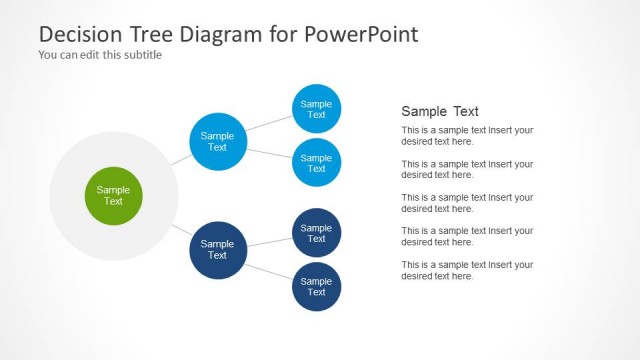
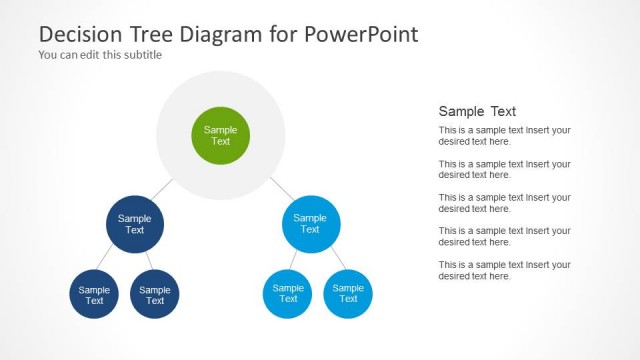
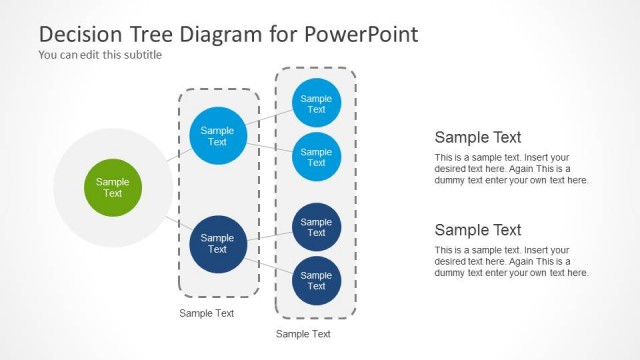
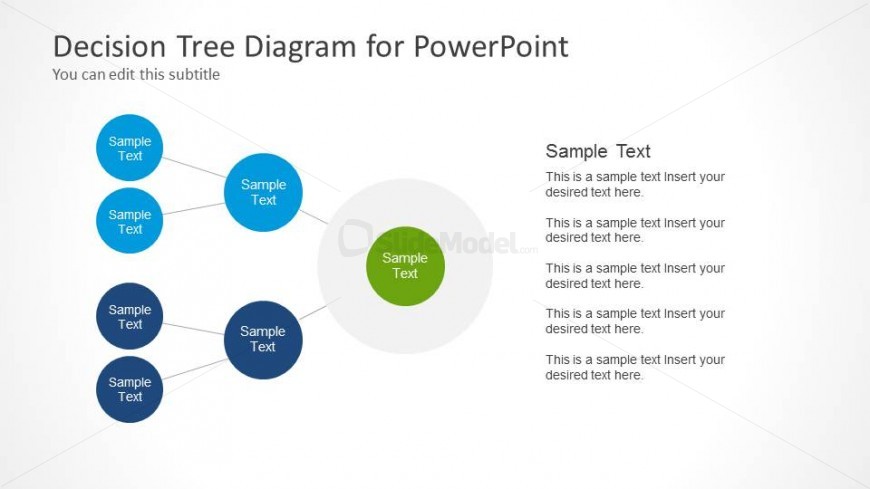
The slide features a decision tree diagram with nodes arranged in a branching structure. There are five blue circular nodes positioned in a hierarchical layout, with one central node in green. The central node is larger and connects to the surrounding blue nodes with lines. To the right, there is a text area containing multiple text placeholders aligned vertically. Each placeholder is labeled 'Sample Text' and is intended for additional content. The background is light, providing contrast to the colored nodes.
How to Use It
This layout serves as a decision tree diagram, illustrating decision-making processes or options. It fits well in presentations focused on strategic planning or project management. The structure is useful for visualizing choices and outcomes in business scenarios, such as sales strategies or project evaluations. It can be used to present complex information clearly, aiding in decision-making discussions.
Text Placeholders & Capacity
Keep your copy within these limits so it fits without resizing. Node body slots can hold roughly 10 words each, while body paragraphs can accommodate about 15-20 words.
| Placeholder | Count | Max characters (approx.) |
|---|---|---|
| Slide title | 1 | 30 |
| Subtitle | 1 | 30 |
| Item body | 5 | 50 |
| Body paragraph | 4 | 100 |
Slide Keywords
Download unlimited PowerPoint templates, charts and graphics for your presentations with our annual plan.
DOWNLOADReturn to Decision Tree Diagram for PowerPoint.