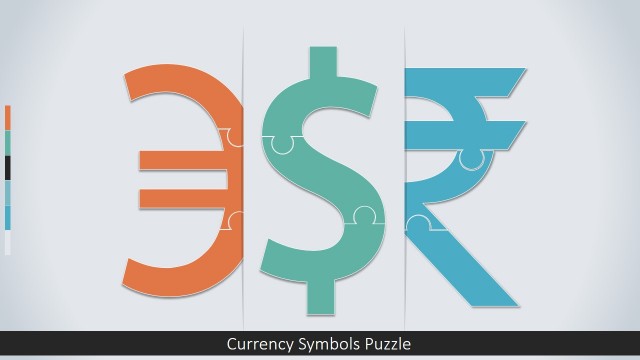
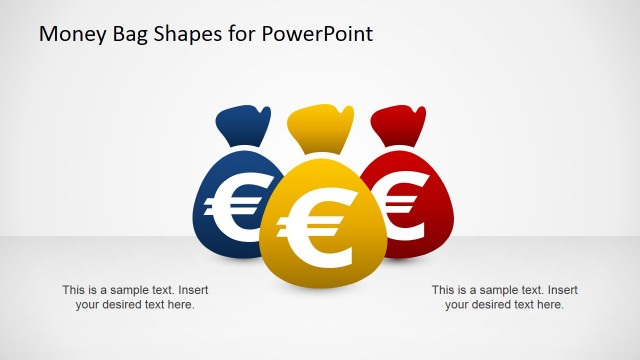
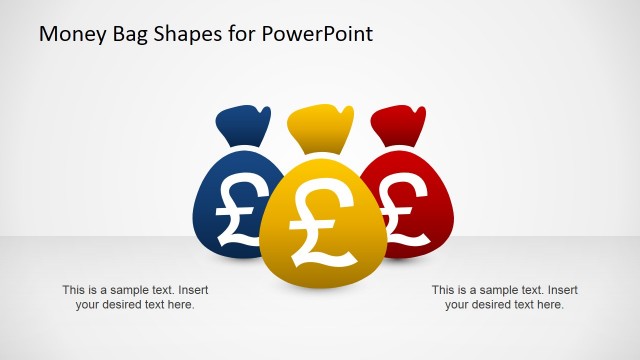
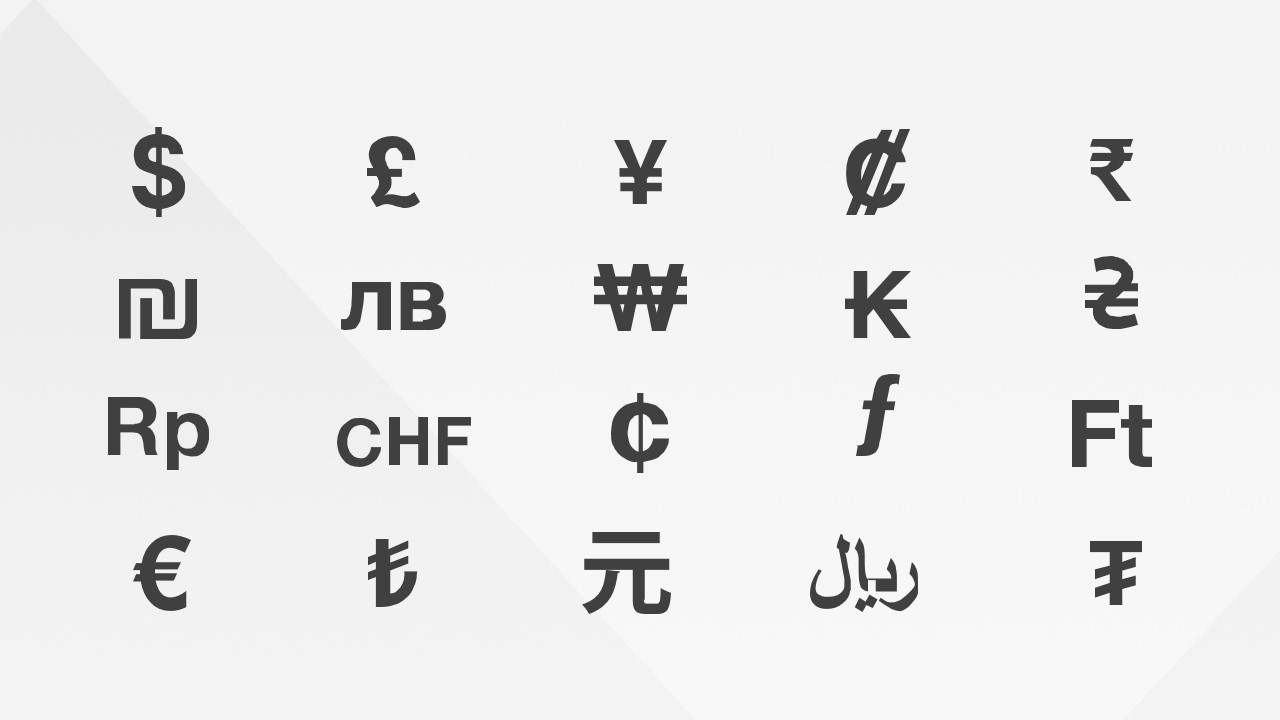
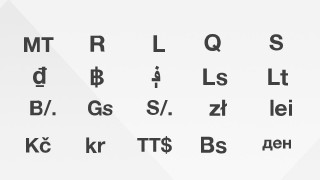
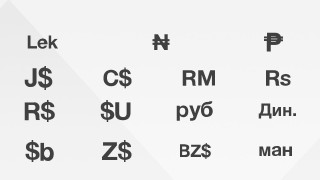
Currency Symbols PowerPoint Icons is professional set of PowerPoint Icons of the major currencies of the world. The user can edit the currency icons as they are created as PowerPoint objects. Each Icon can be edited in all their properties, as size, color, position and effects. Create professional presentations decorating metaphors, processes or flow with this appealing gallery of currency Icons.
Currency Icons Are ideal to improve the visual impact of any financial, accounting, wealth management or economic presentation. The currency signs or currency icons can be placed in the headers of tables, over shapes that compose a process or even in the slide title to increase the visual retention of the topic. Ideal for infographics the Currency Symbols PowerPoint Icons will impress your audience.
What’s inside this template
Example presentation scenarios
- A financial analyst can use the currency icon grids to label revenue, expense, and exchange-rate sections in an internal finance update.
- A banking presenter can place selected symbols beside process steps to explain payments, remittances, or currency conversion workflows.
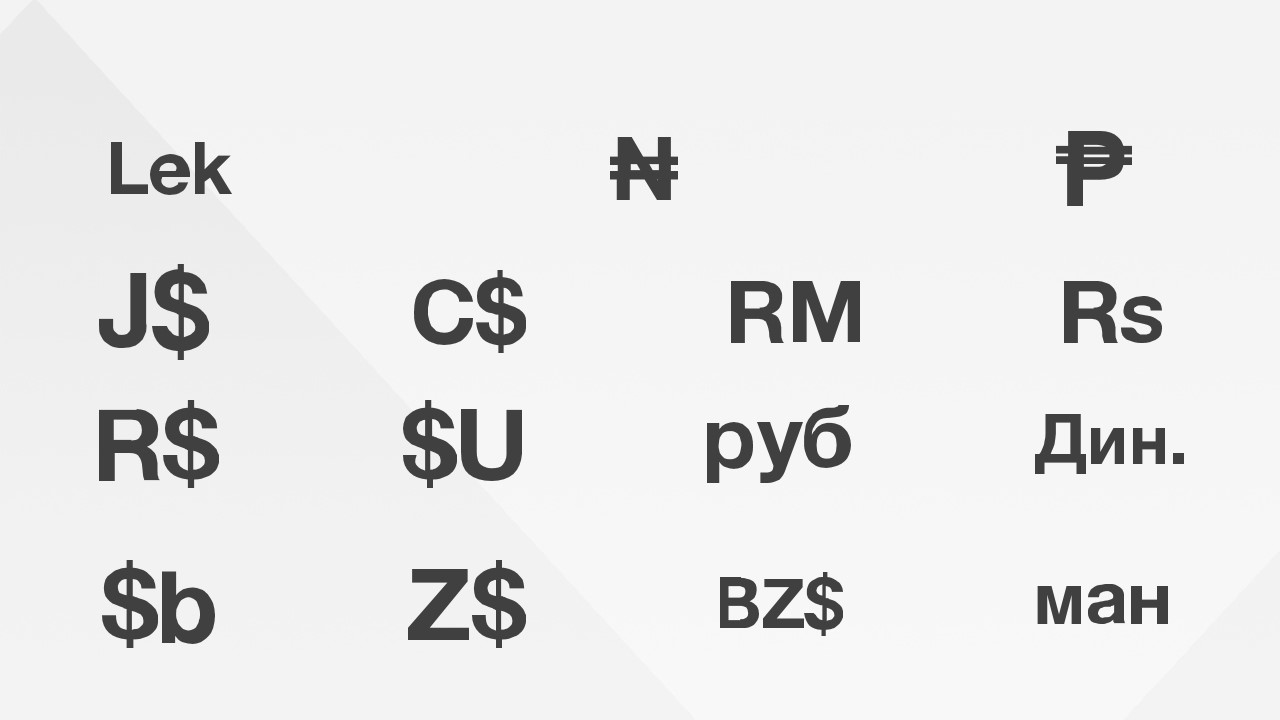
- An investment advisor can use the regional currency sign gallery to mark markets in a portfolio allocation or global exposure discussion.
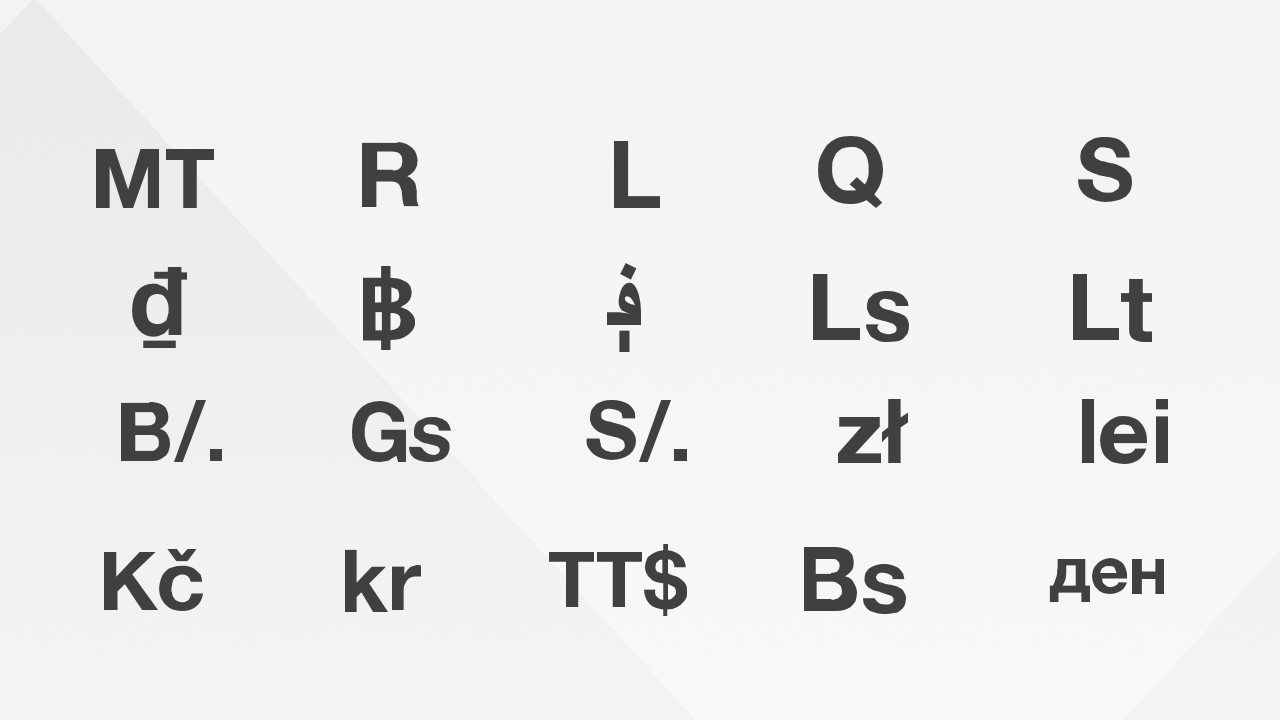
- An economics instructor can use the code-style symbol grid to introduce currency notation before comparing countries, exchange systems, or monetary policy topics.
Features
- 100% editable presentation template
- Compatible with Microsoft PowerPoint and Google Slides
- 16:9 aspect ratio slides
- Scalable vector shapes, icons and illustrations
- AI-Ready for Microsoft Copilot and Claude
- Instant access and download
Frequently asked questions
Q: How should a presenter use these currency icons without overcrowding a finance slide?
A: Treat the template as an icon source, not as a finished slide sequence. Select only the symbols tied to the audience's currencies or markets, keep icon sizes consistent, and place them near table headers, map labels, process steps, or section titles. Avoid repeating the same symbol in every corner because that weakens the financial cue.
Q: When is this icon set a better choice than a full finance presentation template?
A: Use it when the core analysis already exists and the deck needs clearer visual labeling. Finance teams, consultants, educators, and banking presenters can add the icons to existing tables, timelines, market maps, or process diagrams. It is best for reinforcing currency meaning, not for replacing charts or financial statements.
Q: Why do currency symbols work as a visual metaphor in business presentations?
A: Currency signs are compact visual shorthand for value, market, payment, risk, and geography. In this template, the simple flat icons reduce the need for long labels and help viewers scan financial content quickly. The grid format also makes it easy to choose a consistent symbol family across different slides.
Currency Symbols PowerPoint Icons
3-slide presentation template with editable currency symbols and finance icons for PowerPoint and Google Slides
Currency Symbols PowerPoint Icons is a 3-slide presentation template with editable currency sign galleries for finance and economics presentations. It includes 20-symbol icon grids, a regional currency sign gallery, and abbreviated currency code symbols. Designed for Microsoft PowerPoint and Google Slides, the icons are vector graphics that can be recolored and resized.
- Category
- Shapes
- Rating

 Loading...
- Aspect ratio
- 16:9, 4:3
- Item ID
- 8201-01
- Colors
 Microsoft PowerPoint
  Microsoft Copilot
  Claude for PowerPoint
 Other formats supported
Subscribe today and get immediate
access to download our PowerPoint templates.