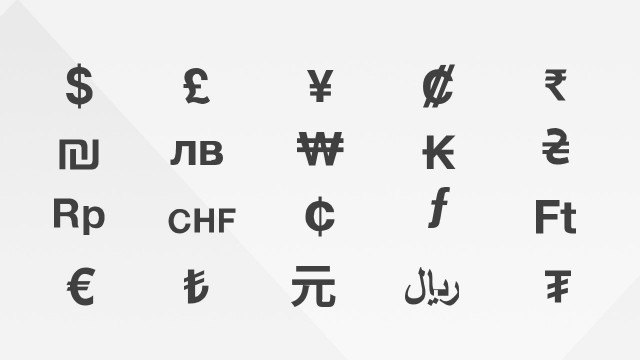
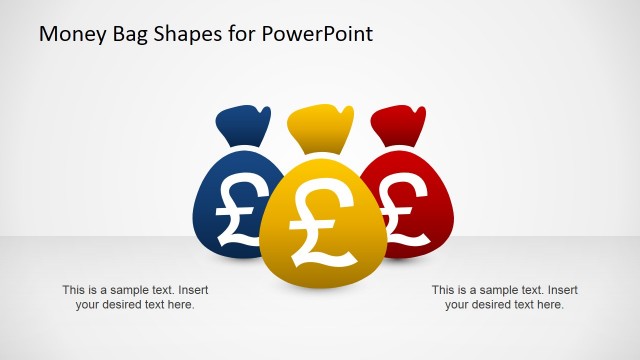
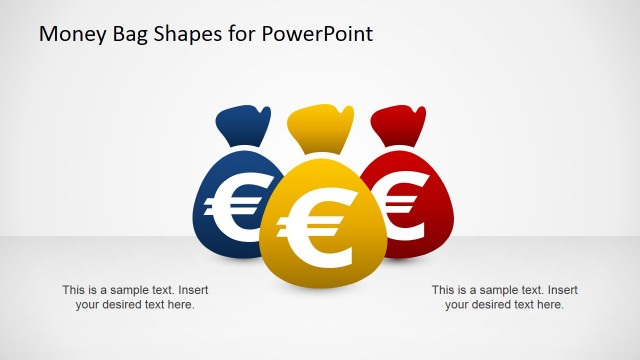
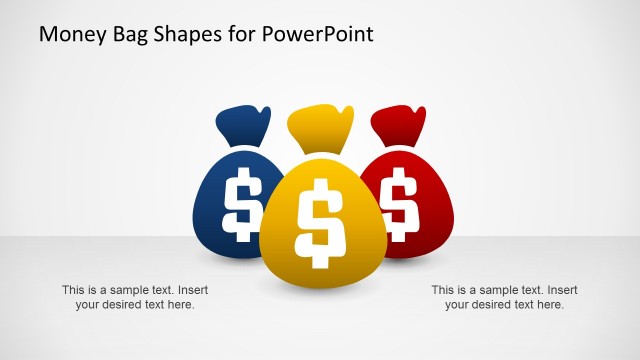
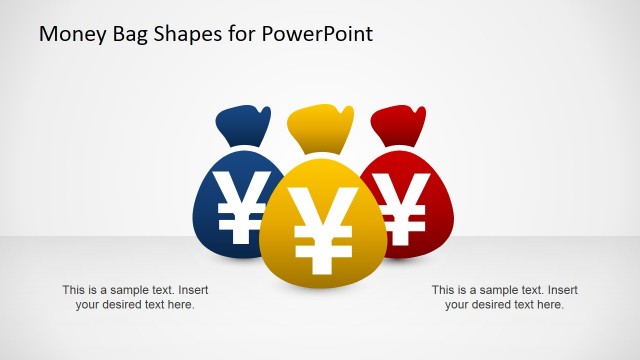
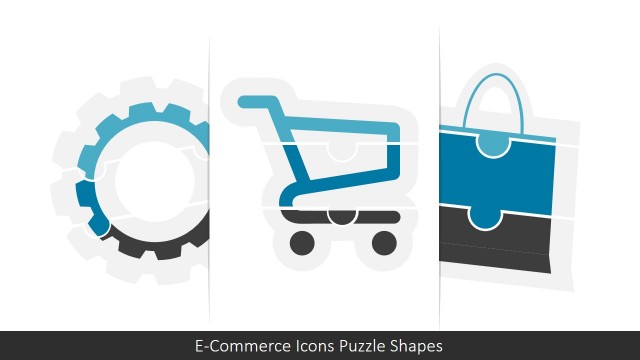
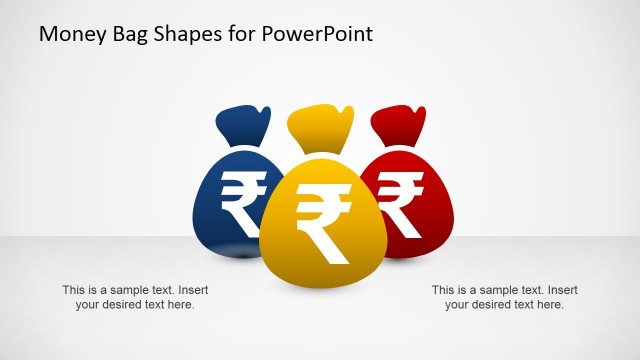
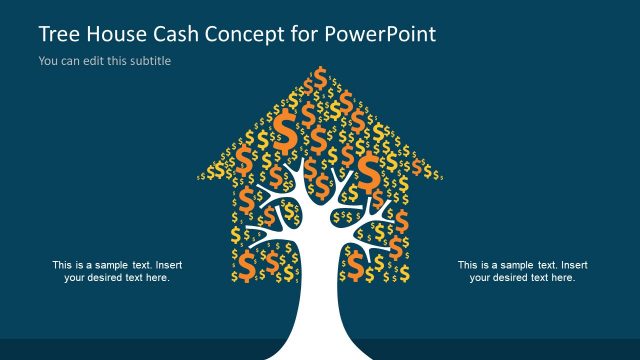
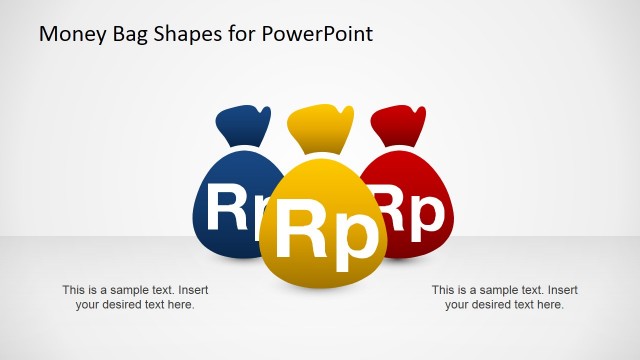
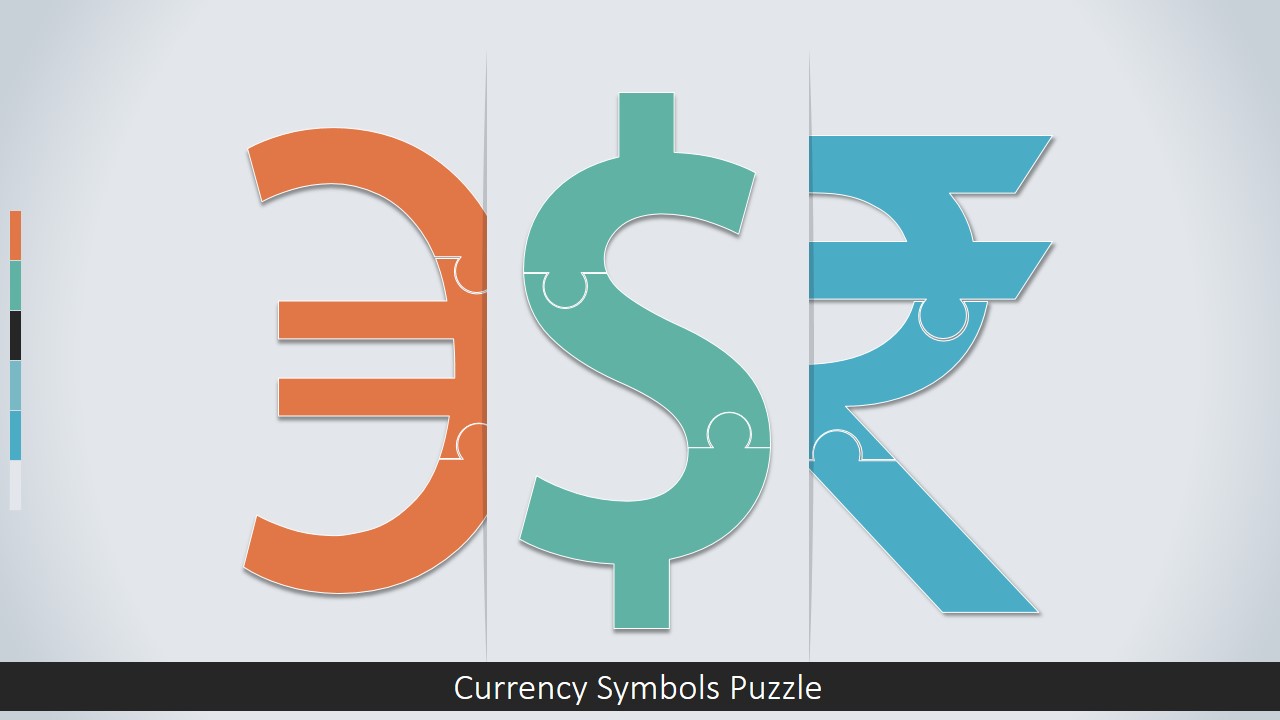
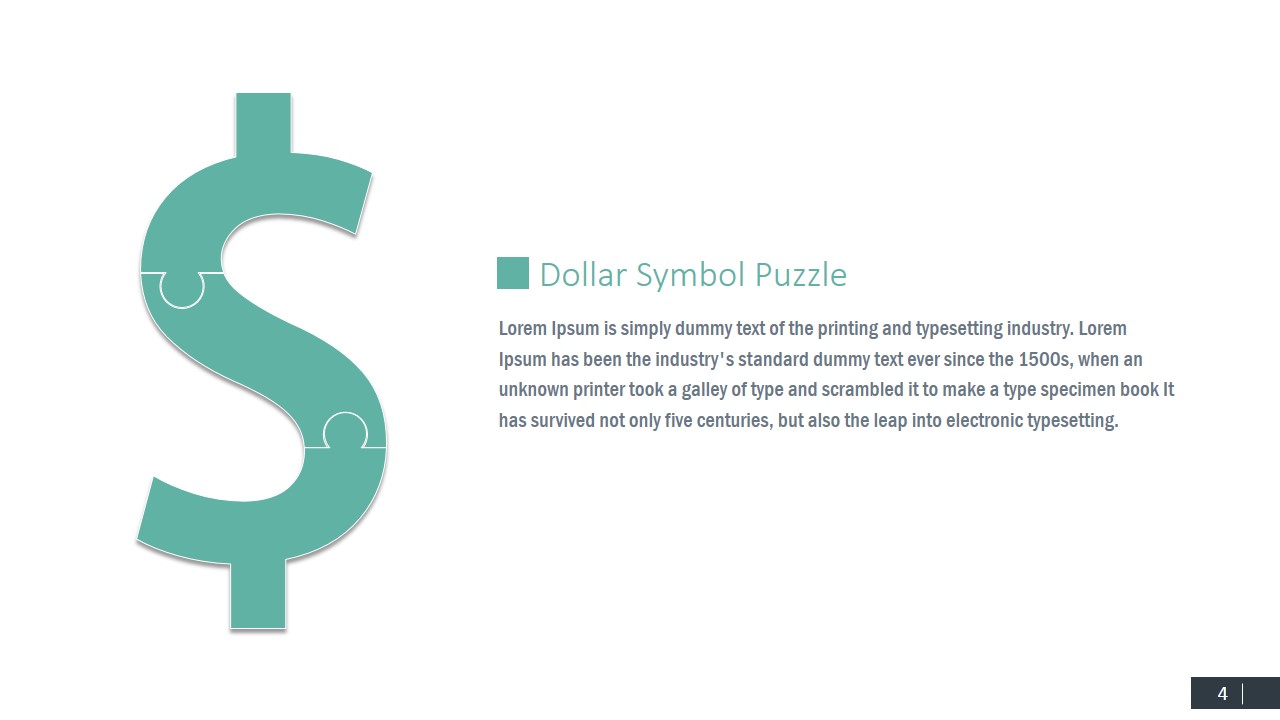
Currency Symbols Puzzle Shapes for PowerPoint – Currency symbols are the traditional iconography for representing money. Each country, or region, identifies different currency symbols in their daily tasks, but the most recognized currencies in this century are the international trading currencies, United States Dollar ($) and the Euro (€) and the British Pound (£).
What’s inside this template
Example presentation scenarios
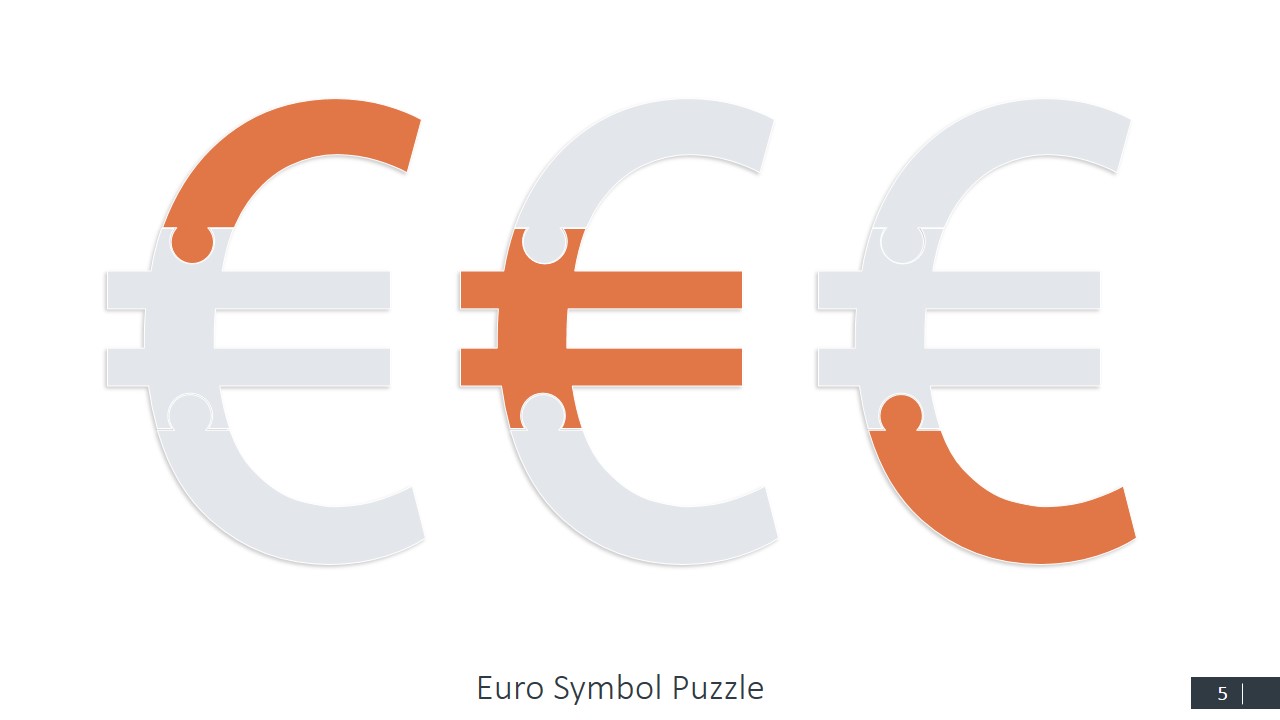
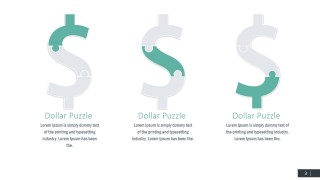
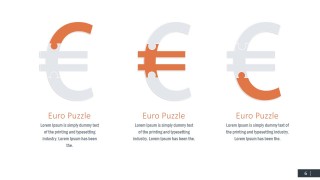
- A financial analyst can use the three-column Dollar or Euro puzzle layouts to explain separate drivers of currency movement during an internal market briefing.
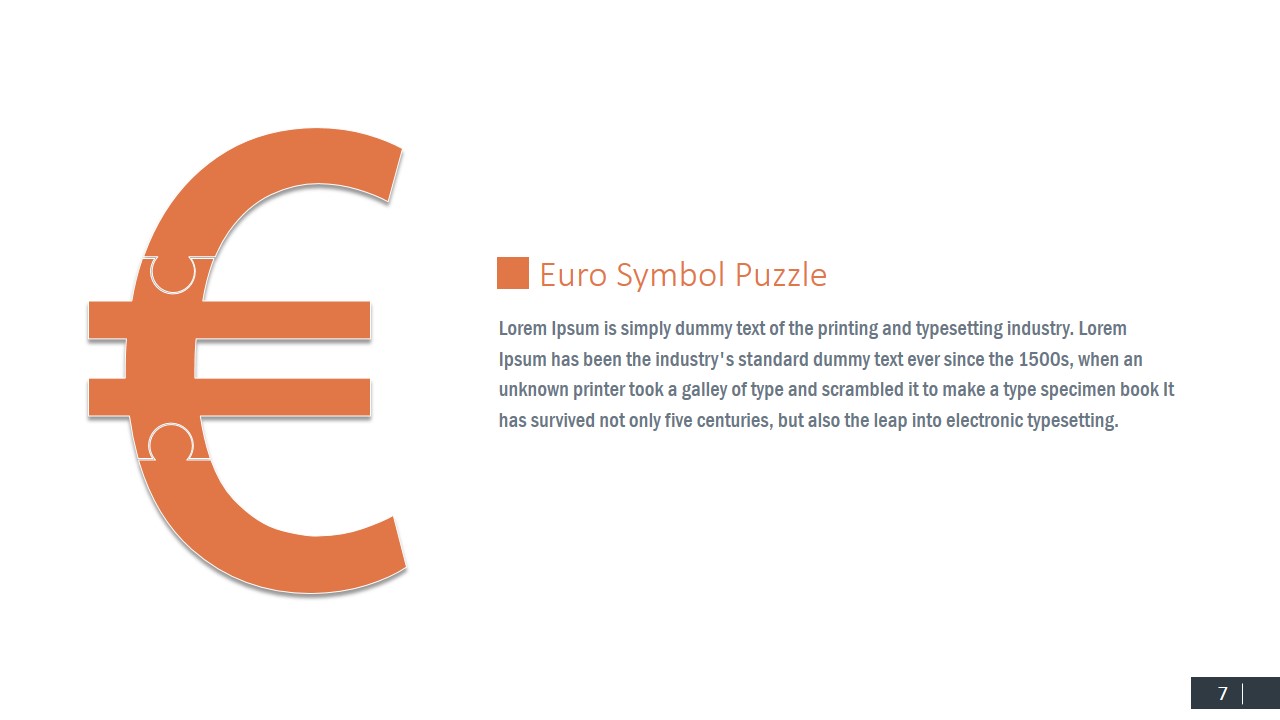
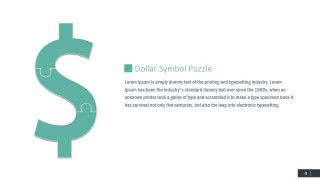
- A banking presenter can use the large symbol plus text slides to introduce foreign exchange products, regional currency exposure, or payment topics to business clients.
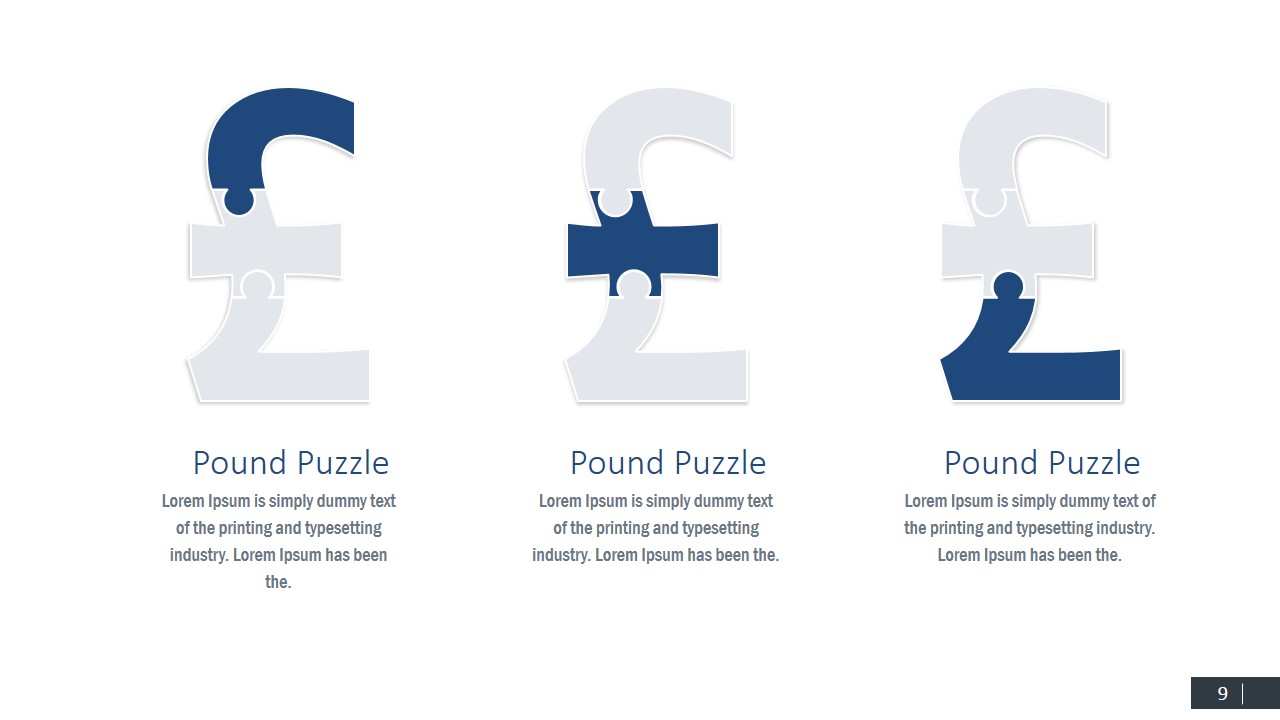
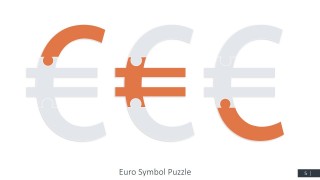
- An economics instructor can use the highlighted puzzle-piece variants to teach how currency value is affected by policy, trade, inflation, or market sentiment.
- A consultant can use the cover and currency comparison slides to frame a cross-border business discussion where Dollar, Euro, Pound, and Rupee themes need quick visual separation.
Features
- 100% editable presentation template
- Compatible with Microsoft PowerPoint and Google Slides
- 16:9 aspect ratio slides
- Scalable vector shapes, icons and illustrations
- AI-Ready for Microsoft Copilot and Claude
- Instant access and download
Frequently asked questions
Q: How should I use the puzzle currency slides to explain a finance concept clearly?
A: Start with one currency and one message per slide. Use the colored puzzle segment as the visual anchor for the idea you are explaining, such as risk, policy, pricing, or market share. Keep the supporting text brief so the audience reads the currency metaphor first, then connects it to the business point.
Q: Who is this template best suited for in a business presentation?
A: It fits presenters who need to discuss money themes without building a full financial model on screen. Finance teams, banks, consultants, and instructors can use the Dollar, Euro, Pound, and Rupee slides to introduce currency exposure, international payment topics, or global market context before moving into detailed numbers elsewhere.
Q: Why use puzzle-shaped currency symbols instead of standard money icons?
A: The puzzle metaphor shows that a currency topic can be broken into connected parts. That makes the visuals useful for explaining causes, components, or dependencies, not just identifying a region or currency. The repeated structure across Dollar, Euro, Pound, and Rupee slides helps audiences compare ideas without relearning the layout.




Currency Symbols Puzzle Shapes for PowerPoint
13-slide presentation template with currency symbol puzzle shapes for finance and global market concepts
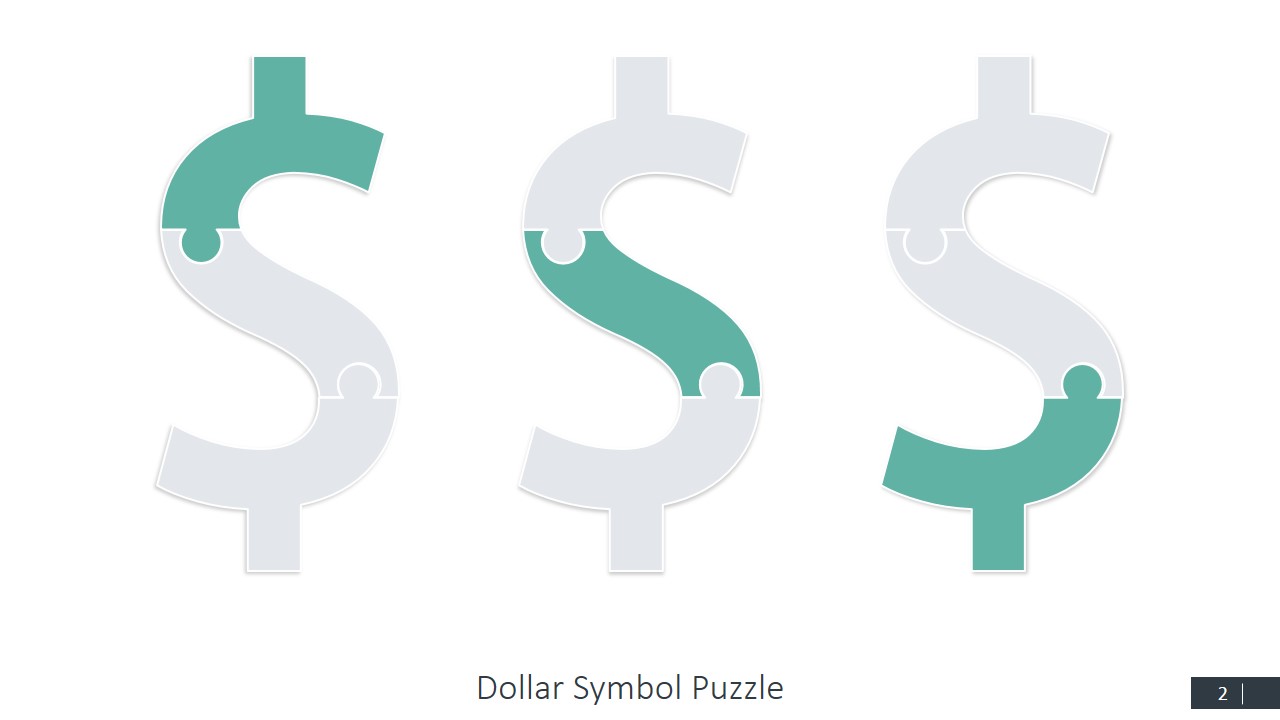
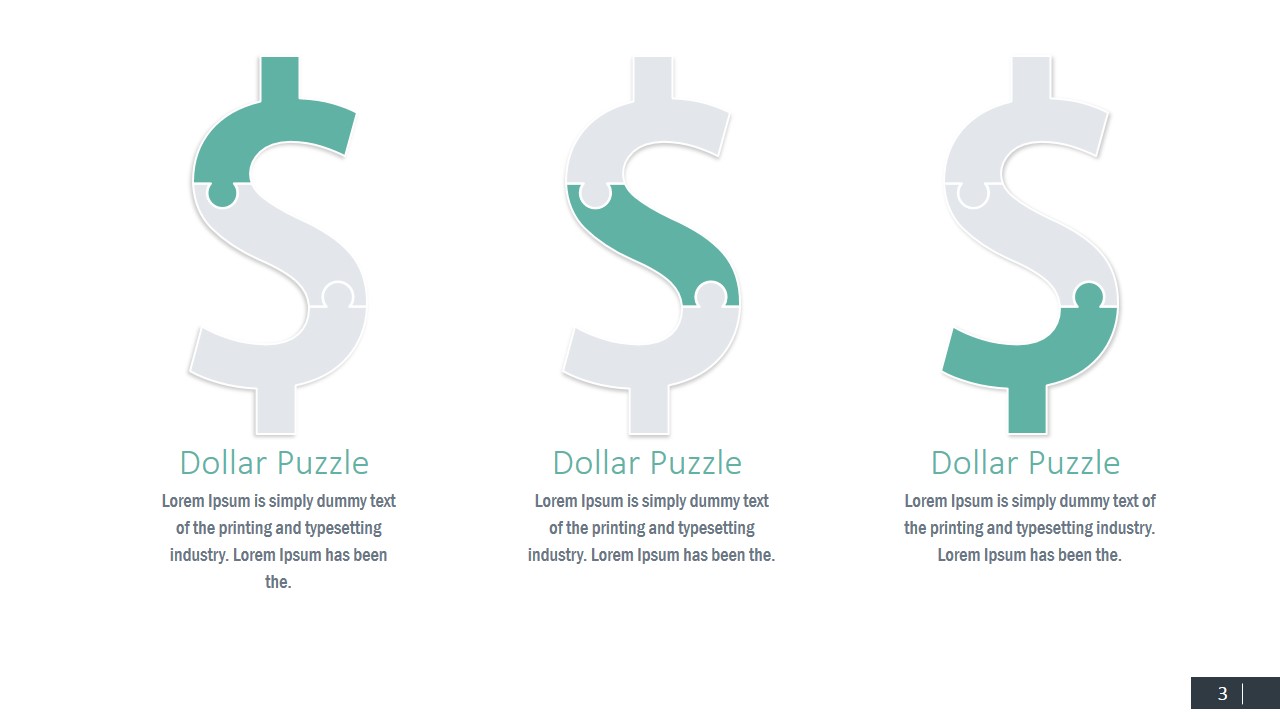
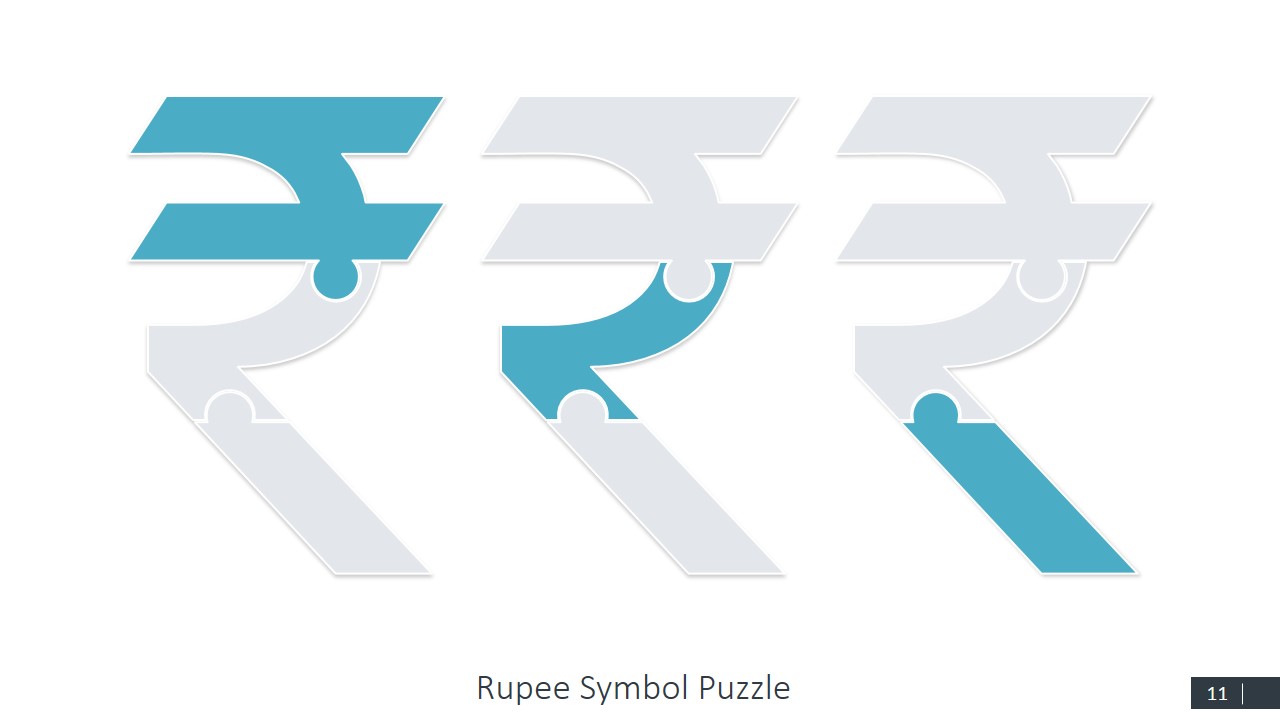
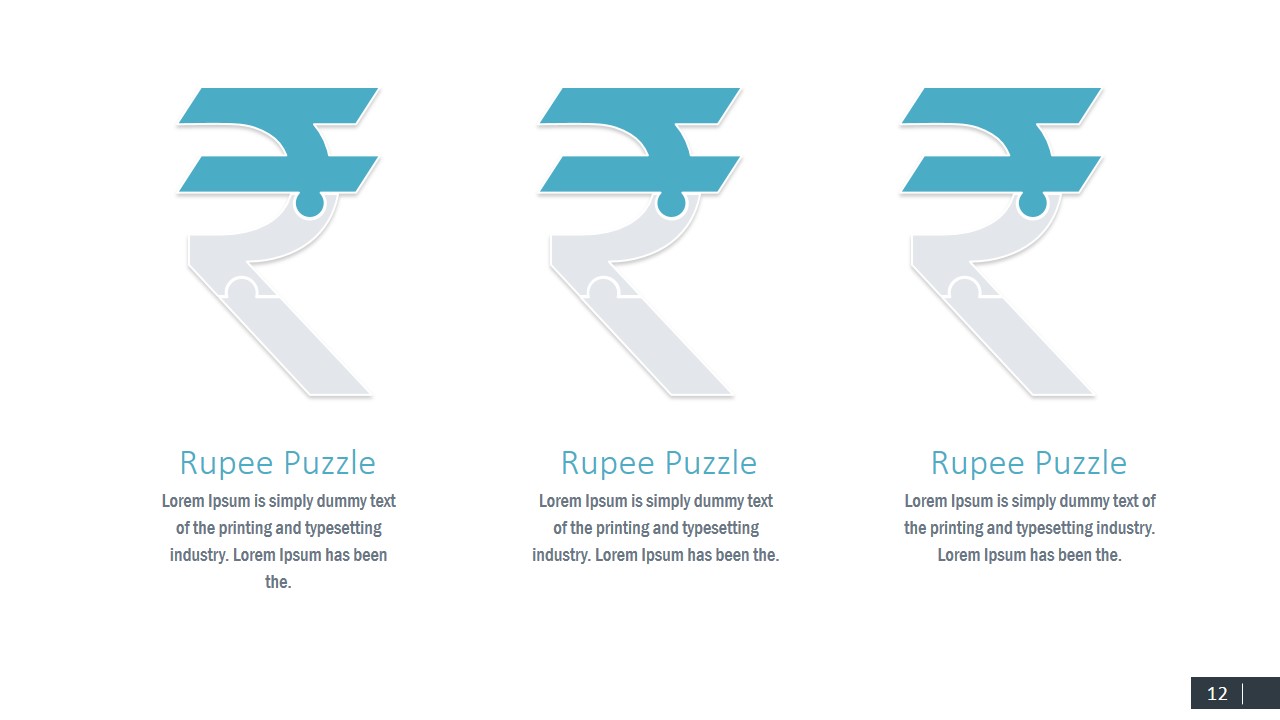
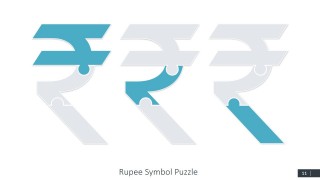
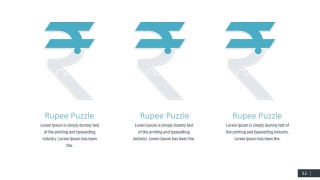
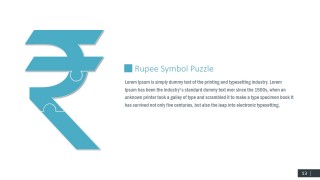
Currency Symbols Puzzle Shapes for PowerPoint is a 13-slide presentation template of editable currency-symbol puzzle diagrams for money and international finance topics. It includes a multi-symbol cover, three-variant puzzle comparison slides, three-item explanation layouts, and large symbol plus text layouts for Dollar, Euro, Pound, and Rupee concepts in PowerPoint and Google Slides.
- Category
- Shapes
- Rating


 Loading...
- Aspect ratio
- 16:9, 4:3
- Item ID
- 0013-02
- Colors
 Microsoft PowerPoint
  Microsoft Copilot
  Claude for PowerPoint
 Other formats supported
Subscribe today and get immediate
access to download our PowerPoint templates.