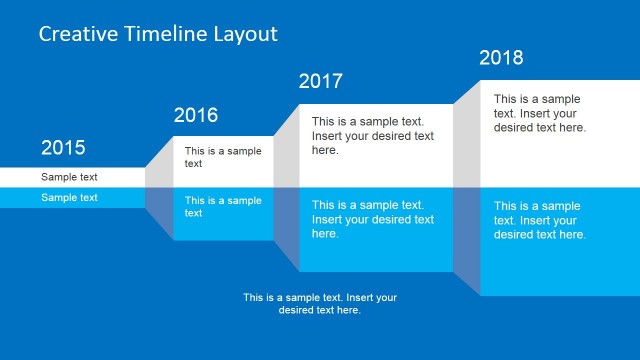
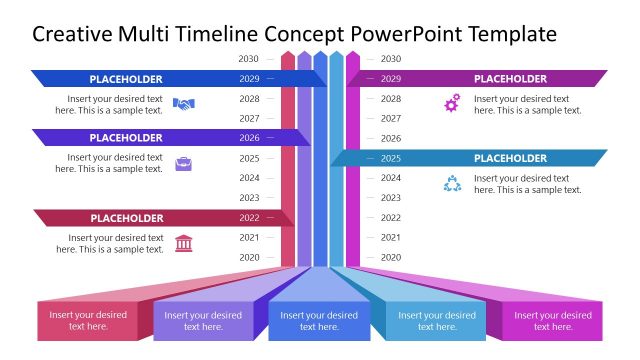
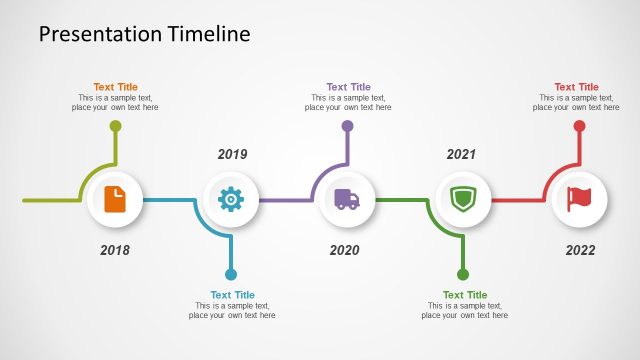
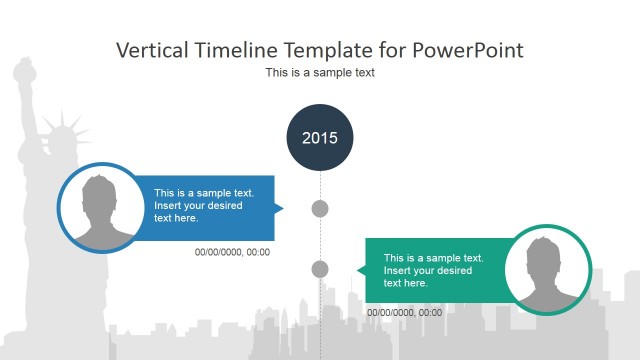
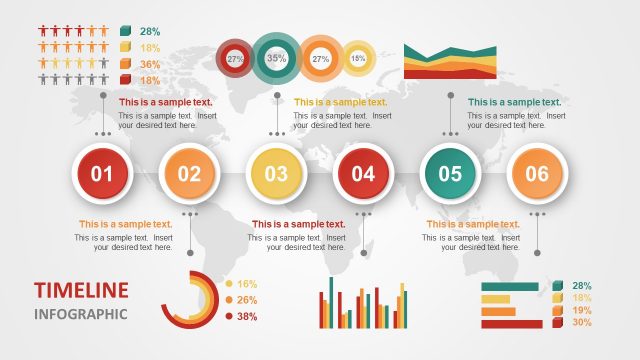
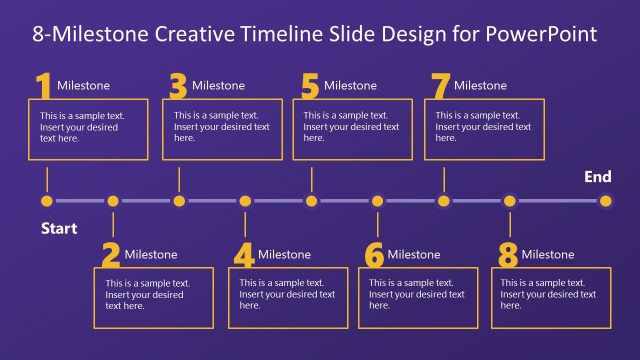
Creative Timeline Tracks PowerPoint Template is a presentation timeline template that you can use to make presentations on project planning, project management and event management presentations.
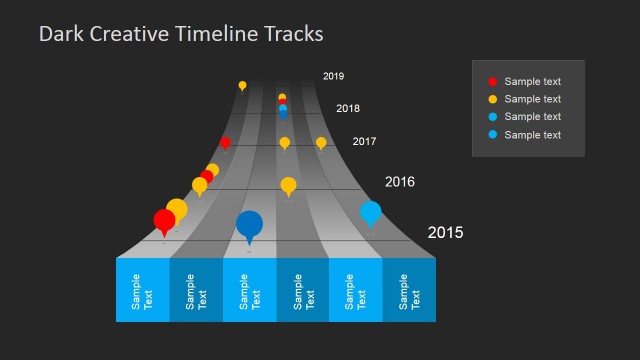
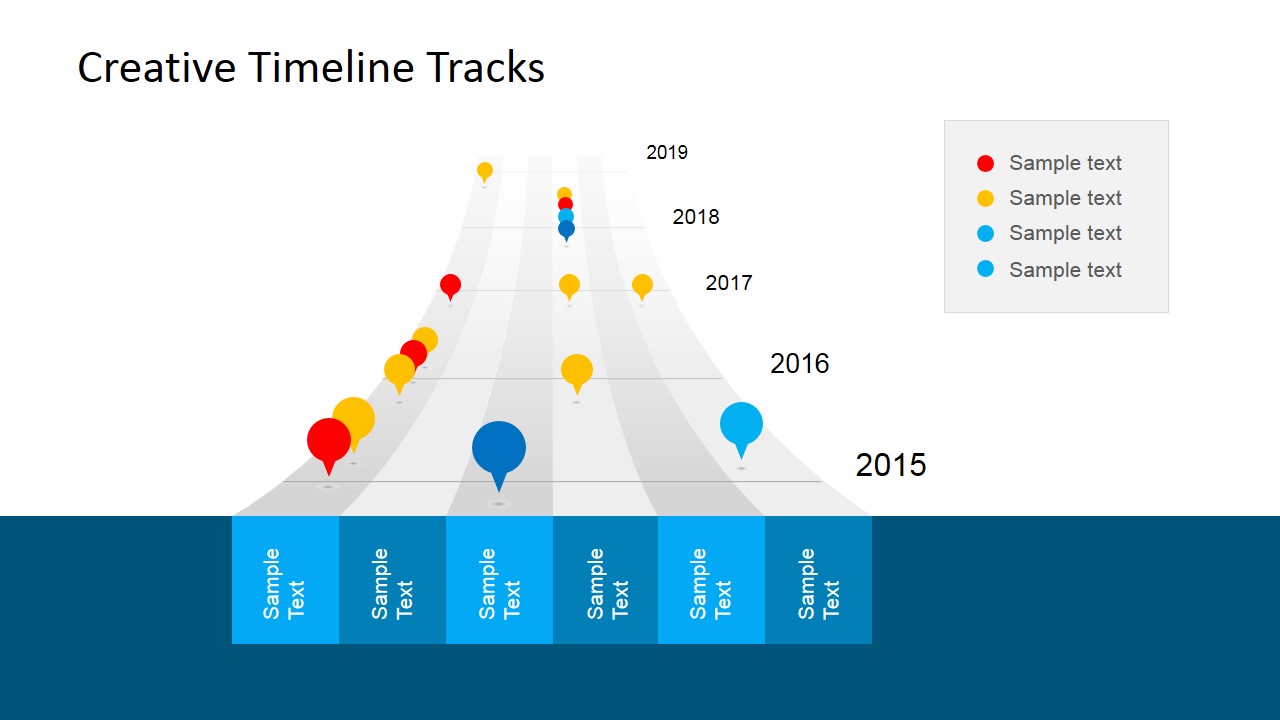
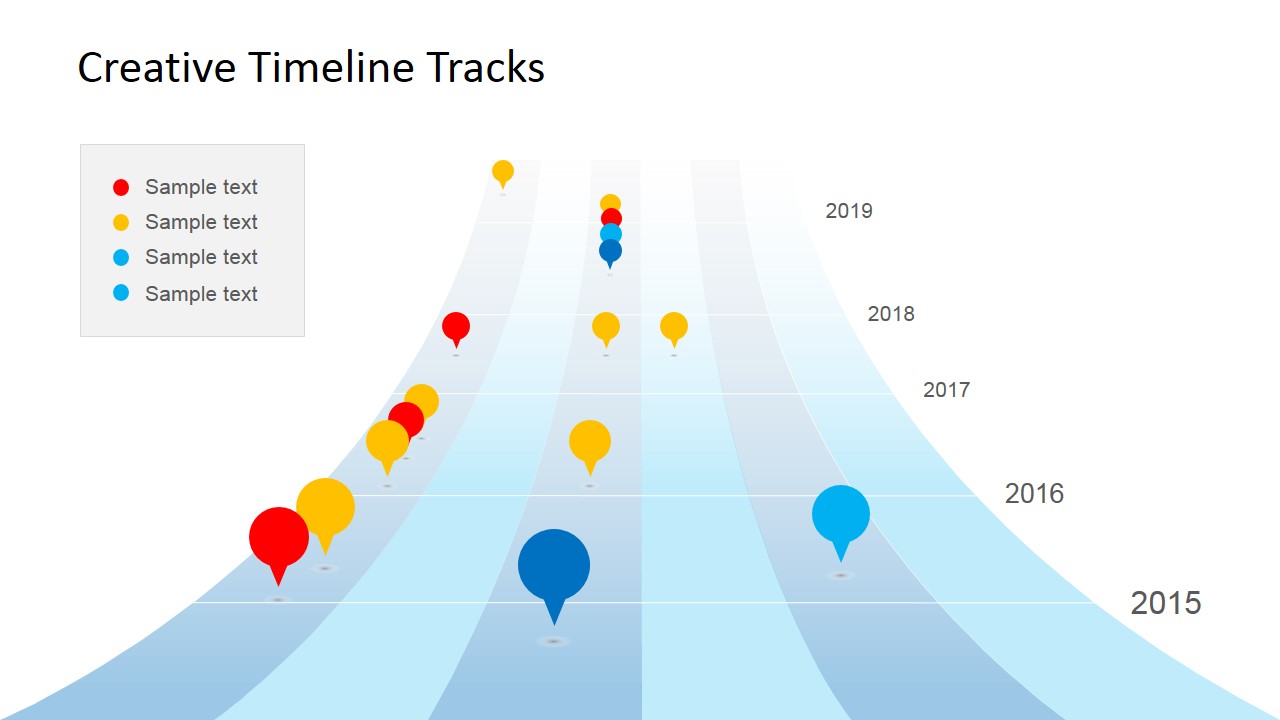
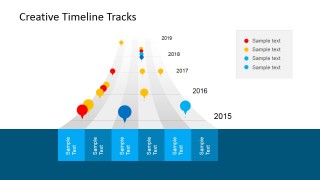
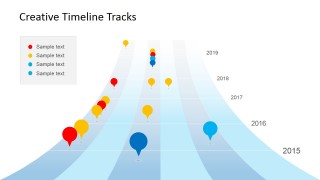
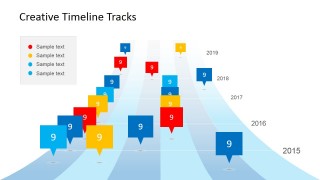
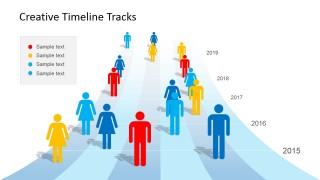
Unlike other timeline PowerPoint templates, this creative timeline PPT template design contains a nice tracks illustration that let you specify multiple categories, names or entities along the chronological timeline as an alternative visual representation.
What’s inside this template
Example presentation scenarios
- A project manager can use the full-width track timeline to show cross-functional milestones by year, with each colored pin representing a workstream or project category.
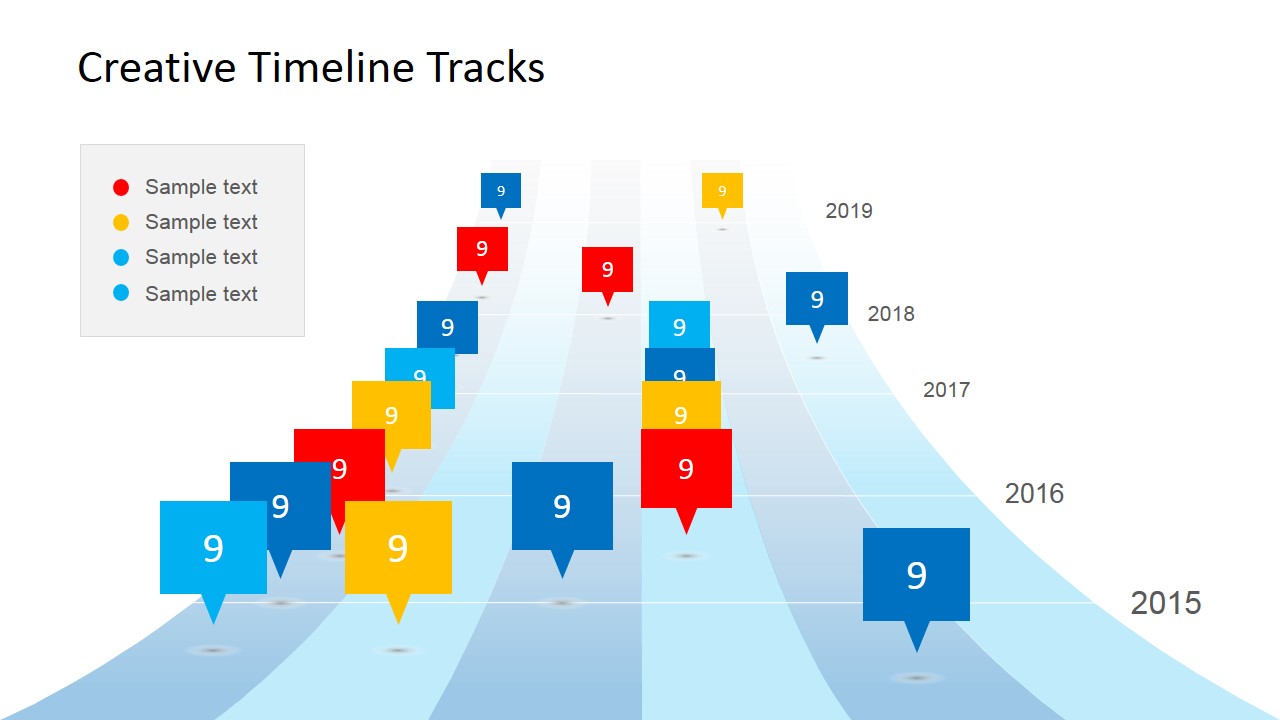
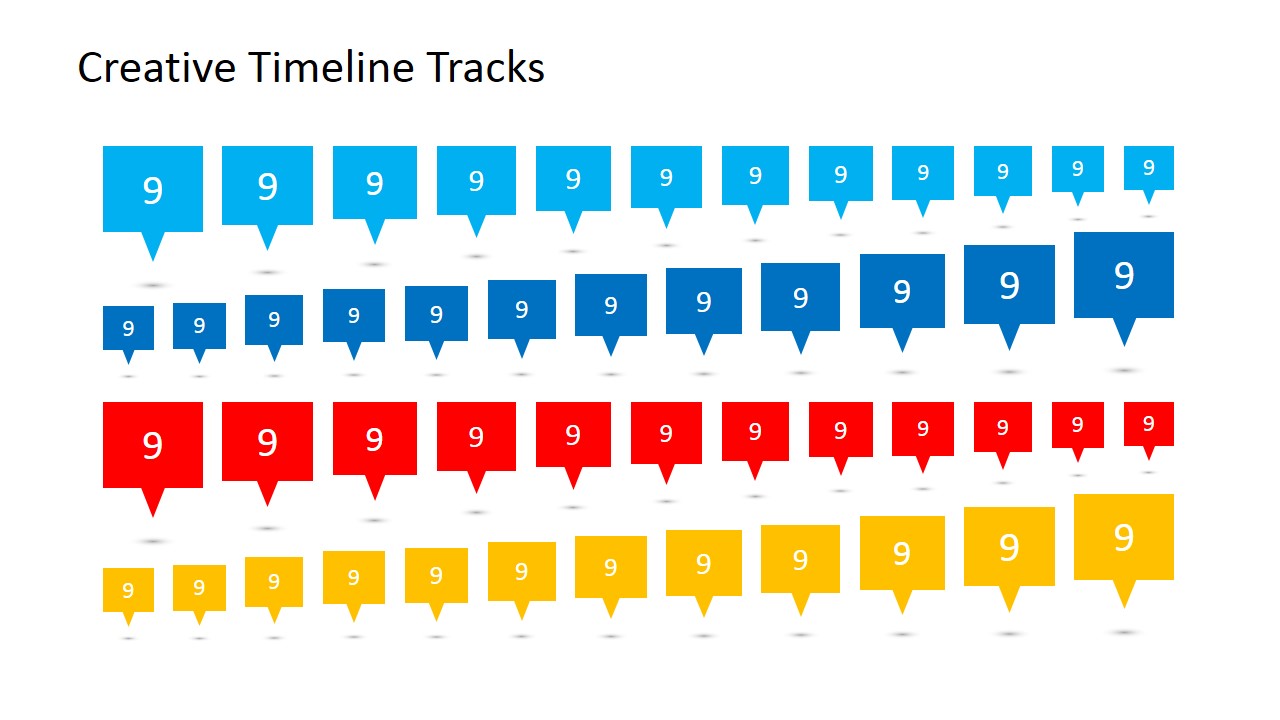
- An event planner can use the speech-bubble marker layout to explain schedule checkpoints, budget gates, or vendor deadlines while keeping the timeline easy to scan.
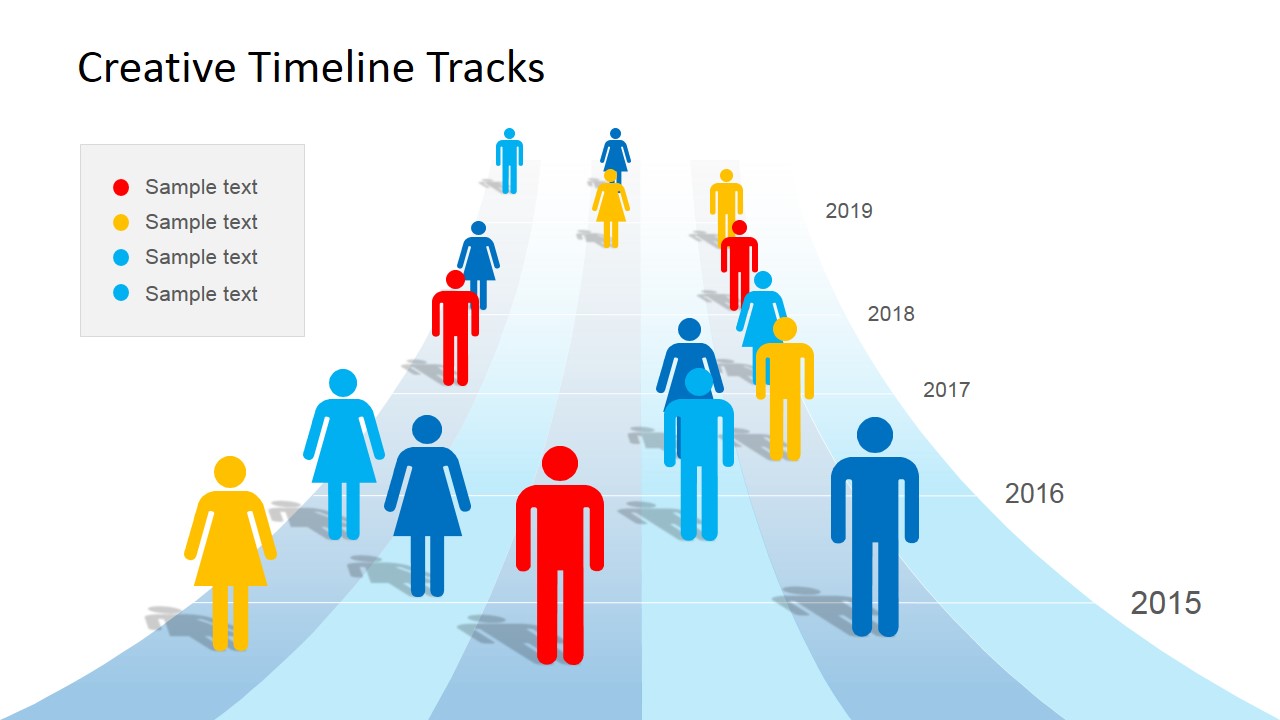
- A program lead can use the people-icon timeline to show which teams, roles, or stakeholder groups are active at different stages of a roadmap.
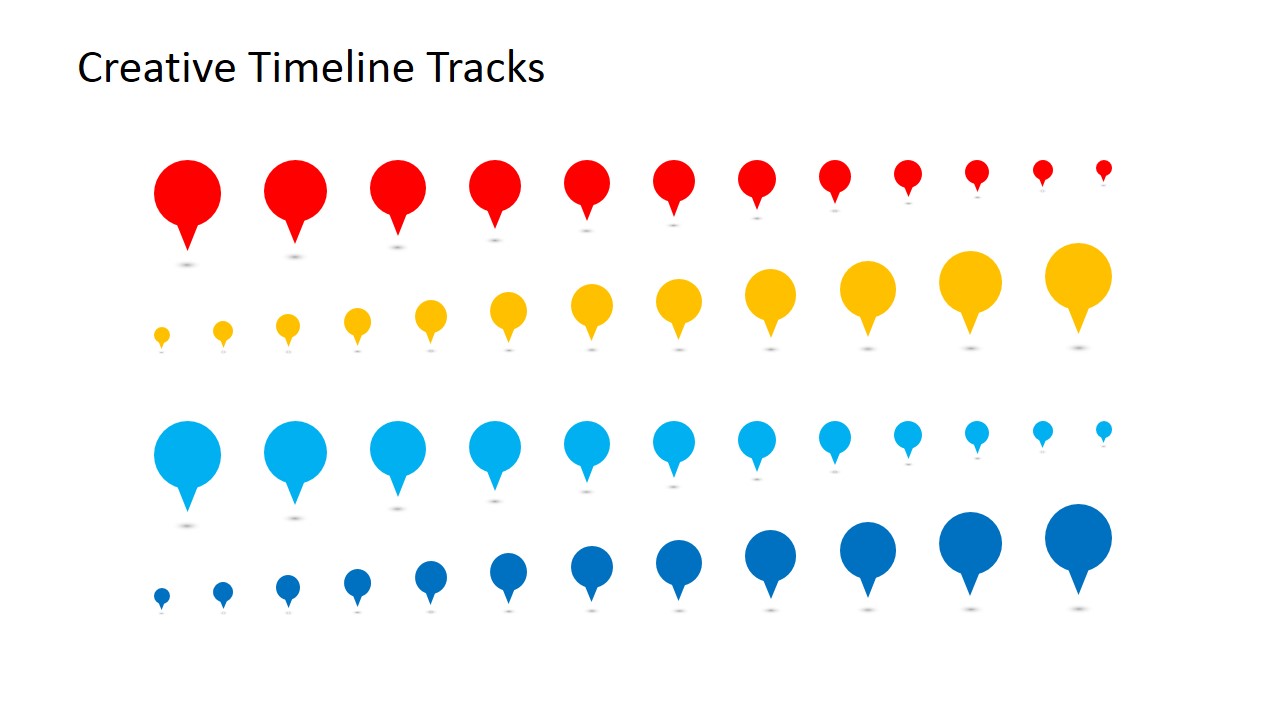
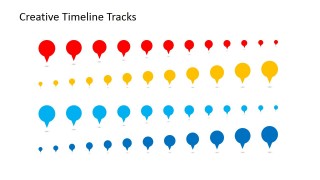
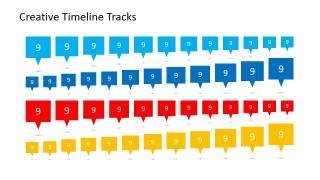
- A consultant can use the marker asset slides to build a custom milestone key before presenting a client roadmap or annual planning sequence.
Features
- 100% editable presentation template
- Compatible with Microsoft PowerPoint and Google Slides
- 16:9 aspect ratio slides
- Scalable vector shapes, icons and illustrations
- AI-Ready for Microsoft Copilot and Claude
- Instant access and download
Frequently asked questions
Q: How should a presenter organize a project update with this track timeline?
A: Start with one track slide as the main roadmap, then assign each color in the legend to a stable meaning such as department, phase, or risk level. Keep milestone labels short and use marker size to signal importance. Use the speech-bubble version only when a milestone needs a number, score, or brief callout.
Q: For which planning situations is this template the best fit?
A: This template fits milestone-heavy updates where timing and category comparison matter more than task-level detail. Project managers, event planners, and operations leads can use it for annual planning, budget checkpoints, launch schedules, or project tracking because the track lanes make parallel workstreams visible without creating a dense table.
Q: Why does the track metaphor work for communicating a timeline?
A: The curved track metaphor suggests movement, direction, and parallel lanes, which helps an audience understand progress across time. Colored pins act like visible checkpoints, while year labels anchor the sequence. This design is more memorable than a straight line when the presenter needs to compare multiple categories on one timeline.

Creative Timeline Tracks PowerPoint Template
7-slide presentation template for track timelines, project milestones, and planning roadmaps in 16:9 format
Creative Timeline Tracks PowerPoint Template is a 7-slide 16:9 presentation template for planning timelines built around curved track lanes. It includes a lane-based roadmap, year-marked milestone pins, speech-bubble markers, a people-icon timeline, and marker asset slides for project managers, event planners, and teams using Microsoft PowerPoint or Google Slides.
- Category
- Timelines & Planning
- Rating


 Loading...
- Aspect ratio
- 16:9
- Item ID
- 6672-01
- Colors
 Microsoft PowerPoint
  Microsoft Copilot
  Claude for PowerPoint
 Other formats supported
Subscribe today and get immediate
access to download our PowerPoint templates.