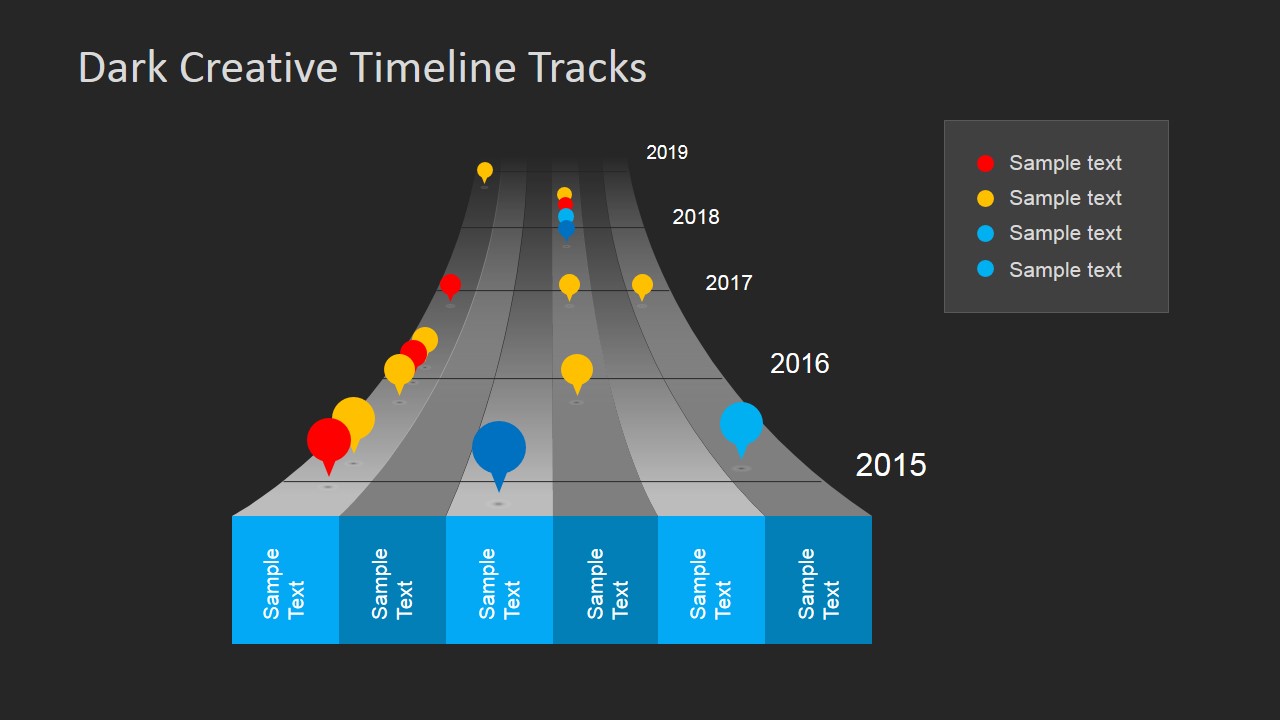
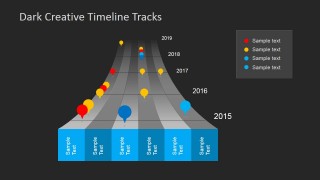
Dark Timeline Tracks PowerPoint Template is a presentation design containing a creative planning timeline template that you can use in Microsoft PowerPoint presentations.
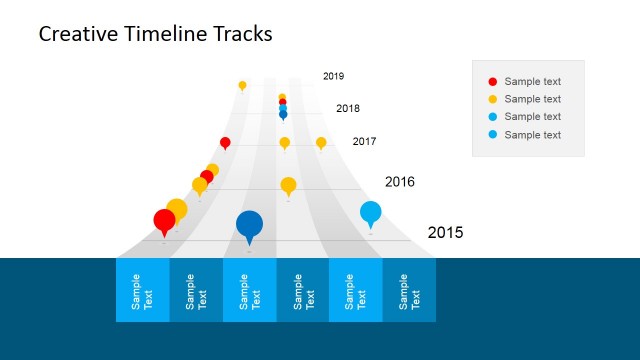
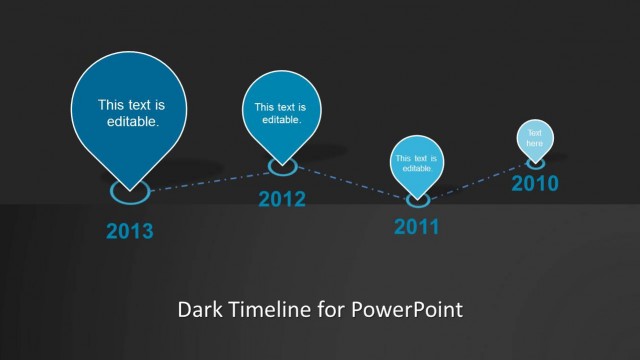
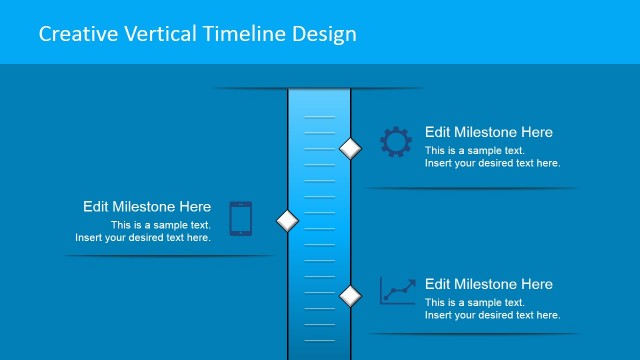
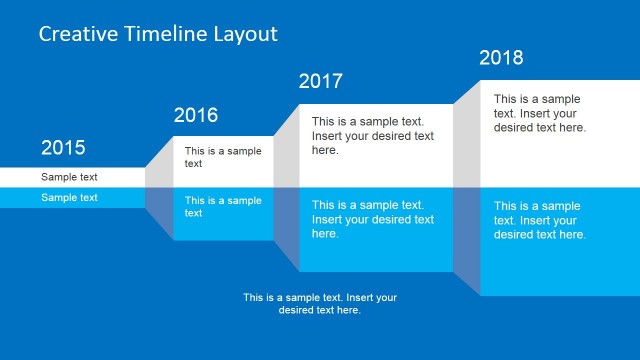
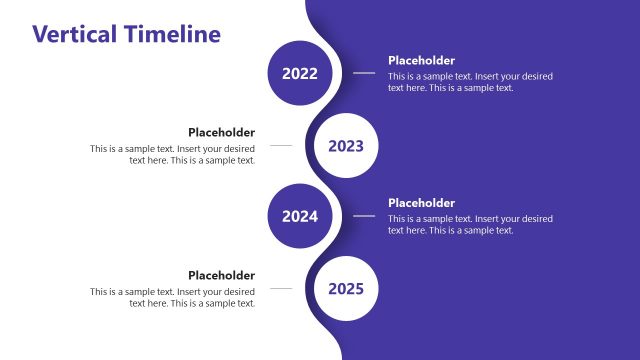
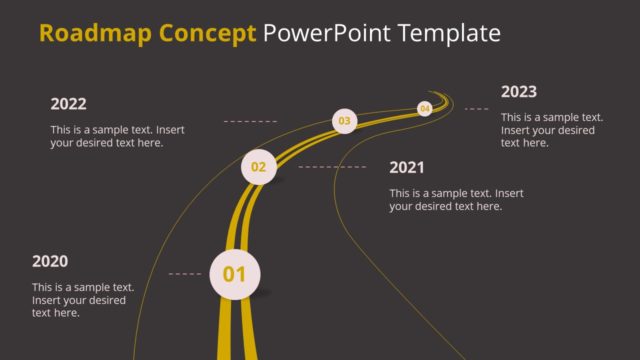
This timeline design can be used for presentations on project management and project planning as an alternative to traditional timeline templates showing an horizontal or vertical timeline with milestones. Instead, you can use this creative timeline style to decorate your project planning presentations.
What’s inside this template
Example presentation scenarios
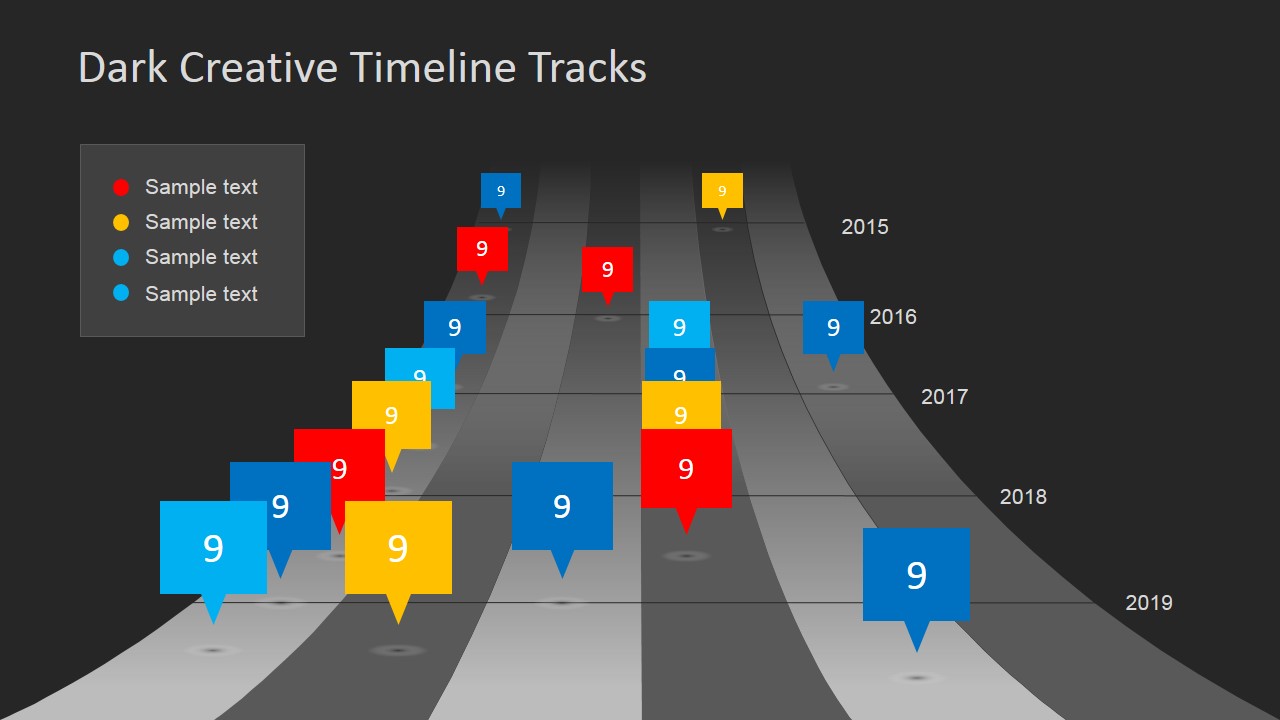
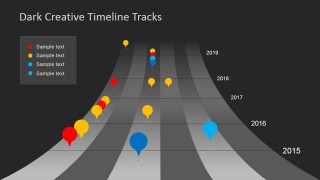
- A project manager can present a delivery roadmap by placing milestones on the curved track timeline and using the year labels to show sequence.
- A consultant can explain a transformation plan by assigning colored milestone pins to workstreams, risks, or decision points on the road-track layout.
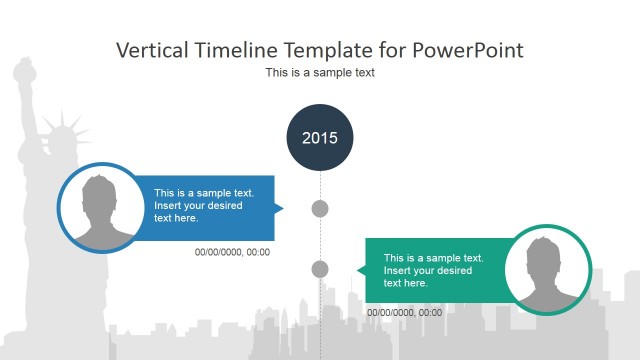
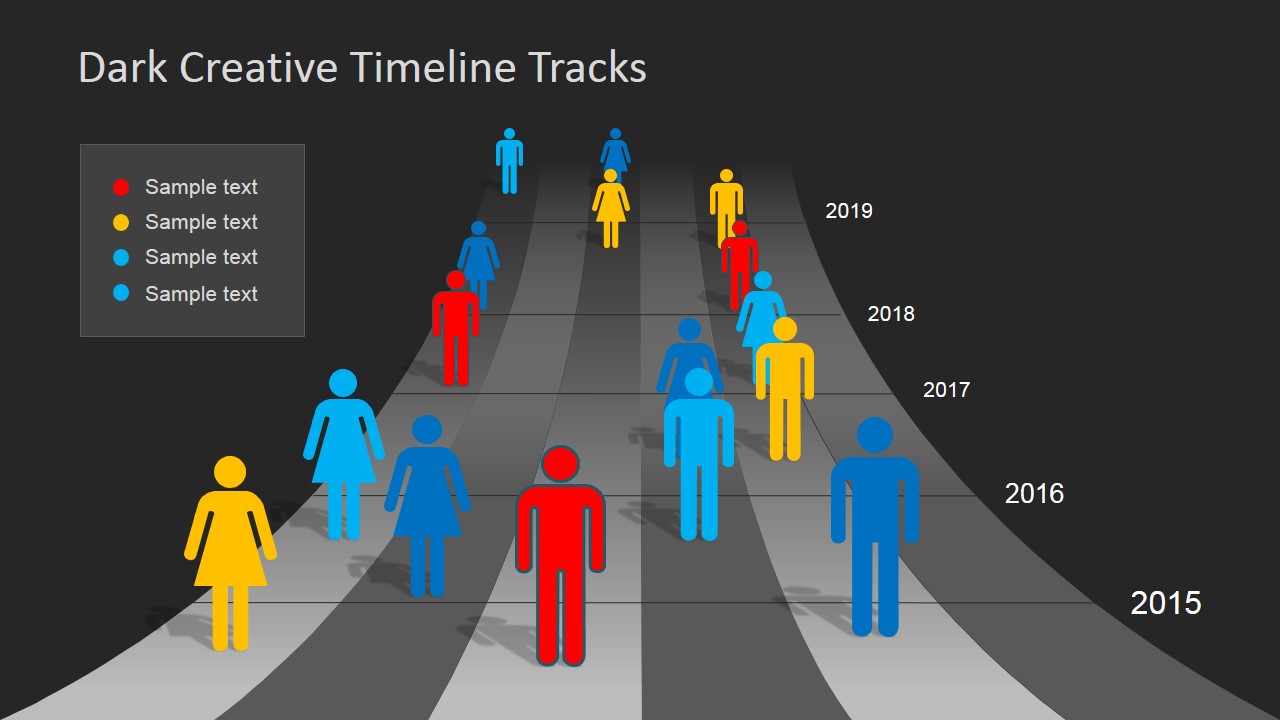
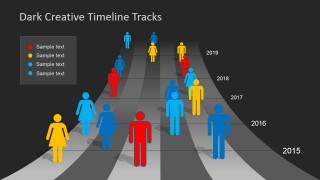
- An operations leader can brief executives on team activity by using the people marker timeline to show ownership across phases.
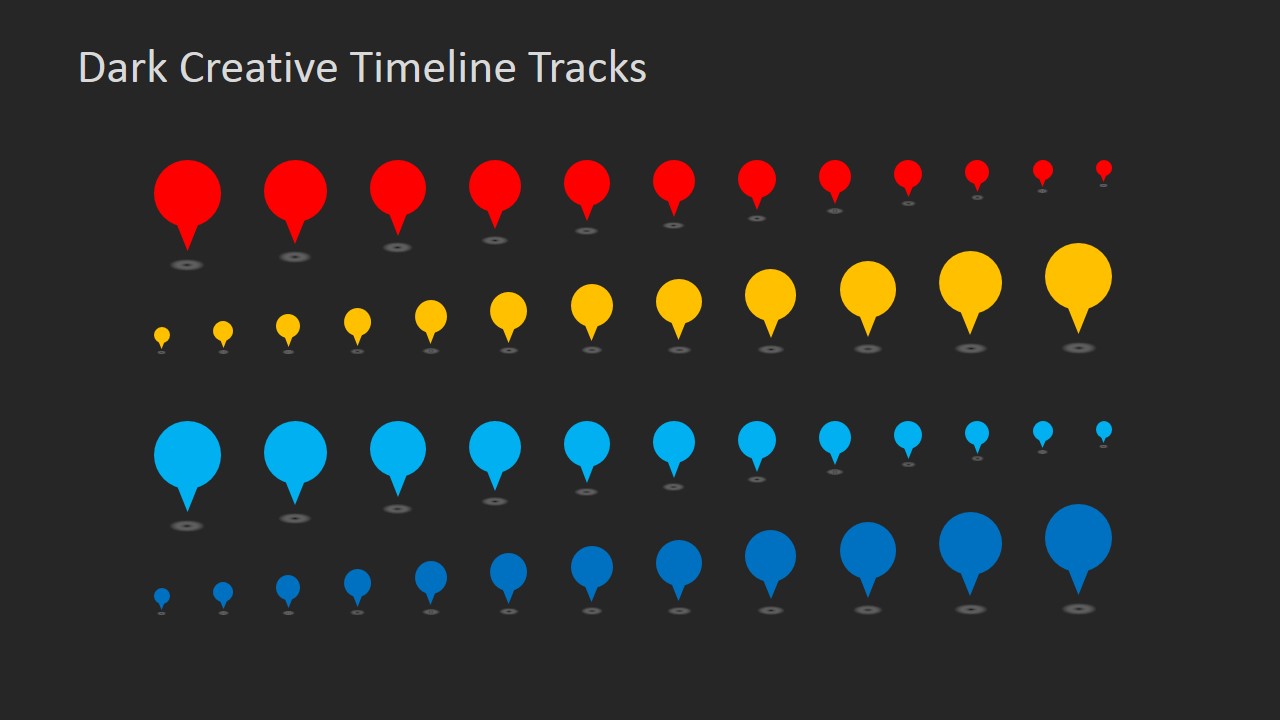
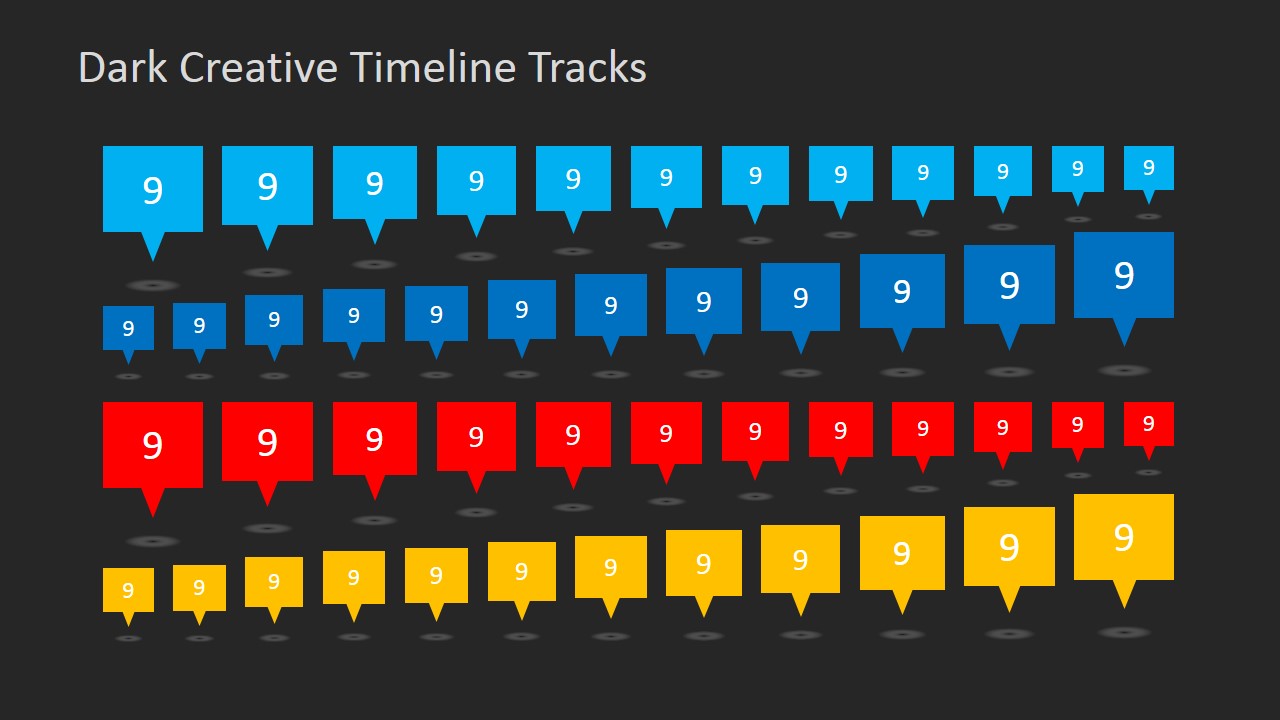
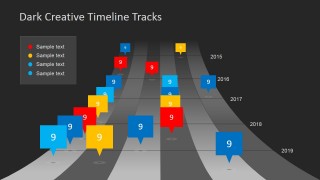
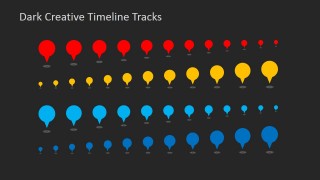
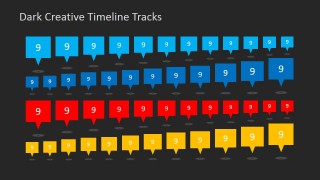
- A PMO analyst can standardize reporting visuals by reusing the pin and speech-bubble marker libraries for upcoming schedule updates.
Features
- 100% editable presentation template
- Compatible with Microsoft PowerPoint and Google Slides
- Scalable vector shapes, icons and illustrations
- AI-Ready for Microsoft Copilot and Claude
- Instant access and download
Frequently asked questions
Q: How should a presenter explain the timeline without making the track look like decoration?
A: Treat the road-track image as the organizing structure, not a background. Start by defining what each lane or color means in the legend, then move through the year labels in order. Use larger pins or callouts only for the milestones that need discussion, so the audience understands timing and priority together.
Q: Who is this template best suited for in a project presentation?
A: This template fits project managers, consultants, and planning leads who need to show progress, milestone timing, or a roadmap concept in a short update. It is strongest when the message is about movement through phases, such as implementation, rollout, launch planning, or a multi-year initiative.
Q: Why does the track metaphor work for milestone communication?
A: The track creates a natural sense of forward motion, which helps audiences understand sequence faster than a plain list. The curved perspective suggests distance and progress, while the colored pins, people icons, and numbered callouts let the presenter separate milestones, owners, or priority levels without adding dense text.

Dark Timeline Tracks PowerPoint Template
7-slide presentation template for dark timeline tracks, milestones, and project planning visuals
Dark Timeline Tracks PowerPoint Template is a 7-slide timeline and planning template for Microsoft PowerPoint and Google Slides. It uses a dark road-track visual metaphor with year labels, colored milestone pins, numeric speech-bubble markers, people icons, and reusable marker libraries for project managers and planners.


 Loading...
 Microsoft PowerPoint
  Microsoft Copilot
  Claude for PowerPoint
 Other formats supported
Subscribe today and get immediate
access to download our PowerPoint templates.