Modern Flat Gears PowerPoint Template is a presentation design for Microsoft PowerPoint containing useful slide designs with Modern Flat style. Inside this PPT template you can find colorful slide backgrounds containing useful editable shapes like displays and gears that can help you to create PowerPoint presentations.
Gear Vectors are extensively used on process presentations to represent the moving pieces metaphor. The user can combine this pictures of gears with any of our PowerPoint Shapes. The icons and gear clip art provided in this professional PowerPoint Template are created 100% editable with PowerPoint objects, allowing the user to fully customize it appearance (size, colors, effects, etc).
Create your Cycle Gear Presentation with amazing gear graphics and save time during your content creation stage.
Flat Design is becoming one of the de facto standards in the web and presentations. Decorate your presentation with new PowerPoint Themes that will engage your audience, while keeping your presentation up to date.
Impress your audience with our Modern Flat Gears PowerPoint Template and create presentations that appeal to global audiences. Alternatively, check our collection of gears PowerPoint templates.
What’s inside this template
Example presentation scenarios
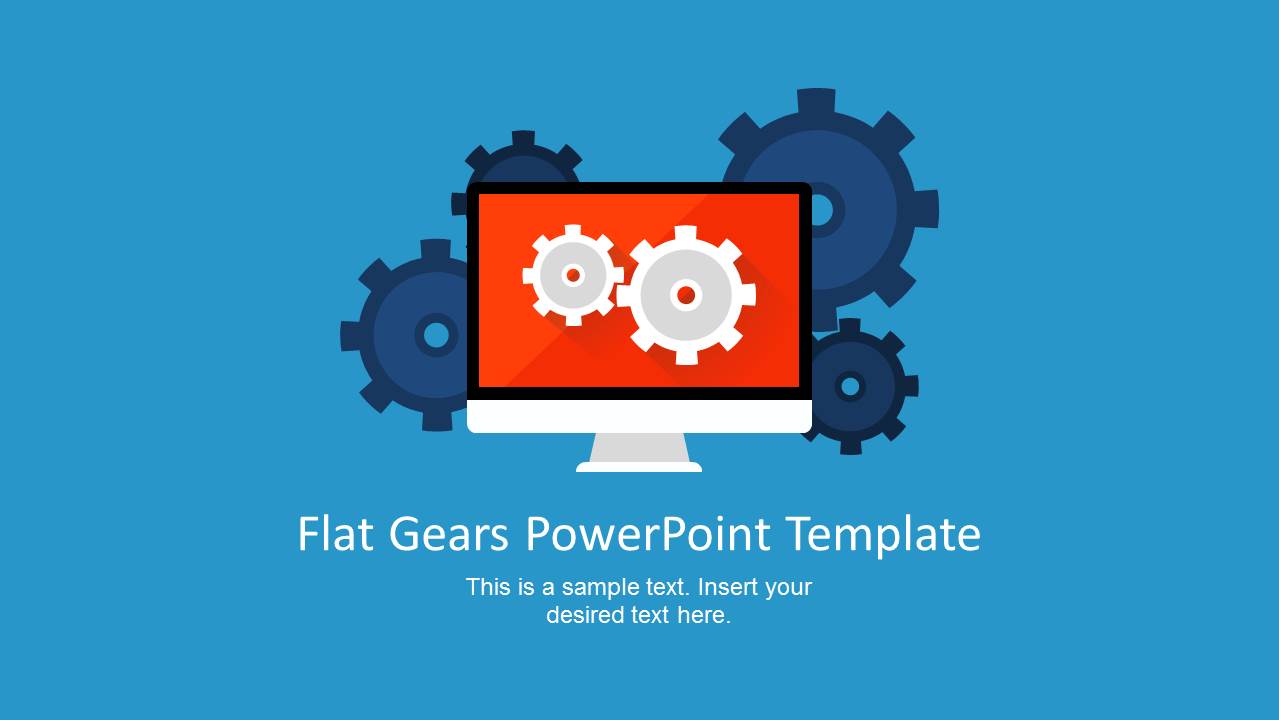
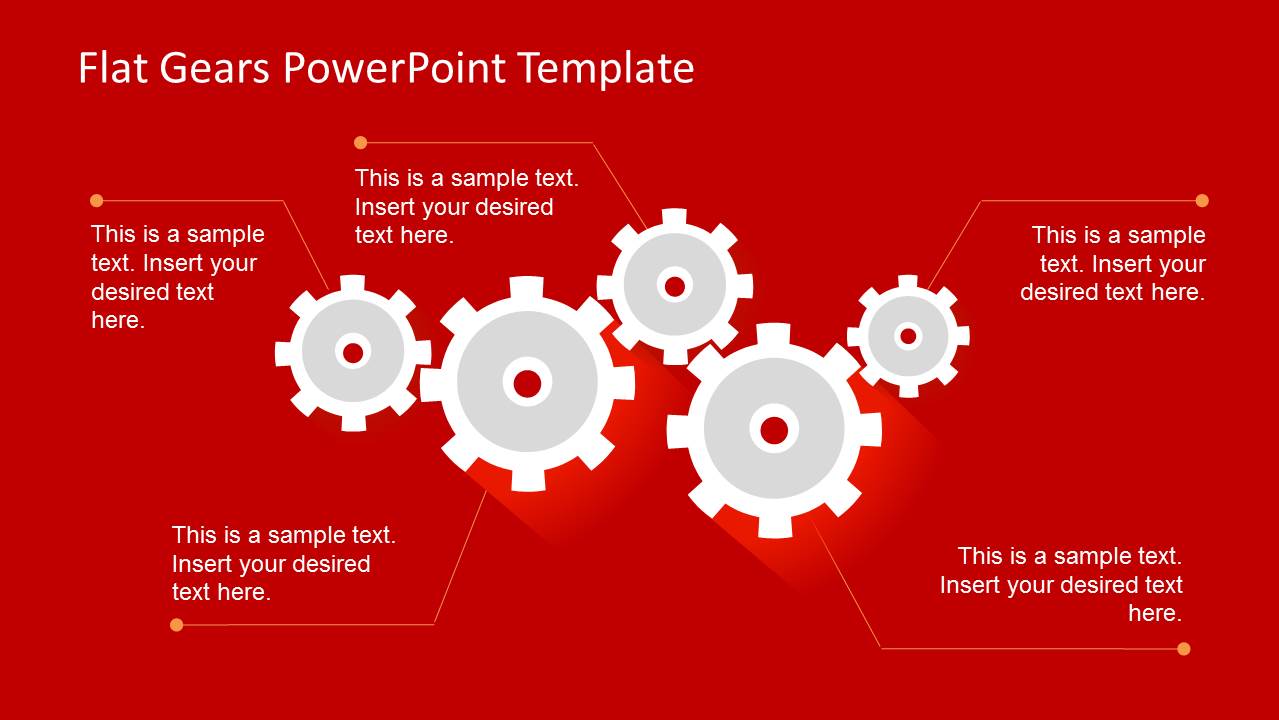
- A project manager can introduce a workflow kickoff by using the cover slide and the red gear callout diagram to show how teams, tasks, and dependencies connect.
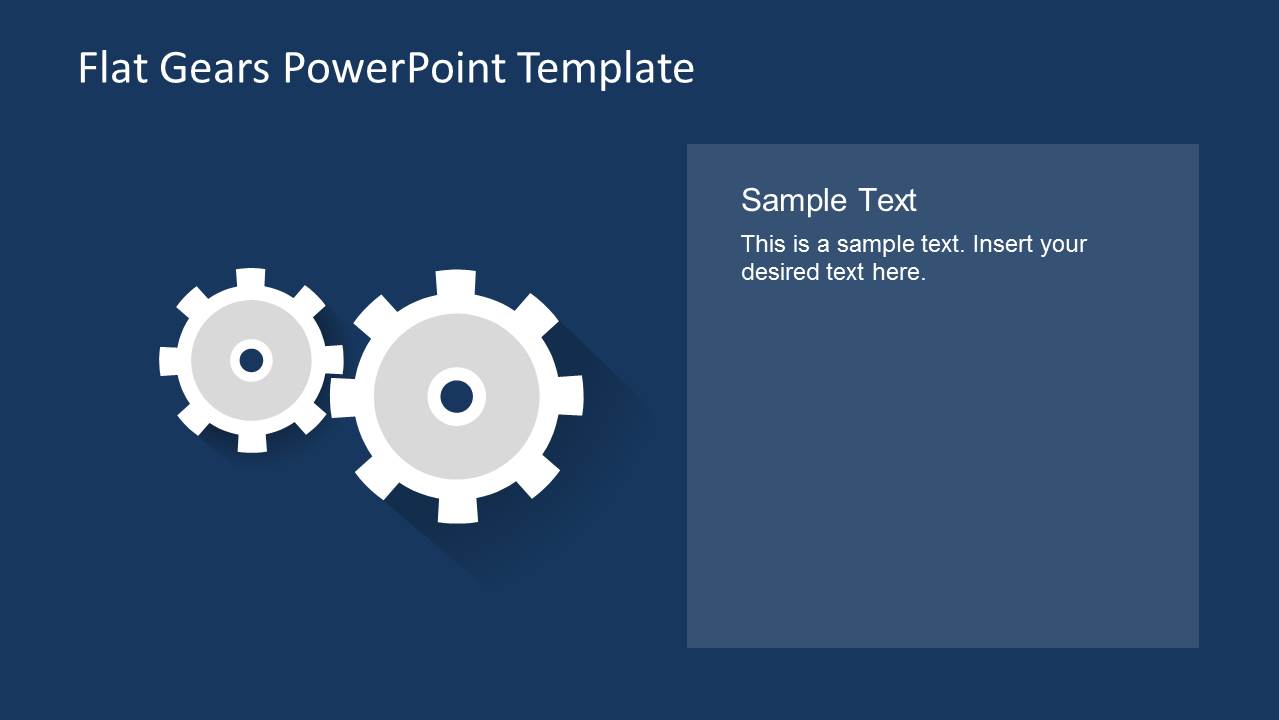
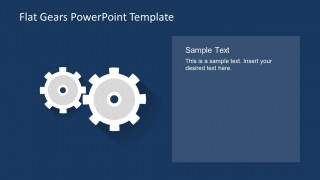
- An operations lead can explain a process improvement plan with the navy two-column slide, placing key actions beside the large gear icons for a simple mechanics metaphor.
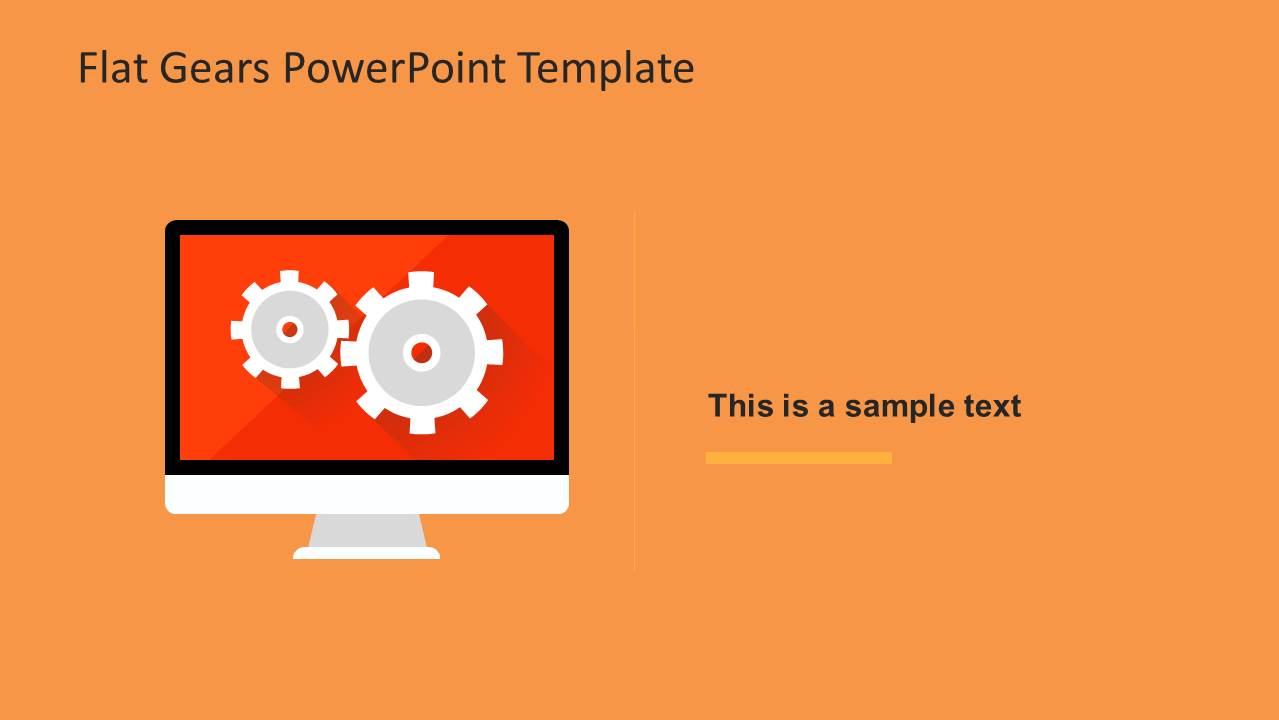
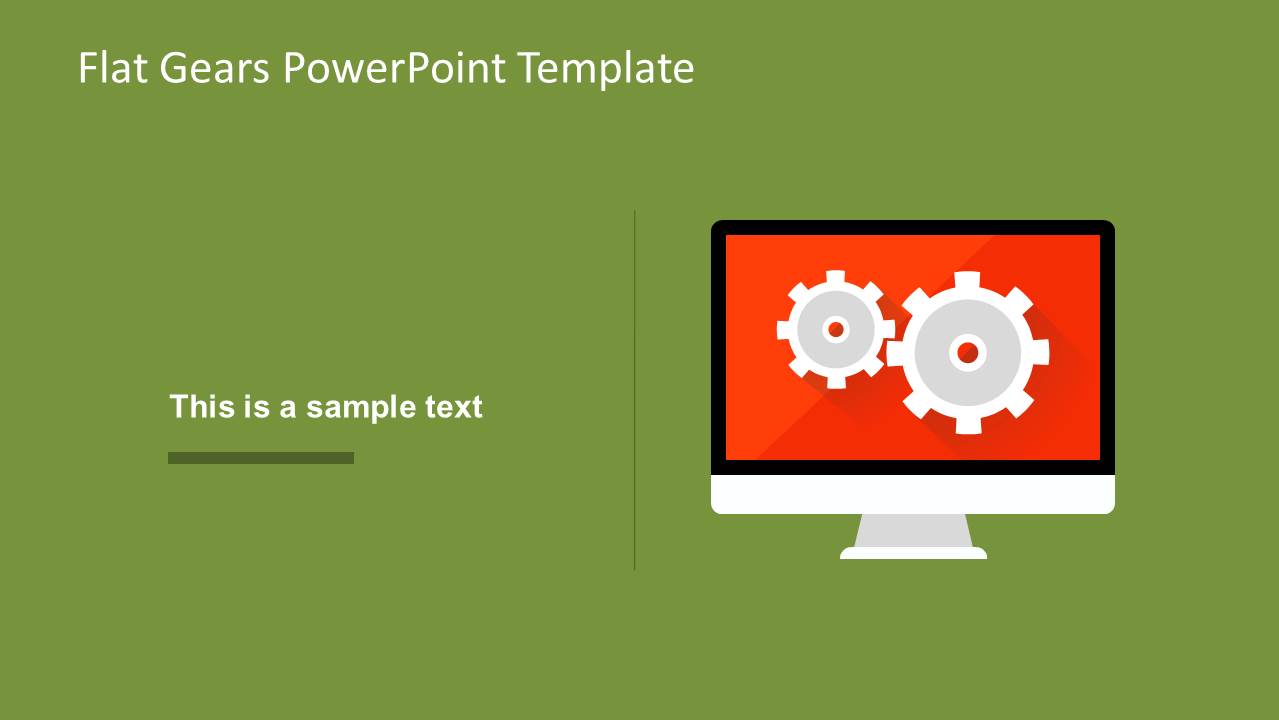
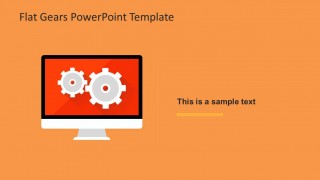
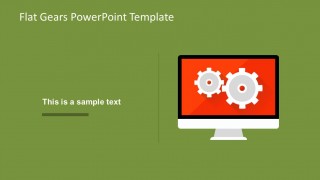
- An IT analyst can present a system workflow by using the monitor graphic slides to connect software screens, automated tasks, and back-end process steps.
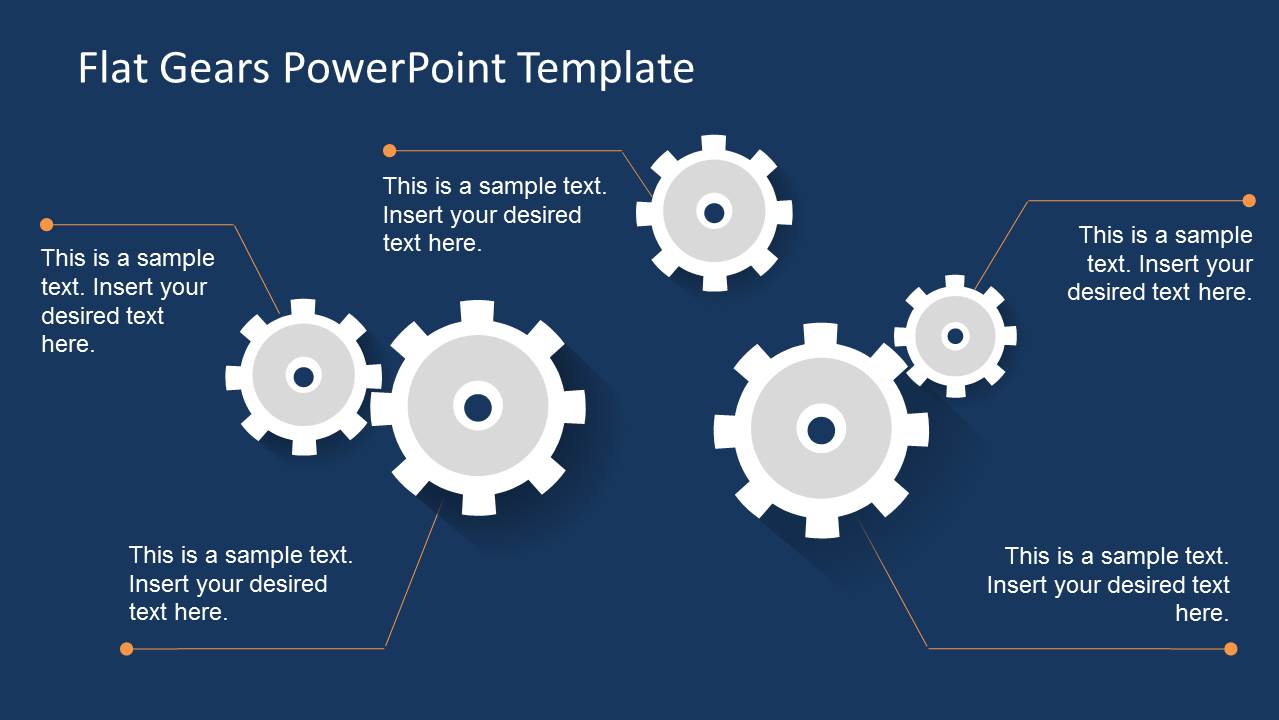
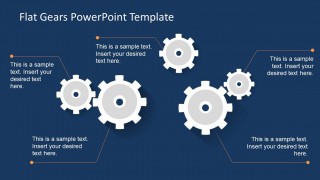
- A consultant can summarize organizational task alignment with the navy gear callout slide, assigning each callout to a stakeholder, workstream, or required decision.
Features
- 100% editable presentation template
- Compatible with Microsoft PowerPoint and Google Slides
- 16:9 aspect ratio slides
- Scalable vector shapes, icons and illustrations
- AI-Ready for Microsoft Copilot and Claude
- Instant access and download
Frequently asked questions
Q: How should I explain a process with the gear callout slides?
A: Treat each gear as one moving part of the process, not as decoration. Start with the largest gear as the central system, outcome, or workstream, then assign surrounding callouts to dependencies, inputs, owners, or risks. Keep each label short so the audience sees the relationship before reading the details.
Q: Who is this template best suited for?
A: This template fits presenters who need to make process mechanics feel simple: project managers, operations leads, IT analysts, and consultants. It works well when the topic involves coordination, tasks, automation, systems, or workflow ownership, and when the audience needs a high-level explanation rather than a dense technical diagram.
Q: Why does the gear metaphor help this message?
A: Gears create an immediate visual cue for interdependence: when one part moves, others are affected. The monitor slides add a digital-work context, while the callout slides make each component nameable. This pairing helps presenters explain cause, coordination, and system behavior without drawing a complex process map.
Modern Flat Gears PowerPoint Template
6-slide presentation template with flat gear diagrams, monitor graphics, and process callouts
Modern Flat Gears PowerPoint Template is a 6-slide 16:9 presentation template for explaining process mechanics, task relationships, and digital workflows. It includes a cover slide, gear callout diagrams, monitor graphic layouts, and a two-column content slide for process, operations, and technology presenters in Microsoft PowerPoint and Google Slides.
- Category
- Shapes
- Rating


 Loading...
- Aspect ratio
- 16:9
- Item ID
- 6556-01
- Colors
 Microsoft PowerPoint
  Microsoft Copilot
  Claude for PowerPoint
 Other formats supported
Subscribe today and get immediate
access to download our PowerPoint templates.