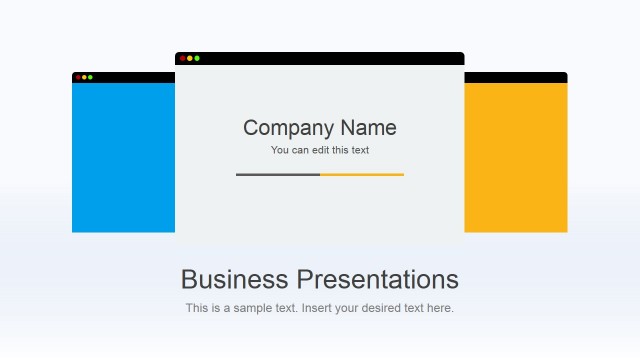
Flat Modern template for PowerPoint is a creative presentation template design that you can download and use to make business and technology presentations in Microsoft PowerPoint 2007, 2010 and 2013.
This template design for PowerPoint contains useful slides that can help you to decorate your presentation content by combining style and creativity.
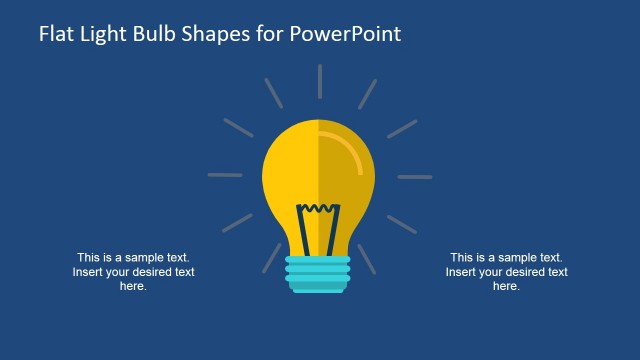
Inside this presentation template you can find light bulb slide designs created with PowerPoint shapes, a businessman in front of a computer with text boxes that helps you to create an agenda slide or present content easily, multi-step diagrams and vertical key concepts and key points slide layout that you can use as an alternative to traditional bullet points.
What’s inside this template
Example presentation scenarios
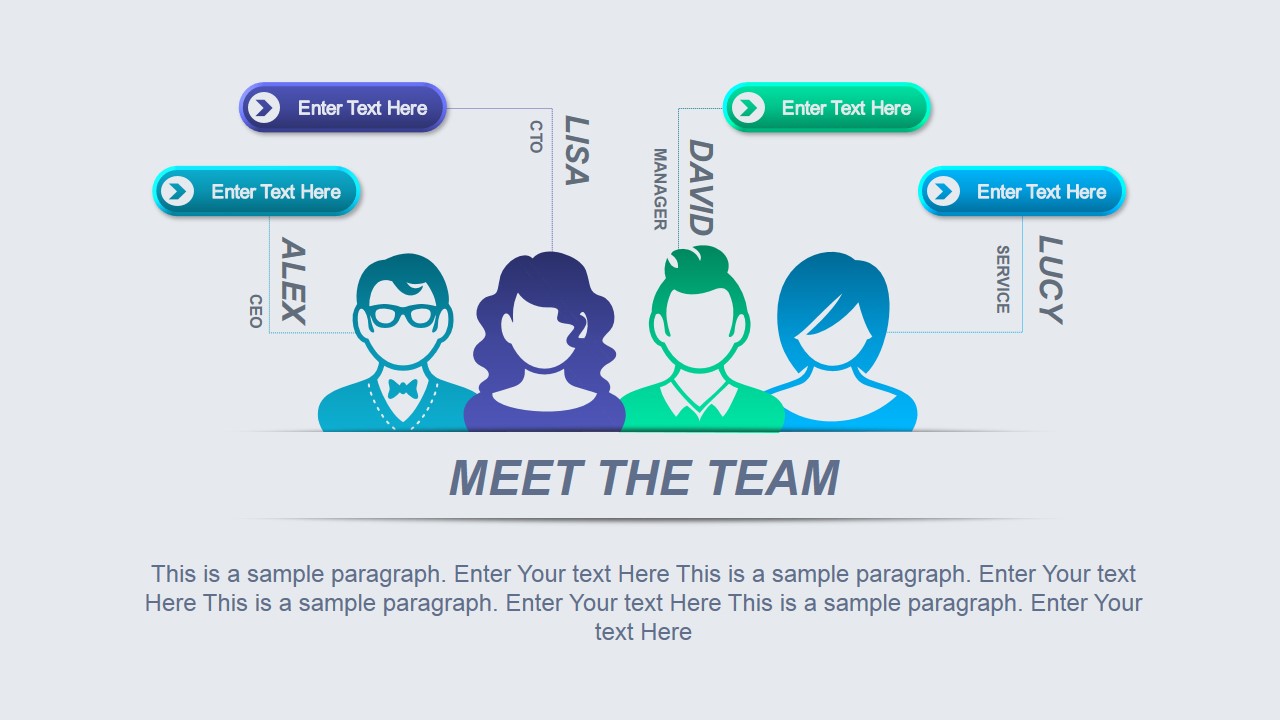
- A project manager can open a kickoff meeting by introducing the core team with the avatar slide and then outlining agenda items with the laptop-and-arrow layout.
- A product lead can explain four feature ideas or service concepts with the hanging light bulb diagram, using each bulb as one message block.
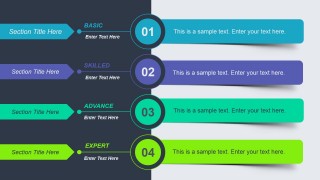
- A corporate trainer can organize a skills session with the four-level skill layout, moving from basic to expert while keeping each level visually separate.
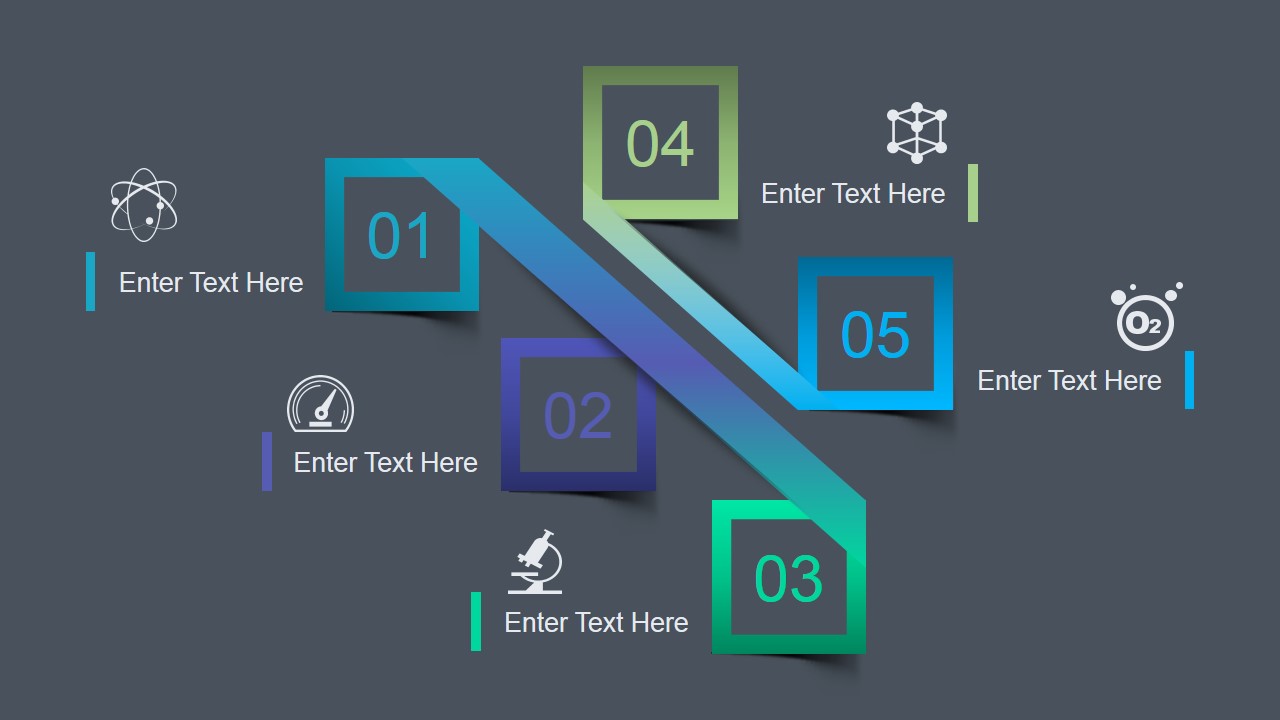
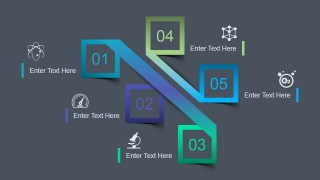
- A consultant can summarize a recommendation roadmap with the five-step diagonal path, assigning one action, owner, or milestone to each numbered node.
Features
- 100% editable presentation template
- Compatible with Microsoft PowerPoint and Google Slides
- 16:9 aspect ratio slides
- Scalable vector shapes, icons and illustrations
- AI-Ready for Microsoft Copilot and Claude
- Instant access and download
Frequently asked questions
Q: How should a presenter structure a short message with this template?
A: Start with the audience's need, not the visuals. Use the meet-the-team slide only if roles matter to the decision. Use the light bulb slide for four ideas or themes, then move to the agenda arrows or five-step path to show what happens next. Keep each text block to one concise point.
Q: Who is this template best suited for?
A: This template works best for business and technology presenters who need a quick, visual update rather than a data-heavy report. Project managers, product leads, trainers, and consultants can use the agenda slide, skill levels, and process path to make internal meetings, workshops, or service explanations easier to follow.
Q: Why do the light bulb and path metaphors help the message?
A: The light bulb slide signals ideas, discovery, or options before the audience reads the text, while the diagonal numbered path gives movement to a sequence of steps. These metaphors reduce the need for long paragraphs because viewers can instantly understand whether the slide is about concepts, levels, or progression.




Flat Modern PowerPoint Template
5-slide presentation template with flat technology agenda, team, and process layouts for business updates
Flat Modern PowerPoint Template is a 5-slide 16:9 presentation template for business and technology communication in Microsoft PowerPoint and Google Slides. It includes a meet-the-team slide, light bulb concept diagram, four-step skill/process layout, agenda-style computer slide, and numbered path diagram for structured key points.
- Category
- Template Backgrounds
- Rating


 Loading...
- Aspect ratio
- 16:9
- Item ID
- 4017-01
- Colors
 Microsoft PowerPoint
  Microsoft Copilot
  Claude for PowerPoint
 Other formats supported
Subscribe today and get immediate
access to download our PowerPoint templates.