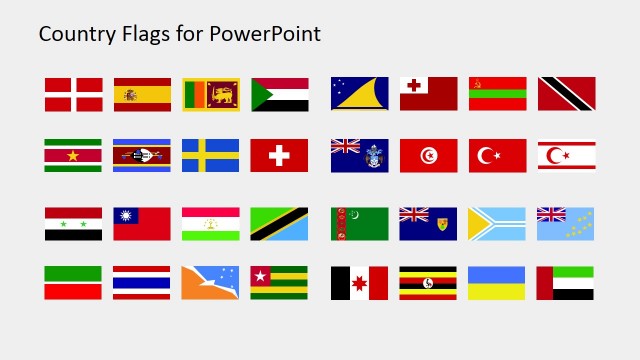
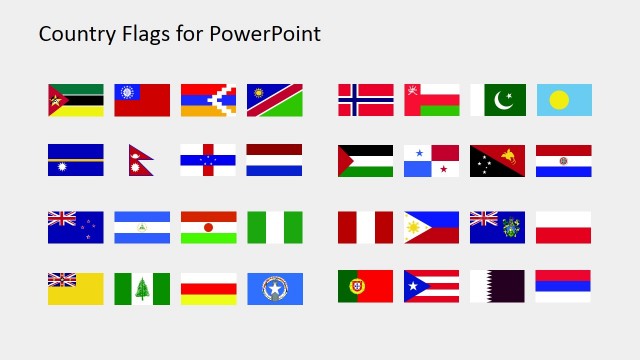
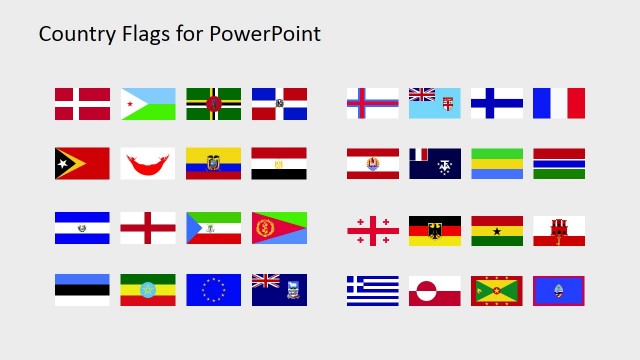
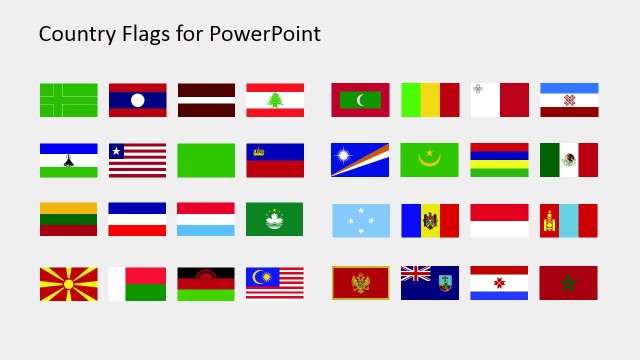
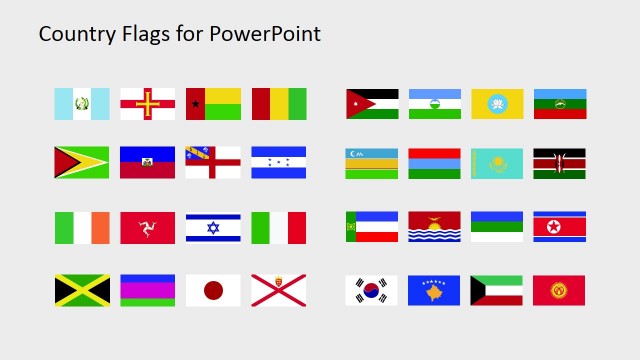
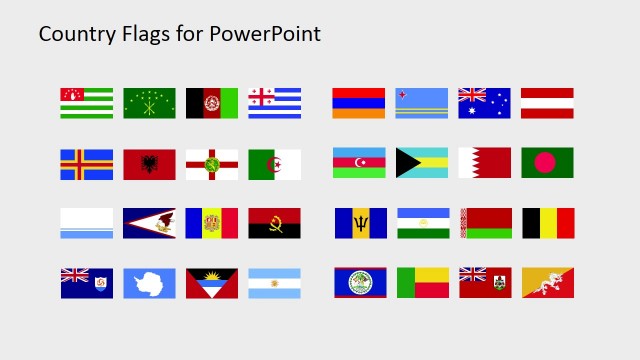
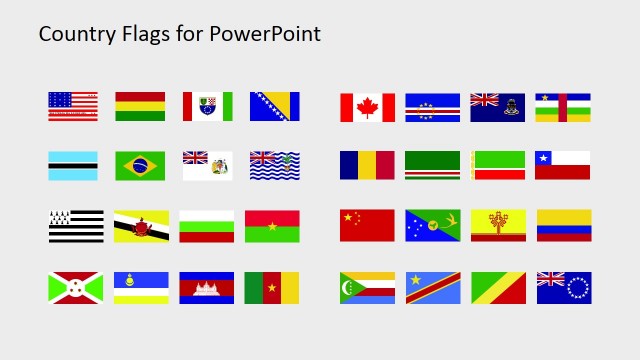
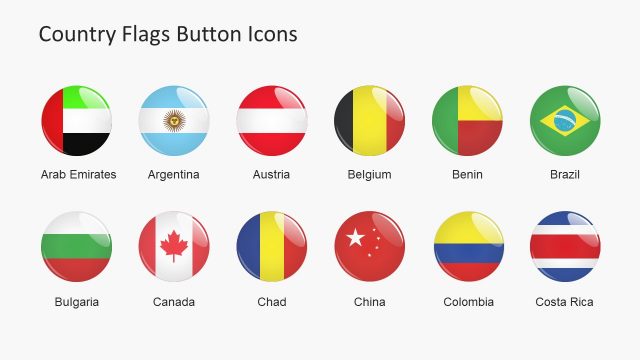
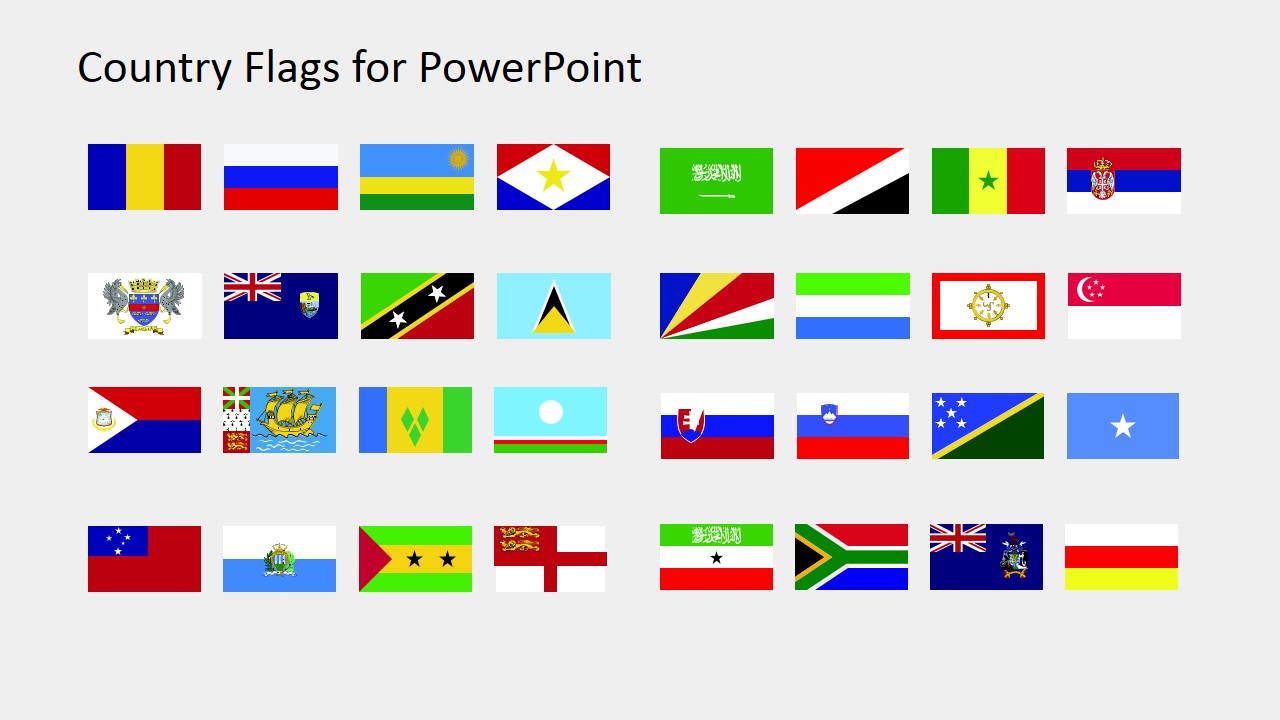
The Country Flags Clipart PowerPoint Template is a set of Flag icons containing the following countries:
- Romania
- Russia
- Rwanda
- Saba
- Saint Barthelemy
- Saint Helena
- Saint Kitts and Nevis
- Saint Lucia
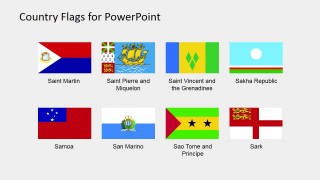
- Saint Martin
- Saint Pierre and Miquelon
- Saint Vincent and Grenadines
- Sakha Republic
- Samoa
- San Marino
- Sao Tome and Principe
- Sark
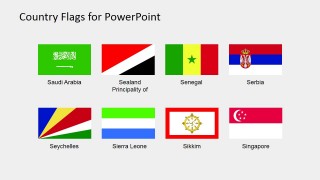
- Saudi Arabia
- Sealant Principality
- Senegal
- Serbia
- Seychelles
- Sierra Leone
- Sikkim
- Singapore
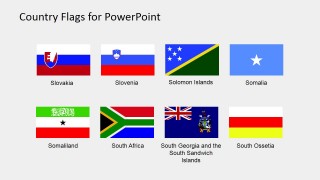
- Slovakia
- Slovenia
- Solomon Islands
- Somalia
- Somaliland
- South Africa
- South Georgia and the South Sandwich Islands
- South Ossetia
What’s inside this template
Example presentation scenarios
- A market analyst can use the labeled flag catalog slides to identify countries in a regional expansion briefing and copy selected flags into comparison slides.
- An educator can use the overview grid and individual labeled flags to introduce countries and territories in a geography or civics lesson.
- A consultant can place selected vector flag icons beside market, logistics, or policy recommendations in an international client presentation.
- A government or NGO presenter can use the country-name captions and flag icons to organize cross-border program updates by location.
Features
- 100% editable presentation template
- Compatible with Microsoft PowerPoint and Google Slides
- 16:9 aspect ratio slides
- Scalable vector shapes, icons and illustrations
- AI-Ready for Microsoft Copilot and Claude
- Instant access and download
Frequently asked questions
Q: How should I present these flags without turning the slide into a crowded gallery?
A: Use Slide 1 as a selection or reference page, then move only the needed flag icons into your working slides. The labeled catalog pages help confirm the correct country or territory before copying. For audience-facing slides, pair each flag with one message, metric, or location label so the flag acts as context rather than decoration.
Q: Who is this flag clipart template best suited for?
A: This template fits presenters who need reusable flag visuals across international content, such as market analysts, educators, consultants, government teams, and NGOs. It is most helpful when a deck references several countries from the R to S range and needs consistent icon sizing, country-name labels, and quick visual identification.
Q: Why are the flags arranged in labeled grids instead of one long list?
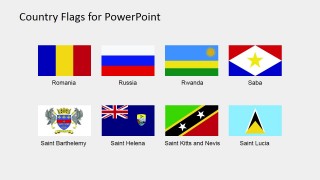
A: The grid layout makes the deck work like a visual directory. Eight flags per catalog slide give enough white space for recognition while keeping related entries together alphabetically. The flag plus caption pattern reduces the chance of misidentification, especially for small territories or similarly colored flag designs.


Country Flags Clipart for PowerPoint (R to S)
5-slide presentation template with editable country flag icons from Romania to South Ossetia
Country Flags Clipart for PowerPoint (R to S) is a 5-slide flag icon presentation template for Microsoft PowerPoint and Google Slides. It includes an overview flag grid, labeled eight-flag catalog slides, and editable country-name captions for countries and territories from Romania through South Ossetia.
- Category
- Shapes
- Rating

 Loading...
- Aspect ratio
- 16:9, 4:3
- Item ID
- 6670-08
- Colors
 Microsoft PowerPoint
  Microsoft Copilot
  Claude for PowerPoint
 Other formats supported
Subscribe today and get immediate
access to download our PowerPoint templates.