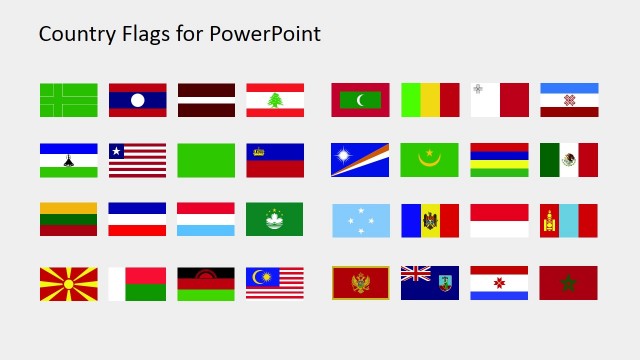
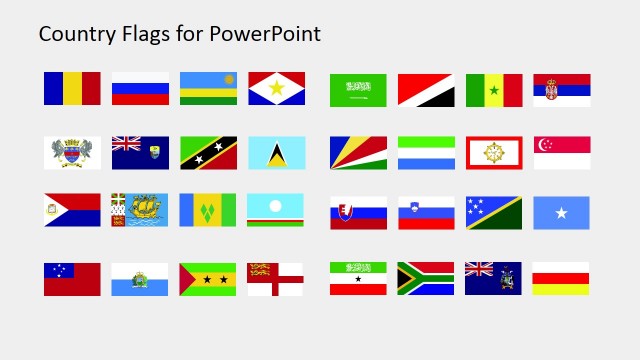
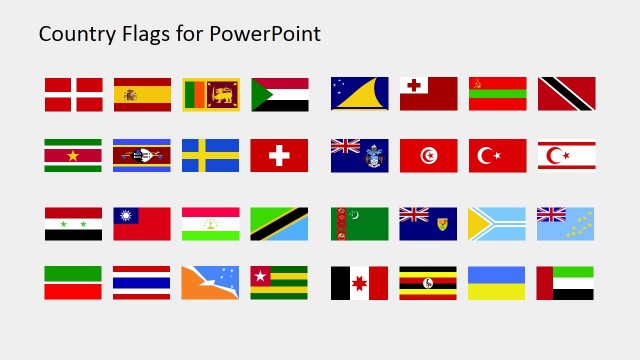
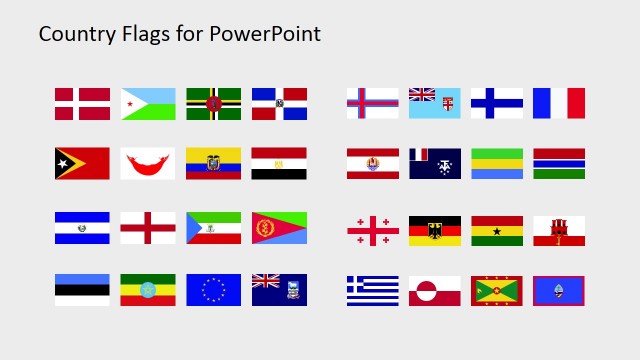
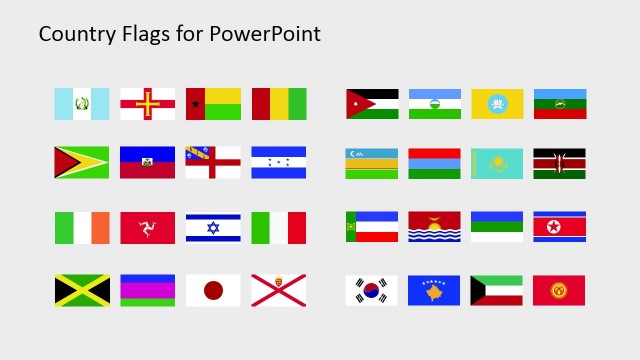
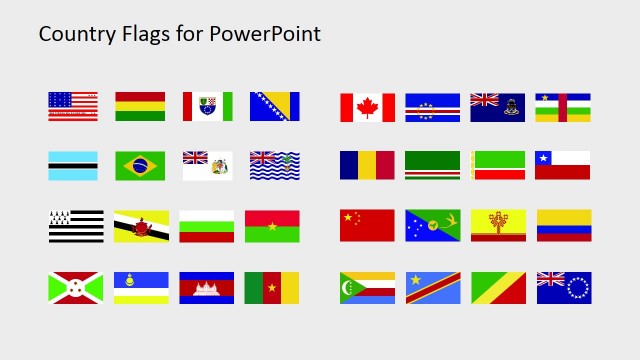
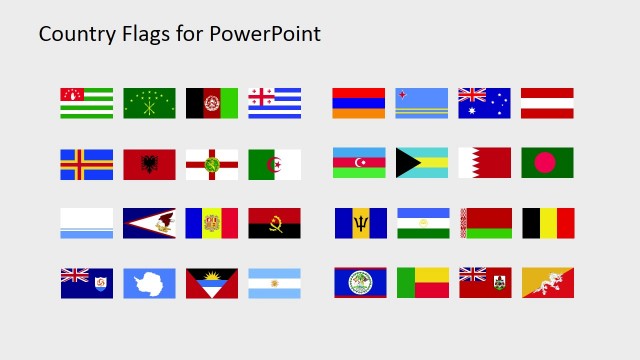
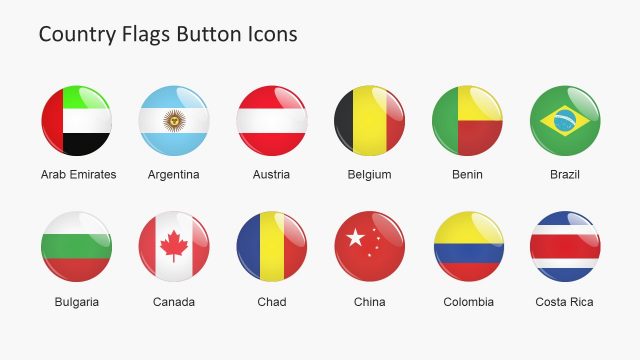
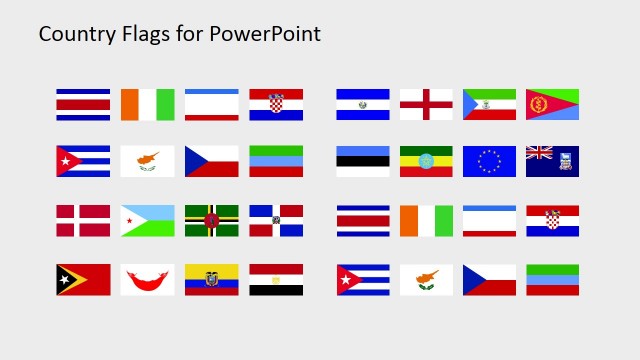
The Country Flags Clipart for PowerPoint (M to R) contains flat vector shapes of flags. It contains the clipart where the country name starts with alphabets M, N, O, P, Q, and R. The users can present the cultural and geographical topics along with their maps. The SlideModel also offers outstanding world map and some editable maps for countries. It is an ideal template, offering icons to demonstrate the internationalization plans of companies. This way, the company can graphically present their availability in the international market. For instance, if the company wants to avail opportunities in South America, it can use the suitable country flags. It can also enable the business to market its products and services in different countries. Next, present the stats in PowerPoint using the country flags clip art.
The Country Flags Clipart for PowerPoint (M to R) is how a presenter can communicate beyond language. The template, therefore, assists the users to create learning presentation. In schools, this template of country flags clip art can help students to identify the countries using their national flags. Similarly, in tourism, the flags can help the tourists to identify and decide their destination. On the other hand, the tourism company can make an appealing presentation to attract more customer while adding the country flag as well. It also symbolizes the idea of patriotism in presentations. Hence, the corporates, governments and non-profit organizations also use flags in global reach programs.
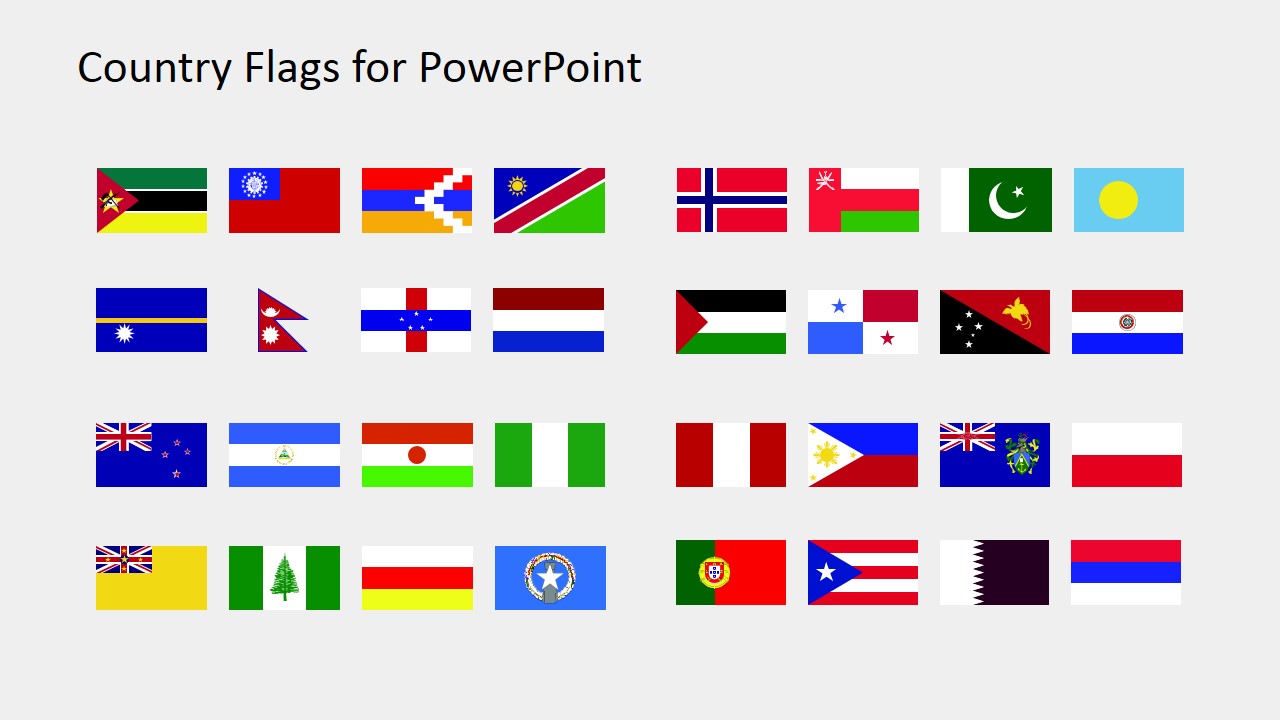
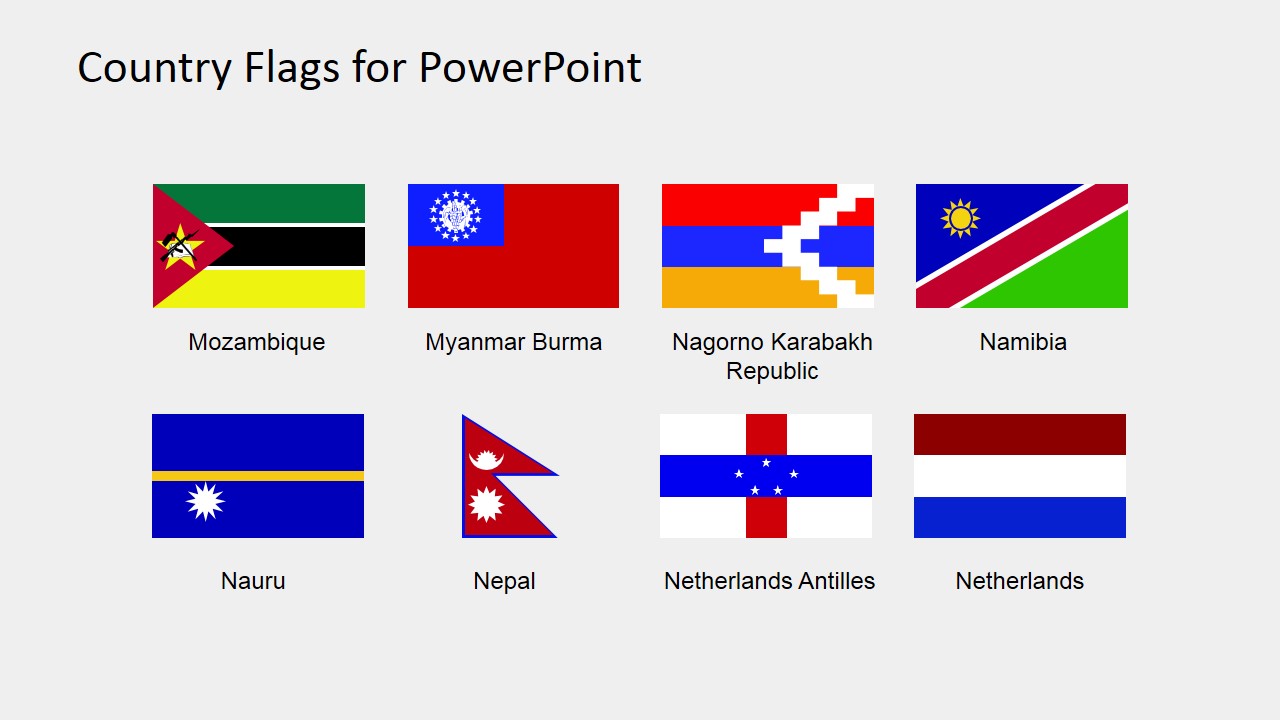
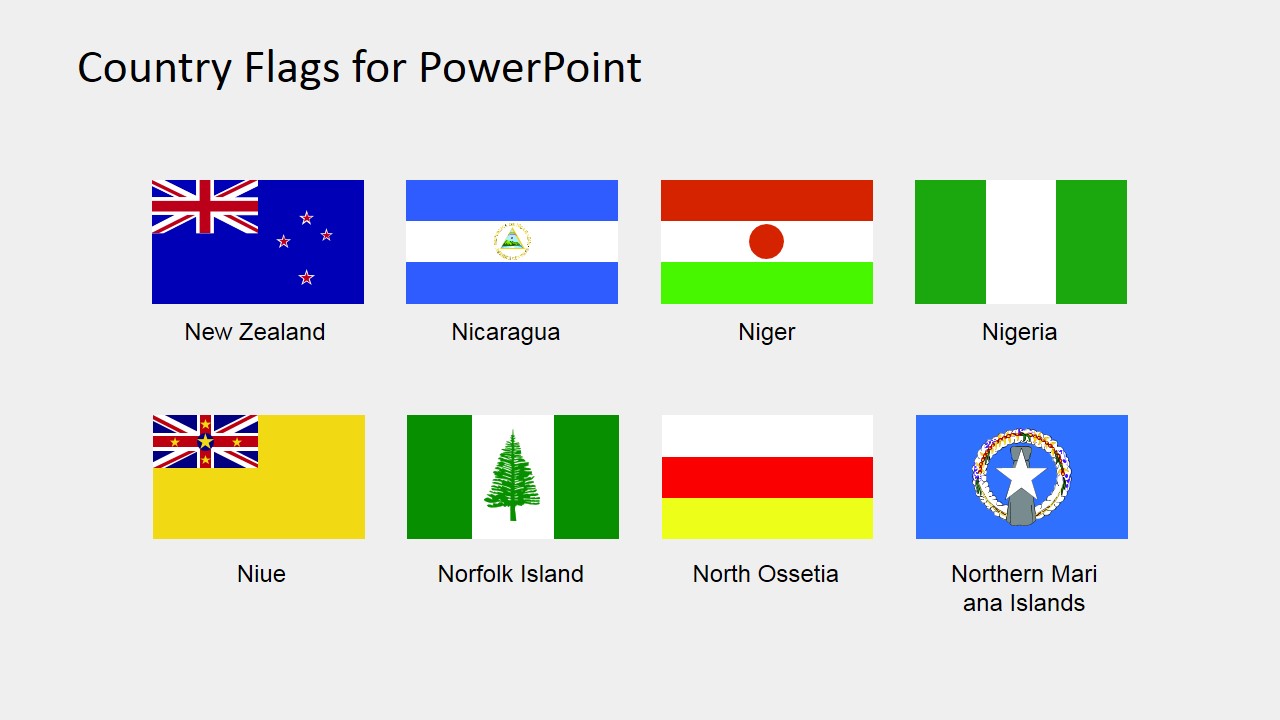
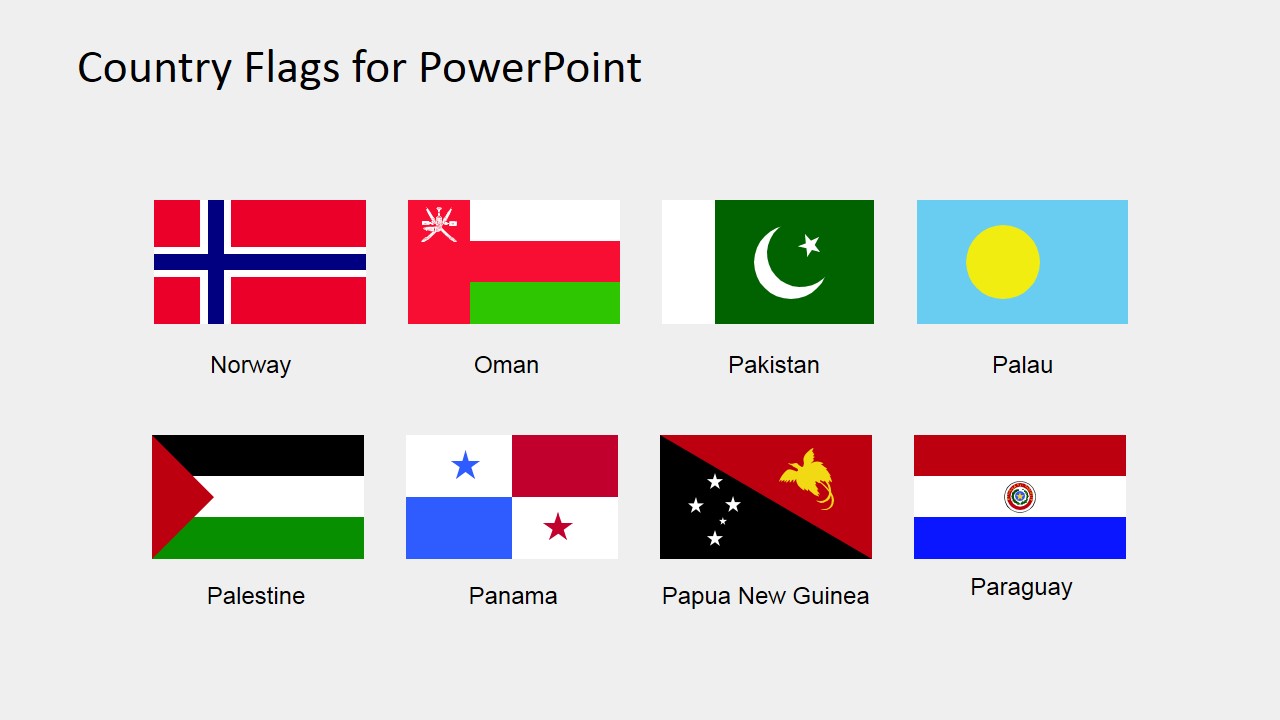
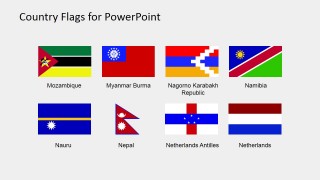
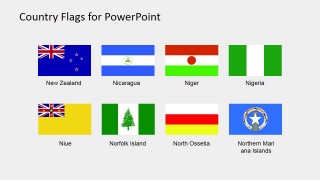
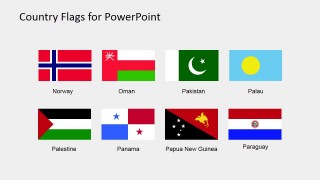
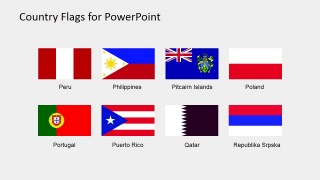
The flags include: Mozambique, Myanmar Burma, Nagomo Karabakh Republic, Namibia, Nauru, Nepal, Netherlands Antilles, Netherlands, New Zealand, Nicaragua, Niger, Nigeria, Niue, Norfolk Island, North Ossetia, Northern Mari ana Islands, Norway, Oman, Pakistan, Palau, Palestine, Panama, Papua New Guinea, Paraguay, Peru, Philippines, Pitcaim Islands, Poland, Portugal, Puerto Rico, Qatar, Republika Srpska.
The editable Country Flags PowerPoint template of clipart enables users to customize the shapes. They can rescale the images, change the colors if require quickly. These country flags benefit in sports and competition presentations. Here, the teams are easily identifiable by their national flags. Further, these country flags are multi-purpose clipart icons including the school presentation of students. These icons can be used repeatedly.
What’s inside this template
Example presentation scenarios
- An international business presenter can show market availability by placing the labeled flag icons next to country names, regional notes, or map callouts.
- A geography teacher can use the overview grid and labeled flag galleries to help students recognize flags for countries and territories from Mozambique through Republika Srpska.
- A tourism marketer can introduce destination choices by pairing the country flags with travel routes, package names, or regional service descriptions.
- A sports event organizer can identify participating teams by copying the flag icons into match schedules, standings pages, or competition overview slides.
Features
- 100% editable presentation template
- Compatible with Microsoft PowerPoint and Google Slides
- 16:9 aspect ratio slides
- Scalable vector shapes, icons and illustrations
- AI-Ready for Microsoft Copilot and Claude
- Instant access and download
Frequently asked questions
Q: How should a presenter use these flag galleries without turning the slide into a crowded icon catalog?
A: Start with the unlabeled overview grid only as a source or quick reference, then copy the few relevant flags into your main slide. In audience-facing slides, pair each selected flag with one clear message such as market status, destination type, team name, or lesson prompt. Avoid showing every flag unless the goal is recognition or cataloging.
Q: Who is this flag clipart set best suited for?
A: This set fits presenters who need country identity markers rather than a full geographic map. Business teams can mark country coverage, teachers can build flag recognition exercises, tourism teams can identify destinations, and sports organizers can label competitors. It is strongest when flags support a short label, map, agenda, or country-by-country explanation.
Q: Why use flags as the main visual metaphor in an international presentation?
A: Flags work as compact identity symbols that audiences can recognize faster than country names alone, especially in tables, maps, and comparison slides. The consistent two-row gallery structure keeps the symbols aligned and easy to scan. That makes the deck useful for multilingual or international audiences where quick visual association matters.

Country Flags Clipart for PowerPoint (M to R)
5-slide presentation template with editable M to R country flag clipart and labeled flag galleries
Country Flags Clipart for PowerPoint (M to R) is a 5-slide flag icon set for Microsoft PowerPoint and Google Slides. It includes an unlabeled overview grid and labeled two-row flag galleries for countries and territories from Mozambique through Republika Srpska, designed for geography, market presence, tourism, sports, and international business presentations.
- Category
- Shapes
- Rating

 Loading...
- Aspect ratio
- 16:9, 4:3
- Item ID
- 6670-07
- Colors
 Microsoft PowerPoint
  Microsoft Copilot
  Claude for PowerPoint
 Other formats supported
Subscribe today and get immediate
access to download our PowerPoint templates.