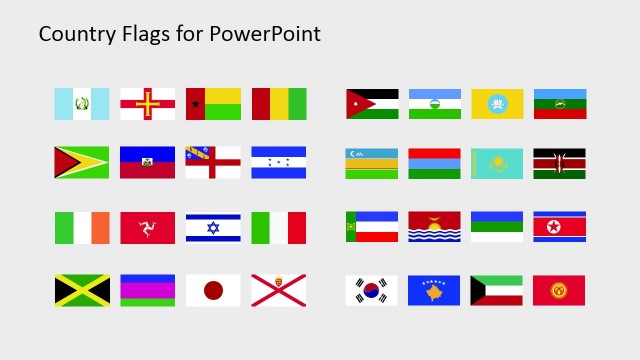
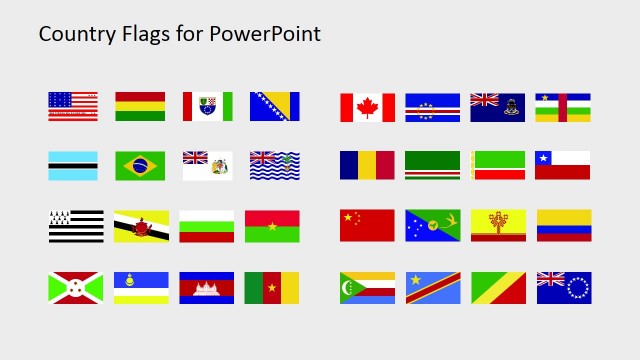
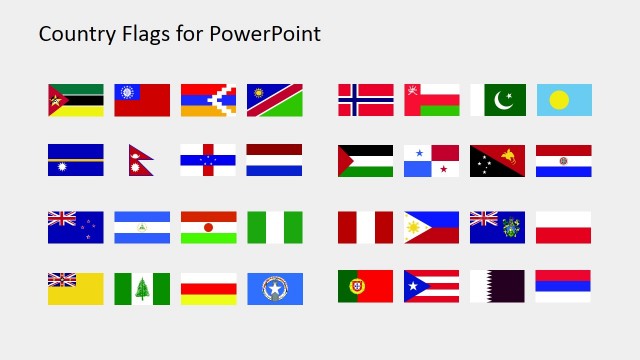
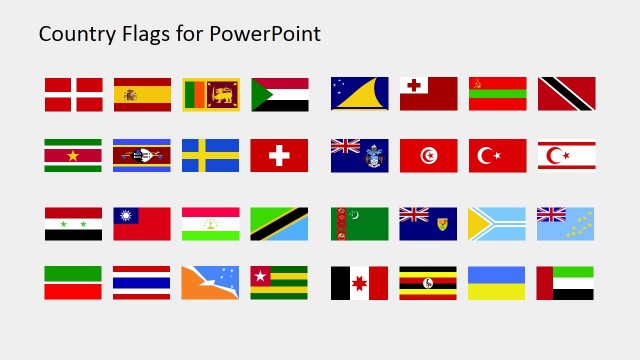
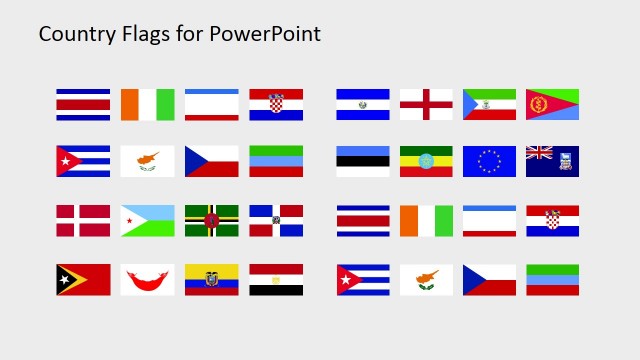
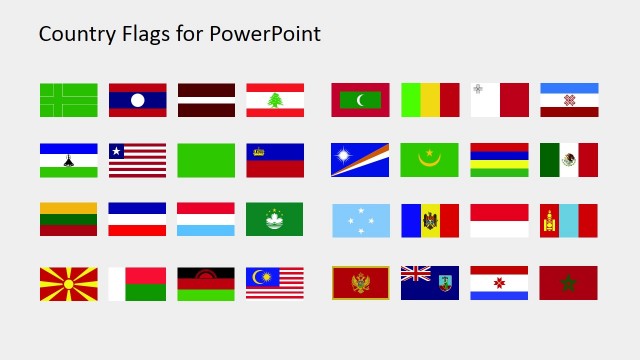
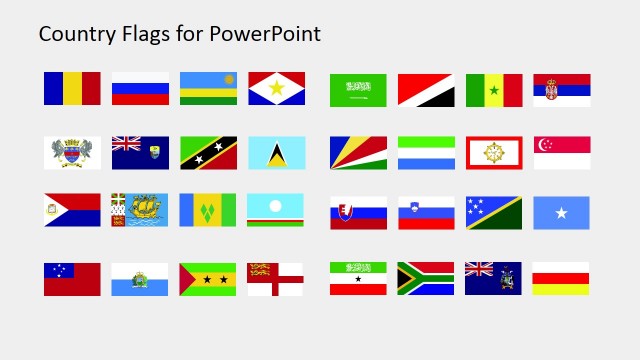
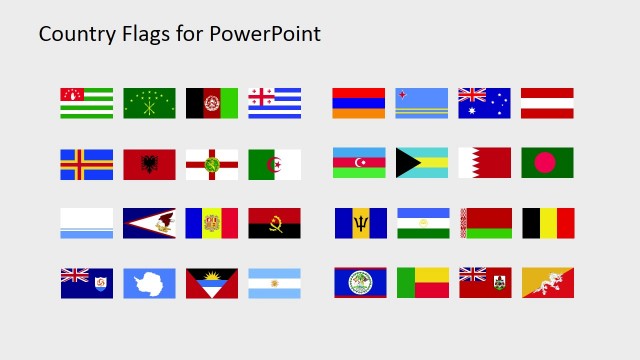
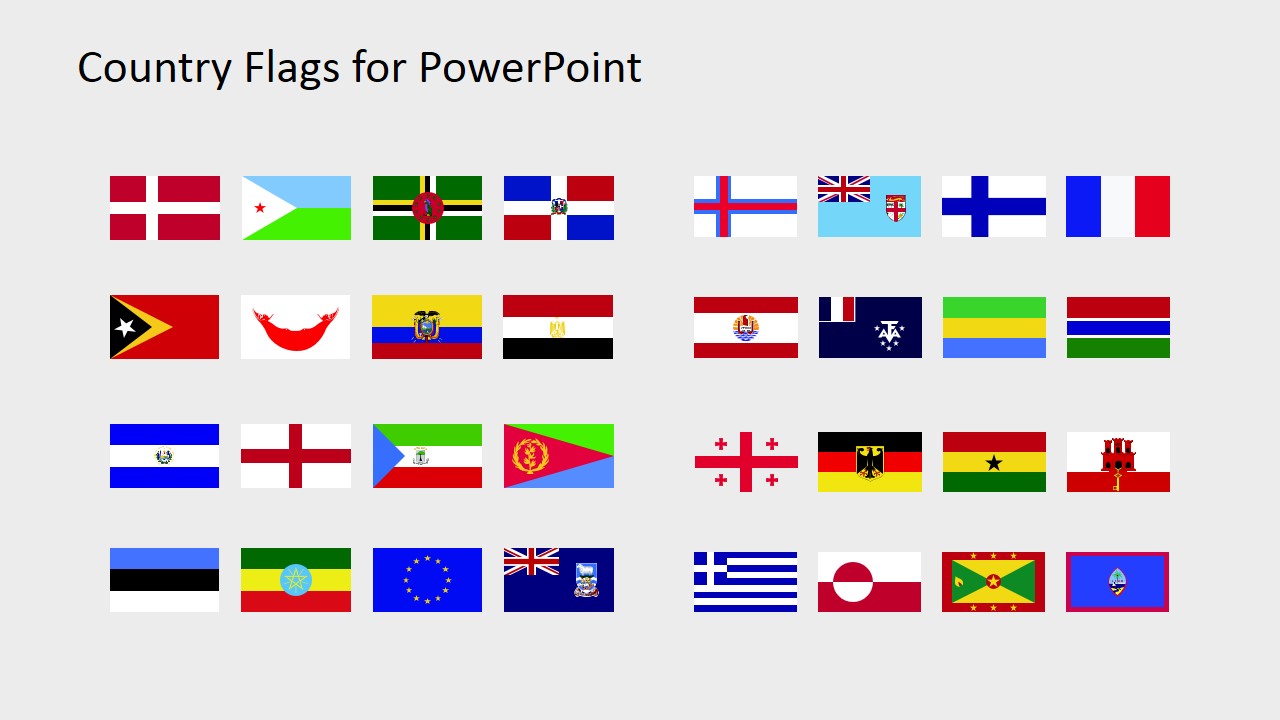
The Country Flags Clipart for PowerPoint (D to G) is the presentation of 32 clipart country flags. This presentation contains the flag of every country whose name starts with alphabet D, E, F, and G. Further the clipart icons are high-resolution vectors. Therefore, users can increase or decrease the size of these PowerPoint shapes without affecting the overall image quality. While presenting to the international investors and global partners, the use of the country’s flag influences the template positively. This way, instead of reading through the lines, the audience can quickly figure out which country is under discussion. Hence, these PowerPoint cliparts are more useful in marketing concepts like promoting global businesses and their affiliations.
The Country Flags Clipart for PowerPoint (D to G) is a 5-slide template showing maps in segments. For instance, the first slide shows an overview of all 32 images, whereas, the next four contain the 8-clipart portions. It is an editable PowerPoint template of country flags where users can copy their desired icons. Moreover, the can alter the colors or add effects to the country flag as required. The use of country flag clipart instead of name aids as a visual distinction, highlighting the presentation. These PowerPoint clipart icons along with country maps automatically get the immediate viewer’s attention.
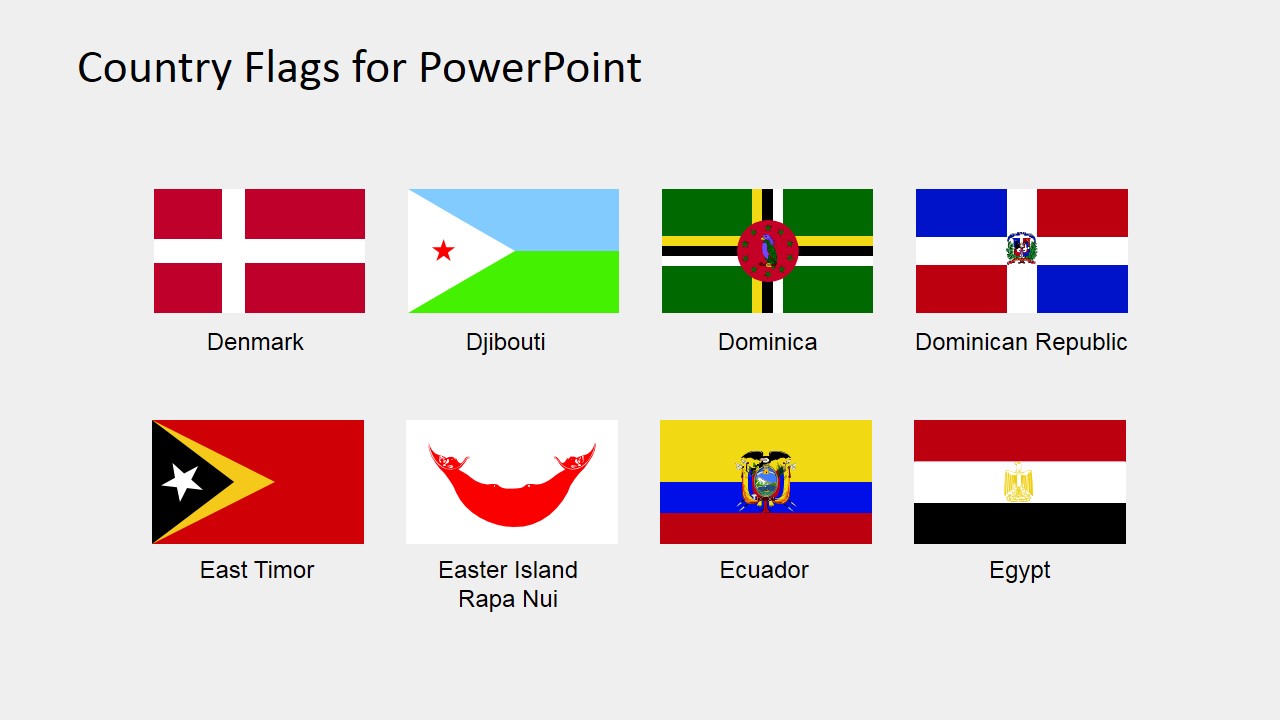
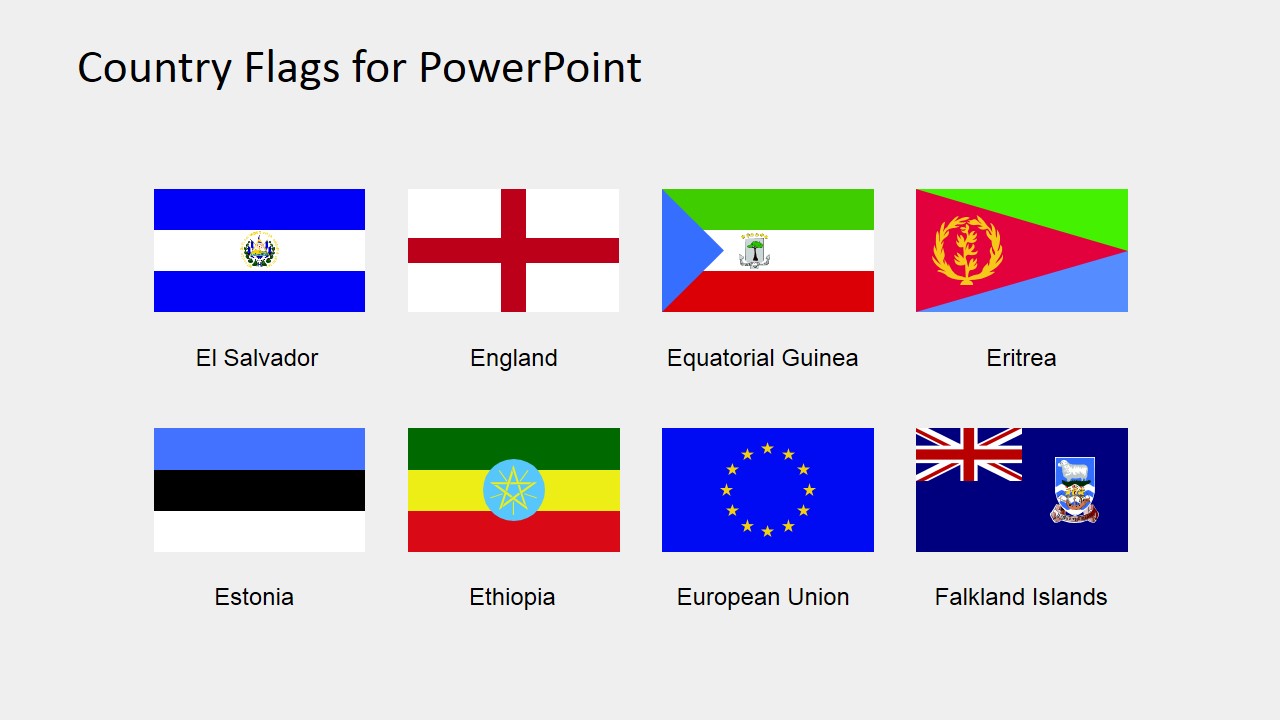
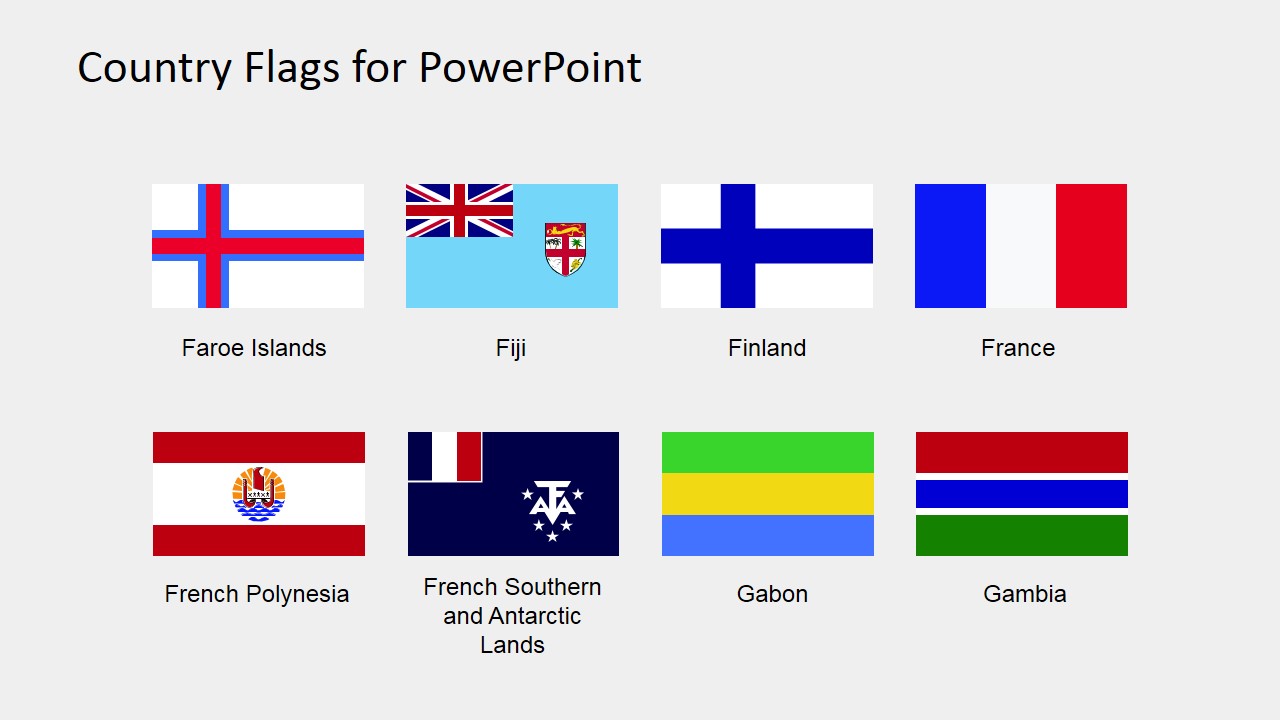
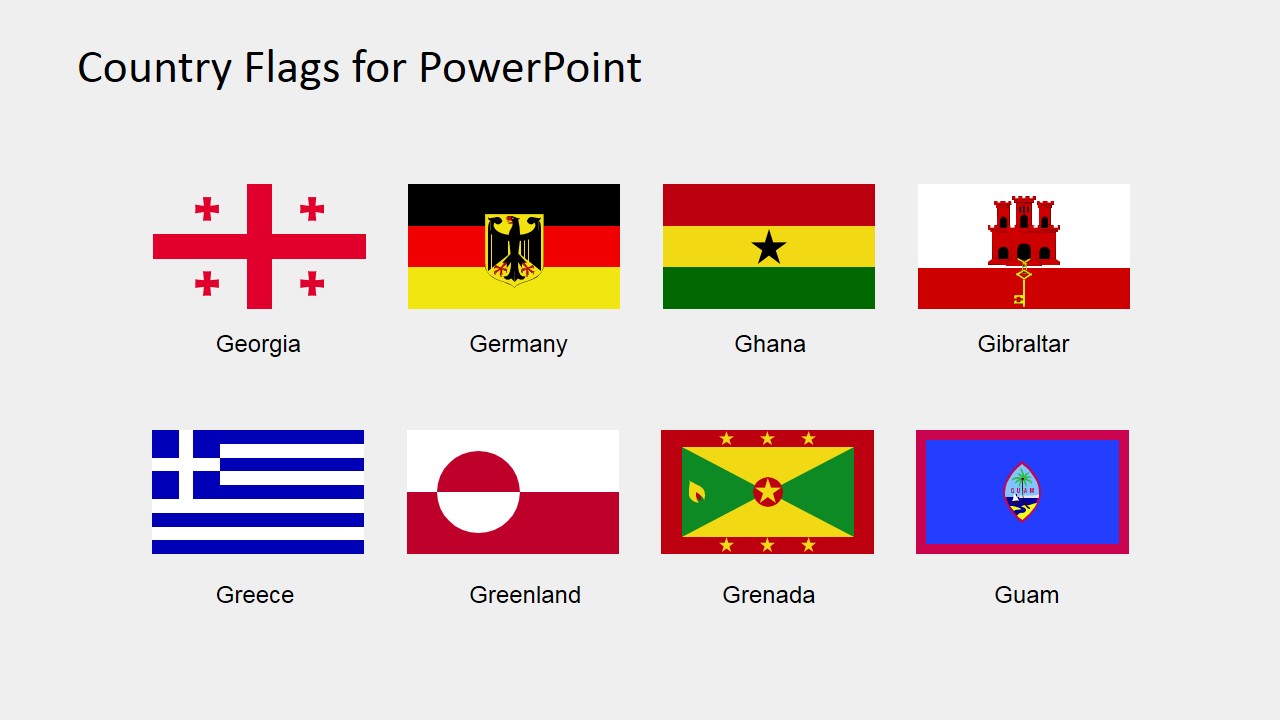
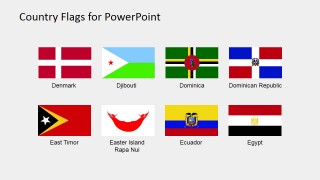
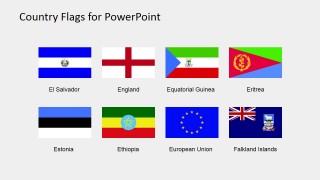
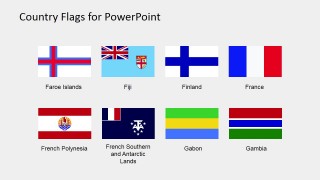
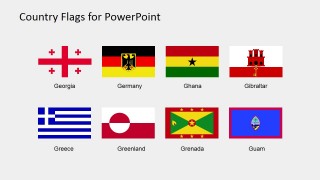
This collection of country flags include: Denmark, Djibouti,Dominica, Dominican Republic, East Timor, Easter Island Rapa Nui, Ecuador, Egypt, El Salvador, England, Equatorial Guinea, Eritrea, Estonia, Ethiopia, Faroe Islands, Fiji, Finland, France, French Polynesia, French Southern and Antarctic Lands, Gabon, Gambia, Georgia, Germany, Ghana, Gibraltar, Greece, Greenland, Grenada, Guam.
The European Union flag, even if it is not a country, we decided to include it in this list as the flag could be very useful for presentations.
The clipart template of country flags in PowerPoint promotes the concept of international presentations. For example, the use of multiple country flags brings the idea of global expansion in businesses. However, the slides of country flag clipart also support the tourism presentation. The companies in such industries as tourism, research and product base business can use the compelling country flag icons. This way, they can advertise their products, services, and other marketing material to promote business in different countries.
What’s inside this template
Example presentation scenarios
- A market analyst can use the labeled flag grids to identify countries included in a regional opportunity report and then copy selected flags into comparison slides.
- A tourism marketer can use the flags for France, Fiji, Greece, Greenland, and other destinations to introduce travel packages or destination clusters.
- An educator can use the overview grid as a visual reference while teaching students to recognize countries, territories, and international symbols.
- A business development presenter can use selected flags from the eight-flag panels to show partner locations, investor origins, or target expansion markets.
Features
- 100% editable presentation template
- Compatible with Microsoft PowerPoint and Google Slides
- 16:9 aspect ratio slides
- Scalable vector shapes, icons and illustrations
- AI-Ready for Microsoft Copilot and Claude
- Instant access and download
Frequently asked questions
Q: How should a presenter use this flag clipart without making the slide feel like a catalog?
A: Start with the overview grid only when the audience needs to see the full collection. For the main story, copy only the relevant flags from the labeled eight-flag grids and place them beside market names, partner logos, or agenda items. This keeps the flag as a fast identifier rather than a decorative list.
Q: Who is this template best suited for in a business or learning setting?
A: It fits presenters who need country recognition more than geographic detail. Market analysts, tourism marketers, educators, and international business teams can use the labeled flag panels to show destinations, partner countries, target markets, or lesson examples. It is strongest when a country symbol must be recognized quickly on a slide.
Q: Why use flag icons instead of writing every country name in text?
A: A national flag works as an identity marker, so the audience can identify a country before reading a caption. The grid structure also helps presenters keep the symbols consistent in size and spacing. Used with labels, the flags reduce reading load while avoiding ambiguity in international reports or destination presentations.
Country Flags Clipart for PowerPoint (D to G)
5-slide presentation template with editable country flag clipart for Denmark to Guam and global reports
Country Flags Clipart for PowerPoint (D to G) is a 5-slide presentation template of editable country flag icons for countries and territories from Denmark to Guam. It includes a full overview flag grid and four labeled eight-flag icon grids for international business, tourism, education, and market reports in Microsoft PowerPoint and Google Slides.
- Category
- Shapes
- Rating

 Loading...
- Aspect ratio
- 16:9, 4:3
- Item ID
- 6670-04
- Colors
 Microsoft PowerPoint
  Microsoft Copilot
  Claude for PowerPoint
 Other formats supported
Subscribe today and get immediate
access to download our PowerPoint templates.