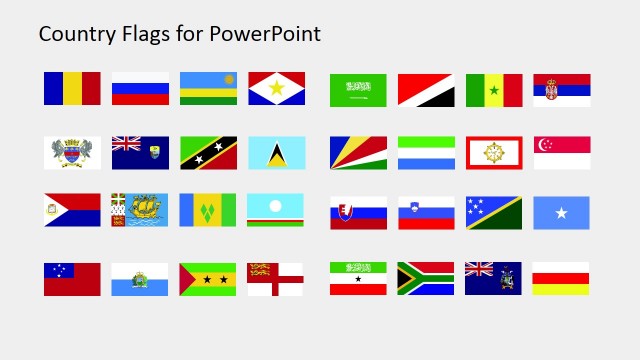
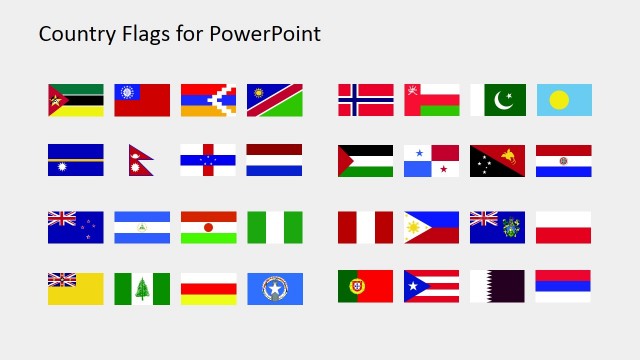
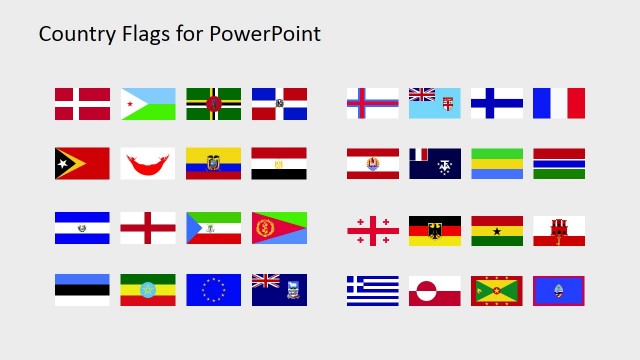
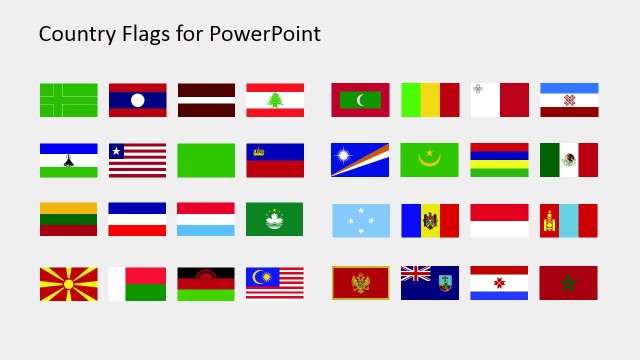
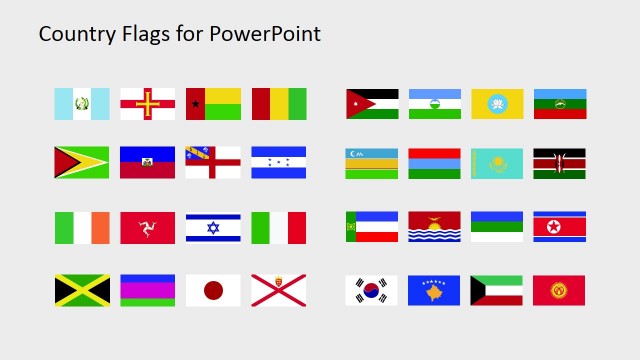
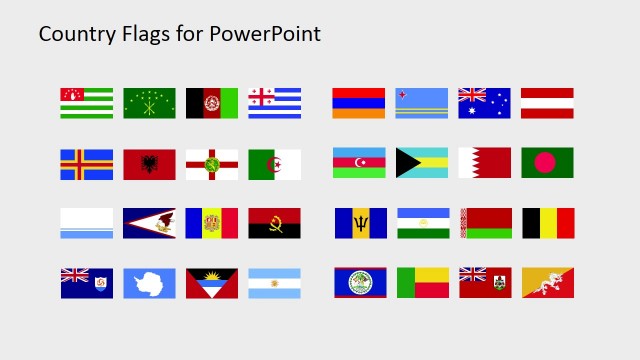
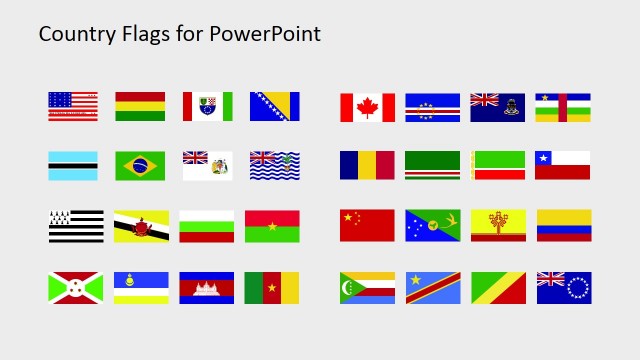
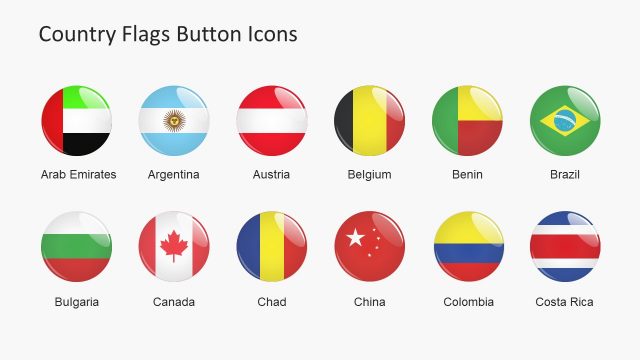
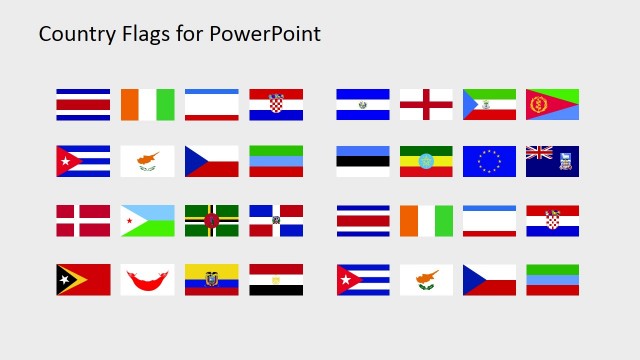
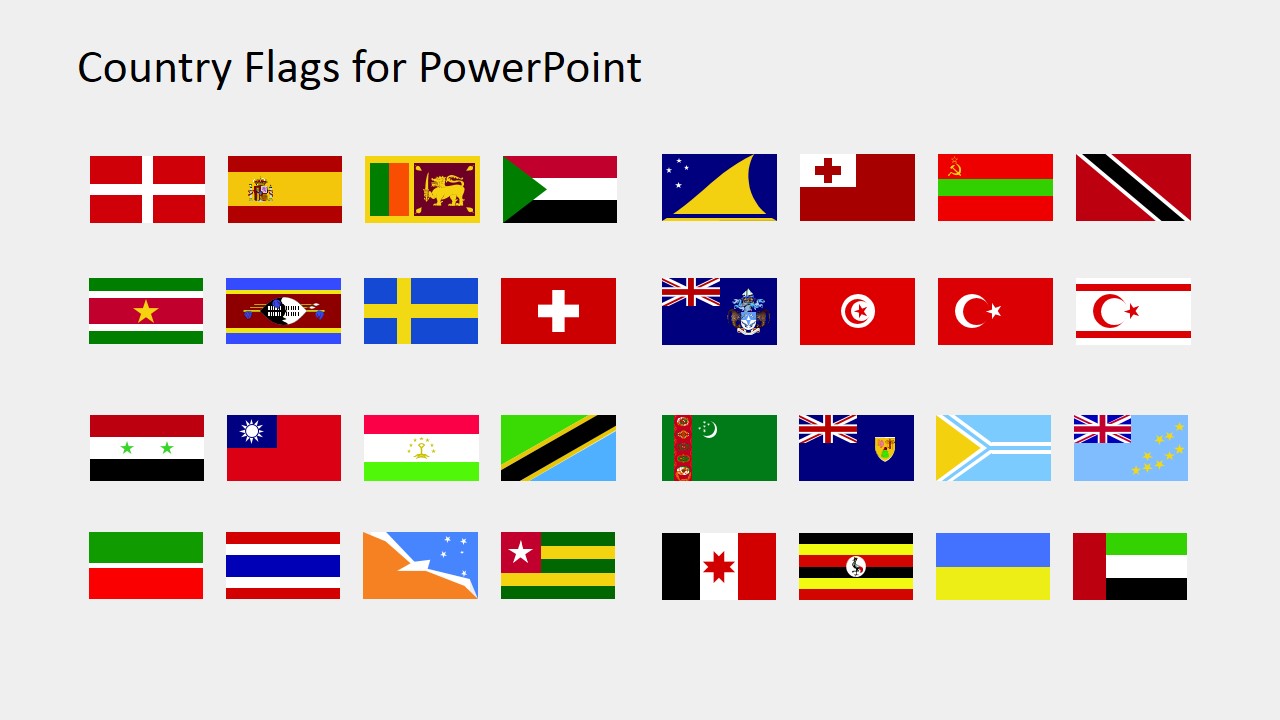
The Country Flags Clipart for PowerPoint is a collection of Flag Icons created with PowerPoint Shapes. Flags are a popular metaphor and identifier for nations and countries. This icons can be applied in infographics or banners that require the identification of a country. Avoid using text and reference nations with their flag.
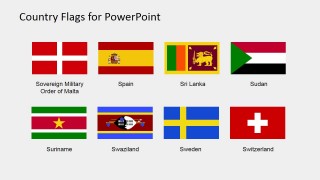
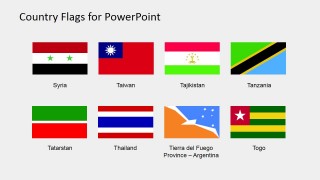
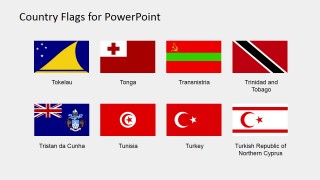
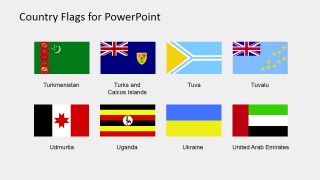
This product contains nations starting with S to Z. The list of countries is the following:
- Spain
- Sovereign Military Order of Malta
- Sri Lanka
- Sudan
- Suriname
- Swaziland
- Sweden
- Switzerland
- Syria
- Taiwan
- Tajikistan
- Tanzania
- Togo
- Tierra del Fuego – Argentina
- Thailand
- Tatarstan
- Tokelau
- Tonga
- Transnistria
- Trinidad y Tobago
- Tristan da Cunha
- Tunisia
- Turkey
- Turkish Republic of Northern Cyprus
- Turkmenistan
- Turks and Caicos
- Tuva
- Tuvalu
- Udmurtia
- Uganda
- Ukraine
- United Arab Emirates
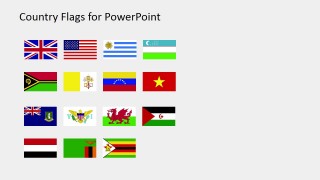
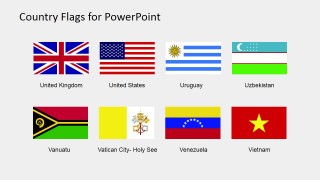
- United Kingdom
- United States of America
- Uruguay
- Uzbekistan
- Vanuatu
- Vatican City
- Venezuela
- Vietnam
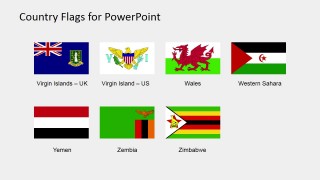
- Virgin Islands – UK
- Virgin Islands – US
- Wales
- Western Sahara
- Yemen
- Zembia
- Zimbabwe
What’s inside this template
Example presentation scenarios
- A market analyst can use the labeled flag catalog pages to mark countries included in an international expansion report and help executives recognize each location quickly.
- A sales leader can add selected flag icons from the overview grids to a regional pipeline dashboard to separate opportunities by country without adding long text labels.
- An educator can use the large labeled flag grids to introduce countries and territories from S to Z in a geography or international studies lesson.
- A nonprofit program manager can place flags from the catalog into an impact map or donor briefing to show where projects, partners, or field teams operate.
Features
- 100% editable presentation template
- Compatible with Microsoft PowerPoint and Google Slides
- 16:9 aspect ratio slides
- Scalable vector shapes, icons and illustrations
- AI-Ready for Microsoft Copilot and Claude
- Instant access and download
Frequently asked questions
Q: How should a presenter use these flag slides without overcrowding an international overview?
A: Start with only the flags tied to the message, not the full catalog. Use the overview grids as a source library, then place selected flags beside country names, KPIs, or map callouts. For executive audiences, limit each slide to a short set of countries so the flag icons act as fast identifiers rather than decoration.
Q: Who is this template best suited for?
A: This template fits presenters who already have an international topic and need country identifiers from S to Z. Market analysts, educators, operations teams, and nonprofit communicators can use the labeled flag grids to prepare country lists, program summaries, partner maps, or regional comparisons with consistent visual markers.
Q: Why use flags as the visual metaphor instead of text-only country names?
A: Flags give the audience a fast visual anchor for nations and territories, especially when several countries appear on the same slide. The catalog layout keeps every flag at a comparable size, which reduces visual bias. Labels add clarity where similar colors or unfamiliar flags could otherwise create confusion.
You may also like:
- Country Flags Clipart for PowerPoint (C to D)
- Country Flags Clipart for PowerPoint (A to B)
- Country Flags Clipart for PowerPoint (D to G)
- Country Flags Clipart for PowerPoint (M to R)
- Country Flags Clipart for PowerPoint (G to K)
- Country Flags Clipart for PowerPoint (L to M)
- Country Flags Clipart for PowerPoint (B to C)
- Country Flags Clipart for PowerPoint (R to S)


Country Flags Clipart for PowerPoint (S to Z)
8-slide country flags clipart presentation template with editable S to Z flag icons for maps and dashboards
Country Flags Clipart for PowerPoint (S to Z) is an 8-slide flag icon collection for Microsoft PowerPoint and Google Slides. It includes overview grids, labeled flag icon grids, and country catalog pages for nations and territories from S through Z. Flags use editable PowerPoint shapes and vector graphics for resizing and restyling.
- Category
- Shapes
- Rating

 Loading...
- Aspect ratio
- 16:9, 4:3
- Item ID
- 6670-09
- Colors
 Microsoft PowerPoint
  Microsoft Copilot
  Claude for PowerPoint
 Other formats supported
Subscribe today and get immediate
access to download our PowerPoint templates.