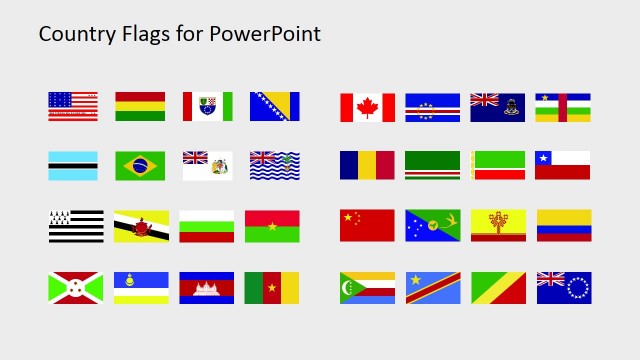
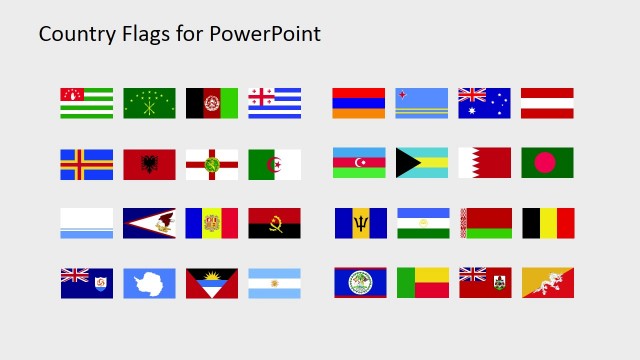
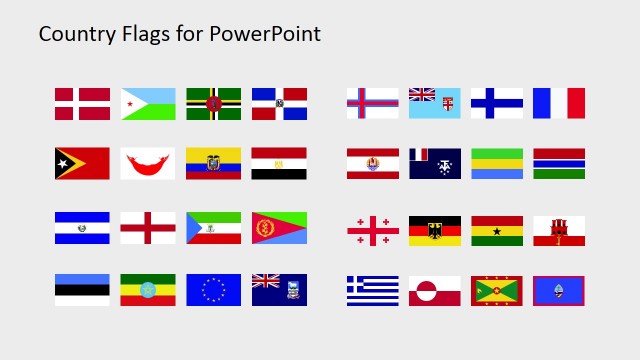
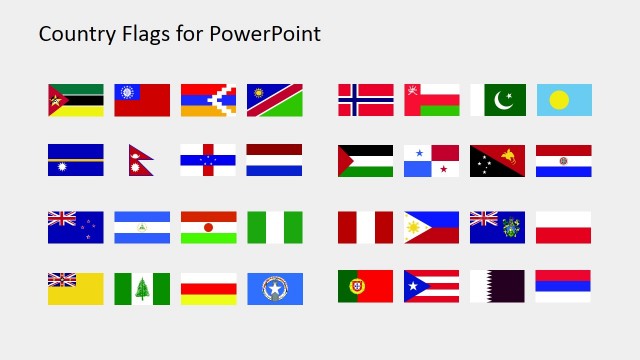
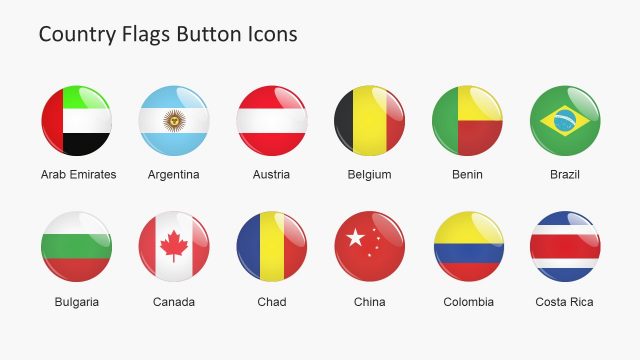
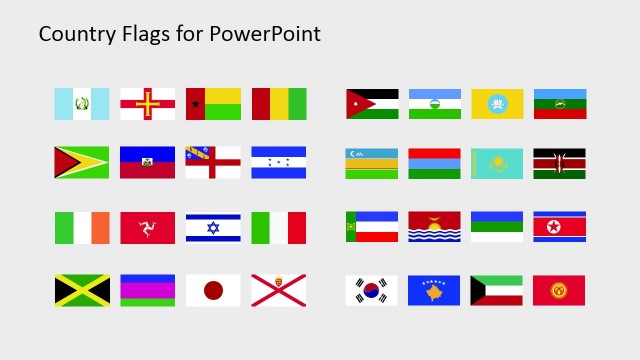
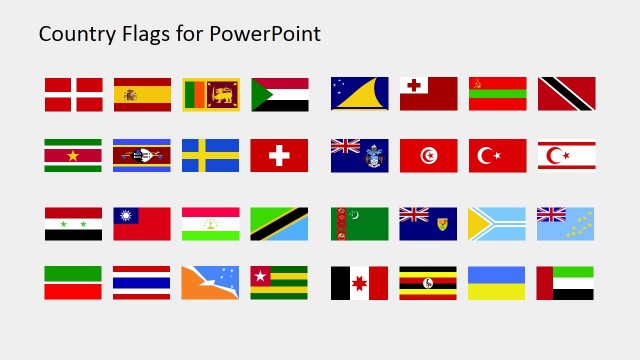
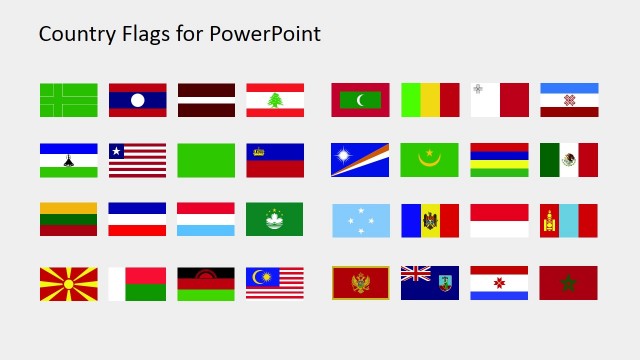
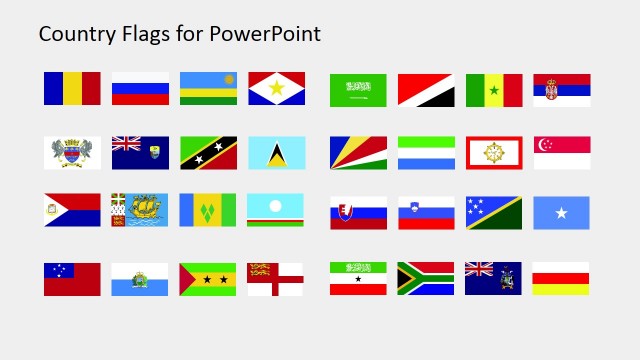
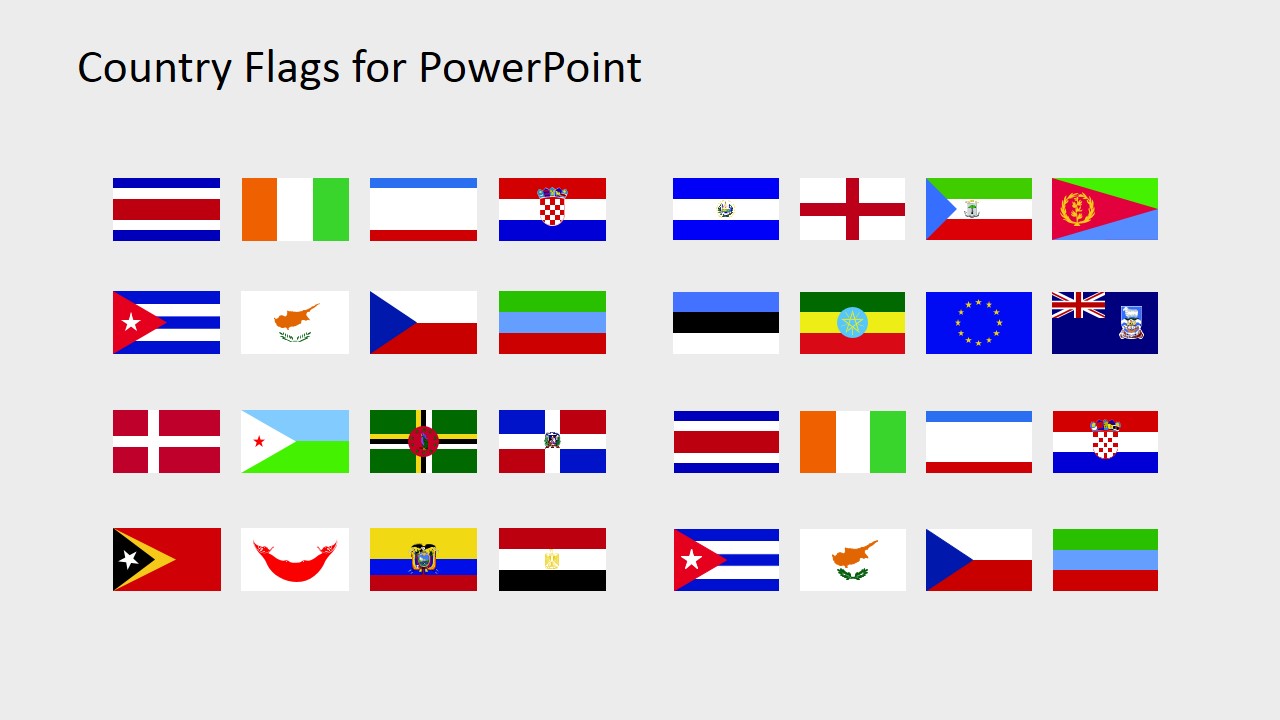
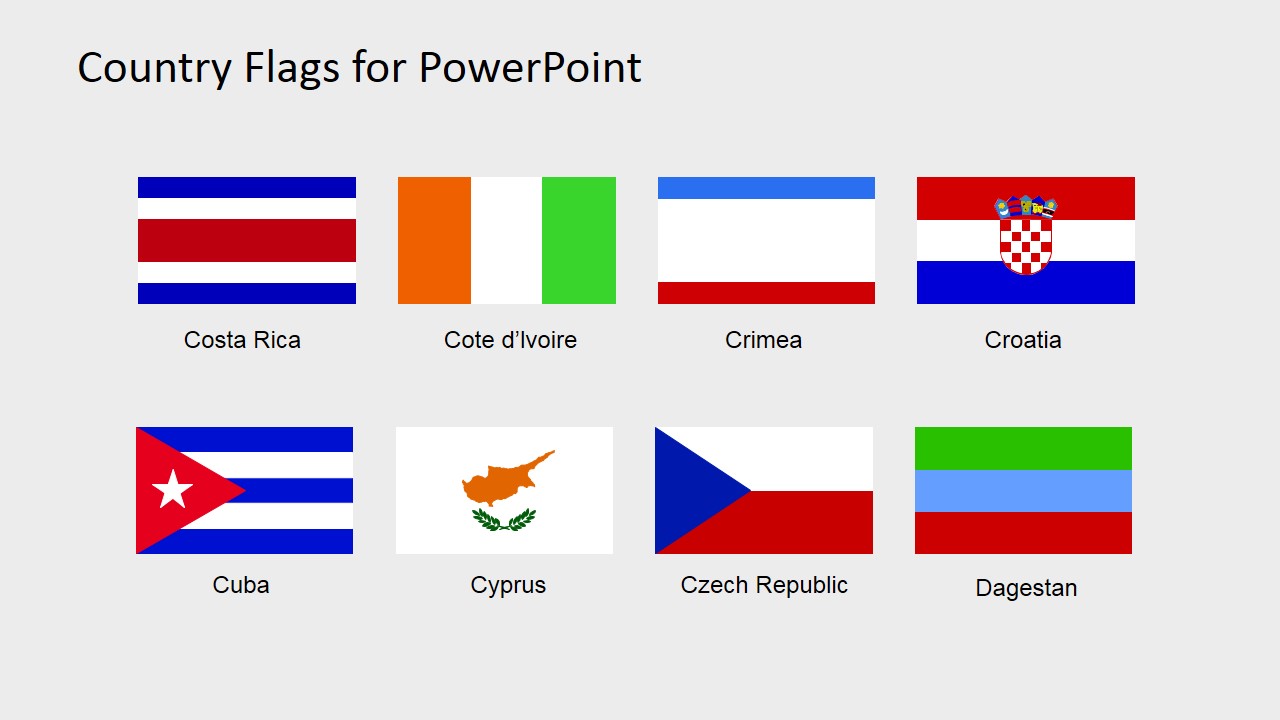
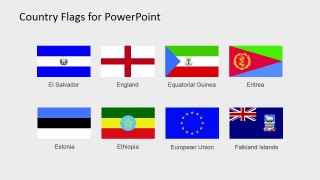
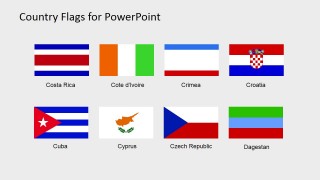
Country Flags Clipart for PowerPoint (C to D) – Make an impressive global presentation complete with the national flags around the world. These PowerPoint shapes are all 100% editable because of its high clipart quality. They can be edited in unlimited sizes without affecting its shape and color integrity. Editing the flags to a large size will not result in pixilated images. The flags can be edited into smaller pieces used as PowerPoint icons. It’s a useful accent to PowerPoint maps and location illustrations. National flags also emphasize a presentation’s cultural viewpoint. It’s highly applicable in cultural seminars for global business expansion.
A national flag is the simplest yet the most powerful representation of a country. It sums up the country’s cultures, history and even geographical mark in the world. The display of a national flag is an expression of one’s nationalism. It’s usually seen in government facilities, schools and universities, offices and international consulates. In ancient history, a conquering army completes its mission by erecting their flag in the conquered land. Similarly, when a country awards an officially territory in its land to another country, the foreign country also displays its national flag. Aside from representing a country’s place in foreign lands, raising a flag is also a passionate demonstration of one’s patriotic adoration for its country. When the American astronauts reached the moon, they also put up the US flag to symbolize their success in conquering the quest of successfully landing on the moon. There are several flag protocols observed universally. The most common of these protocols is that when a national flag is displayed alongside a foreign flag or any other flag, the home land flag must be raised first and lowered last. If it’s displayed with several other foreign lands, the host flag and the rest of the flag must have the same size, flown at the same height and must be placed in the middle.
What’s inside this template
Example presentation scenarios
- An international business manager can use the labeled flag grids to introduce market coverage, regional offices, or country-specific agenda topics.
- A geography instructor can use the editable flag icon panels to teach country recognition and pair flags with maps or location diagrams.
- A government or NGO presenter can use the thumbnail overview as a source sheet when preparing a regional briefing or cultural seminar.
- An event organizer can copy individual flags into an agenda, speaker lineup, or country delegation slide to identify participating nations.
Features
- 100% editable presentation template
- Compatible with Microsoft PowerPoint and Google Slides
- 16:9 aspect ratio slides
- Scalable vector shapes, icons and illustrations
- AI-Ready for Microsoft Copilot and Claude
- Instant access and download
Frequently asked questions
Q: How should a presenter use these flag slides without making the presentation feel like a clipart catalog?
A: Use the overview slide as a working source, then copy only the flags needed for the current story. Pair each selected flag with a map marker, country name, market metric, or agenda item. Keep flag sizes consistent so the audience reads them as equal references rather than ranked priorities.
Q: Who is this template best suited for in a business or education setting?
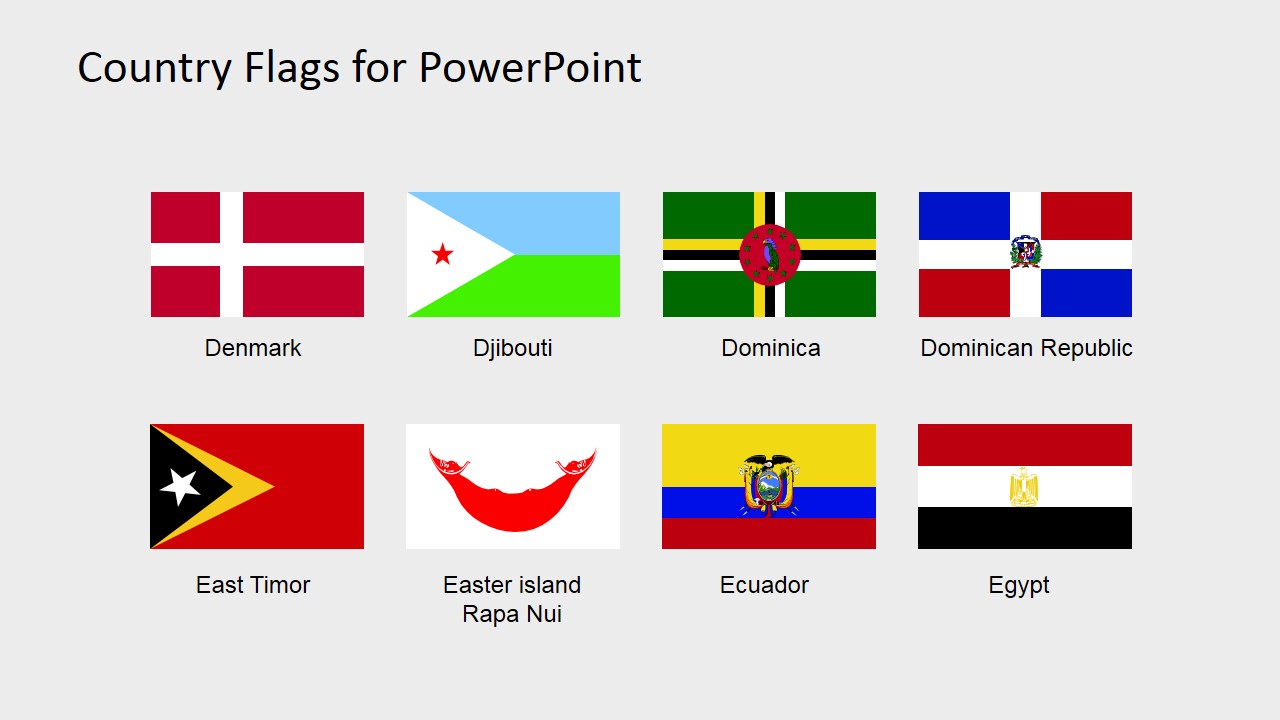
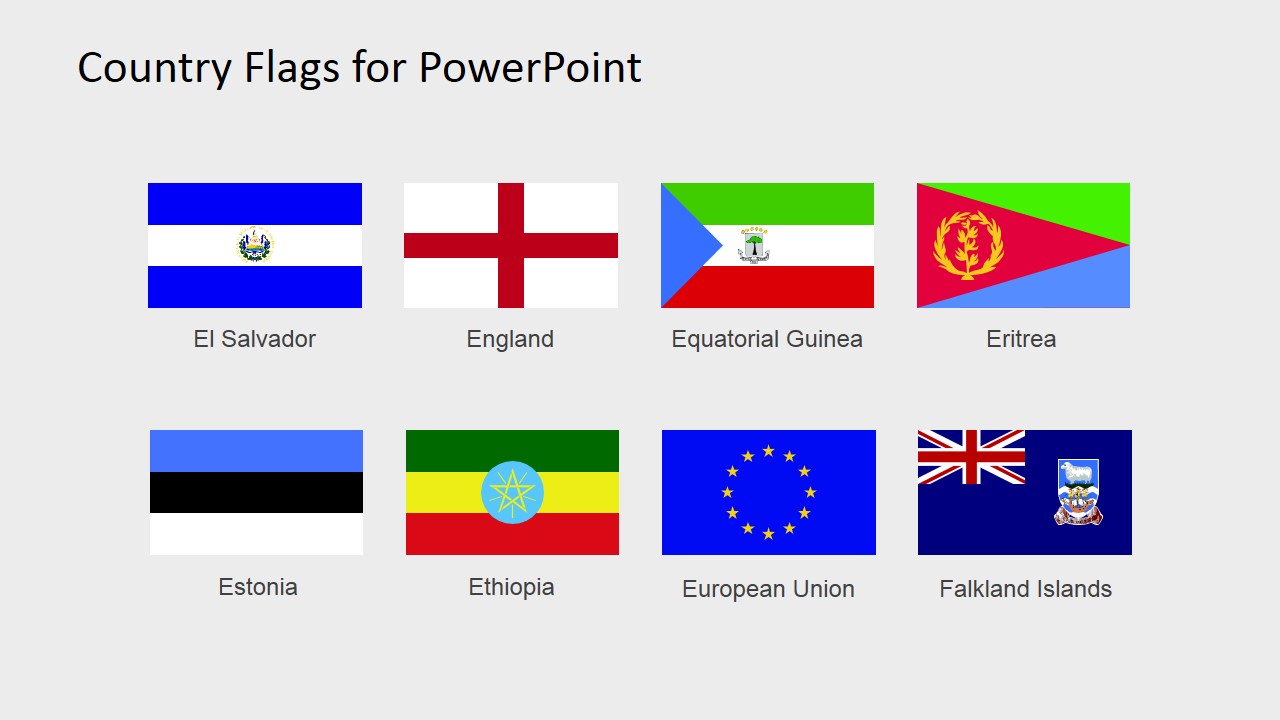
A: This template fits presenters who need to identify countries quickly and clearly, such as global sales teams, cultural trainers, geography educators, government briefers, and event organizers. The labeled flag grids help confirm names, while the editable flag panels can be reused in country profiles, regional summaries, and international agenda slides.
Q: Why does the labeled grid format work better than placing all flags on one dense slide?
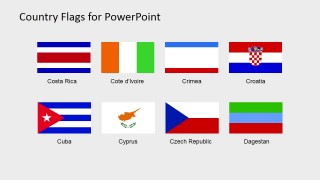
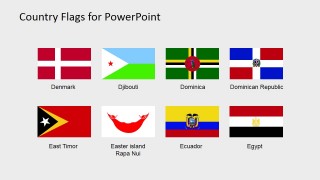
A: The labeled 2-row grids reduce visual search time because each flag has a nearby country or entity name. The spacing also prevents similar stripe-based flags from blending together. Slide 1 still works as a quick overview, but the labeled grids are better for accurate recognition and audience comprehension.
You may also like:
- Country Flags Clipart for PowerPoint (D to G)
- Country Flags Clipart for PowerPoint (R to S)
- Country Flags Clipart for PowerPoint (S to Z)
- Country Flags Clipart for PowerPoint (L to M)
- Country Flags Clipart for PowerPoint (M to R)
- Country Flags Clipart for PowerPoint (B to C)
- Country Flags Clipart for PowerPoint (G to K)
- Country Flags Clipart for PowerPoint (A to B)

Country Flags Clipart for PowerPoint (C to D)
5-slide country flag clipart presentation template with labeled national symbols for maps and geography decks
This is a 5-slide country flag clipart template for Microsoft PowerPoint and Google Slides, covering countries and entities from C to D plus E examples. It contains a thumbnail overview, labeled 2-row flag grids, and editable flag icon panels for geography, international business, education, and map presentations.
- Category
- Shapes
- Rating


 Loading...
- Aspect ratio
- 16:9, 4:3
- Item ID
- 6670-03
- Colors
 Microsoft PowerPoint
  Microsoft Copilot
  Claude for PowerPoint
 Other formats supported
Subscribe today and get immediate
access to download our PowerPoint templates.