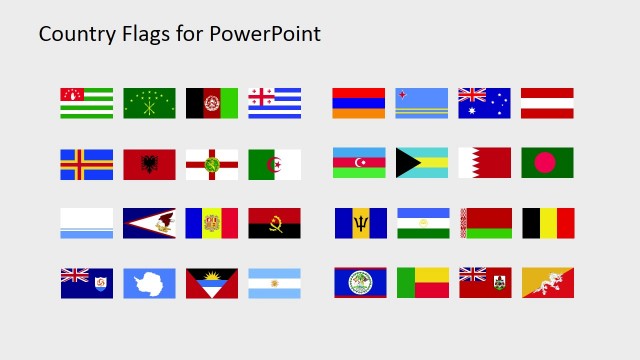
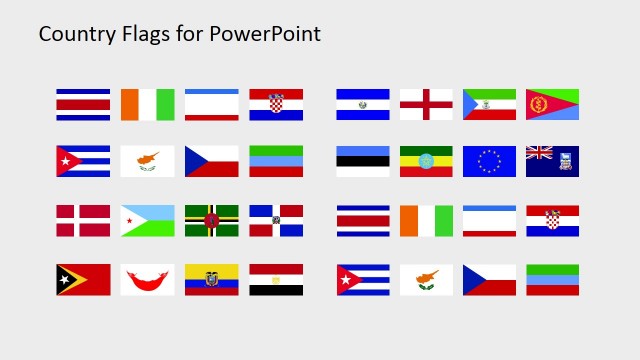
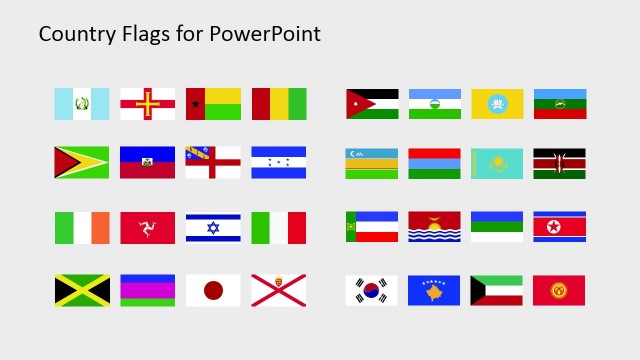
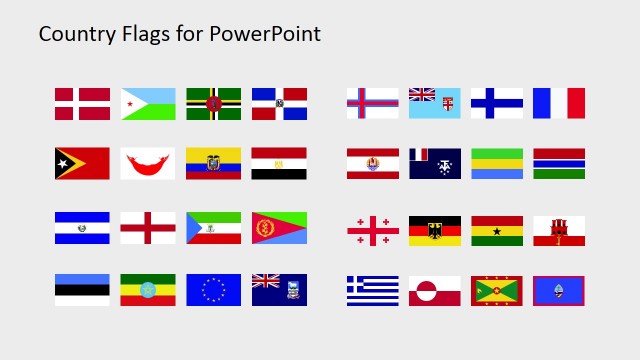
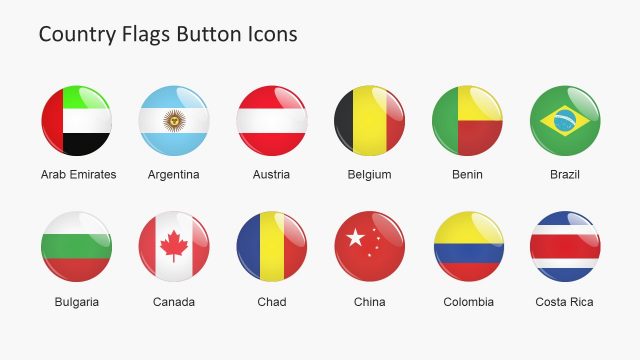
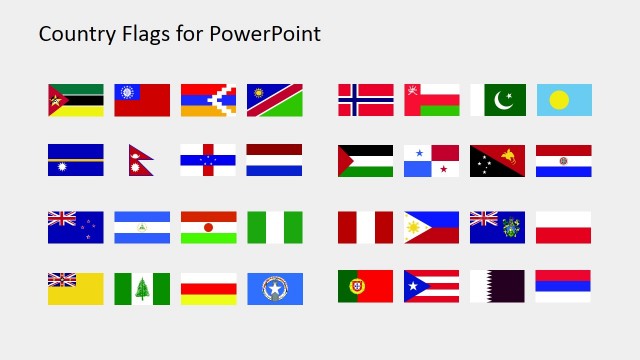
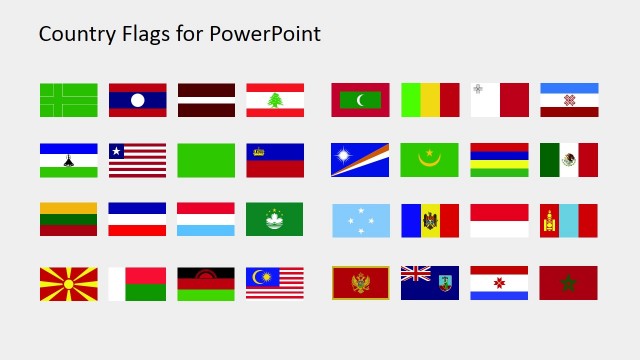
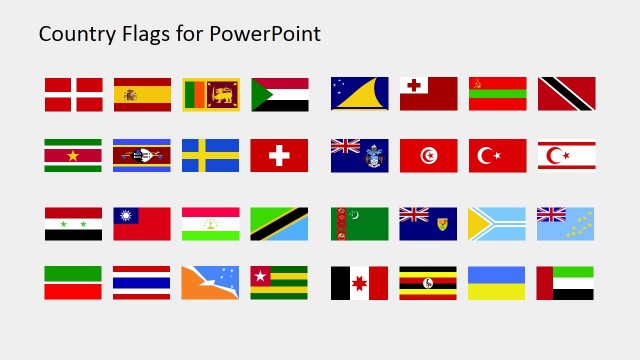
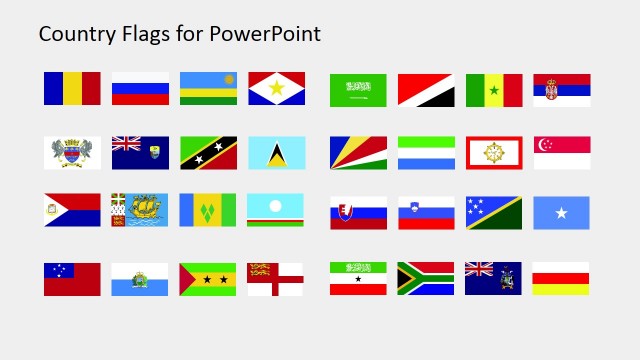
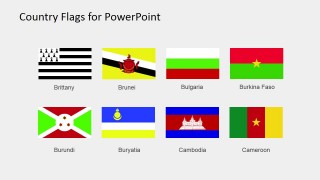
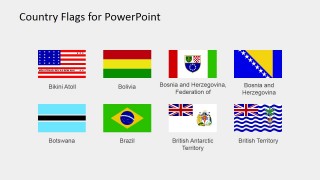
Accentuate global concepts in presentations with this useful Country Flags Clipart for PowerPoint template. It’s a gallery of 32 intricately constructed country flags made of editable PowerPoint shapes. These flag clipart set is useful for marketing concepts promoting international subsidiaries and affiliation. Using a flag in place of country or territorial names, promotes better distinction and characterization of the subject in focus in a presentation. A flag automatically refers to a country while most of the country names wouldn’t exactly ring a bell to most people much less to recognize it as a country’s name. When flags are shown in a presentation, it involuntarily gives the notion of an international concept. When we see flags scattered along different continents, an idea of global expansion immediately comes to mind.
This template is also useful for tourism presentations. Tourism is the one of the fastest growing industries in the world. Companies in this industry demands more compelling presentations that will help them keep the lead in the competition. This PowerPoint template is useful for creating tourism banners, invitations, advertisements and other marketing materials aiming to promote tour packages in different countries. These flags are also useful in marking certain destinations in a tour package. Placing the countries’ flags and their country names eliminates confusion in exotic travel packages where the destinations are less commonly heard.
The presenter can create multiple presentations and marketing materials with the unlimited use of this template. Due to the flag shapes’ high resolution, altering its sizes doesn’t affect the quality of its color and shape borders. There are a lot more uses for this template than just presentations and digital marketing materials. It’s also a great tool for creative printed materials such as hanging mini flags. It’s also great for international tournament and games print ads for exclusive viewing in sports bars.
What’s inside this template
Example presentation scenarios
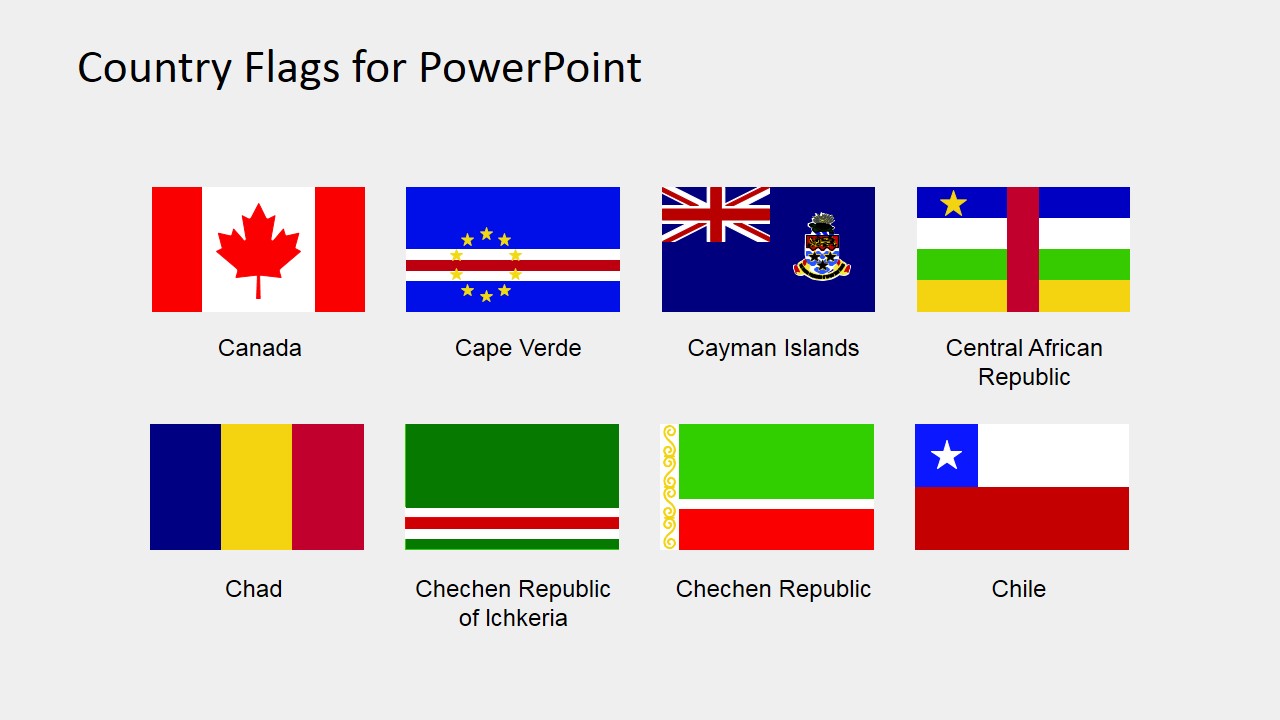
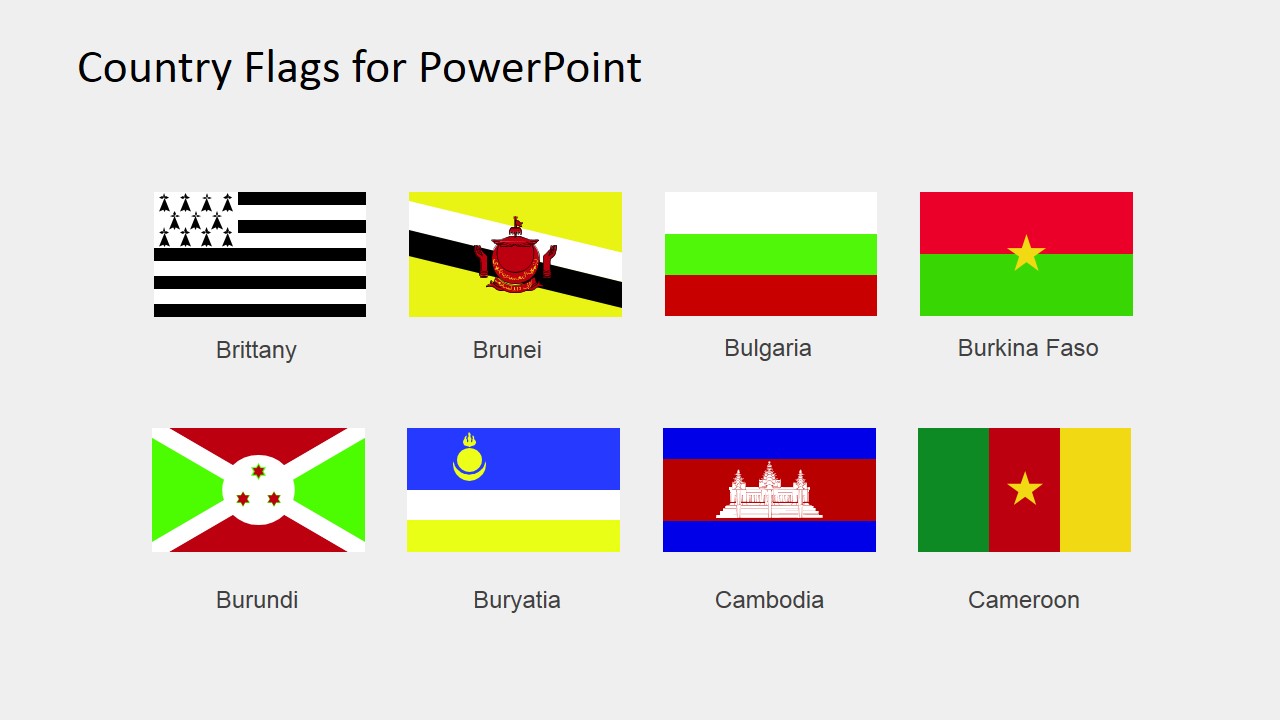
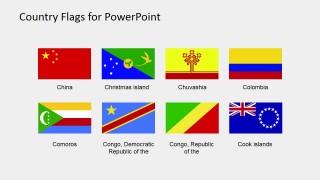
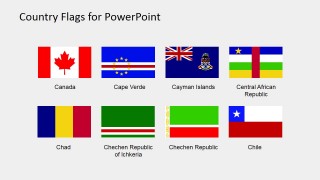
- A tourism marketer can present destinations or tour package coverage by selecting flags from the labeled 2x4 flag matrices and pairing them with itinerary details.
- An international business team can show markets, subsidiaries, or regional contacts by using the overview flag grid as a reference page and copying relevant flag clipart into a strategy deck.
- A geography teacher can introduce B to C countries and territories by showing the labeled flag gallery and asking learners to connect each flag to a map or country profile.
- An event organizer can prepare country identification graphics for tournaments or international meetings by reusing the editable flag shapes and country-name captions.
Features
- 100% editable presentation template
- Compatible with Microsoft PowerPoint and Google Slides
- 16:9 aspect ratio slides
- Scalable vector shapes, icons and illustrations
- AI-Ready for Microsoft Copilot and Claude
- Instant access and download
Frequently asked questions
Q: How should I present these flag slides without overwhelming the audience?
A: Use the overview grid as an index or appendix, not as the main explanation slide. For live delivery, move to the labeled 2x4 pages and discuss only the countries tied to your message. Copy a few relevant flags into your working slides so the audience sees the symbol, name, and business context together.
Q: Who is this flag clipart set best suited for?
A: This set fits presenters who need recognizable country symbols rather than geographic analysis. Tourism teams can mark destinations, educators can introduce country identity, and business teams can show subsidiaries, markets, or affiliations. It works best when the audience needs quick visual recognition for countries and territories in the B to C range.
Q: Why use flags instead of only country names in this presentation context?
A: Flags act as national identity markers and create an immediate global presence metaphor. The regular 2x4 matrices keep symbols comparable, while the captions reduce confusion for less familiar territories. Keeping both the flag and name is important because some flags are visually similar or may not be recognized by every audience.
You may also like:
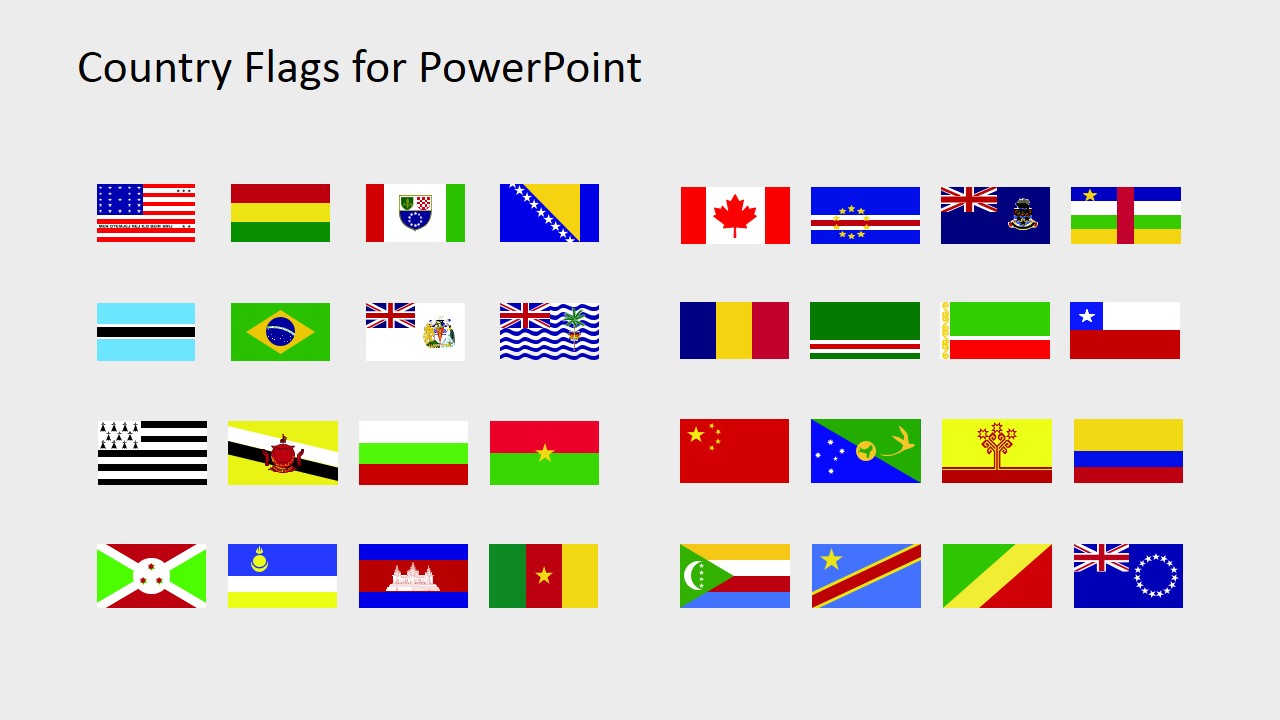

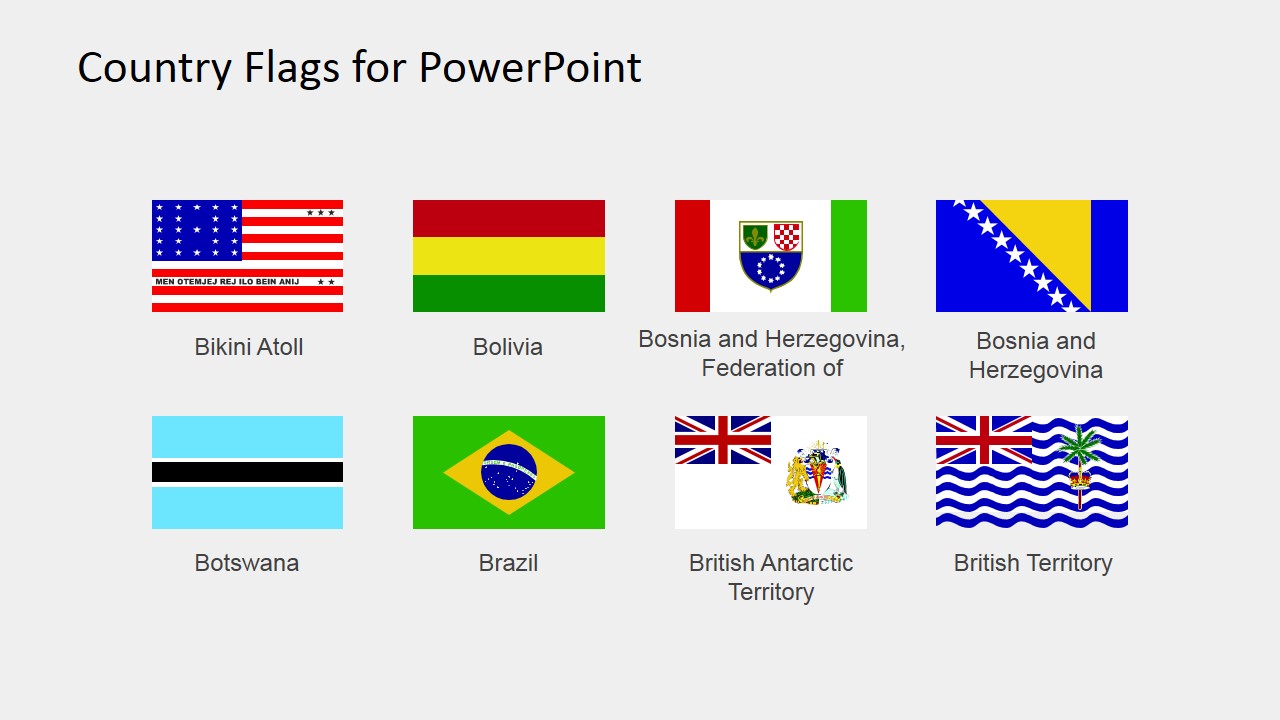
Country Flags Clipart for PowerPoint (B to C)
5-slide presentation template with editable B to C country flags, labeled flag grids, and geography clipart
Country Flags Clipart for PowerPoint (B to C) is a 5-slide clipart presentation template of editable PowerPoint flag shapes. The contact sheet shows an overview flag grid, labeled 2x4 flag matrices, and country-name captions for B to C territories. It is for marketers, tourism teams, educators, and global operations presenters using Microsoft PowerPoint or Google Slides.
- Category
- Shapes
- Rating


 Loading...
- Aspect ratio
- 16:9, 4:3
- Item ID
- 6670-02
- Colors
 Microsoft PowerPoint
  Microsoft Copilot
  Claude for PowerPoint
 Other formats supported
Subscribe today and get immediate
access to download our PowerPoint templates.