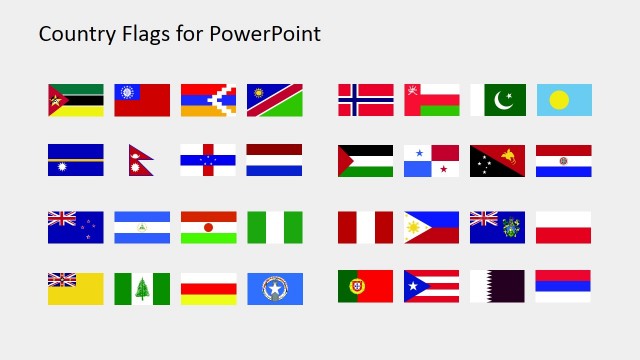
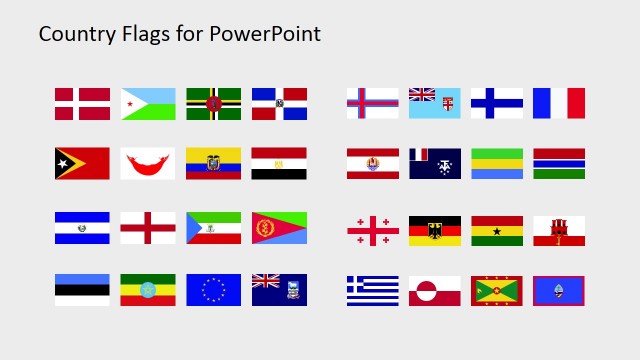
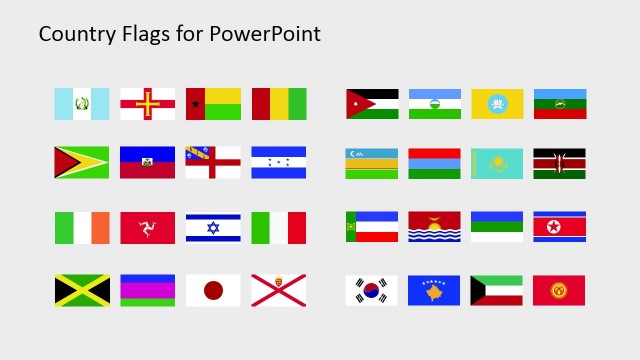
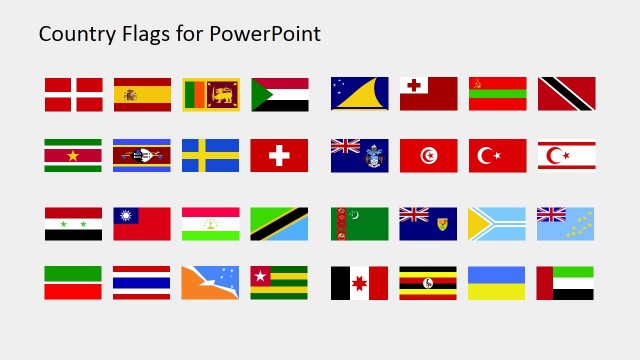
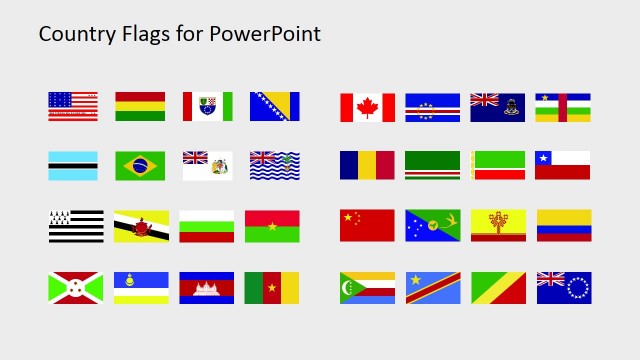
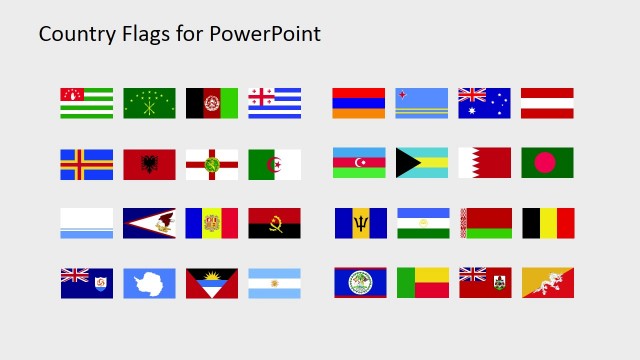
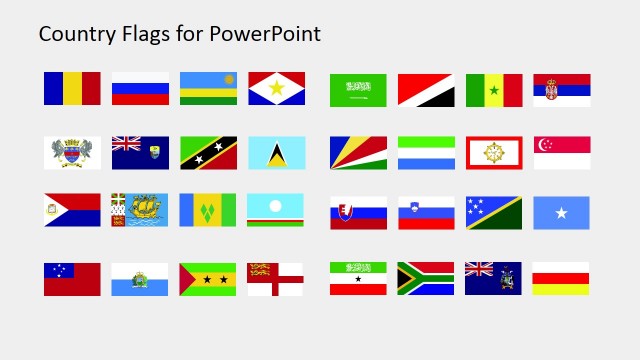
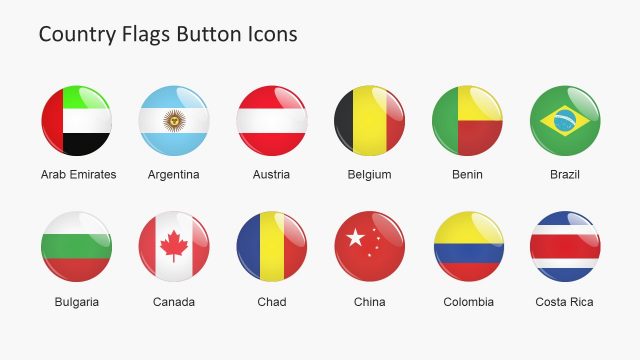
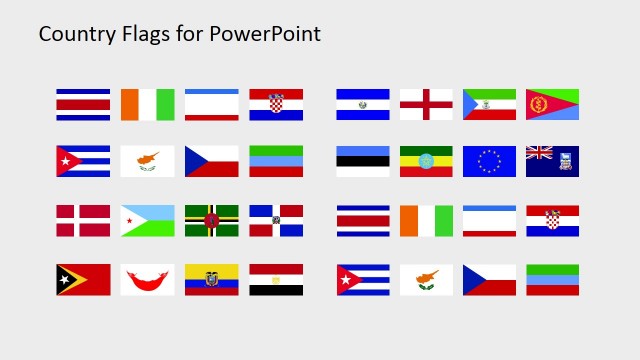
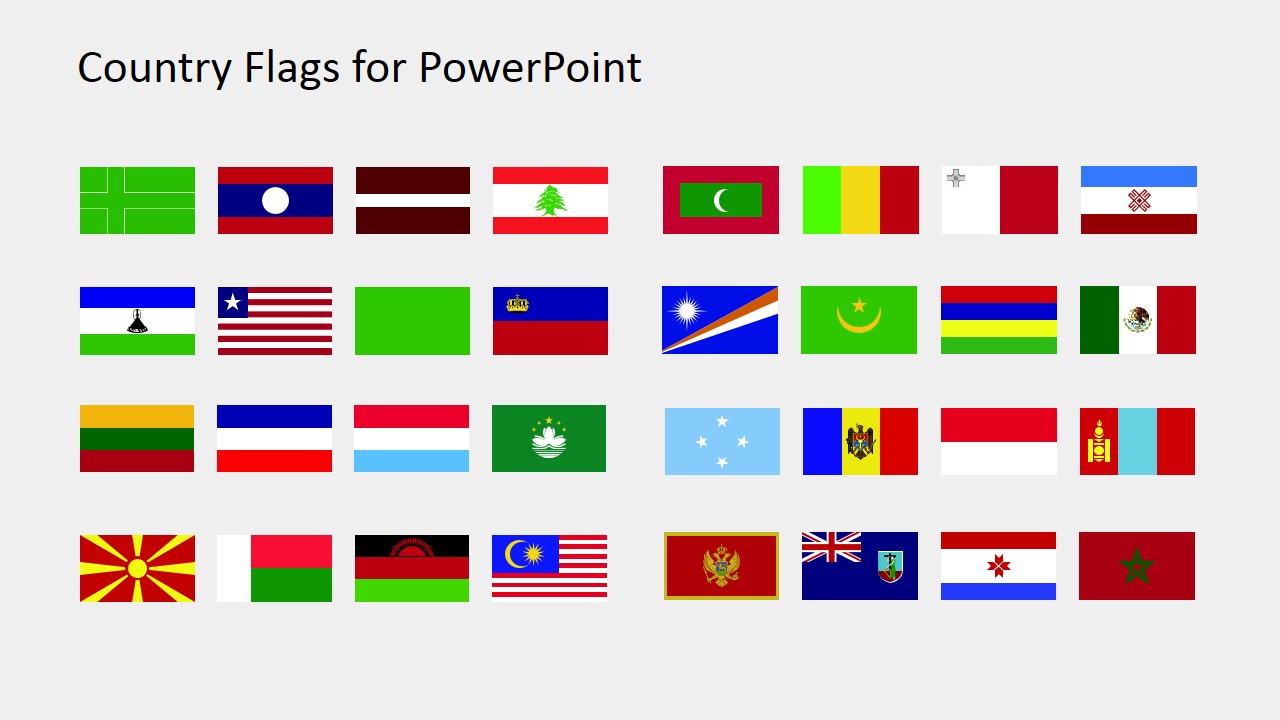
The Country Flags Clipart for PowerPoint (L to M) is a brilliant template with the collection of country flags. It is a multipurpose PowerPoint, useful in business slides, tourism, and global marketing etc. This template has flags of countries starting with the alphabets L and M. PowerPoint consist of 32 country flag clip arts further segmented into 8 shapes per slide. The slidemodel offers more country flag clipart templates against every alphabet. Moreover, the PowerPoint shapes are high-resolution flat vector graphics. It makes it quite easier for the users to customize the template to any shape and size. For instance, making a button shape of flag using the round crop option in picture format menu. Or, increase and decrease the size of the flag according to the presentation requirement.
The Country Flags Clipart for PowerPoint (L to M) is an aid for the templates which require country representation. There are unlimited uses of this template for marketing purposes. Because these icons are the visual representation of a country, an audience can quickly understand the concept. For example, the tourism, statistical analysis of various countries, sports, competitions, and international business opportunities etc. The use of national flags looks fantastic in the international corporate meetings. Nevertheless, it is the symbol of patriotism which wins people’s heart. Similarly, in the field of education, the presentation of flags can assist pupils to recognize each flag and respective country.
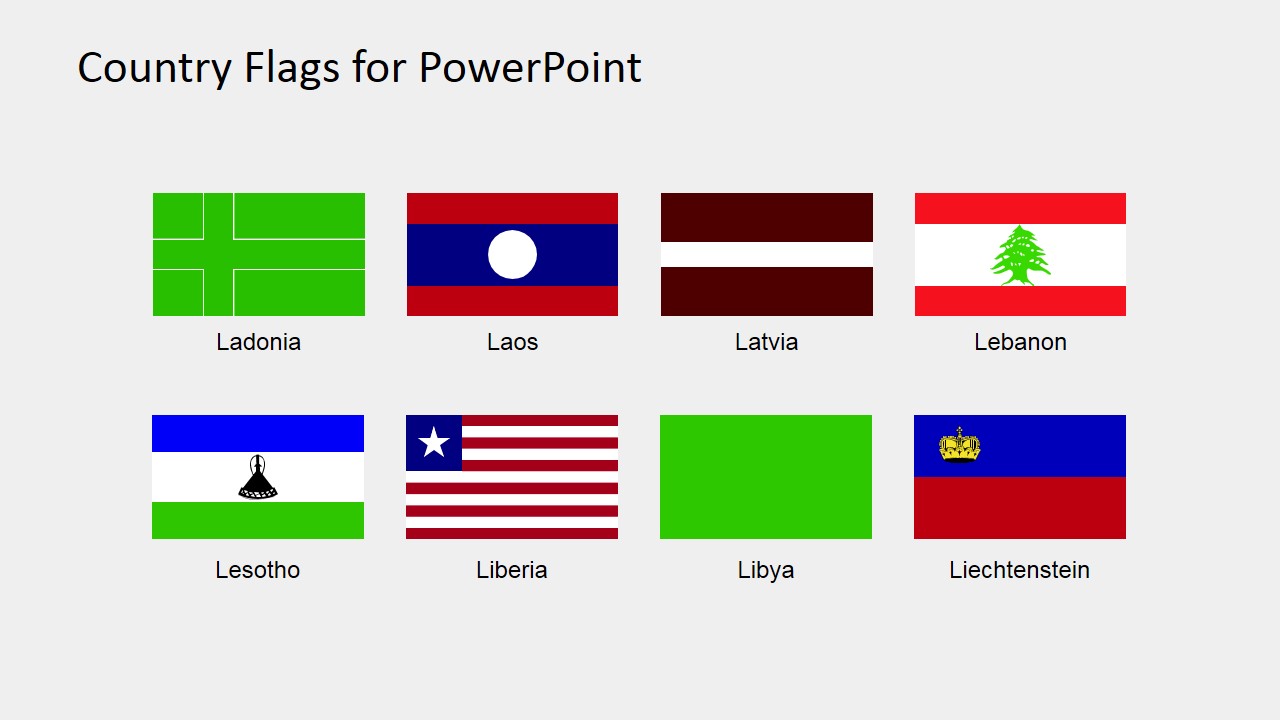
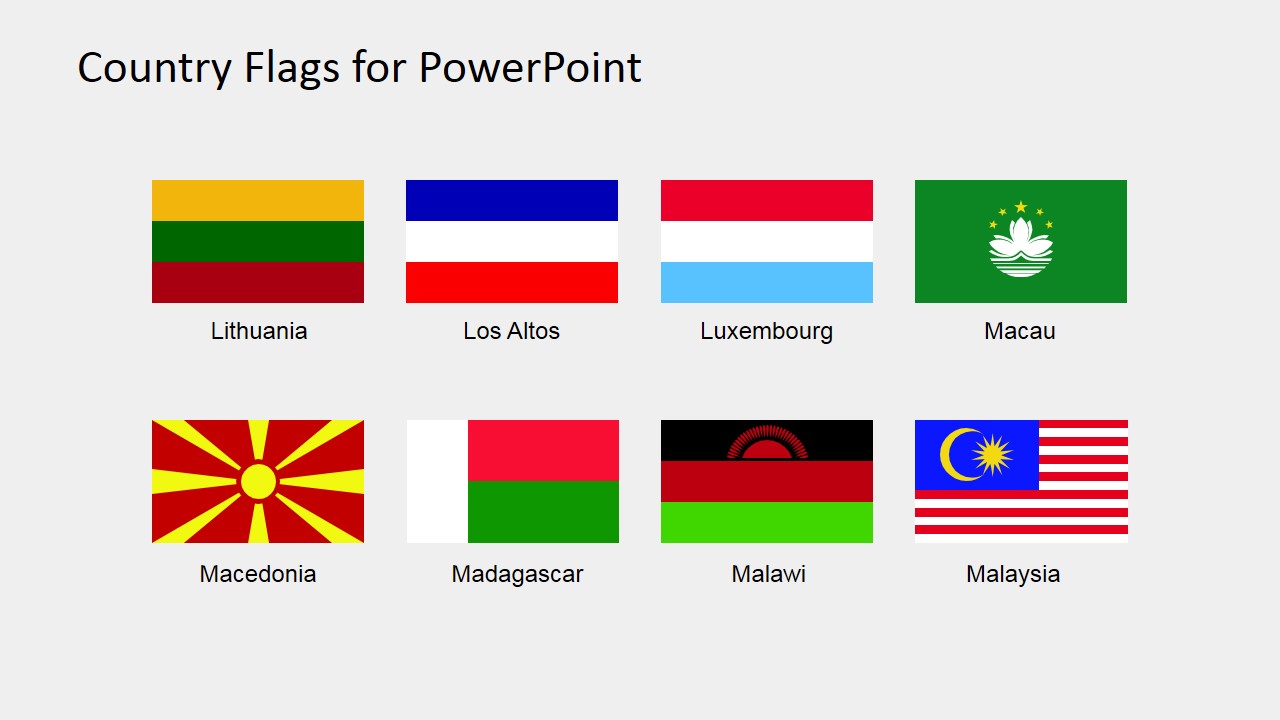
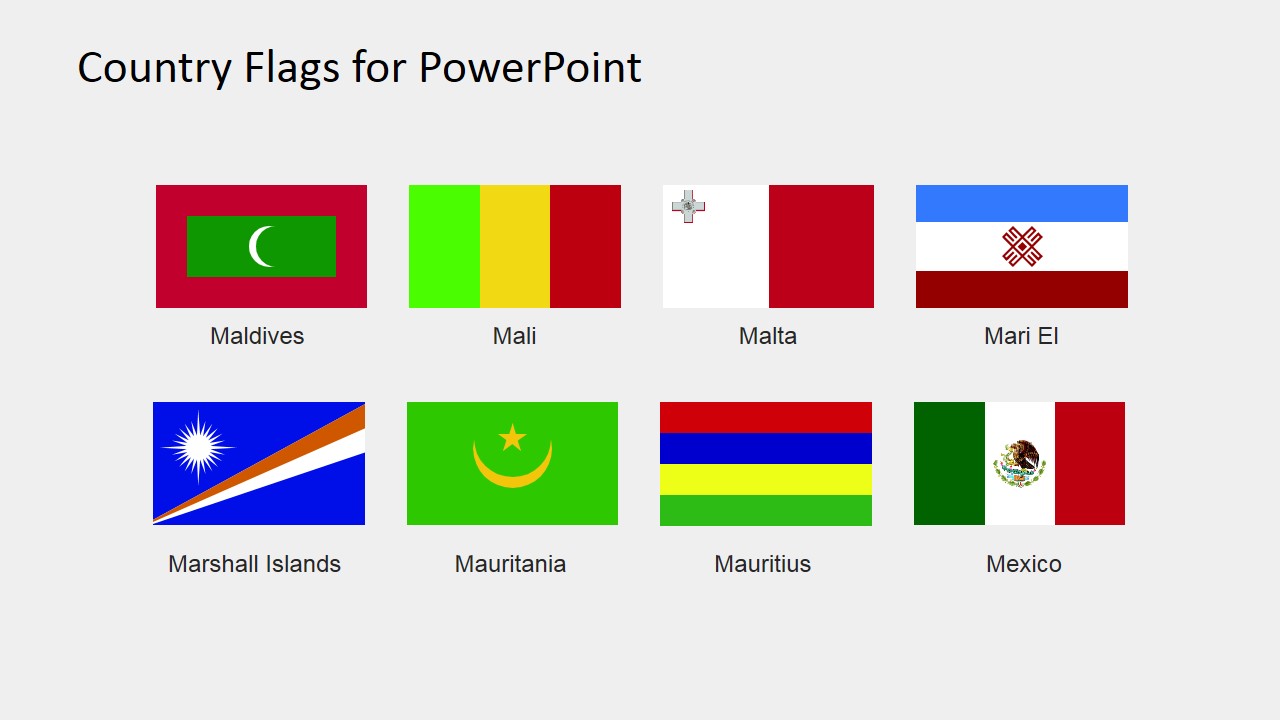
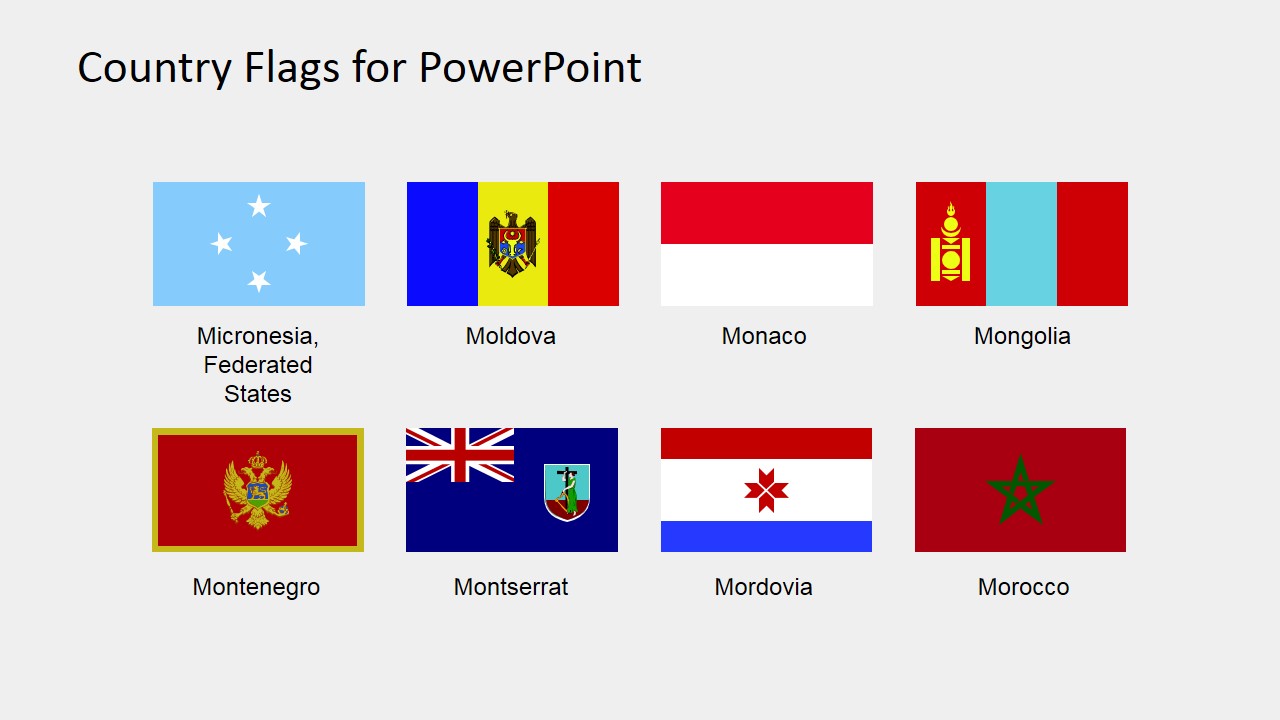
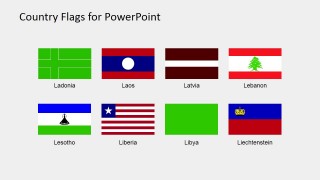
The (L to M) PowerPoint presentation of country flags include: Ladonia, Laos, Latvia, Lebanon, Lesotho, Liberia, Libya, Liechtenstein, Lithuania, Los Altos, Luxembourg, Macau, Macedonia, Madagascar, Malawi, Malaysia, Maldives, Mali, Malta, Mari El, Marshall Islands, Mauritania, Mauritius, Mexico, Micronesia Federated States, Moldova, Monaco, Mongolia, Montenegro, Montserrat, Mordovia, Morocco.
The SlideModel also has a vast collection of editable country maps. These maps and flags together id in creating professional PowerPoint Presentations. Also, insert these country flags clipart into any presentation which will emphasize on concept geographically. Furthermore, these are the value-added PowerPoint shapes to promote the company in an international market.
What’s inside this template
Example presentation scenarios
- An international sales presenter can mark target markets or customer locations by copying flag icons from the labeled eight-flag grids into a market expansion deck.
- A tourism presenter can introduce destination options by pairing country flags such as Lebanon, Maldives, Mauritius, or Morocco with itinerary details and travel metrics.
- An educator can teach flag recognition or geography by showing the overview grid first, then using the labeled selection slides for country-by-country identification.
- A sports or event organizer can prepare competition materials by placing selected flag icons beside participant lists, schedules, score tables, or award categories.
Features
- 100% editable presentation template
- Compatible with Microsoft PowerPoint and Google Slides
- 16:9 aspect ratio slides
- Scalable vector shapes, icons and illustrations
- AI-Ready for Microsoft Copilot and Claude
- Instant access and download
Frequently asked questions
Q: How should a presenter use these flag slides without overwhelming the audience?
A: Use slide 1 as a private selection catalog, not necessarily as a presentation slide. Copy only the flags that support the message and place them next to market names, agenda items, participants, or metrics. The labeled eight-flag grids help confirm the right country before inserting a flag into a cleaner working slide.
Q: Which presentations are the best fit for this L-to-M flag set?
A: This set fits presentations where country identity is a supporting cue, such as international sales coverage, tourism routes, classroom geography, sports participation, or country-level reporting. It is especially useful when the audience must scan many countries quickly and distinguish entries such as Malaysia, Mexico, Moldova, Monaco, and Morocco.
Q: Why are the flags shown in simple grids with labels instead of a map metaphor?
A: The grid format treats each country or region as an equal selectable marker, while a map would make size and geography dominate the message. Labels reduce ambiguity, which matters for similar tricolor flags and lesser-known regional symbols. The design works as an icon library first, then flags can be placed into maps, tables, or timelines.
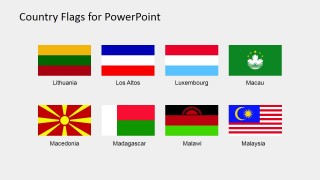
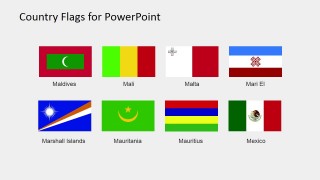
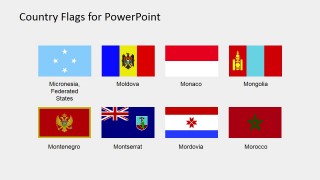
Country Flags Clipart for PowerPoint (L to M)
5-slide country flag clipart slide template with labeled L-to-M flag icons for global presentations
The Country Flags Clipart for PowerPoint (L to M) is a 5-slide presentation template containing editable vector flag icons for countries and regions from L to M. It includes an overview grid, labeled eight-flag grids, and country name captions for international business, tourism, education, and reporting in Microsoft PowerPoint and Google Slides.
- Category
- Shapes
- Rating

 Loading...
- Aspect ratio
- 16:9, 4:3
- Item ID
- 6670-06
- Colors
 Microsoft PowerPoint
  Microsoft Copilot
  Claude for PowerPoint
 Other formats supported
Subscribe today and get immediate
access to download our PowerPoint templates.