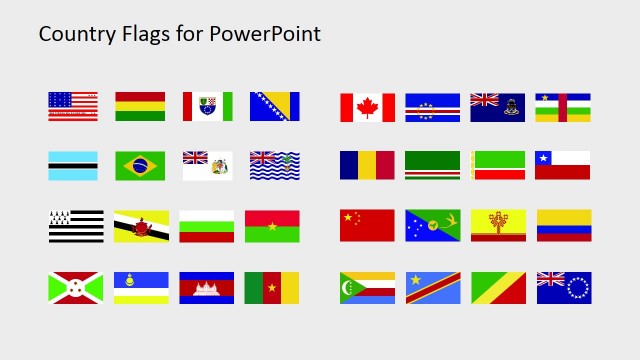
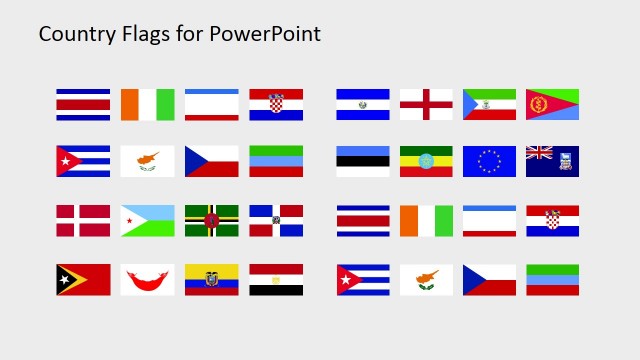
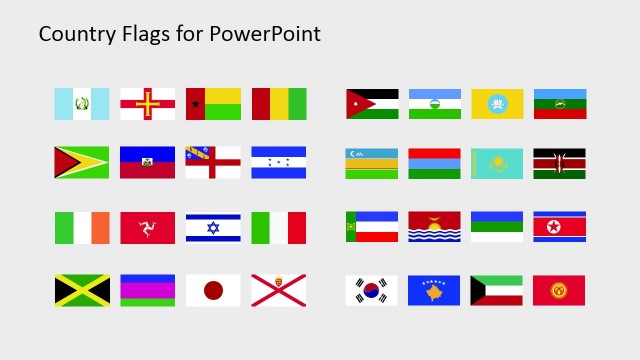
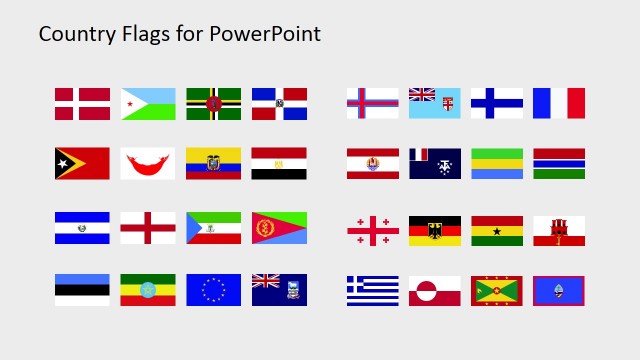
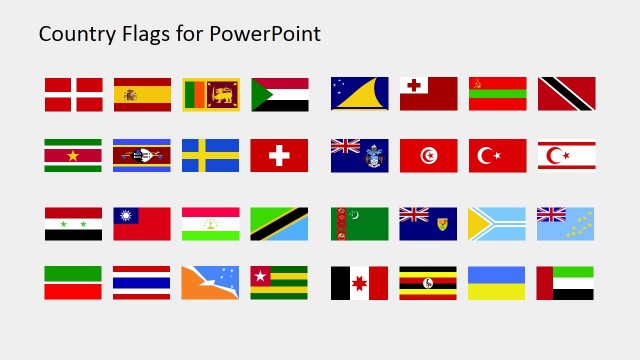
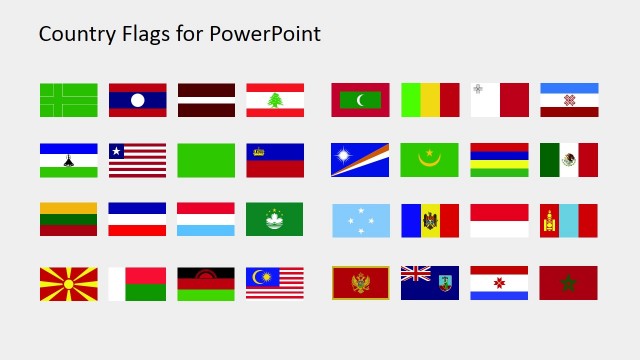
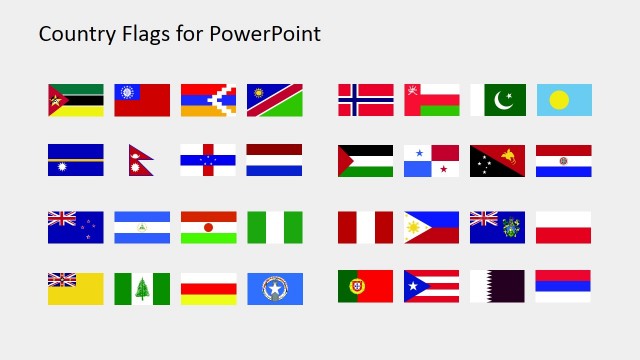
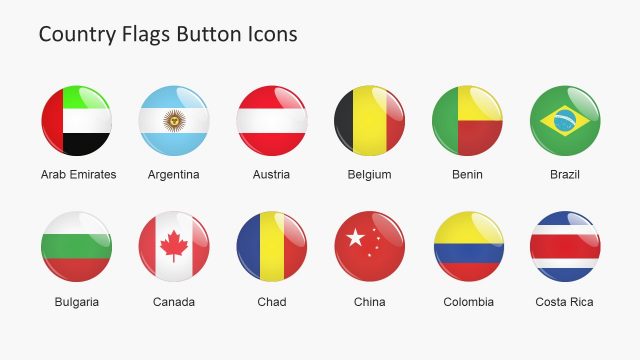
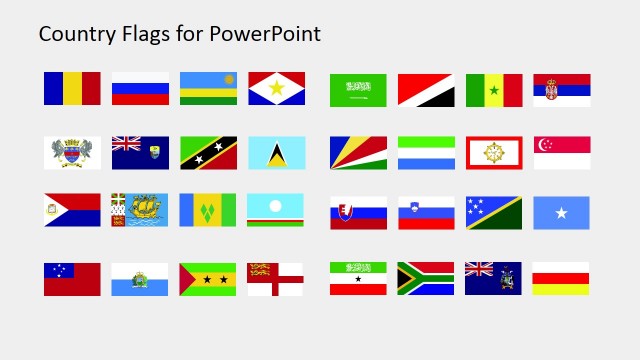
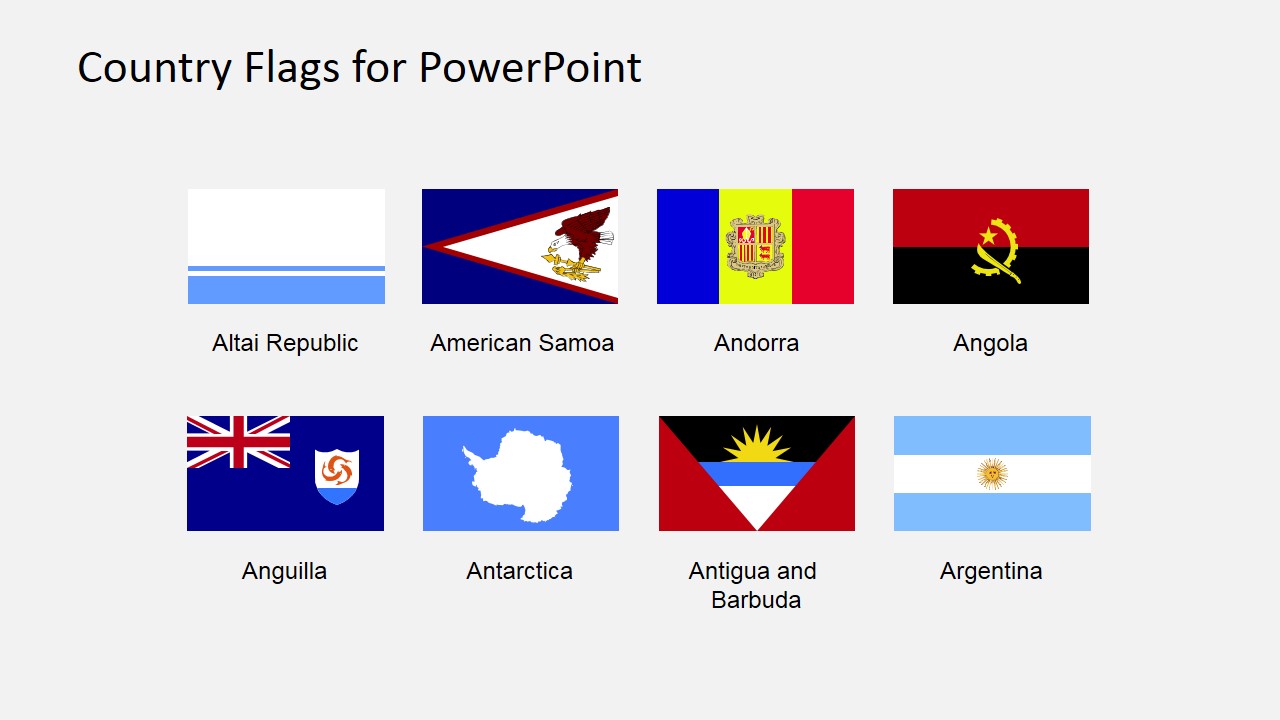
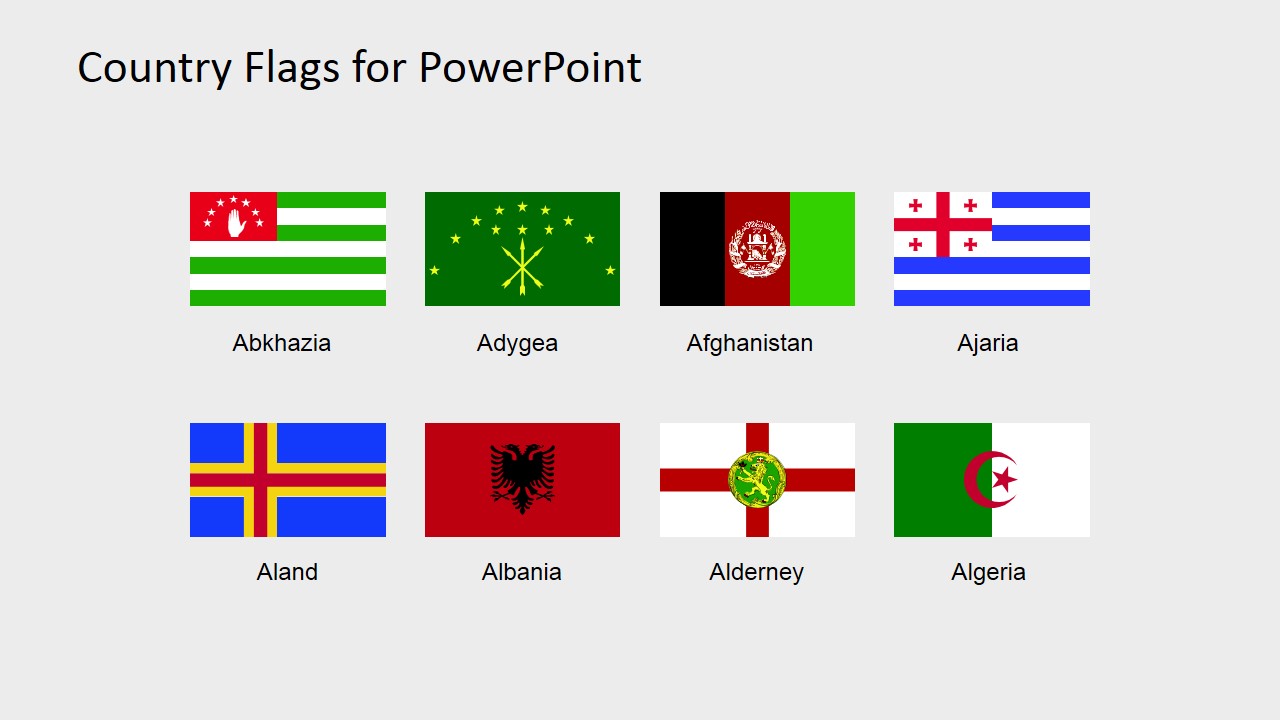
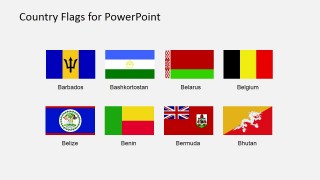
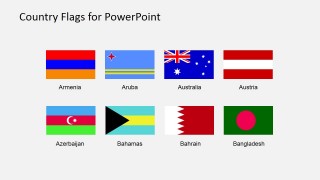
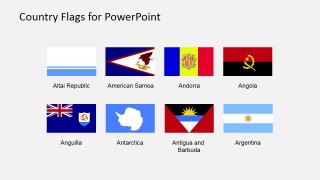
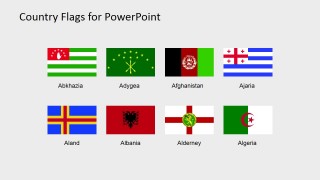
Country Flags Clipart for PowerPoint (A to B) – This template is a useful collection of flags that represent countries and territories around the world. In this PowerPoint template, the flags on display range from countries with names starting from A to B. These flags are all PowerPoint shapes and can be used in any presentations to put more emphasis on their concepts. It can also add more value in cultural or geographical presentations with our PowerPoint Maps. This PowerPoint template is great in presenting internationalization plans of businesses and companies. Internationalization is the means of making a business available to the international markets. It seizes market opportunities from different countries by identifying the product and service demand from these markets. Another important step of internationalization is learning how to communicate to varied cultures. This form of communication goes beyond language. It includes learning and understanding people behaviors and local customs. Internationalization also concerns the ability of an organization to form business affiliation. Having a higher level of familiarity and camaraderie with international counterparts greatly helps in growing the company’s market share in a country. In information technology, internationalization is the means of preparing a software for international communication by enabling it to understand and translate its contents from its original language to several other languages. It is also referred to as I18N.
This PowerPoint template is also useful for presentations about international tournaments. Each international team is easily identifiable with their national flags and therefore adds ease in discussing issues about each country. The use of national flags with their country names’ abbreviation makes a list of rankings more compact and easier to understand. These flags are also useful in designing several tournament banners due to its easy manipulation properties. The flags also have high resolution qualities which maintain its color and shape integrity even after editing. Best of all these shapes are perpetually useful to any presentation. As long as it’s kept in your files, it can be used repeatedly.
What’s inside this template
Example presentation scenarios
- A market research analyst can use the labeled flag tile galleries to identify countries in a market entry briefing and keep country comparisons compact.
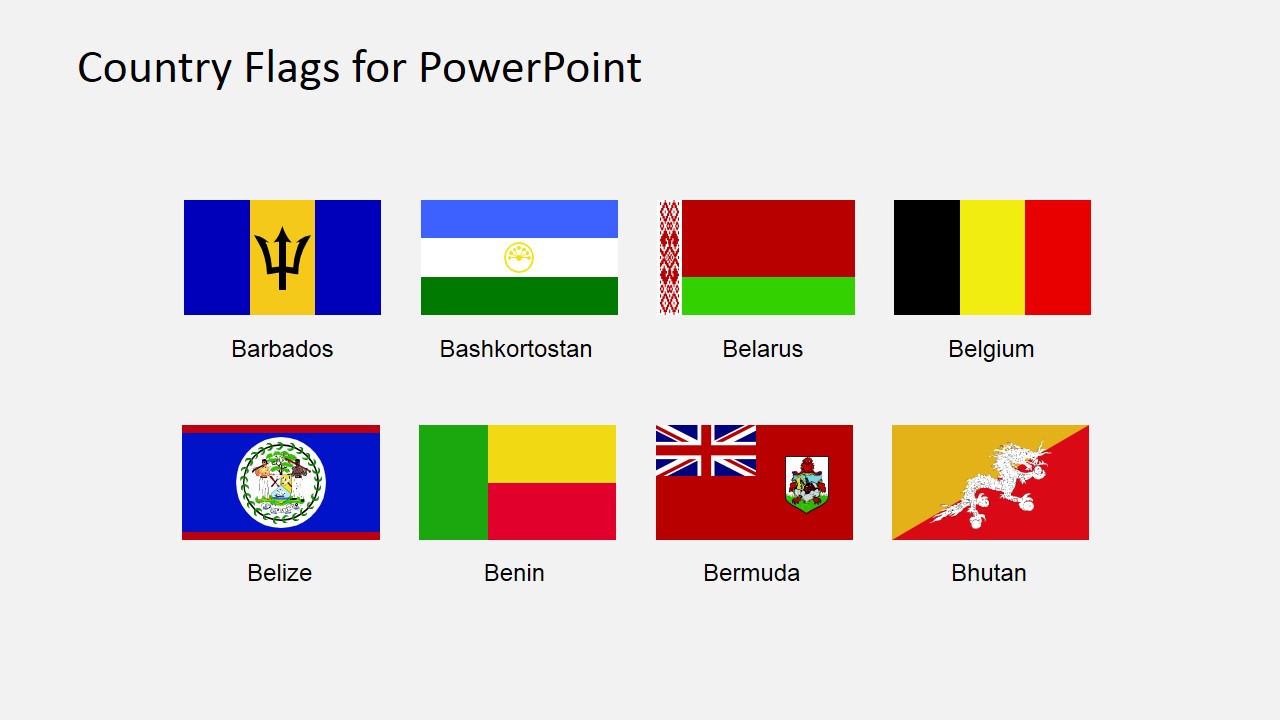
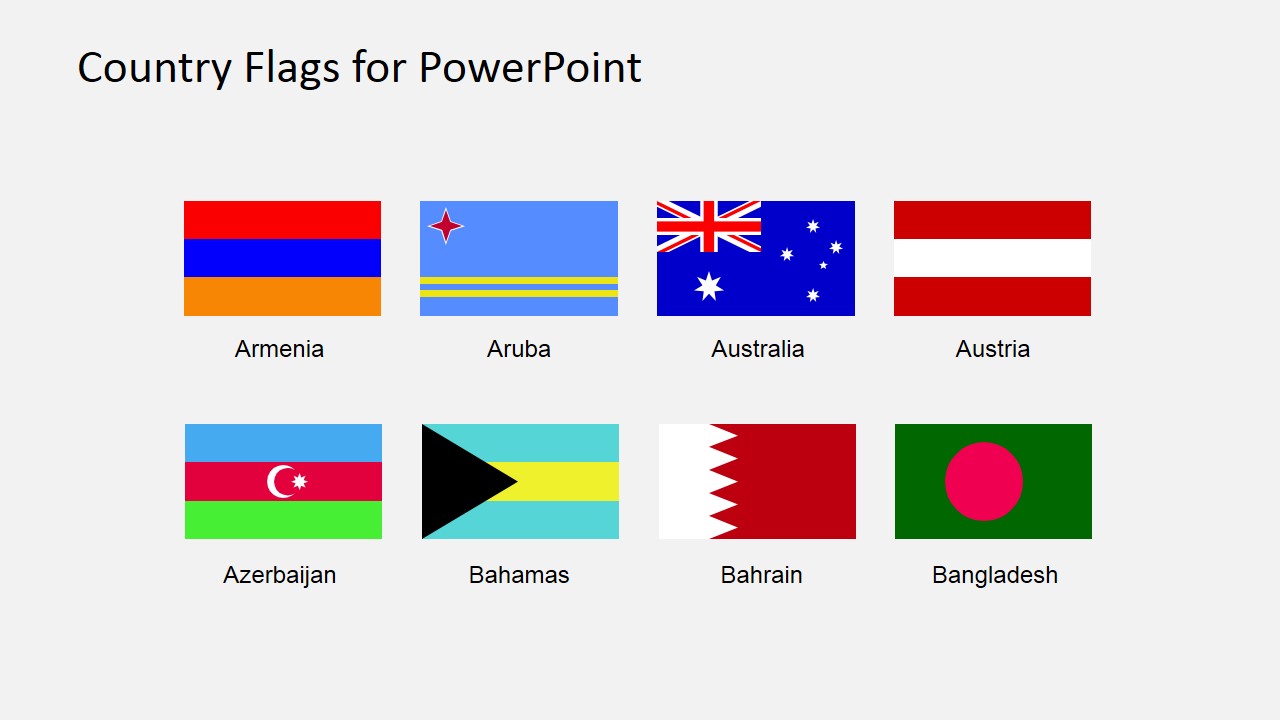
- An educator can use the country-name captions and flag icons to introduce geography, culture, or international relations topics in a classroom slide deck.
- A sports event organizer can copy the flag tiles into ranking tables, brackets, or team introduction slides for international tournament presentations.
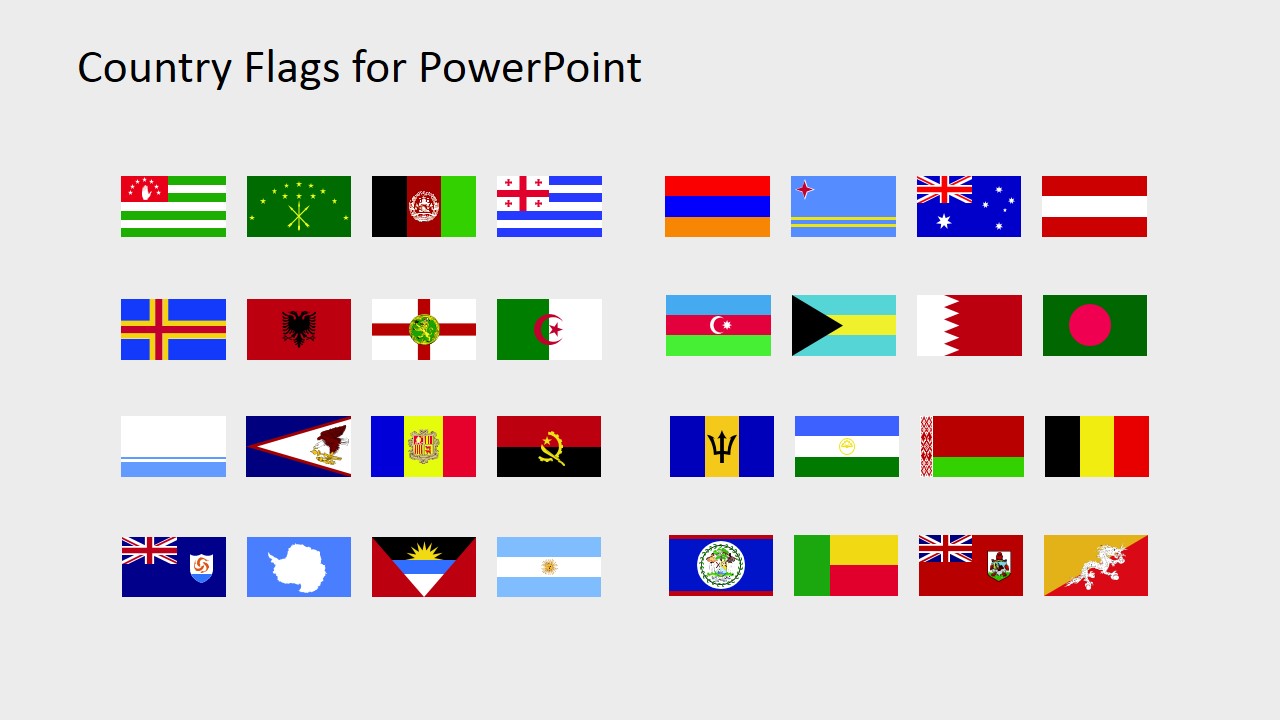
- A consultant can use the overview flag catalog grid as a source slide when annotating maps, regional strategy diagrams, or cross-border partnership summaries.
Features
- 100% editable presentation template
- Compatible with Microsoft PowerPoint and Google Slides
- 16:9 aspect ratio slides
- Scalable vector shapes, icons and illustrations
- AI-Ready for Microsoft Copilot and Claude
- Instant access and download
Frequently asked questions
Q: How should a presenter use these flag slides without overcrowding a business presentation?
A: Treat the slides as a source library, not as final presentation pages in every case. Copy only the flags needed for the message, then place them beside country names, rankings, map callouts, or market segments. Keep the captions visible when the audience may not recognize the flag quickly.
Q: Who gets the most value from this A to B country flag clipart set?
A: The set is best for presenters who repeatedly reference countries or territories in global business, education, sports, or cultural contexts. Market analysts, teachers, consultants, and event organizers can use the labeled flag tile galleries to make country references faster to scan than text-only lists.
Q: Why does the grid format work well for country flag communication?
A: The grid format turns many national symbols into a visual lookup system. The repeated tile structure helps audiences compare flags at the same size, while the label beneath each flag prevents ambiguity. This is especially useful when flags become compact identifiers inside rankings, maps, and country profile slides.
Country Flags Clipart for PowerPoint (A to B)
5-slide country flag clipart presentation template with editable flag icons and labeled country tiles
Country Flags Clipart for PowerPoint (A to B) is a 5-slide flag icon collection for Microsoft PowerPoint and Google Slides. It includes an overview flag catalog grid, labeled country flag tile galleries, and country-name captions for countries and territories from A to B. It is suited for geography, market entry, sports, and international business presentations.
- Category
- Shapes
- Rating


 Loading...
- Aspect ratio
- 16:9, 4:3
- Item ID
- 6670-01
- Colors
 Microsoft PowerPoint
  Microsoft Copilot
  Claude for PowerPoint
 Other formats supported
Subscribe today and get immediate
access to download our PowerPoint templates.