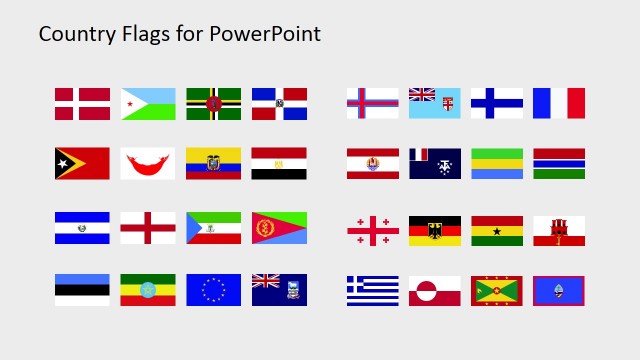
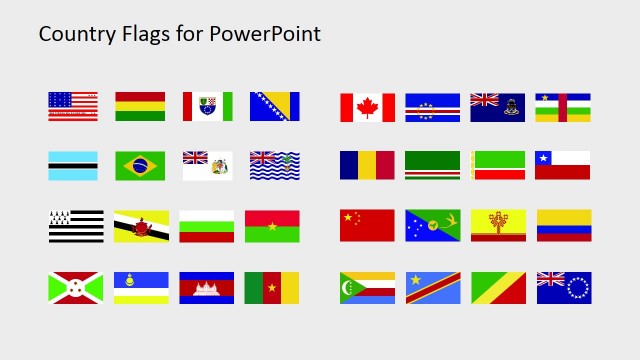
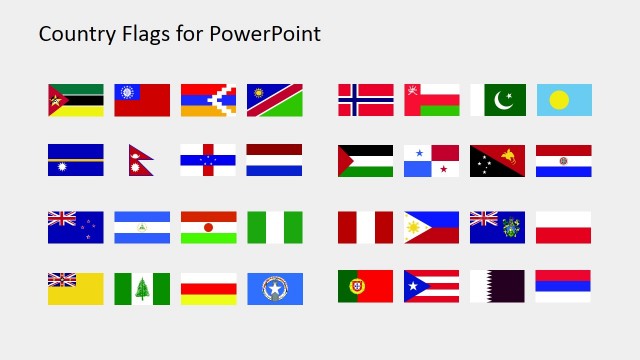
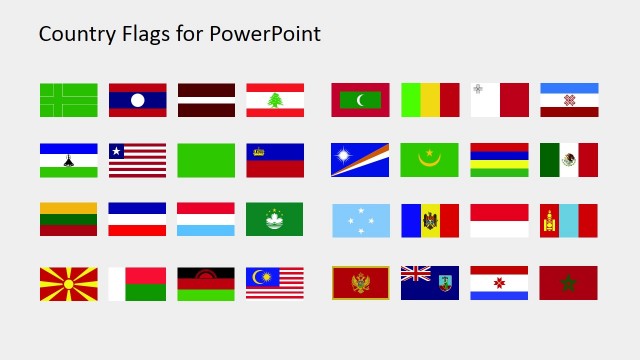
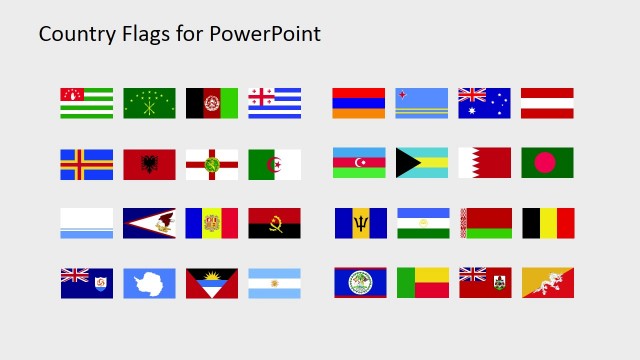
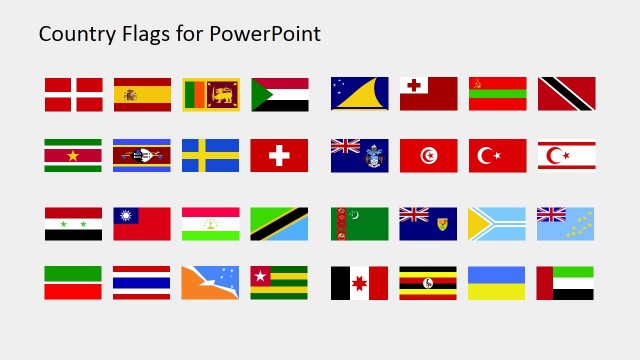
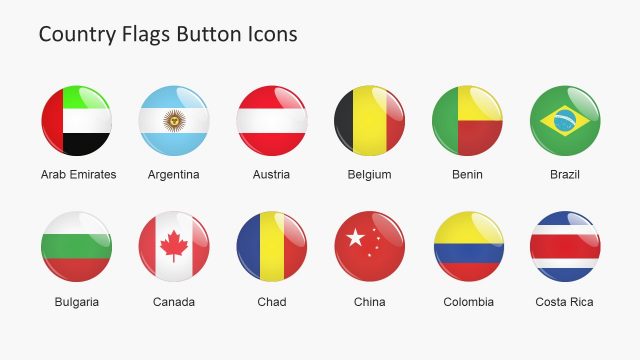
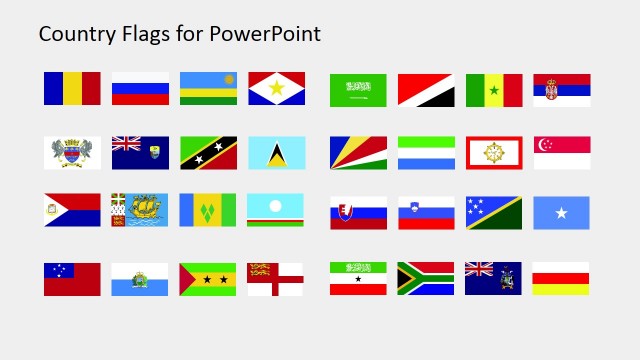
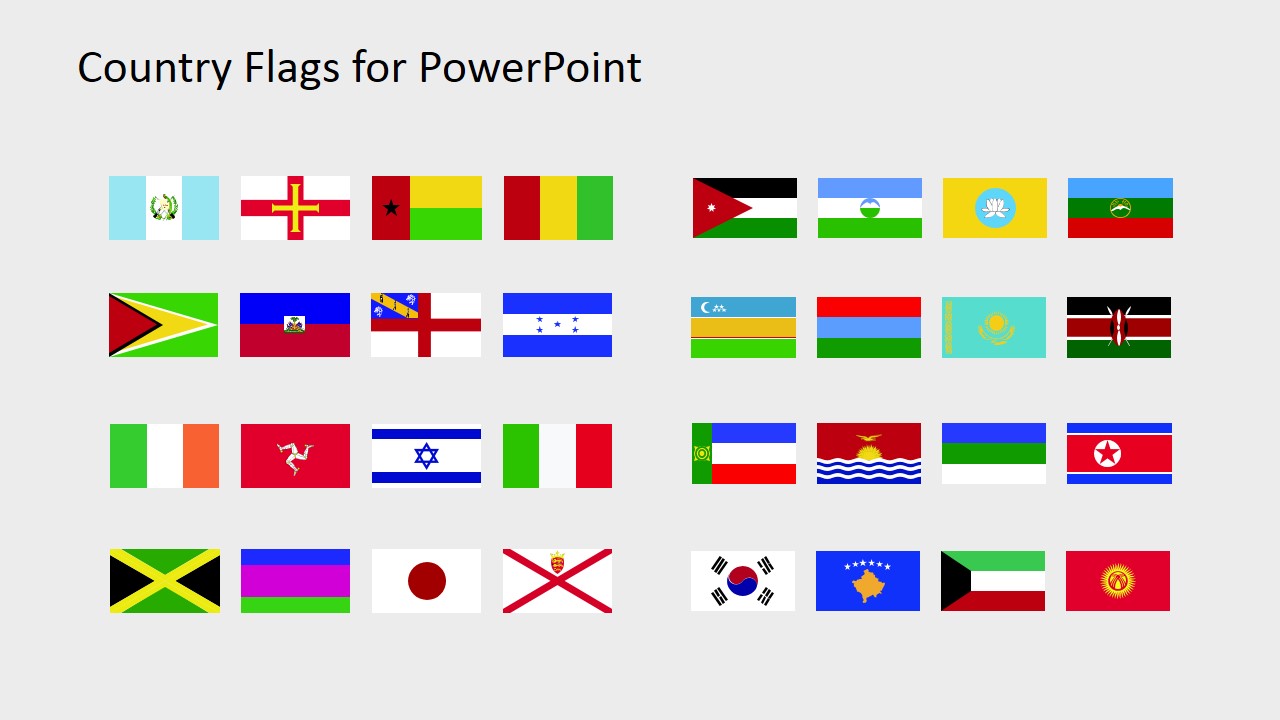
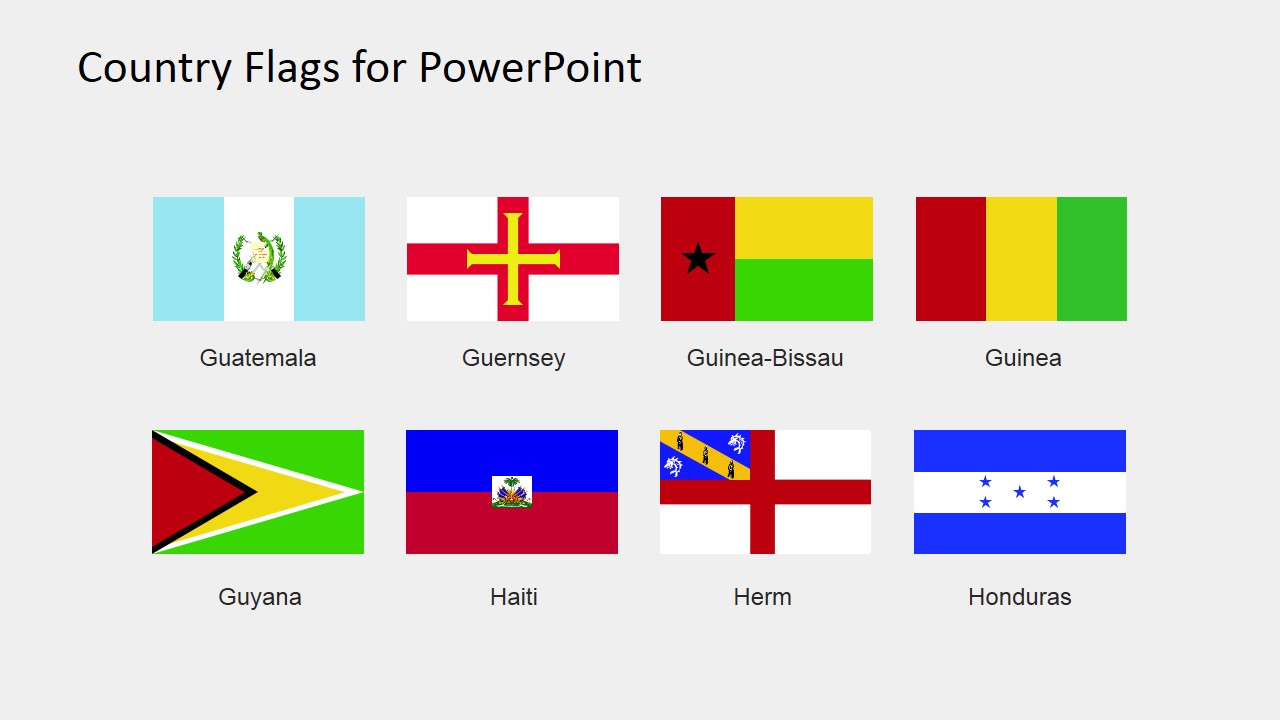
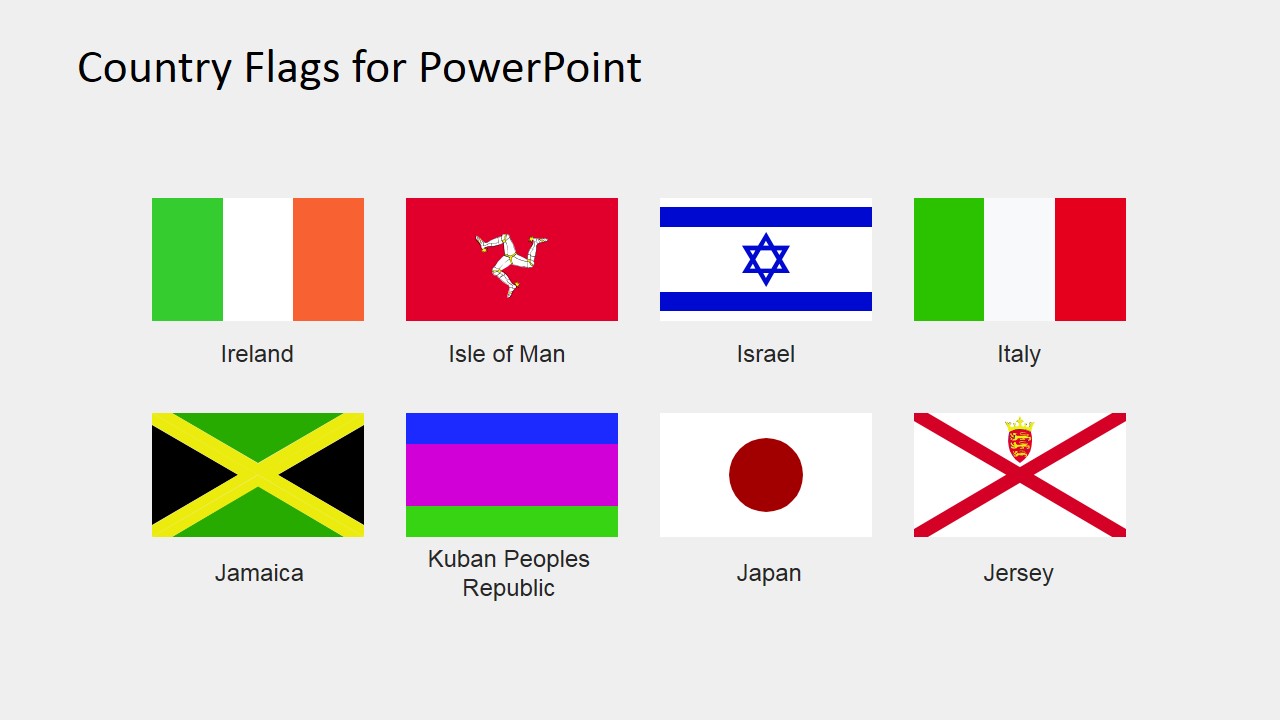
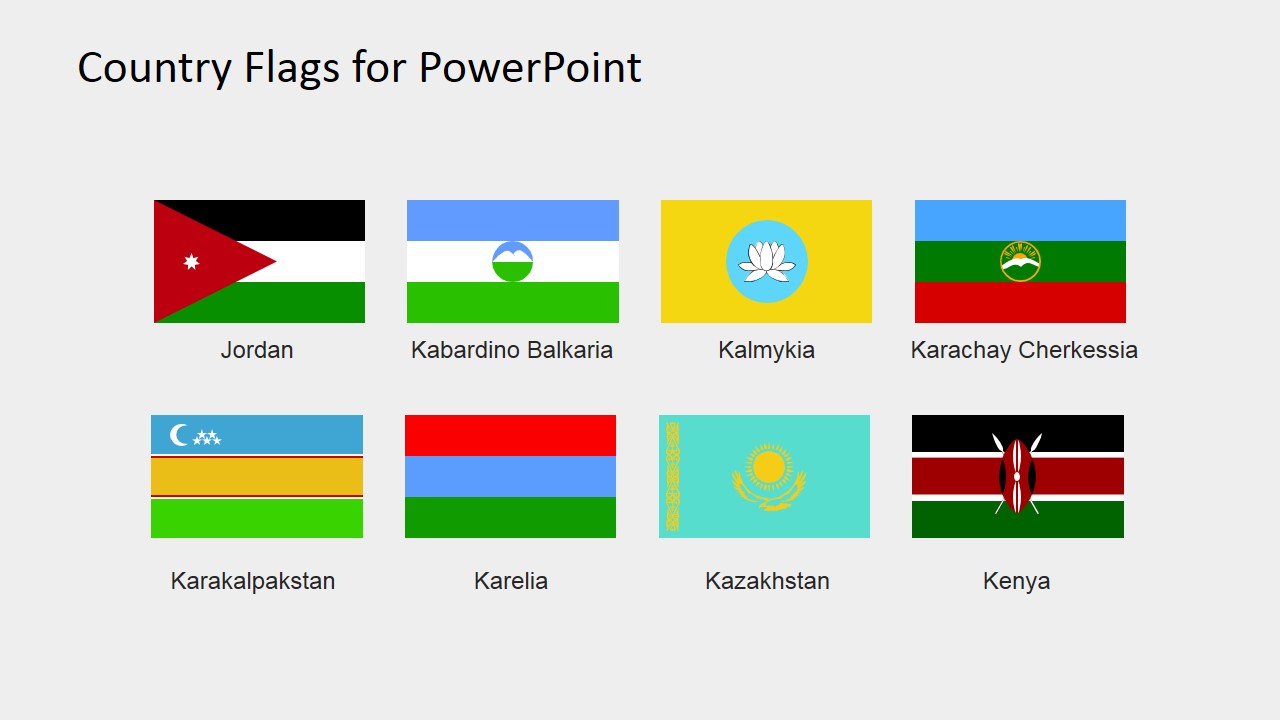
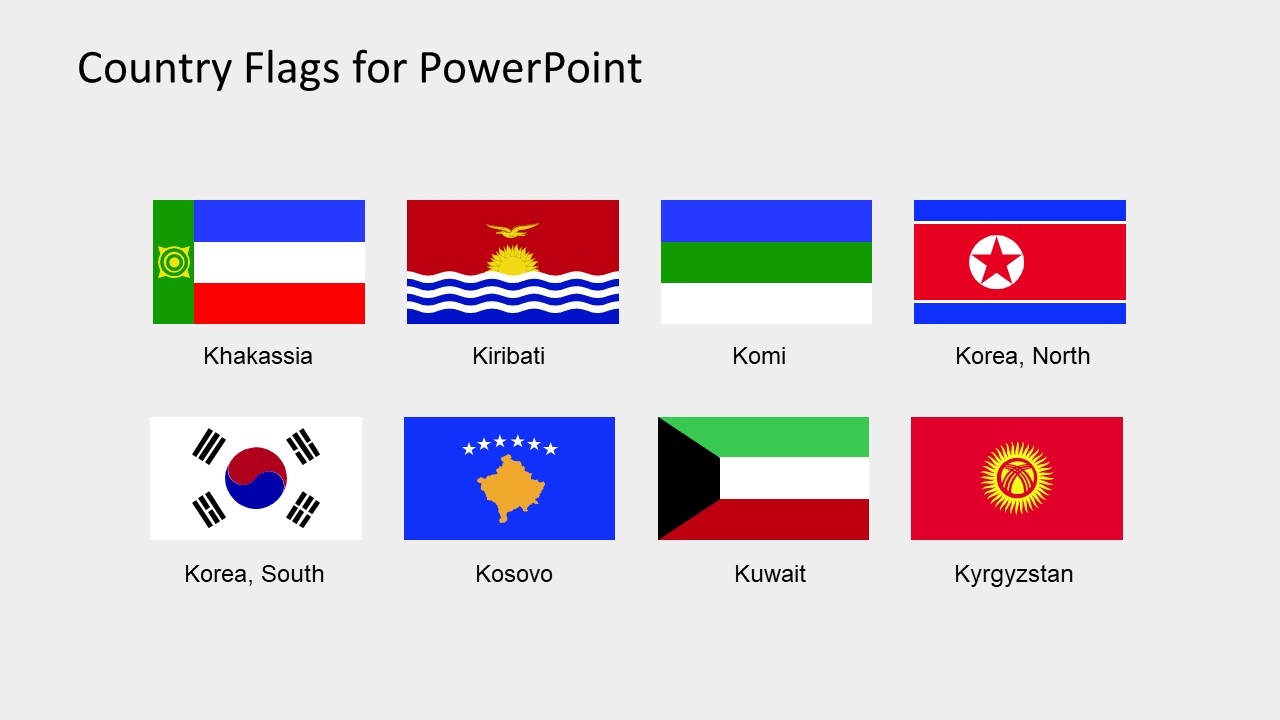
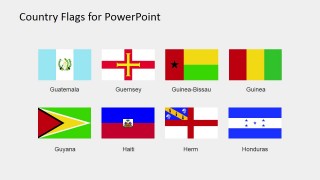
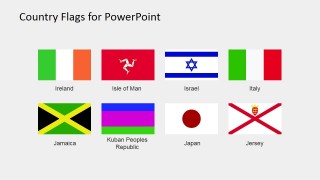
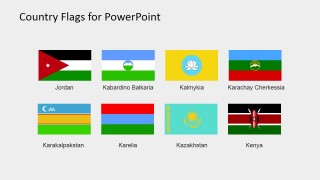
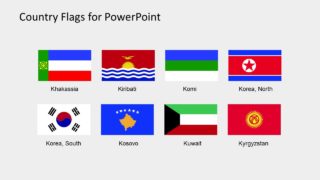
The Country Flags Clipart for PowerPoint (G to K) is an amazing presentation tool. The users can choose their desired icons for outstanding international presentation themes. The template of 32 country flags contains flat vector graphics. These vectors enable users to make a range of changes in the design of icons without affecting the image quality. For example, rescaling the clipart or adding effects in the slides. This presentation contains flags of all the countries whose name start with alphabet G, H, I, J, and K. The first slide of country flags clipart provides the overview of all 32 icons. Whereas, the further four slides are segments of 8 flag clipart icons each.
The Country Flags Clipart for PowerPoint (G to K) enables the users to create more visual content while presenting countries. The use of flags instead of names is the countries and maps to display their geography.
These flags include: Guatemala, Guernsey, Guinea-Bissau, Guinea, Guyana, Haiti, Herm, Honduras, Ireland, Isle of Man, Israel, Italy, Jamaica, Kuban Peoples Republic, Japan, Jersey, Jordan, Kabardino Balkaria, Kalmykia, Karachay Cherkessia, Karakalpakstan, Karelia, Kazakhstan, Kenya, Khakassia, Kiribati, Komi, North Korea, South Korea, Kasovo, Kuwait, Kyrgyzstan
The maps of countries and cities are available on SlideModel catalog. Apart from these, the users can create the interesting world map presentation with required country flags. This can help display the global reach of business and marketing opportunities. Moreover, the editable PowerPoint template enables users to personalize the slides as required. Either by changing the size or color or objects or add effects etc.
The PowerPoint template of (G to K) clipart icons as country flags are multi-purpose shapes. From promoting tourism to business or displaying the flags as a part of learning slides. It is unlimited presentation options. Therefore, it is a creative marketing tool to enhance the digital presentation of business services. Similarly, the flags can highlight the companies, teams, and individuals as representatives of their countries. For instance, in international sports tournaments, united nation and its affiliated NGOs etc.
What’s inside this template
Example presentation scenarios
- A business presenter can show countries in a regional expansion discussion by placing selected flag icons from the overview grid next to market names, offices, or partner locations.
- An educator can introduce countries and territories alphabetically by using the labeled eight-flag icon grids as visual prompts for geography, civics, or international studies lessons.
- A tourism marketer can identify destination markets by pairing the flag-and-caption tiles with travel routes, campaign regions, or visitor origin data on a separate map slide.
- An event organizer can represent international teams, delegations, or speakers by copying individual flag icons from the labeled pages into agenda, roster, or awards slides.
Features
- 100% editable presentation template
- Compatible with Microsoft PowerPoint and Google Slides
- 16:9 aspect ratio slides
- Scalable vector shapes, icons and illustrations
- AI-Ready for Microsoft Copilot and Claude
- Instant access and download
Frequently asked questions
Q: How should a presenter use this flag set without crowding the message?
A: Treat the overview slide as a visual index, then copy only the flags tied to the point being made. In an international business or education deck, pair each selected flag with a short label, metric, or location note. Avoid filling a slide with many flags unless the goal is reference or comparison.
Q: Who is this template best suited for?
A: It is best for presenters who need quick national identifiers rather than a full map narrative. Educators can teach country recognition, business teams can mark market participation, and event planners can identify delegations or teams. The labeled eight-flag grids make selection easier when countries from G to K are needed.
Q: Why does the template use simple flag grids instead of decorative country scenes?
A: The grid structure keeps attention on identity and comparison. Flags act as compact visual metaphors for countries, teams, markets, or delegations, while the labels reduce ambiguity. Because each page limits the view to eight flags after the overview, audiences can scan the icons without losing the presenter message.
Country Flags Clipart for PowerPoint (G to K)
5-slide presentation template with editable country flag icons, overview grid, and labeled flag tiles
Country Flags Clipart for PowerPoint (G to K) is a 5-slide presentation template with editable vector flag icons for countries and territories from Guatemala through Kyrgyzstan. It includes a 32-flag overview grid, labeled eight-flag icon grids, and flag-and-caption tiles for global business, education, tourism, and event presentations in PowerPoint and Google Slides.
- Rating

 Loading...
- Aspect ratio
- 16:9, 4:3
- Item ID
- 6670-05
- Colors
 Microsoft PowerPoint
  Microsoft Copilot
  Claude for PowerPoint
 Other formats supported
Subscribe today and get immediate
access to download our PowerPoint templates.