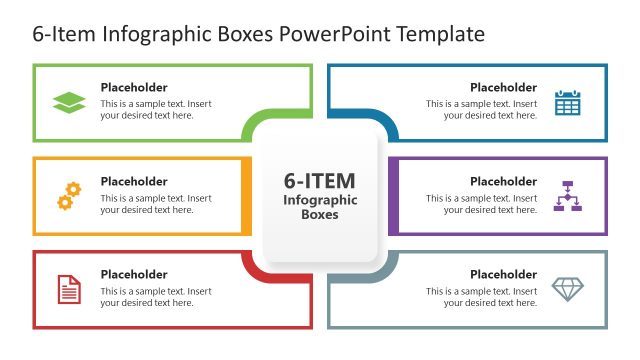
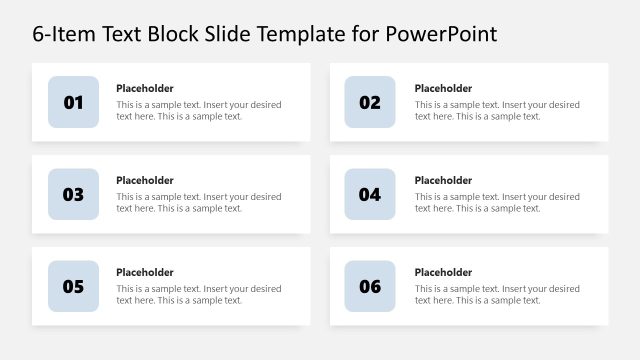
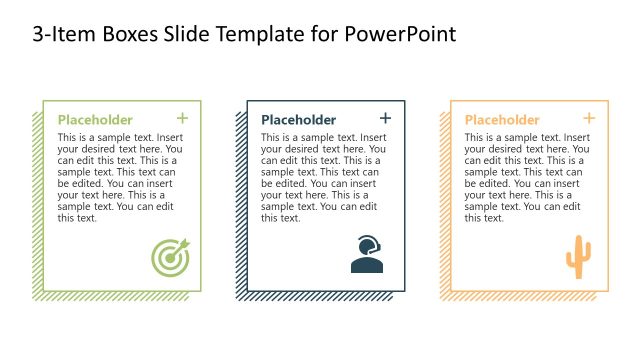
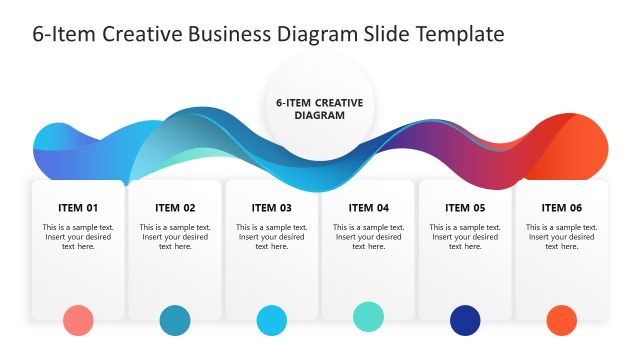
Present the six innovative features of your SaaS product with our interactive 6-Item Boxes Slide Template for PowerPoint in business meetings. Professionals can illustrate the six key performance indicators for a business project. This template lets project managers visually discuss the six project execution steps or milestones. Operational managers can display the company’s workflow scenarios using the boxes slide. System specialists can use this vertical box template design to showcase the stages in logistics management, transportation, outsourcing, supply chain management, and product development. You can use our slides in your investor meetings to display the achievements of your company and the next steps in business development.
The 6-Item Boxes Slide Template for PowerPoint is created with 100% editable PPT elements, which professionals can change based on their needs. You can also customize it with Google Slides and Keynote. This template has two slides with the same layout but with different colors. The first slide has six long vertical boxes placed side by side on the slide. Each box has a title text, a placeholder description text, and a relevant graphical icon at the base. Users can change the icons based on their specific topics. The outlines of the boxes and text fonts have a colorful appearance. The second slide has the same shapes and infographics, but the icons are white, and the boxes are colored. Adjust the graphical arrangement of the slide layout depending on your requirements.
You can also repurpose the template to showcase the topic of your choice. Download our interactive 6-item boxes slide PPT template and edit it now for your business sessions!
What’s inside this template
Example presentation scenarios
- A product manager can present six SaaS feature areas to executives, using the icon-based vertical boxes to keep each capability at the same visual weight.
- A project manager can explain six execution milestones in a kickoff meeting, placing one milestone title, description, and supporting icon in each column.
- An operations manager can map six workflow scenarios for logistics or supply chain review, using the filled box version to separate categories with color.
- A consultant can guide a Six Thinking Hats style discussion, assigning one thinking mode or discussion path to each of the six boxes.
Features
- 100% editable presentation template
- Compatible with Microsoft PowerPoint and Google Slides
- 16:9 aspect ratio slides
- Scalable vector shapes, icons and illustrations
- AI-Ready for Microsoft Copilot and Claude
- Instant access and download
Frequently asked questions
Q: How should a presenter keep six boxes from feeling crowded?
A: Use each box for one short idea: a label, one sentence, and one icon. Keep titles parallel in wording, such as verbs for process steps or nouns for categories. If one item needs more explanation, move that detail to speaker notes or a follow-up slide so the six-column comparison remains easy to scan.
Q: When is this six-item box layout a better choice than a table?
A: This layout works best when the six items are peer concepts rather than rows of detailed data. Product teams, project managers, and consultants can use it to introduce features, milestones, options, or discussion paths. The icons and tall boxes make category recognition faster than a text-heavy table.
Q: Why does the template include both outlined and filled versions of the same layout?
A: The outlined slide keeps the page light and is useful for discussion or early framing. The filled version gives stronger visual separation and works well when presenting decisions, priority areas, or finalized categories. Repeating the same six-box structure lets the audience focus on meaning instead of relearning the layout.


6-Item Boxes Slide Template for PowerPoint
2-slide presentation template for six-item boxes, icon placeholders, and process steps in PowerPoint and Google Slides
The 6-Item Boxes Slide Template for PowerPoint is a 2-slide diagram template for presenting six related items in parallel. It includes outlined and filled six-column box layouts with title, description, and icon placeholders. Business teams can use it for process steps, KPI categories, product features, or six-path comparisons in Microsoft PowerPoint and Google Slides.
- Category
- Diagrams
- Rating

 Loading...
- Aspect ratio
- 16:9
- Item ID
- 22851-01
- Colors
 Microsoft PowerPoint
 Microsoft Copilot
 Claude for PowerPoint
Other formats supported
Subscribe today and get immediate
access to download our PowerPoint templates.