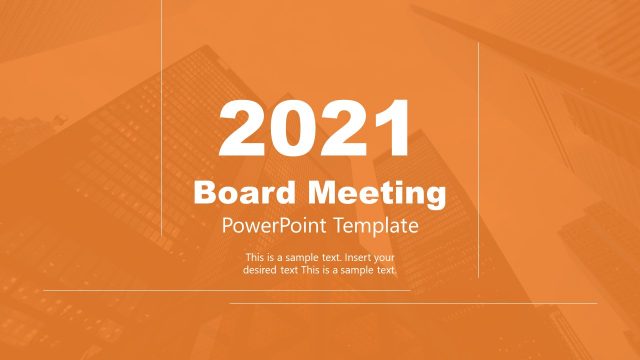
Download our editable Professional Board Meeting Presentation Template to showcase brief details about your company’s achievements and plans to your board members. Board meetings are held in organizations to discuss the financial position of the company, the ongoing business deals, potential opportunities, and possible threats available to the company. Professionals can download our template to display the overview of the operations, risk management strategies, deal approvals, operational changes, and much more. We have created this template to help professionals, team leads, HR heads, marketers, project managers, and other organization members discuss the company’s financial profile and market position interactively. They can also utilize this template for their investor sessions to pitch investors for more funding based on the organization’s success.
The Professional Board Meeting Presentation Template has 100% editable PPT features; users can customize it with all PowerPoint versions, Google Slides, and Keynote. We have provided multiple data-driven charts and graphs to help presenters explain the statistical values in an engaging format. They can also use relevant infographics to enhance the impact of the presentation. Users can explain the following topics about their company in the board meetings using our customizable template:
- Meeting Agenda
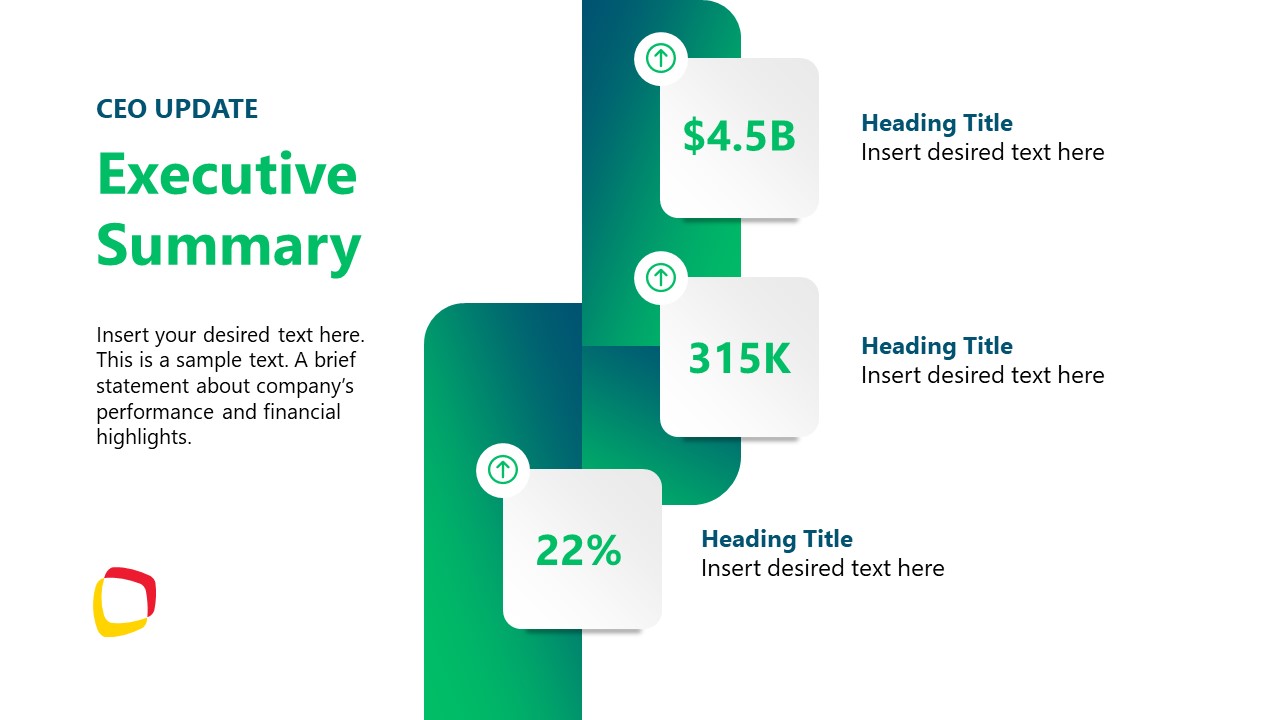
- Executive Summary
- Financial Overview
- Strategic Initiatives
- Operational Review
- Risk Management
- Governance & Compliance
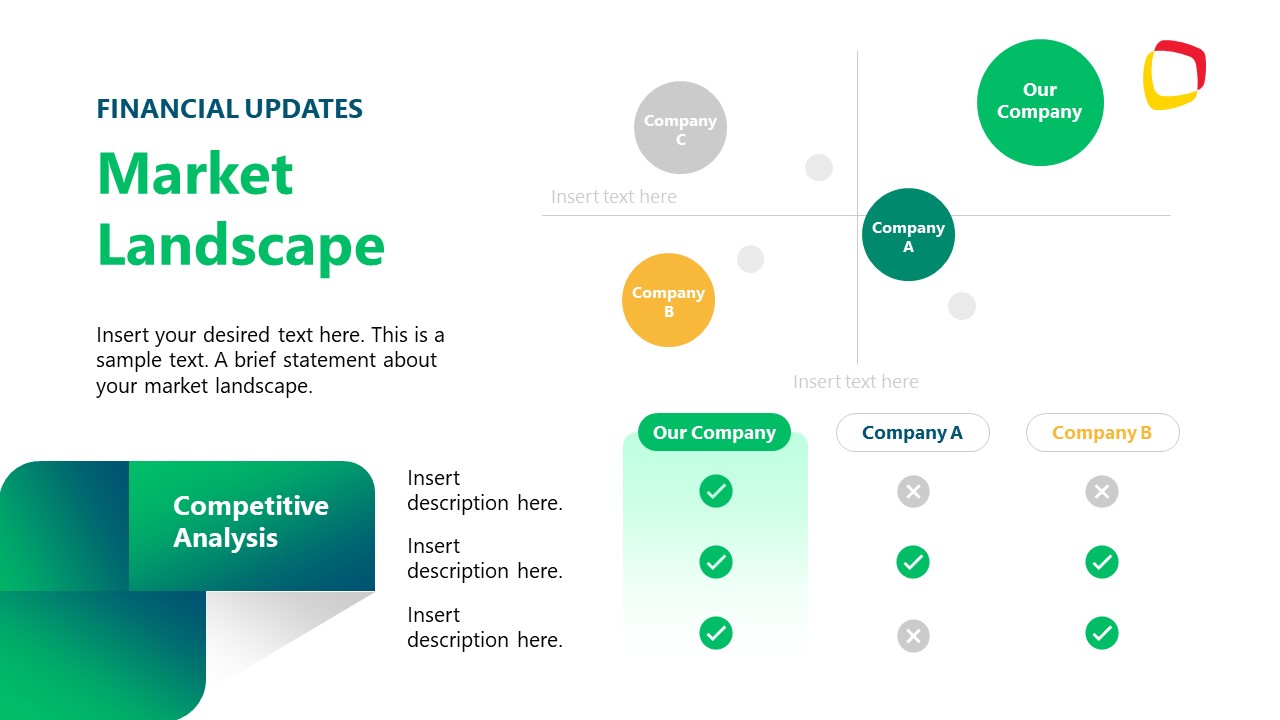
- Market Landscape
- Market Analysis (Opportunities & Risks)
- Budget & Forecast
- Key Decisions & Approvals
- Financial updates
- Management strategies
Moreover, presenters can change the infographics, chart types, graphs, and other elements used in the presentation. They can also adjust the color scheme to fit their needs. Download this interactive professional board meeting template for PowerPoint and customize it for your executive sessions. Alternatively, check our collection of business PowerPoint templates and animated PPT templates.
What’s inside this template
Example presentation scenarios
- A CEO can use the agenda, executive summary, and strategic initiatives slides to brief board members on current priorities and planned direction.
- A CFO can present the financial overview and budget and forecast slides to explain performance trends, projected funding needs, and key financial assumptions.
- A COO can use the operational review and risk management table to report performance indicators, open challenges, mitigation plans, and target dates.
- A governance lead can use the governance and compliance slide with the key decisions and approvals slide to organize required board actions and compliance updates.
- An investor relations presenter can adapt the market landscape and market analysis slides to explain competitive position, opportunities, risks, and decision points.
Features
- 100% editable presentation template
- Compatible with Microsoft PowerPoint and Google Slides
- 16:9 aspect ratio slides
- Scalable vector shapes, icons and illustrations
- Ready with Animations & Transitions in PowerPoint
- AI-Ready for Microsoft Copilot and Claude
- Instant access and download
Frequently asked questions
Q: How should a presenter organize the board message with this deck?
A: Start with the agenda to set time expectations, then use the executive summary to name the few points that matter most. Place the financial overview, operational review, and risk management table before approvals so directors see evidence before being asked to decide. Keep each chart tied to one implication, not a long data explanation.
Q: Who is this template best suited for in a board meeting?
A: It is best for CEOs, CFOs, COOs, founders, and senior managers who need to report performance, risks, strategy, and required decisions in one session. The deck works well when the audience expects a formal sequence: agenda, summary, financials, operations, governance, market context, budget, approvals, questions, and follow-up contact details.
Q: Why do the KPI cards, tables, and approval slides help board communication?
A: The design separates fast-reading metrics from decision-heavy content. KPI cards and donut charts give directors a quick sense of scale, while the risk table and approvals slide slow the discussion down where accountability matters. This mix helps the presenter move from status reporting to board action without making every slide feel the same.






Professional Board Meeting Presentation Template
14-slide board meeting presentation template with agenda, financial overview, risk management, and approvals
The Professional Board Meeting Presentation Template is a 14-slide business deck for executive reporting in Microsoft PowerPoint and Google Slides. It includes an agenda, executive summary, financial overview with bar and donut charts, risk management table, market landscape comparison, budget and forecast slide, approvals summary, Q&A, and contact page.
- Category
- Business PowerPoint Templates
- Rating

 Loading...
- Aspect ratio
- 16:9
- Item ID
- 85173-01
- Colors
 Microsoft PowerPoint
 Microsoft Copilot
 Claude for PowerPoint
Other formats supported
Subscribe today and get immediate
access to download our PowerPoint templates.