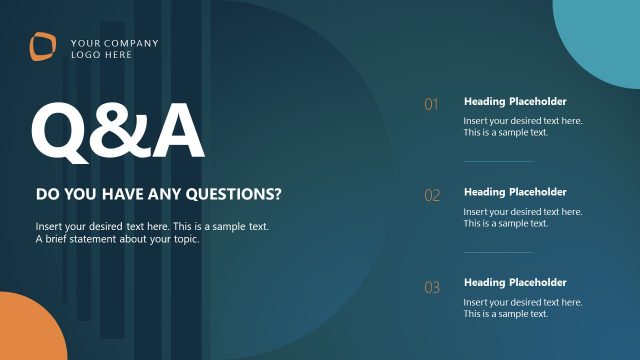
Slide 14 of 15 from Corporate AI Training PowerPoint Template
Corporate AI Training Slide for Q&A
Q&A Session Layout for Corporate AI Training
- Text Layout
- Other
- Questions Slide
- 16:9
- 100% Editable
The Q&A Session Layout from the Corporate AI Training PowerPoint Template offers a structured format for audience engagement during interactive workshops or corporate presentations. This slide template includes editable shapes and placeholders designed to facilitate clear question and answer exchanges, enhancing collaboration in business presentation settings.
What’s on This Slide
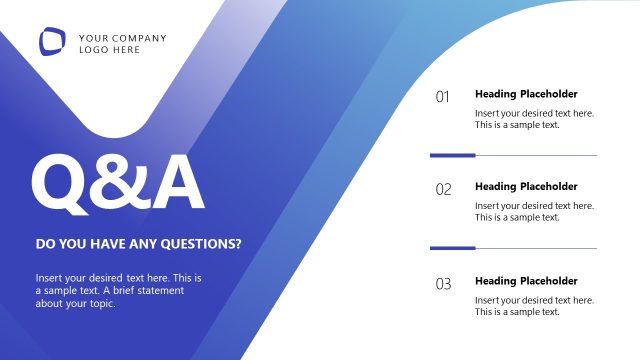
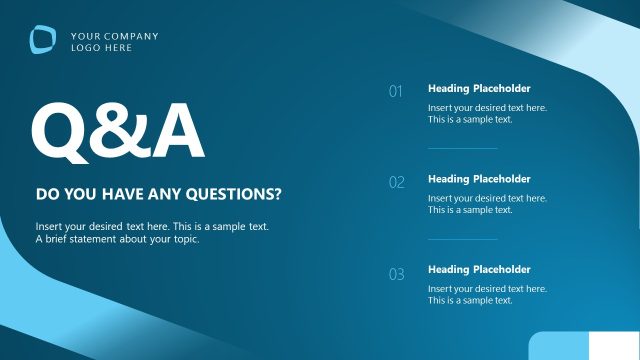
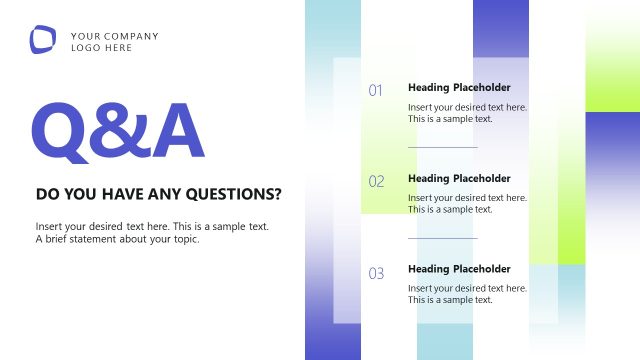
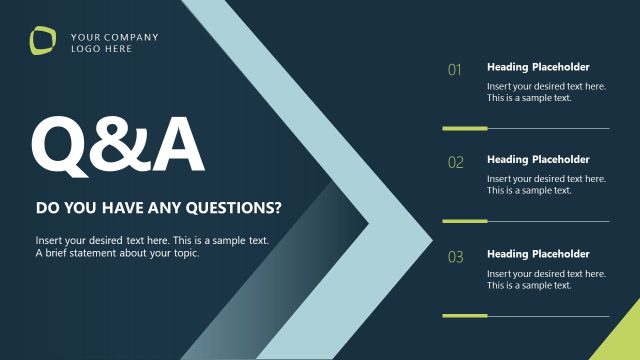
The layout features a prominent title at the top left, stating 'Q&A' in bold, large font. Below the title, there is a subtitle asking, 'DO YOU HAVE ANY QUESTIONS?' positioned centrally. To the right, three numbered placeholders are aligned vertically, each with a heading placeholder followed by a text placeholder for responses. The numbered sections are evenly spaced, with the first two numbers in a light blue color and the last in a darker shade. The background is a gradient from light blue to white, with geometric shapes in the corners. A logo placeholder is located at the top left.
How to Use It
This layout serves as a dedicated Q&A session slide, ideal for concluding presentations. It fits well at the end of a training session, allowing participants to engage and clarify doubts. This structure is useful in corporate training, workshops, or any scenario where audience interaction is encouraged. It can also be employed in webinars or meetings to facilitate discussion and feedback, promoting a collaborative atmosphere.
Text Placeholders & Capacity
Keep your copy within these limits so it fits without resizing. Body slots can hold roughly 15-20 words each.
| Placeholder | Count | Max characters (approx.) |
|---|---|---|
| Slide title | 1 | 30 |
| Body paragraph | 1 | 120 |
| Item heading | 3 | 20 |
| Item body | 3 | 100 |
Slide Keywords
Download unlimited PowerPoint templates, charts and graphics for your presentations with our annual plan.
DOWNLOADReturn to Corporate AI Training PowerPoint Template.