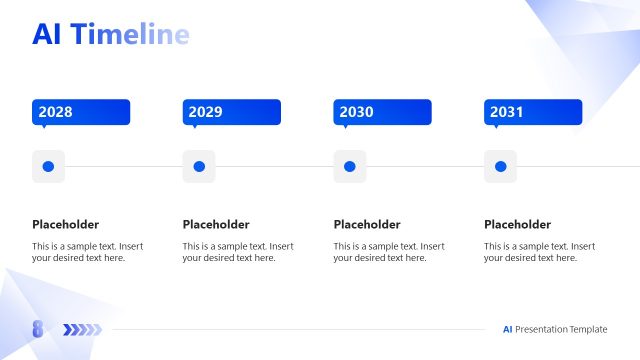
Slide 4 of 15 from Corporate AI Training PowerPoint Template
Four Step AI Working Plan Presentation Diagram Slide
How AI Works Process Overview Slide
- Diagram
- Arrow Sequence
- Concept Explanation Slide
- 16:9
- 100% Editable
The How AI Works Process Overview slide from the Corporate AI Training PowerPoint Template offers a clear visual sequence ideal for explaining AI workflows. This slide layout uses editable shapes and arrows to illustrate step-by-step processes, making it suitable for business presentations, employee onboarding, and workshop sessions focused on AI concepts. Its design supports effective communication within corporate training environments using professional slide templates.
What’s on This Slide
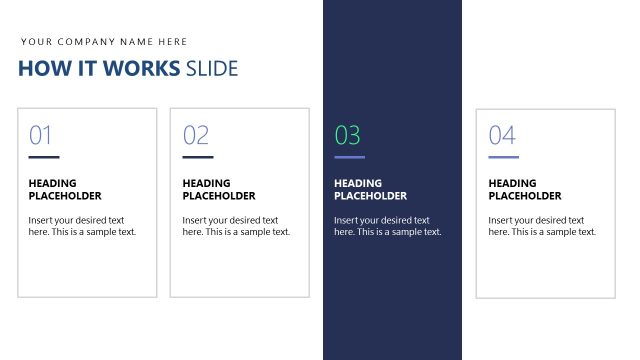
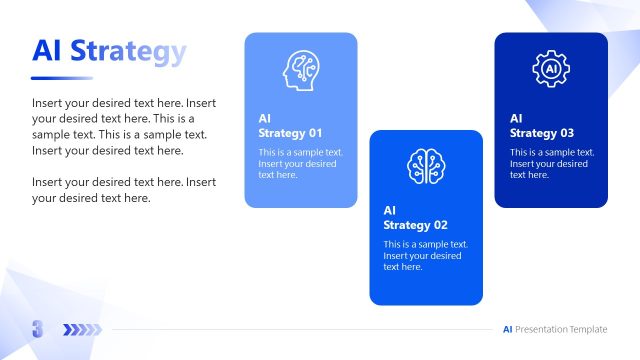
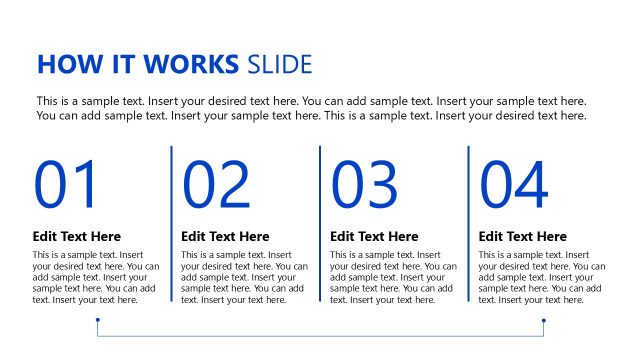
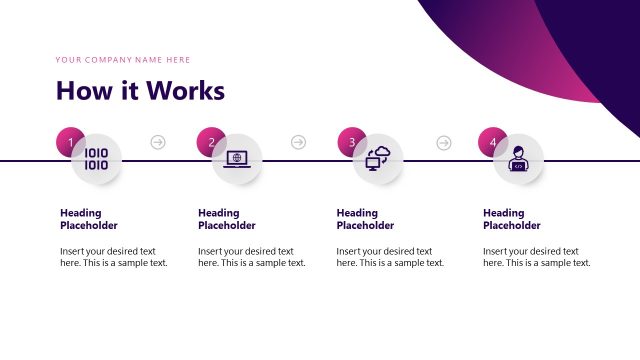
The layout features four hexagonal shapes aligned horizontally across the center. Each shape contains a heading placeholder at the top and a body text placeholder below it. The first shape is blue, the second is orange, the third is light blue, and the fourth is dark blue, creating a gradient effect. Between the shapes, there are arrows indicating flow from left to right. The background is white with a light blue border, enhancing the visual hierarchy. The overall composition is structured to guide the viewer through the process visually.
How to Use It
This layout serves as a process overview, ideal for explaining sequential steps in AI implementation. It fits well after introductory slides, providing clarity on how AI functions within a corporate context. This structure is useful in training sessions, workshops, or presentations aimed at educating employees about AI processes. It can also be adapted for various topics where a step-by-step approach is required, ensuring audience engagement and understanding.
Text Placeholders & Capacity
Keep your copy within these limits so it fits without resizing. Node body slots can hold approximately 100 characters each.
| Placeholder | Count | Max characters (approx.) |
|---|---|---|
| Slide title | 1 | 30 |
| Item heading | 4 | 20 |
| Item body | 4 | 100 |
Slide Keywords
Download unlimited PowerPoint templates, charts and graphics for your presentations with our annual plan.
DOWNLOADReturn to Corporate AI Training PowerPoint Template.