Content Marketing Matrix PowerPoint Template is a professional presentation containing two Inbound Marketing tools called the Content Marketing Matrix and the Content Marketing Media Matrix. Both tools are used, individually or together, during each Content Marketing Plan iteration. The PowerPoint Template contains professional 100% editable PowerPoint Icons, created from vector Clipart. Each Icon can be edited in all their properties as color, shape, size, position and effects.
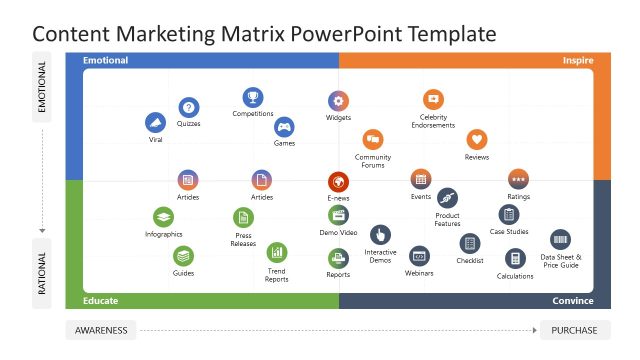
The usage of the tools consist of mapping different content media assets, represented by the Icons, across the specific mapping of the tool.
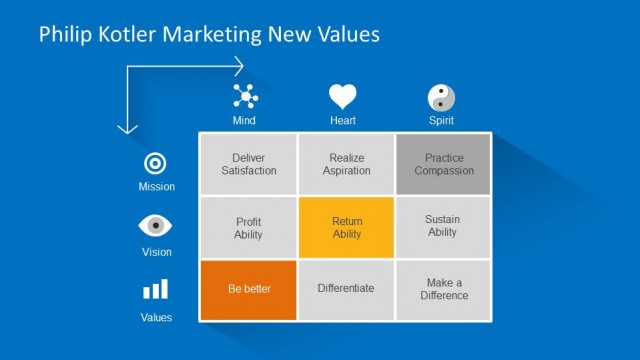
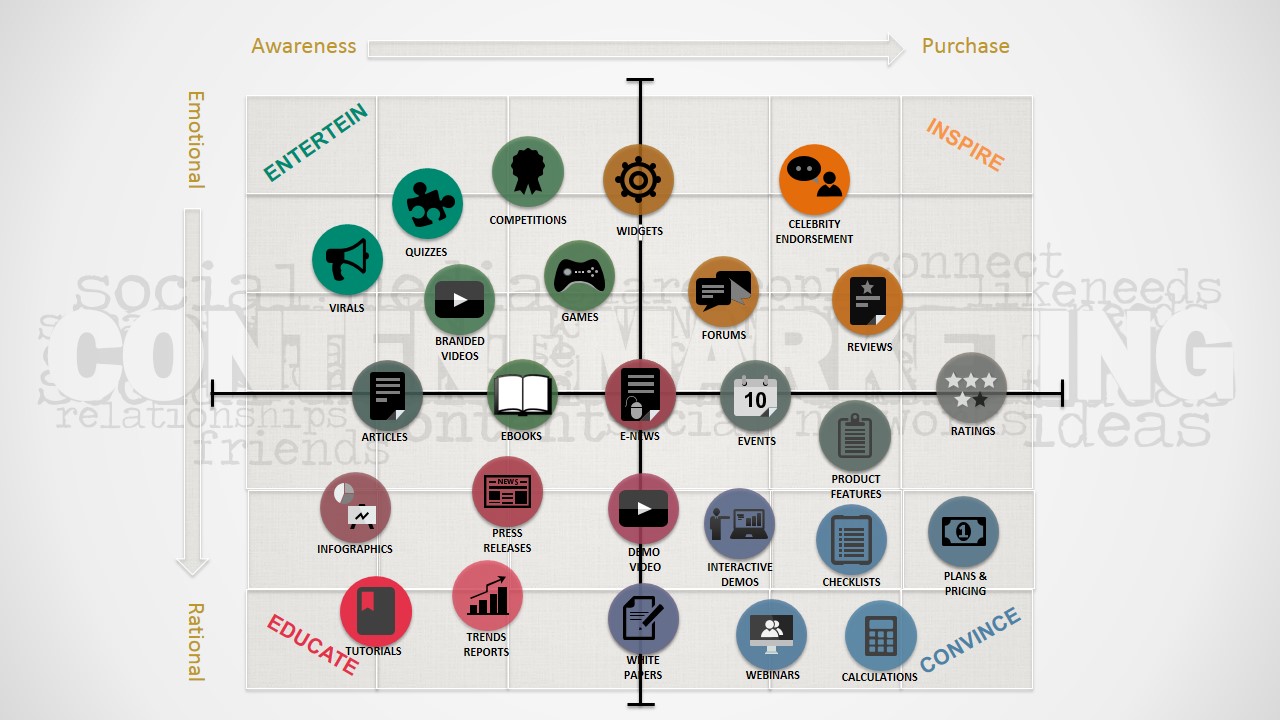
The Content Marketing Matrix provides a visual representation of the Customer Marketing Lifecycle in the Horizontal axis, and the Customer Emotional Response to the Content in the Vertical Axis. The emotional effect can be described by Philip Kotler’s Marketing New Values.
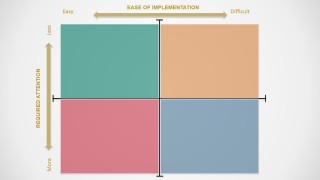
The Content Marketing Media Matrix mapping is related to the effort of creation of the content media assets and the attention, or exposure, required to the audience to get the most of the content. At the end what the content needs is to have an emotional effect over the audience and help them move through the funnel.
This PowerPoint template is ideal for brainstorming sessions where the users can collaboratively edit the Slide canvas and move forward and backward through different ideas, and be able to compare each canvas side by side. Another practical use is to create Posters for Marketing Department and clarify the business intention of the content they create.
Impress your audience with this professional Content Marketing Matrix PowerPoint Template and create presentations that appeal to Global audiences.
What’s inside this template
Example presentation scenarios
- A content marketing manager can use the populated content marketing matrix to explain how asset types move prospects from awareness to purchase while balancing emotional and rational responses.
- An agency strategist can use the content media matrix to compare social channels, videos, ebooks, and webinars by required audience attention and ease of implementation during a planning workshop.
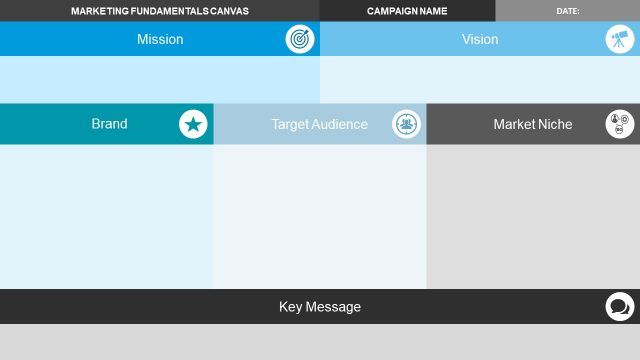
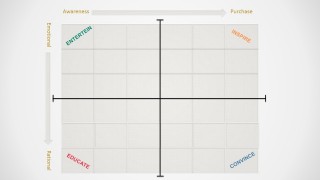
- A digital marketing team can use the blank quadrant worksheets to place campaign ideas live in a brainstorming session and agree which formats should be built first.
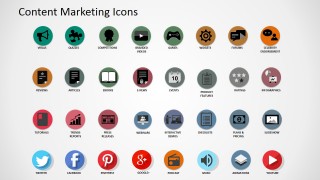
- A brand or editorial lead can use the icon library to standardize how recurring content formats are represented across a campaign roadmap or marketing plan.
Features
- 100% editable presentation template
- Compatible with Microsoft PowerPoint and Google Slides
- 16:9 aspect ratio slides
- Scalable vector shapes, icons and illustrations
- AI-Ready for Microsoft Copilot and Claude
- Instant access and download
Frequently asked questions
Q: How should a presenter explain the matrix without overwhelming the audience?
A: Start with the two axes before discussing any icon. On the content marketing matrix, explain awareness to purchase first, then emotional to rational response. Add the icons in clusters and describe why each content format sits in that area. This keeps the discussion about strategic intent instead of a long inventory of assets.
Q: Who is this template best suited for in a planning session?
A: It works best for marketing teams, agencies, and consultants who need to compare content options before production begins. The blank matrix slides are useful when stakeholders must decide whether formats such as webinars, ebooks, branded videos, or social posts fit the audience journey, effort level, and attention requirement.
Q: Why does the matrix format work well for content marketing decisions?
A: The quadrant metaphor turns content planning into a visible tradeoff. Instead of listing formats in a table, the audience sees relative position: emotional versus rational, awareness versus purchase, easy versus difficult, and less versus more attention. This helps teams discuss priorities, gaps, and mismatches quickly.


Content Marketing Matrix PowerPoint Template
5-slide presentation template for content marketing matrices, media assets, and planning icons
Content Marketing Matrix PowerPoint Template is a 5-slide marketing planning deck for mapping content assets across customer response, lifecycle stage, implementation effort, and required attention. It includes a populated content marketing matrix, a content media matrix, blank matrix worksheets, and a reusable icon library for Microsoft PowerPoint and Google Slides.
- Category
- Marketing
- Rating

 Loading...
- Aspect ratio
- 16:9, 4:3
- Item ID
- 8216-01
- Colors
 Microsoft PowerPoint
  Microsoft Copilot
  Claude for PowerPoint
 Other formats supported
Subscribe today and get immediate
access to download our PowerPoint templates.