Create a professional presentation featuring Inbound Marketing with the Inbound Marketing PowerPoint Template. The template guides which metrics and KPIs to monitor, how to present strategies, and which topics should be covered in your inbound marketing overview.
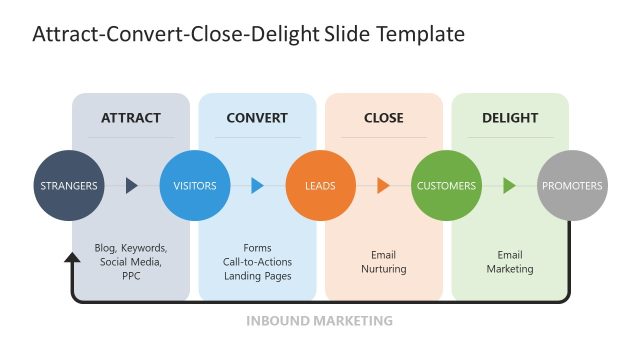
Inbound Marketing is used when promoting on the internet through blogs, podcasts, videos, eBooks, newsletters, SEO, whitepapers, social media, and other forms of content marketing, which attract audiences through different stages of the purchase funnel. Inbound Marketing refers to all the marketing activities that bring visitors into a digital experience, rather than marketers having to go out to get prospects. The objective is to get customers’ attention and make the digital experience easy to find by producing engaging content.
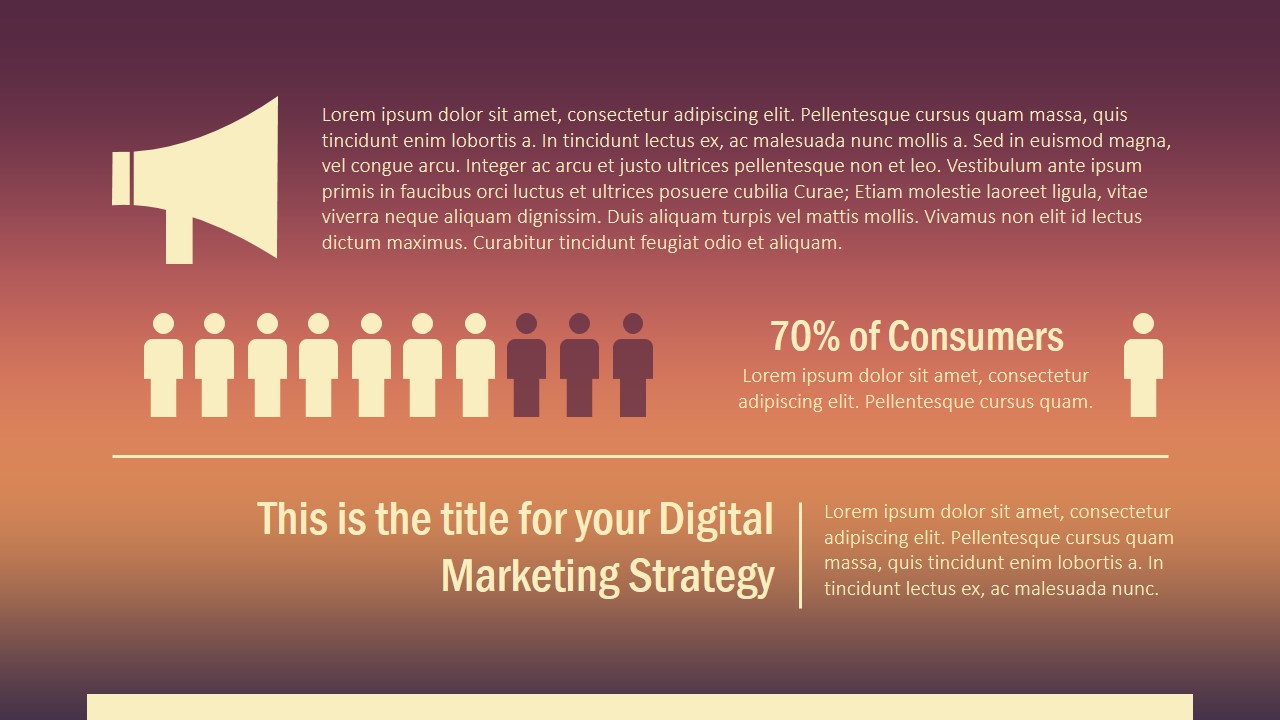
The PowerPoint Template provides Icons and Graphics that can be applied in any digital marketing and inbound marketing presentations. The theme is colored with a brown-orange gradient for a modern vintage look and feel.
The Inbound Marketing Template provides a guided path involving the following content:
- Marketing Strategy
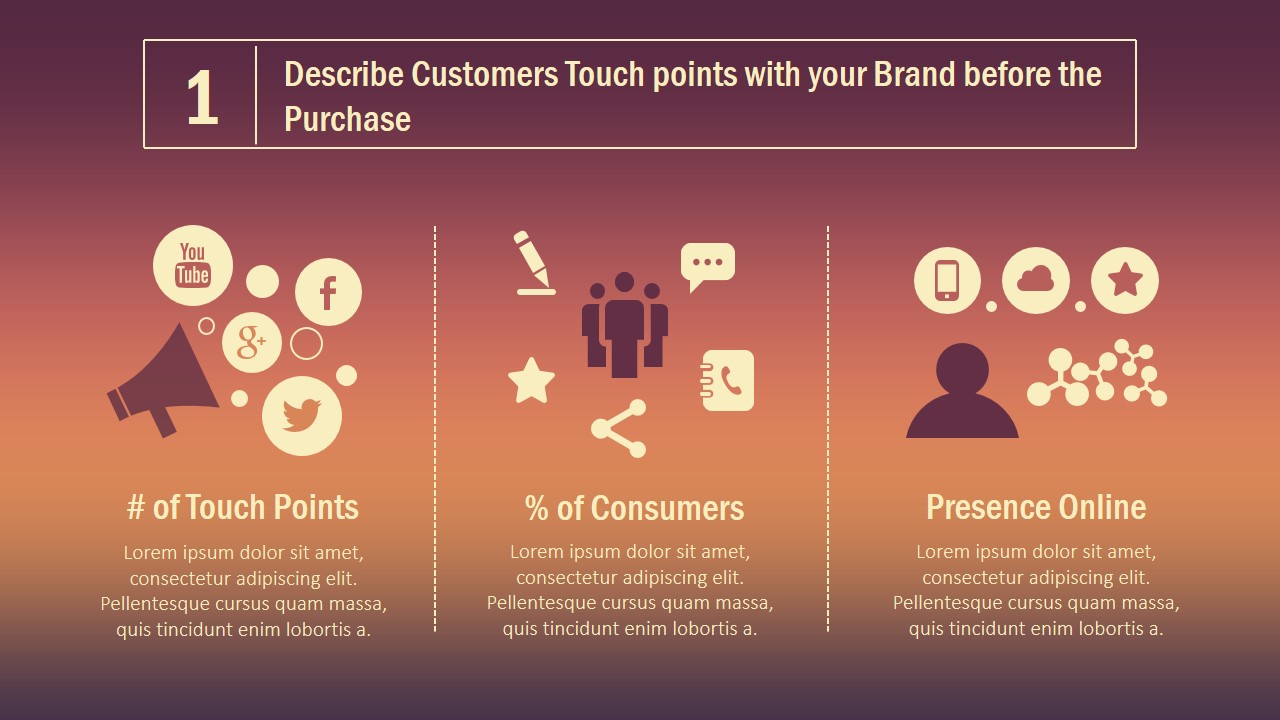
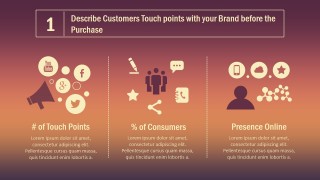
- Customer Touch Points with the Brand
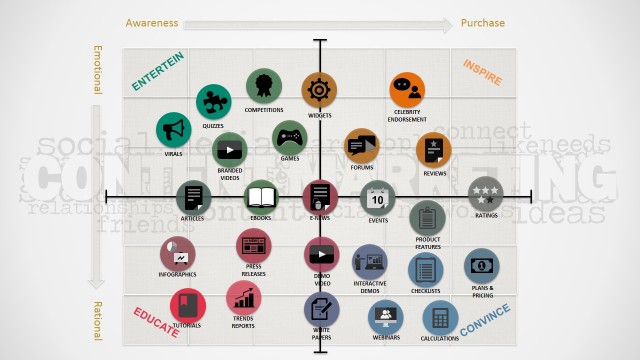
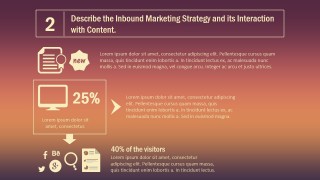
- Inbound Marketing Interaction with Content
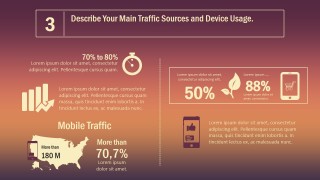
- Main Traffic Sources and Device Usage
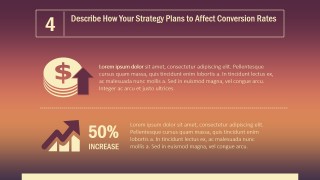
- Describe How Strategy Affects Conversion Rates
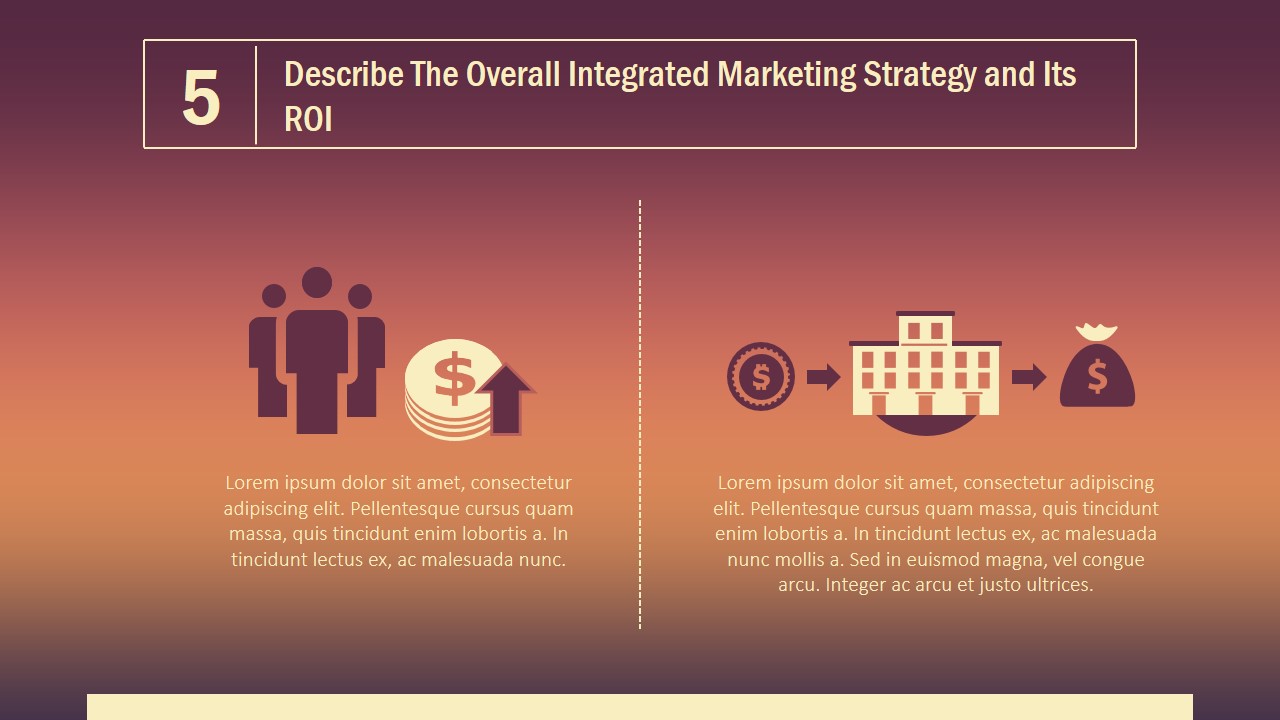
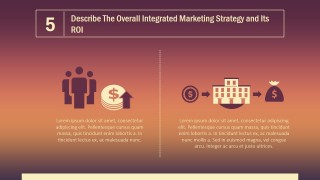
- Integrated Marketing Strategy and its ROI
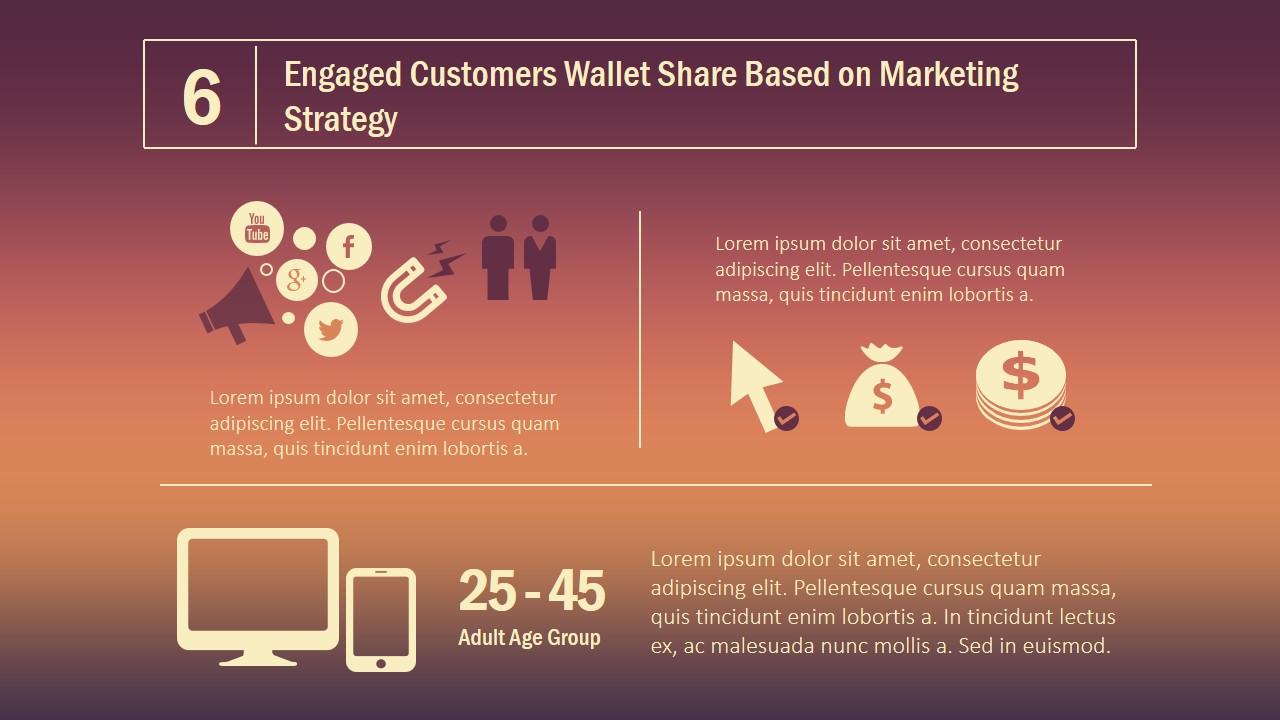
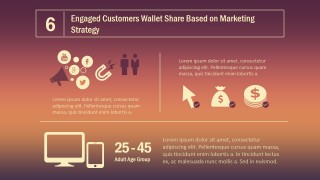
- Engaged Customers Wallet Share
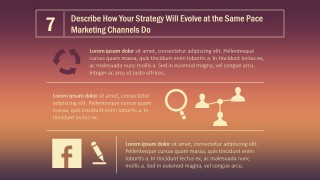
- Marketing Channels Evolution
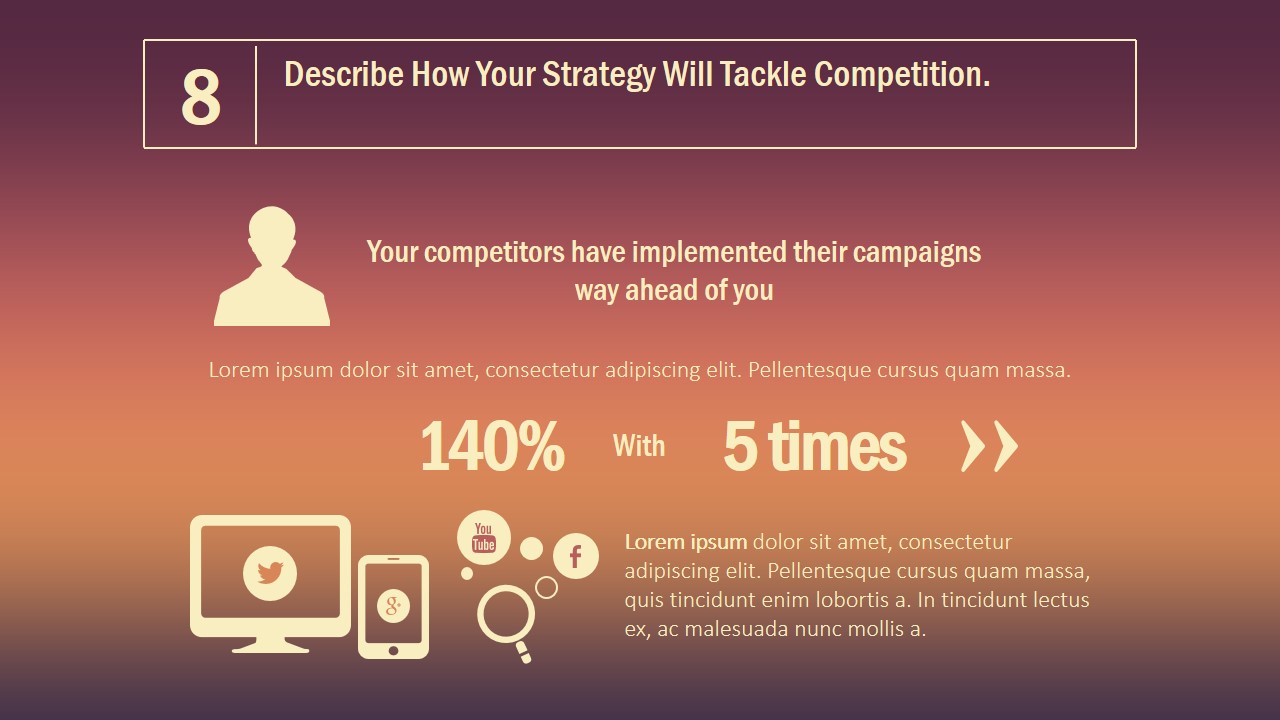
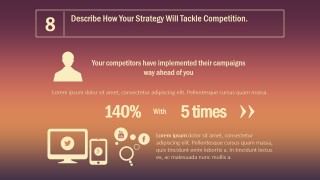
- Marketing Competition Strategy
Impress your audience with your Inbound Marketing Strategy, and present like a pro with the Inbound Marketing PowerPoint Template. Alternatively, you can download other digital marketing slides for presentations, like the Digital Marketing PPT template by SlideModel.
What’s inside this template
Example presentation scenarios
- A marketing manager can use the customer touchpoint and content interaction slides to explain how prospects discover the brand before purchase.
- A digital strategist can present the traffic sources and device usage slide to show where visitors come from and how mobile behavior affects planning.
- An agency presenter can use the conversion rate and ROI slides to connect proposed inbound activities with measurable business outcomes.
- A growth team can use the wallet share, channel evolution, and competition slides to discuss how customer engagement and rival campaigns shape the next plan.
Features
- 100% editable presentation template
- Compatible with Microsoft PowerPoint and Google Slides
- 16:9 aspect ratio slides
- Scalable vector shapes, icons and illustrations
- AI-Ready for Microsoft Copilot and Claude
- Instant access and download
Frequently asked questions
Q: How should a presenter structure the inbound marketing story with this template?
A: Start with the strategy overview, then move from customer touchpoints to content interaction and traffic sources before discussing conversion and ROI. This order keeps the audience oriented: first explain where attention comes from, then show how engagement is built, and finally connect the plan to business impact and competitive pressure.
Q: Who benefits most from this inbound marketing deck?
A: This deck fits marketing managers, content strategists, growth teams, and agencies that need to explain an inbound plan to executives or clients. The visible layouts are best for presenting strategic cause and effect, such as how content, traffic sources, device behavior, and channel evolution influence conversion and wallet share.
Q: Why do the icon-heavy layouts work for explaining inbound marketing?
A: Inbound marketing is easier to understand when abstract activity is mapped to recognizable metaphors. Megaphones show attraction, devices show traffic behavior, money icons show ROI, and social bubbles show channel reach. These visual cues help audiences follow the path from awareness to engagement without reading long paragraphs.
You may also like:





Inbound Marketing PowerPoint Template
11-slide inbound marketing presentation template with funnel strategy, traffic sources, ROI, and customer touchpoint visuals
The Inbound Marketing PowerPoint Template is an 11-slide marketing deck for presenting digital attraction strategy, customer touchpoints, traffic sources, conversion planning, ROI, wallet share, channel evolution, and competition. Visible layouts include a cover, numbered section slides, KPI-style percentage callouts, device usage panels, and icon-based comparison diagrams for PowerPoint and Google Slides.
- Category
- Marketing
- Rating


 Loading...
- Aspect ratio
- 16:9
- Item ID
- 0025
- Colors
 Microsoft PowerPoint
  Microsoft Copilot
  Claude for PowerPoint
 Other formats supported
Subscribe today and get immediate
access to download our PowerPoint templates.