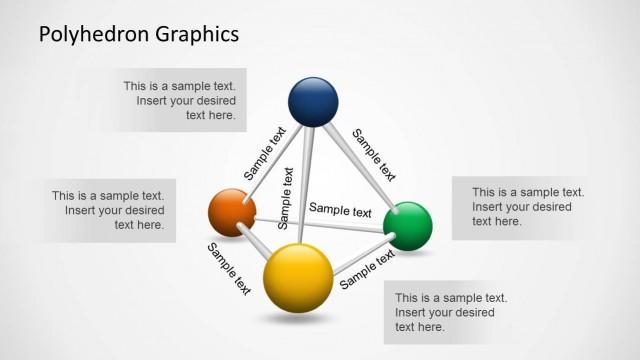
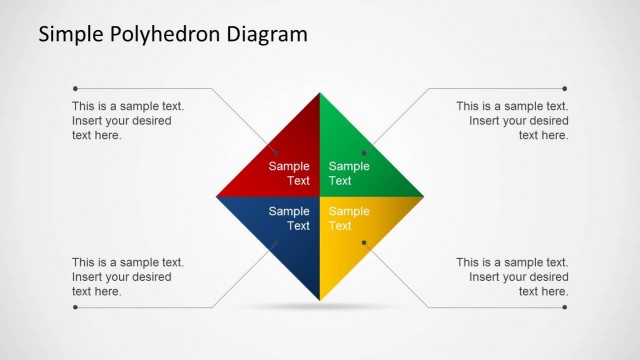
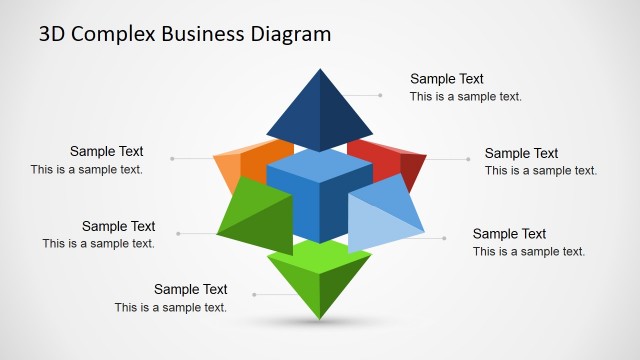
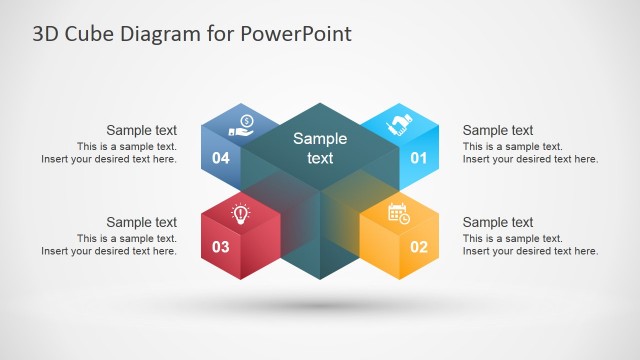
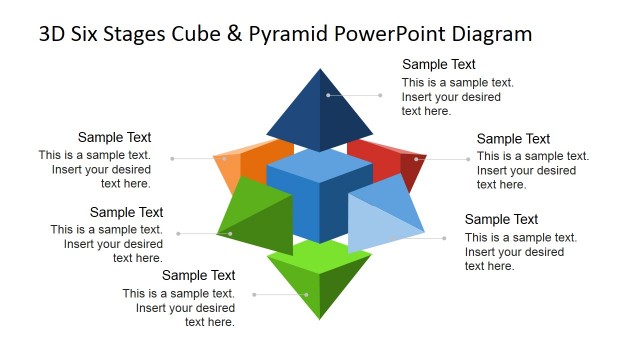
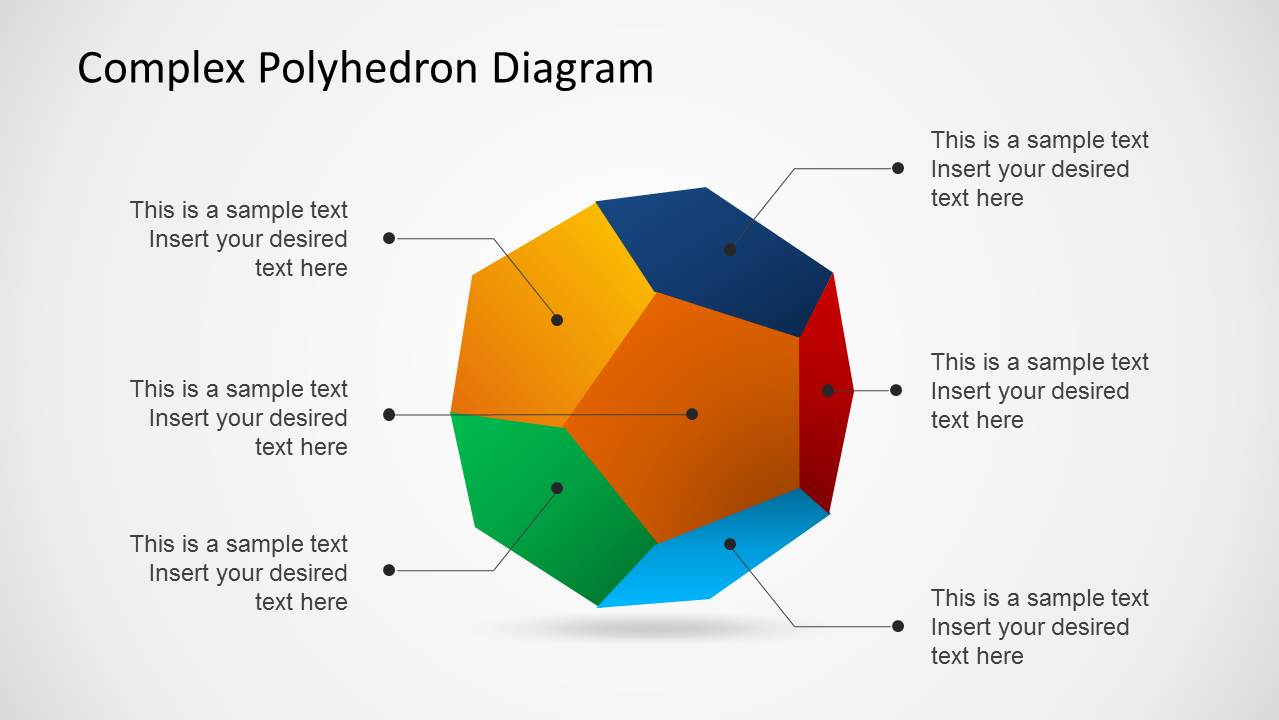
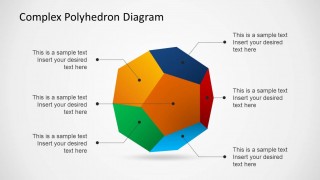
Complex Polyhedron Diagram for PowerPoint is a one of a kind template which offers editable slides with a Polyhedron Diagram.
The given slides have been expertly created to adjust any type of presentation topic, be it related to geometry, education or even business, finance or marketing.
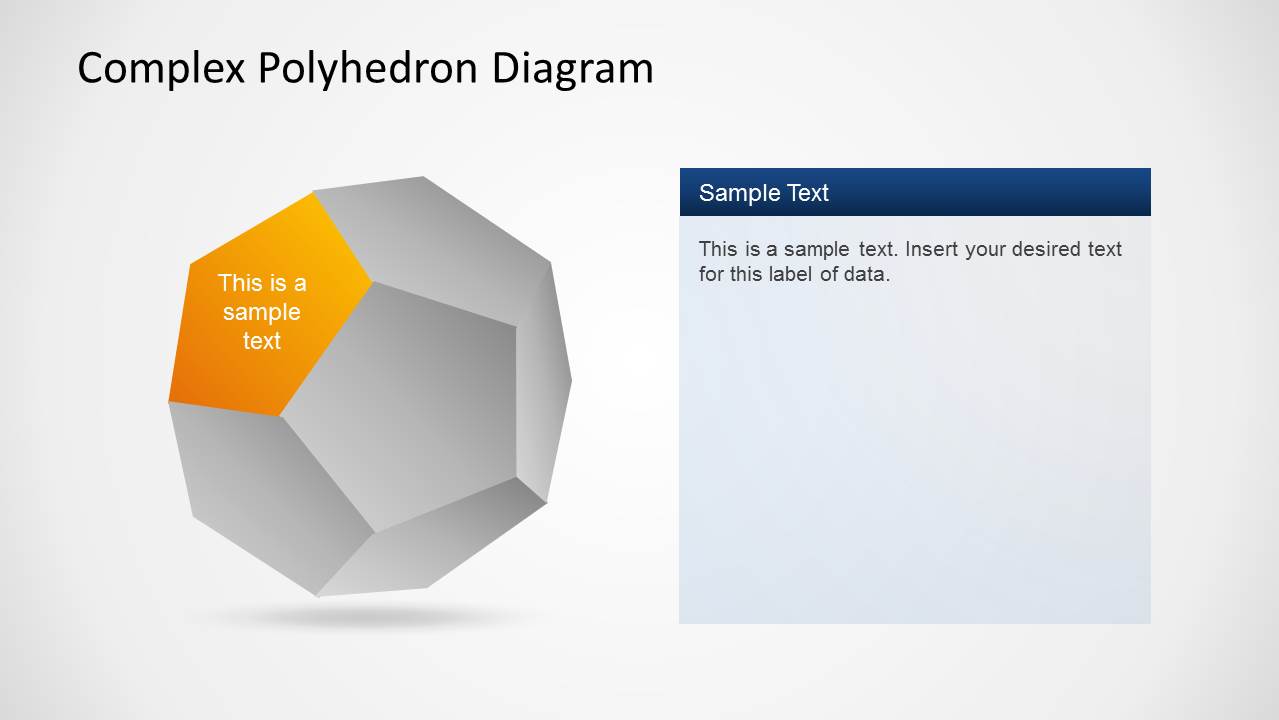
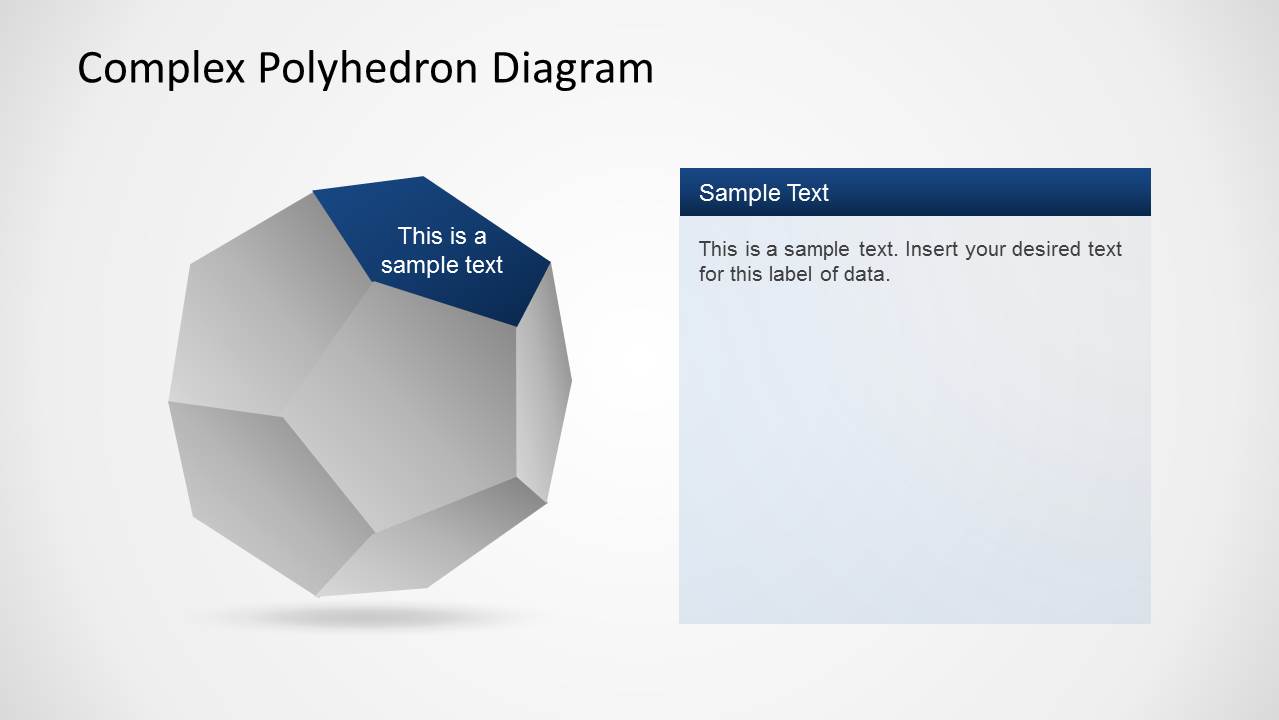
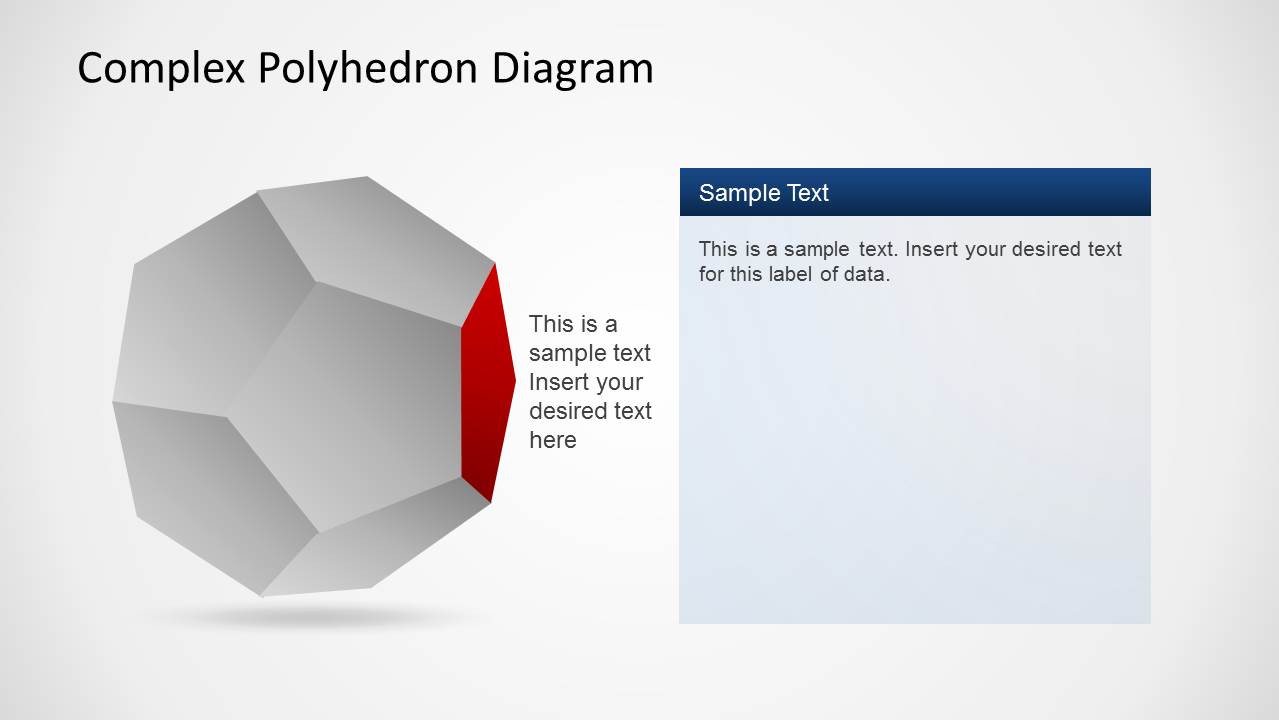
You can use this template not only to create a standalone diagram for your presentation but also display each part of the diagram with precise details to present essential elements of your presentation topic.
What’s inside this template
Example presentation scenarios
- A consultant can use the labeled overview to present a six-part operating model, then move through the facet detail slides to explain each workstream.
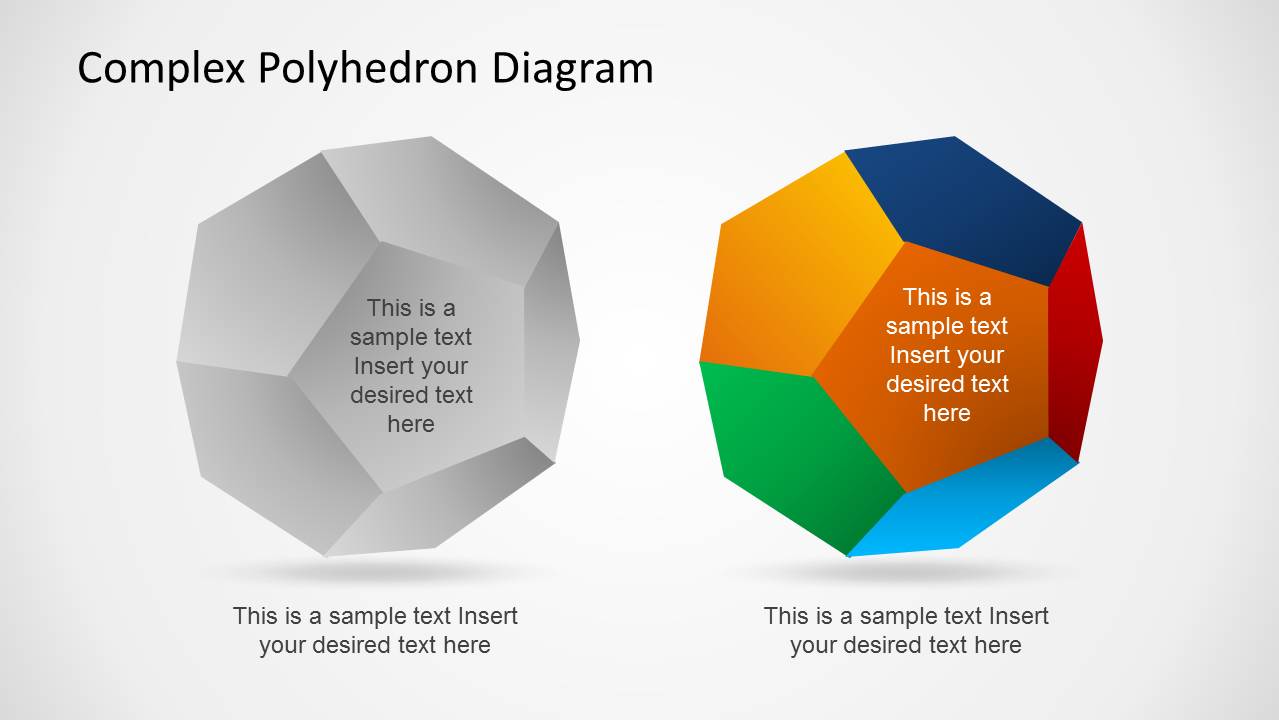
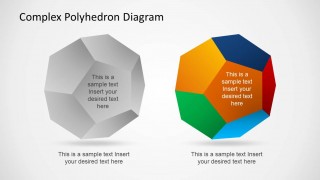
- A teacher can use the grayscale-versus-color comparison slide to introduce a polyhedron concept, then use individual facet slides for focused explanation.
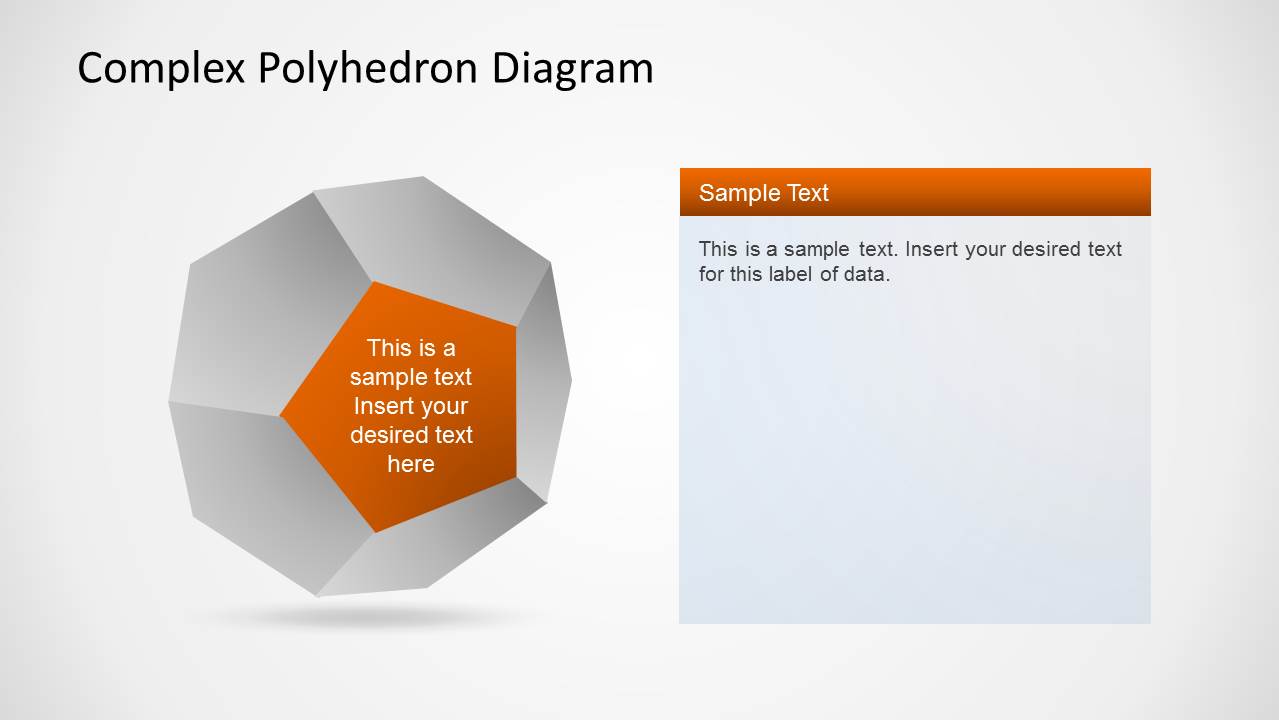
- A marketing manager can map six campaign elements onto the colored facets and use the right-side text panels to describe actions, owners, or messages.
- A finance or strategy presenter can use the six callouts on Slide 1 to show connected drivers, then assign each driver to its matching detail slide.
Features
- 100% editable presentation template
- Compatible with Microsoft PowerPoint and Google Slides
- Scalable vector shapes, icons and illustrations
- AI-Ready for Microsoft Copilot and Claude
- Instant access and download
Frequently asked questions
Q: How should I present the six facets without making the diagram feel abstract?
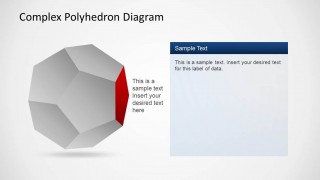
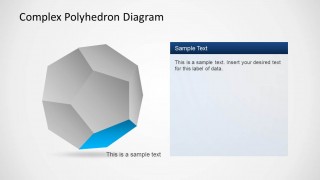
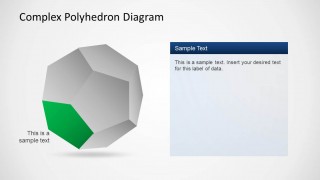
A: Start with Slide 1 as the complete model and define what each colored facet represents in plain language. Then use Slides 3 through 8 as short explanation stops. Keep each facet panel to one main point, one supporting detail, and one implication so the 3D metaphor remains clear rather than decorative.
Q: Who is this template best suited for?
A: This template fits presenters who need to explain a multi-part framework, such as consultants describing a transformation model, educators teaching geometry, or managers mapping business priorities. It works best when the six parts are related but not strictly sequential, because the polyhedron shows connection and balance rather than a timeline.
Q: Why use a polyhedron metaphor instead of a standard list?
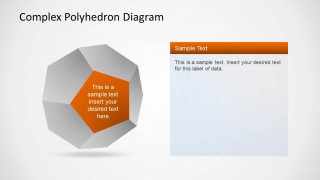
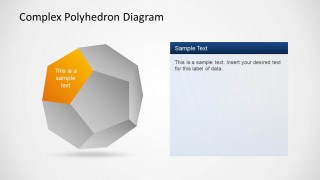
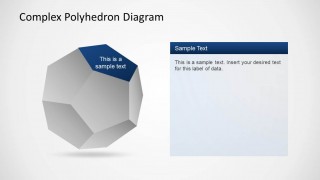
A: The faceted shape helps the audience see the topic as one whole made of distinct surfaces. The overview slide shows all six parts at once, while the single-facet slides reduce attention to one component. This design supports both big-picture orientation and focused explanation without losing the relationship between parts.


Complex Polyhedron Diagram for PowerPoint
8-slide PowerPoint diagram template with 3D polyhedron facets, six-part callouts, and detail panels
Complex Polyhedron Diagram for PowerPoint is an 8-slide diagram template for explaining six related parts of a concept through a 3D polyhedron metaphor. It includes a labeled overview, a grayscale-versus-color comparison, and individual facet detail slides with callouts and text panels for business, education, geometry, and planning presentations.


 Loading...
 Microsoft PowerPoint
  Microsoft Copilot
  Claude for PowerPoint
 Other formats supported
Subscribe today and get immediate
access to download our PowerPoint templates.