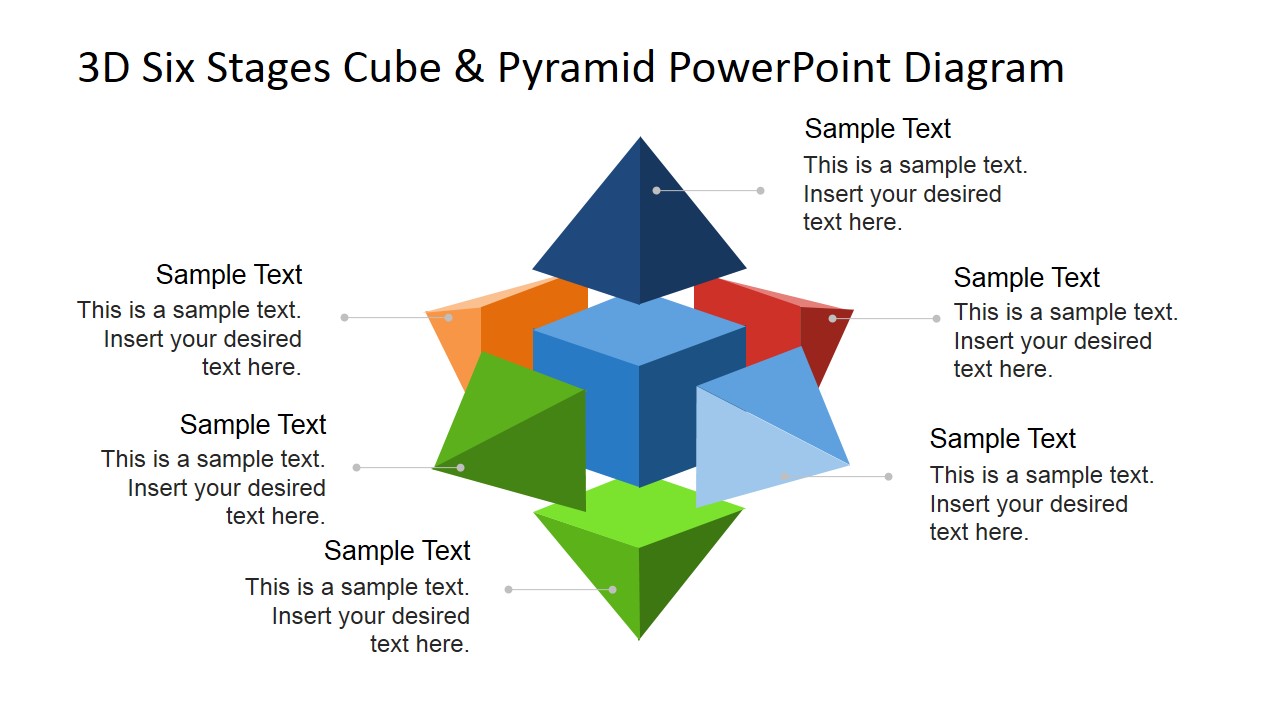
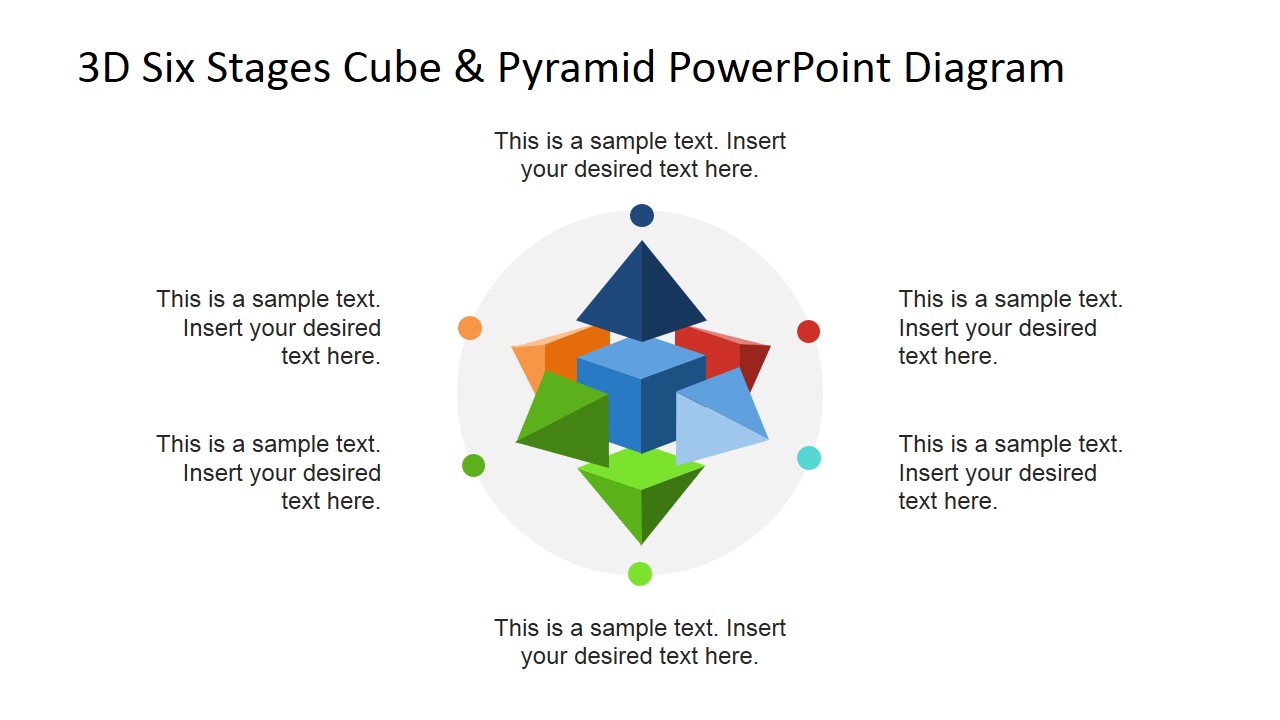
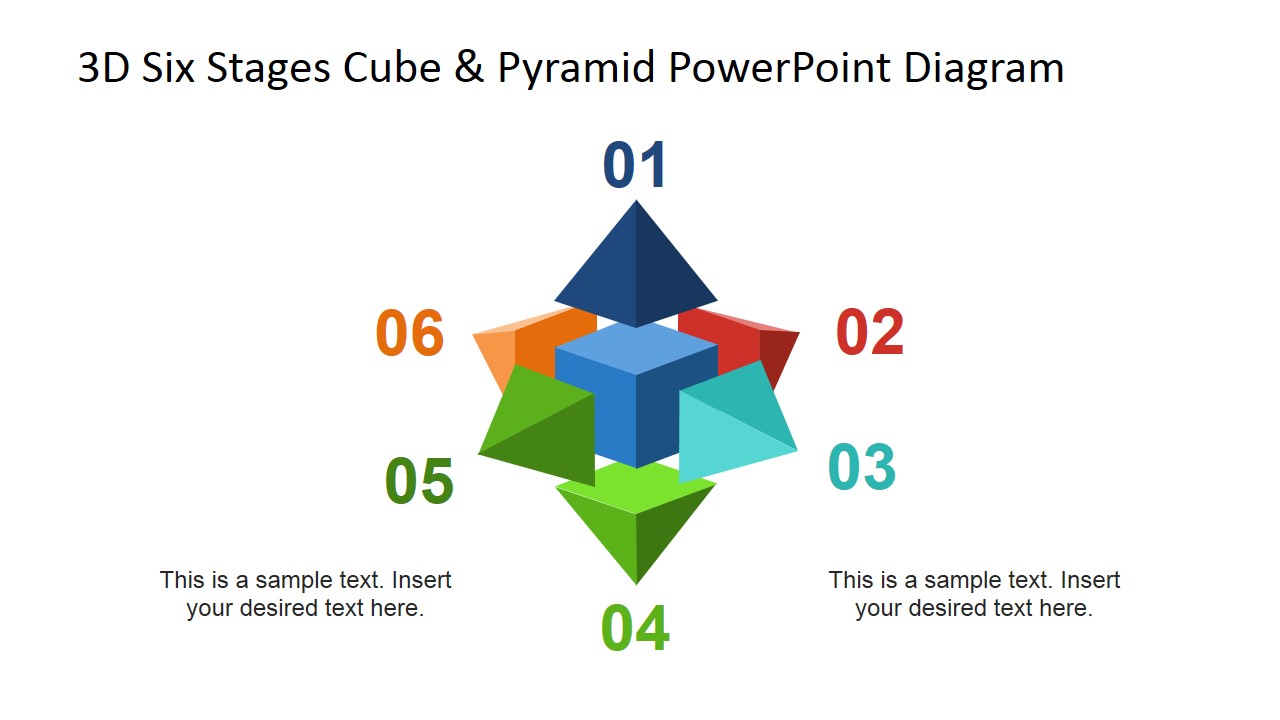
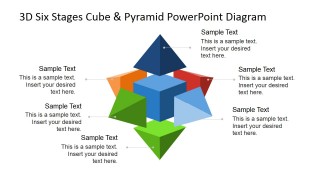
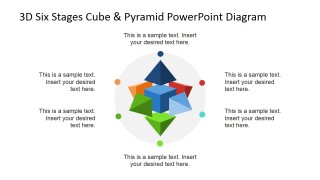
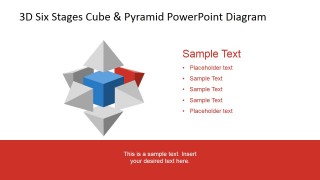
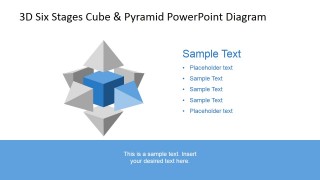
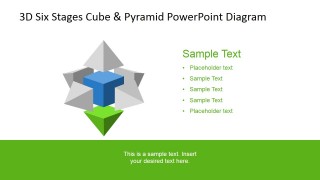
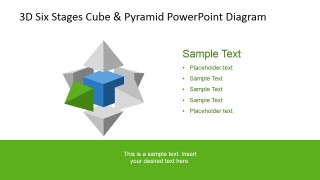
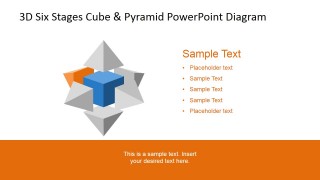
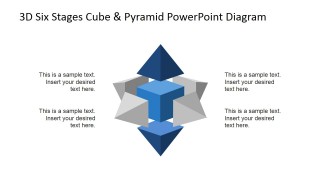
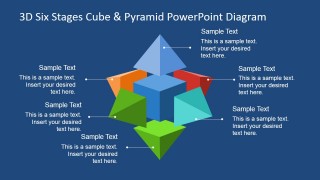
The 3D Six Stages Cube and Pyramid PowerPoint Diagram from SlideModel brings you an innovative new way to simply demonstrate to your clients a six step procedure. This 3D Six Stages Cube PPT template consists of a complex star-like shape that has been made up out of six individually editable pyramid shaped PowerPoint Clipart.
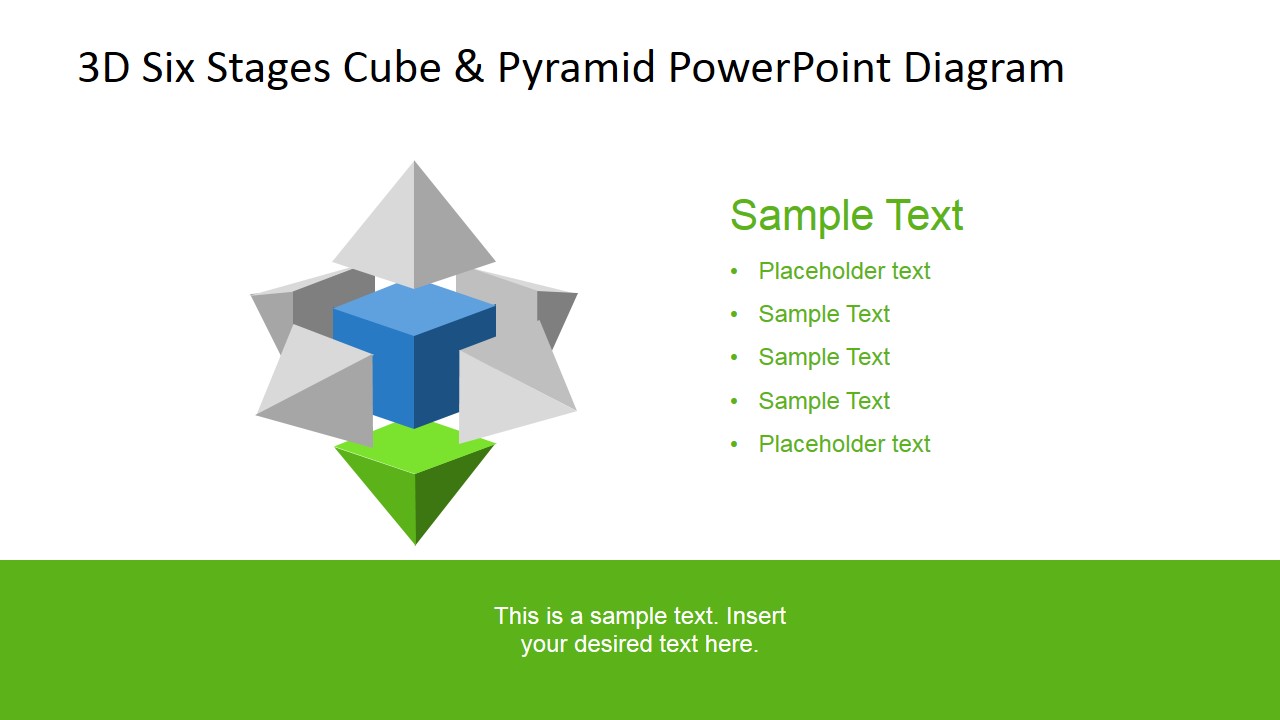
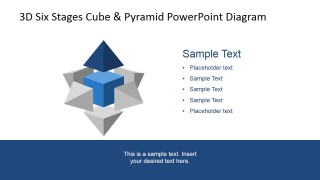
This image forms the basis of many of the slides and as such creates a sense of unity throughout the presentation and will not be a distracting influence. As the slide show progresses, you will see that different sides of the cube are highlighted to allow the presenter to discuss that aspect of the procedure.
This PowerPoint template could be used in a number of ways to illustrate six key steps in any profession. You might decide to use this modern and vibrant PowerPoint template to demonstrate, for example:
- the six P’s of Marketing
- the six steps Sales Process
- the six steps Talent Management Framework
- the six steps of a new product Go To Market
- the six steps in the manufacturing process that you are trialling
- the six steps to setting up a new business
- the six steps of a marketing process you are developing for a client
The 3D Six Stages Cube & Pyramid PowerPoint Diagram is a creative presentation template design for Microsoft PowerPoint that professional presenters can use to describe any process or topic that involves up to six steps or concepts.
You can use this 3D six stages PPT template as it is with its flat background and warm palette, or choose to personalize it with an image. Also, each pyramid piece is crafted as an individual PowerPoint Shape, allowing the user to fully customize its appearance and effects. This template can also be useful for users looking for an inverted pyramid design in PowerPoint or to reuse the pyramid shapes in presentations.
Impress your audience with this top-notch 3D Diagram that appeals to executive audiences.
What’s inside this template
Example presentation scenarios
- A sales leader can present a six-step pipeline process, using the numbered overview slide to frame the flow and the individual stage highlight slides to explain each activity.
- A marketing consultant can explain a six-part campaign framework, using the cube overview and colored pyramid segments to separate planning, execution, and review topics.
- An HR trainer can teach a talent management framework, using the single-stage focus slides with bullet lists to define responsibilities for each stage.
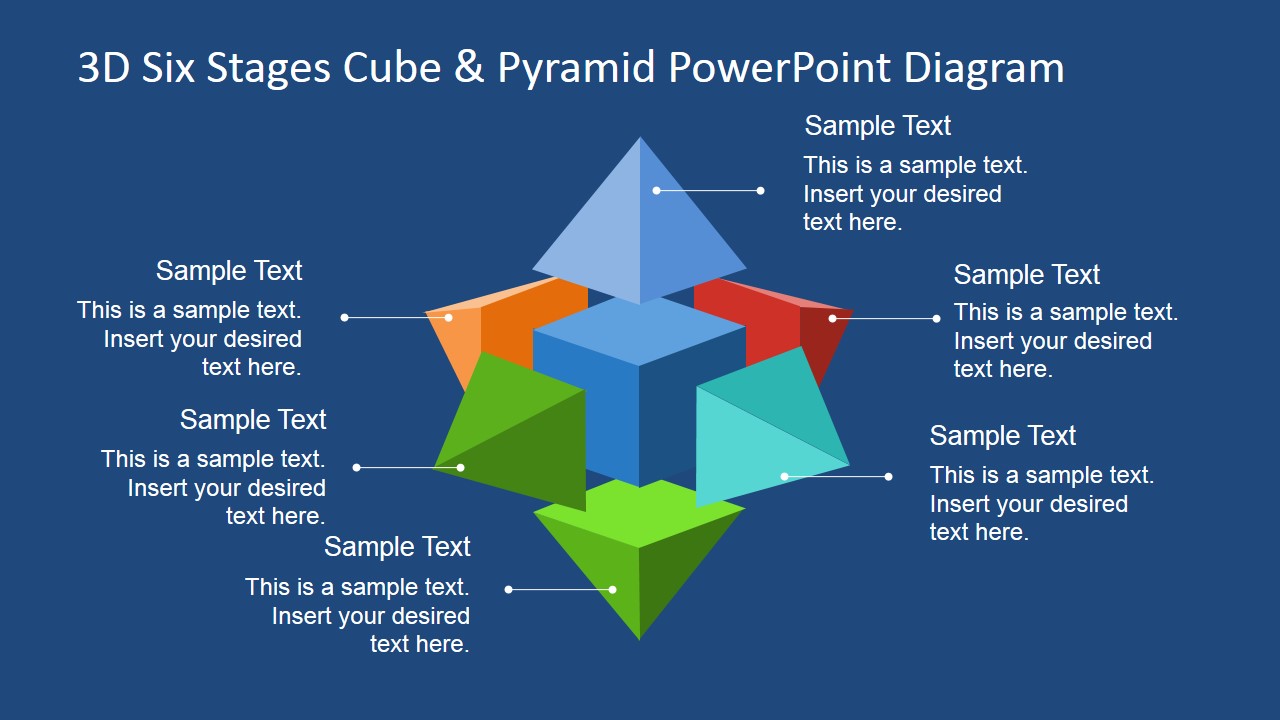
- An operations manager can brief executives on a manufacturing or service workflow, using the callout diagrams to show how six process components connect to one central system.
Features
- 100% editable presentation template
- Compatible with Microsoft PowerPoint and Google Slides
- 16:9 aspect ratio slides
- Scalable vector shapes, icons and illustrations
- AI-Ready for Microsoft Copilot and Claude
- Instant access and download
Frequently asked questions
Q: How should I structure the explanation so the six-stage model feels clear instead of decorative?
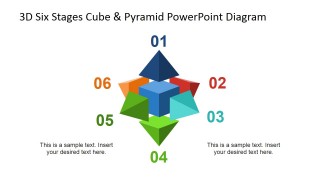
A: Start with the full cube diagram to define the complete model, then use the numbered overview to establish the six parts. Move into the individual highlight slides one stage at a time, keeping the bullet list short and action-focused. Close with the dark blue callout slide to restate how the stages work together.
Q: What kind of business message is this template best suited for?
A: This template fits process education, consulting recommendations, and internal framework presentations where the presenter needs to explain six related ideas of similar importance. It works well for sales steps, marketing processes, talent management, operating models, and launch plans because each stage can receive its own focused slide.
Q: Why does the cube and pyramid metaphor help communicate a six-step process?
A: The 3D cube suggests a central system, while the six pyramid faces act like connected dimensions around it. That metaphor avoids making one step look more important simply because it appears first in a list. The highlighted stage slides also help the audience isolate one component without losing sight of the whole model.




3D Six Stages Cube & Pyramid PowerPoint Diagram
11-slide presentation template with 3D cube, pyramid, and six-step process diagrams
The 3D Six Stages Cube & Pyramid PowerPoint Diagram is an 11-slide diagram template for presenting up to six process stages or concepts. It includes a full 3D cube overview, numbered six-step diagram, individual stage highlight slides, and callout layouts for business presenters using Microsoft PowerPoint or Google Slides.
- Category
- Shapes
- Rating


 Loading...
- Aspect ratio
- 16:9, 4:3
- Item ID
- 6734-01
- Colors
 Microsoft PowerPoint
  Microsoft Copilot
  Claude for PowerPoint
 Other formats supported
Subscribe today and get immediate
access to download our PowerPoint templates.