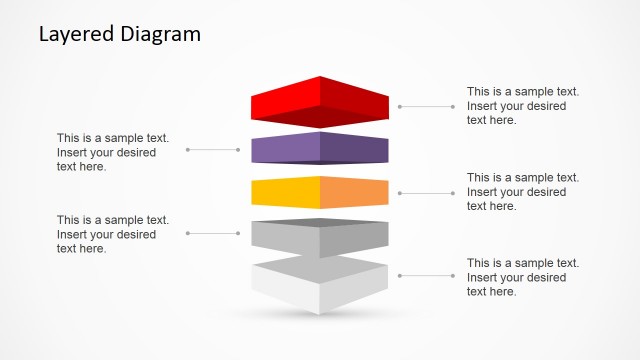
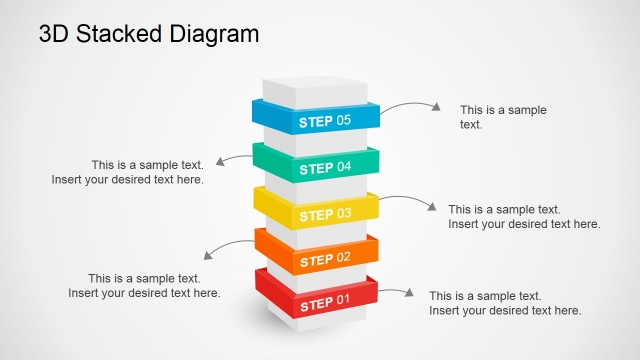
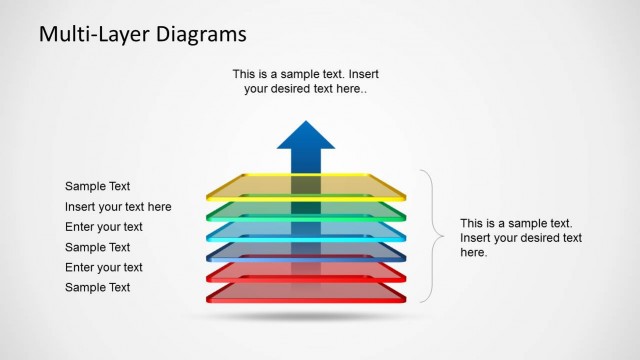
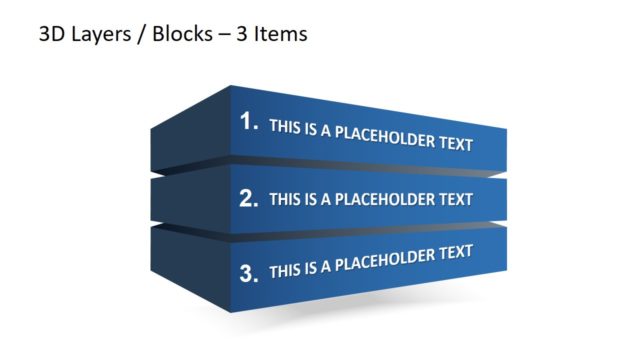
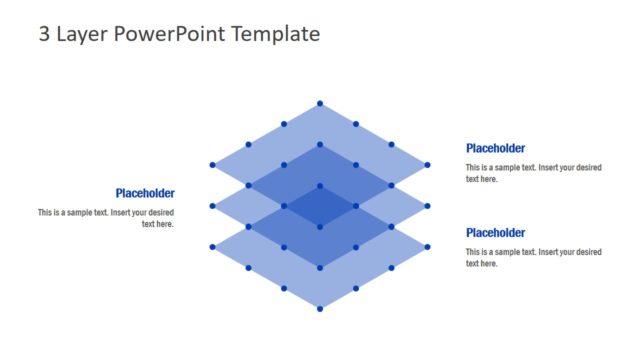
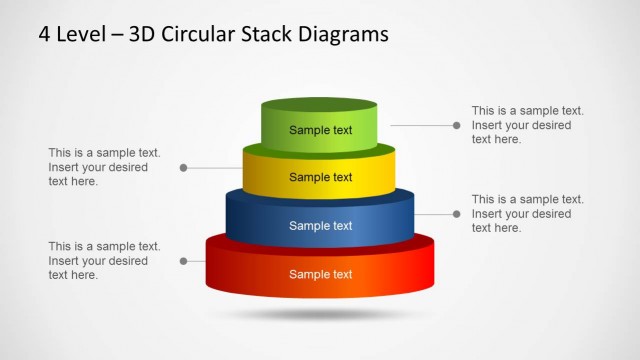
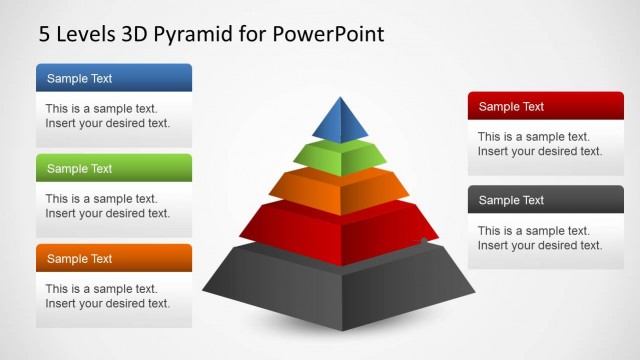
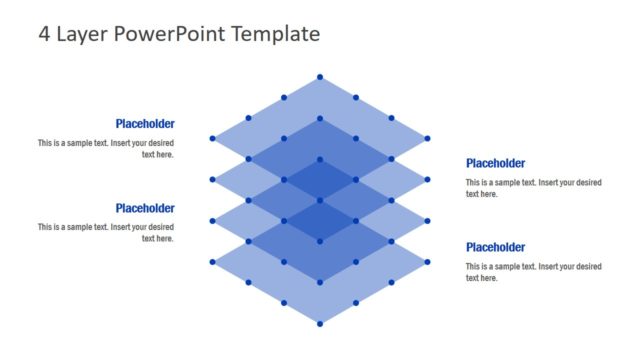
3D Stacked & Multi-Layer Diagram for PowerPoint is a professional presentation template for PowerPoint presentations that you can download to make a layered diagram or stacked diagram with multiple layers in PowerPoint. The 3D layered PowerPoint template with stacked layers can be used to represent business concepts or present a server or system architecture in PowerPoint.
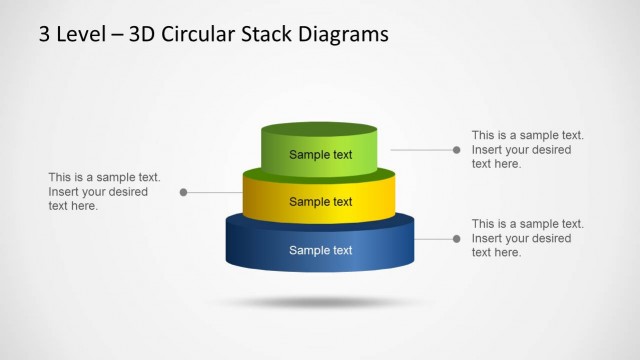
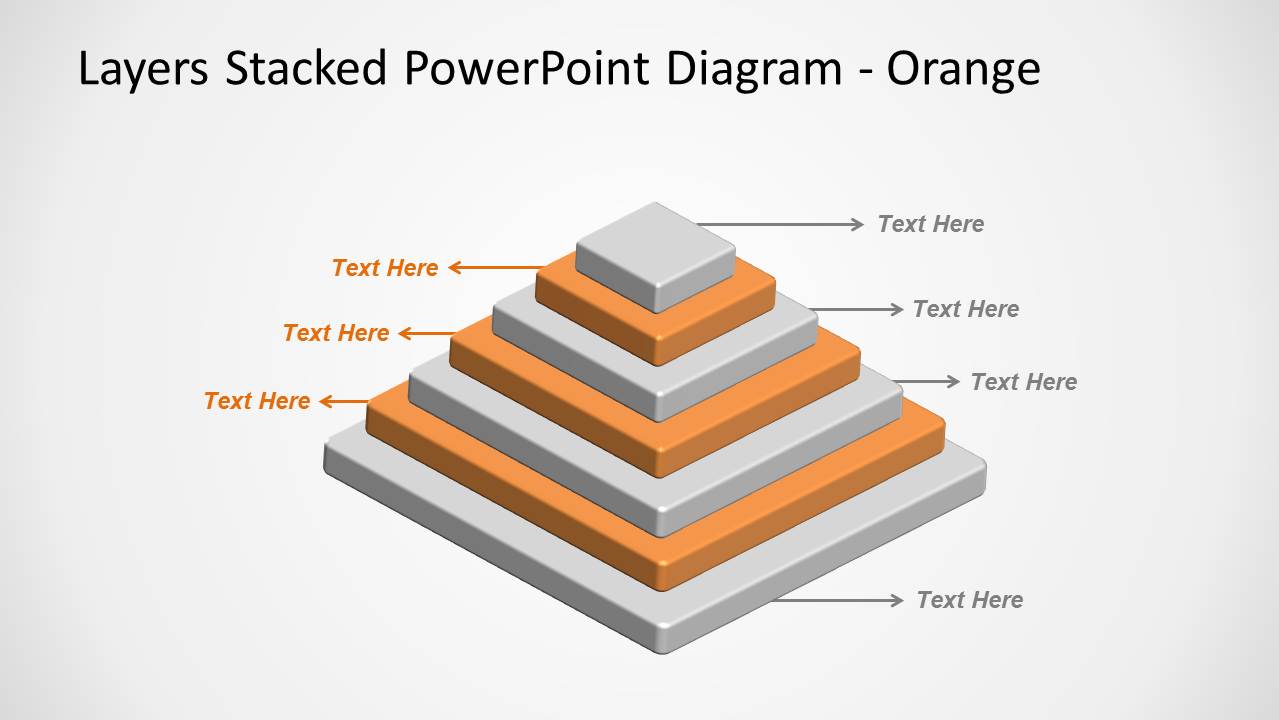
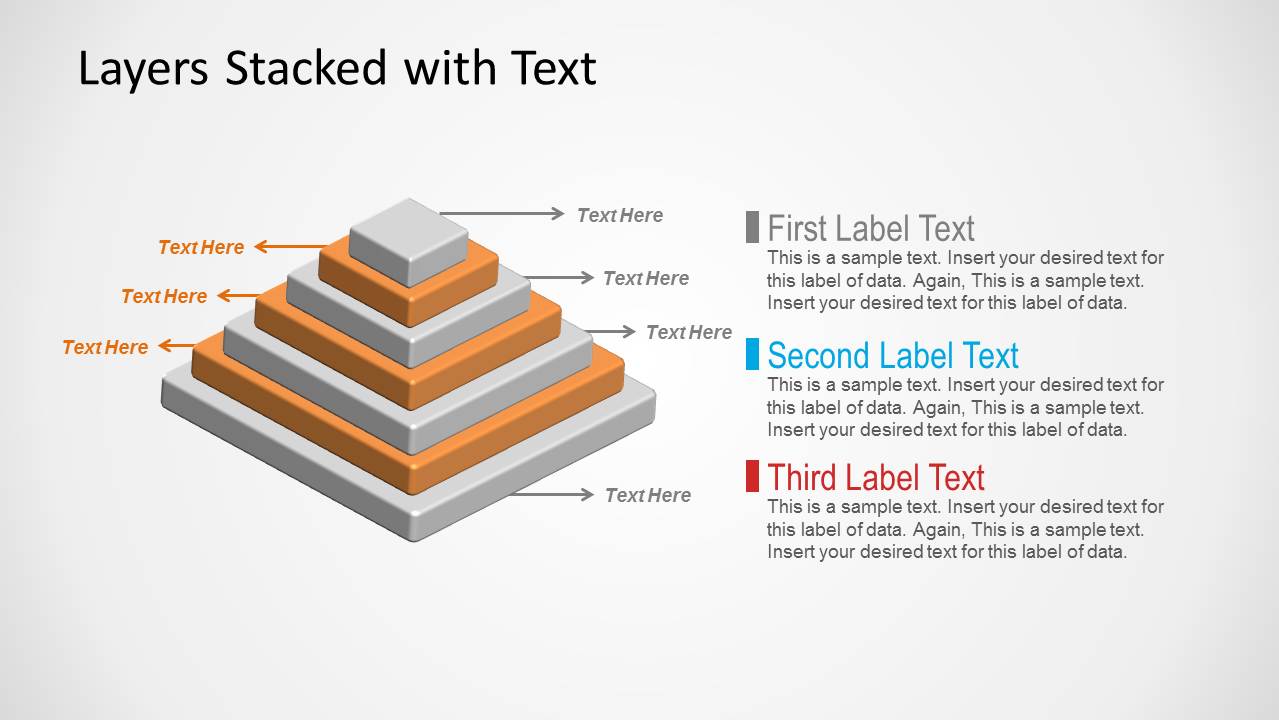
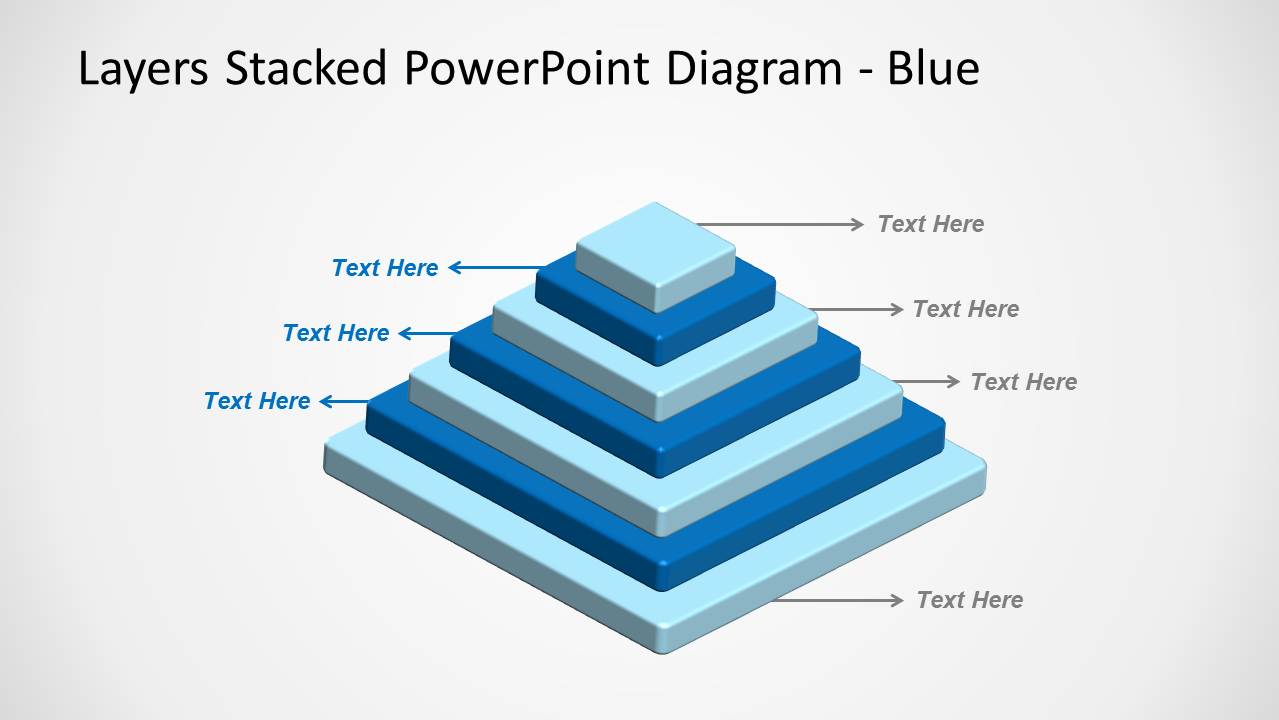
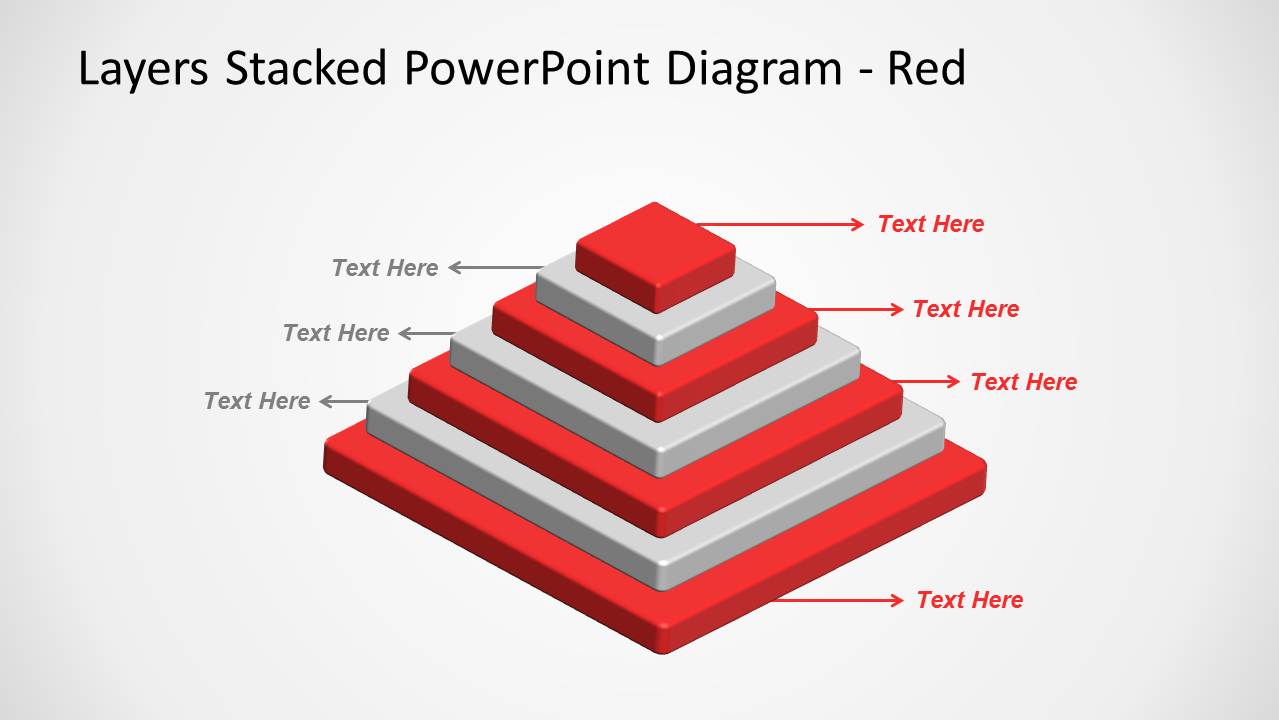
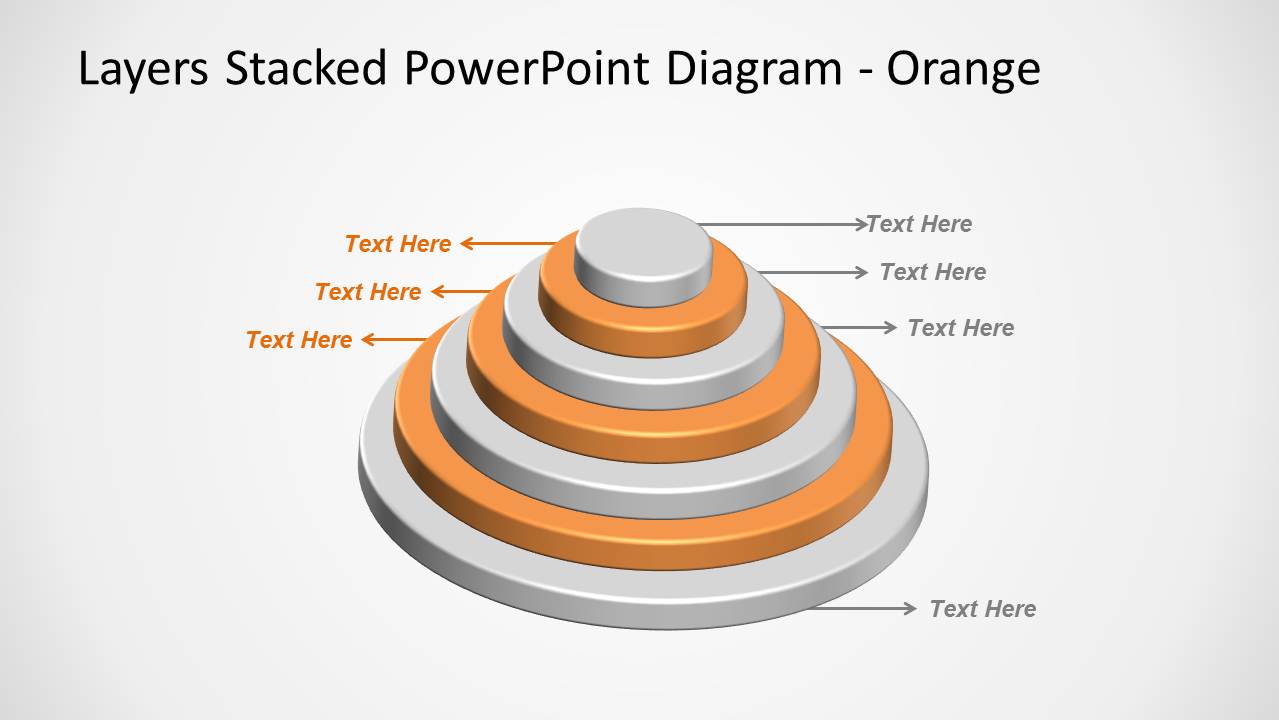
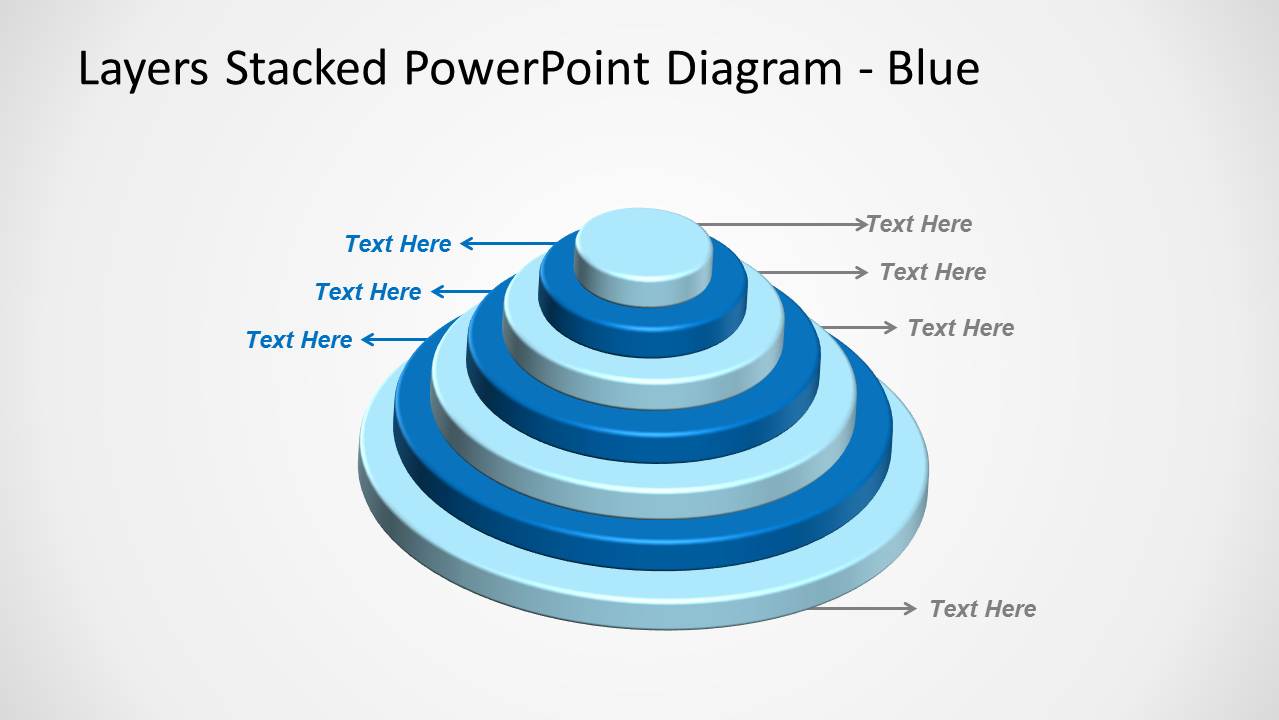
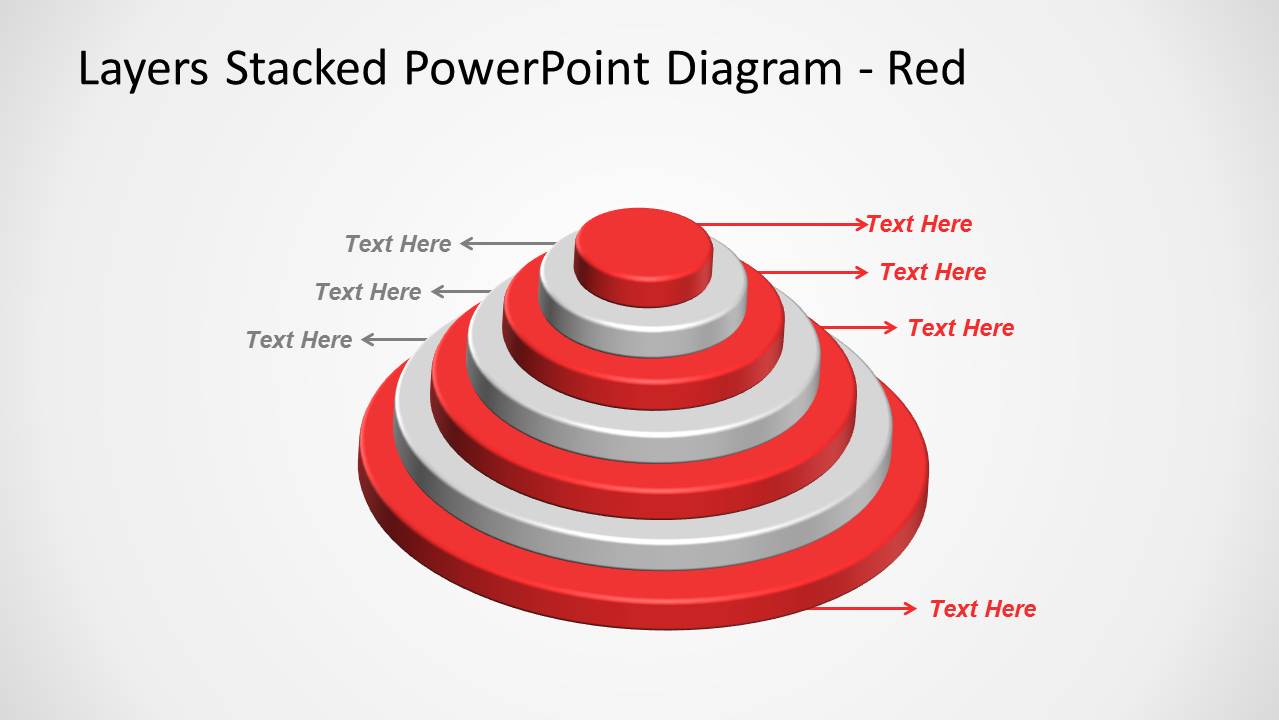
The 3D pyramid designs come with alternated colors so you can easily describe each layer. Different shapes are used to represent the multi-layered diagrams like a 3D pyramid design, a 3D stacked pyramid with circular base or cones or a 3D multi-layer pyramid with squared base.
What’s inside this template
Example presentation scenarios
- An IT architect can explain a system architecture by placing infrastructure, data, application, and user-facing layers into the square stacked pyramid.
- A strategy consultant can show a capability maturity model by using the circular tier stack to move from a broad base to a top-level outcome.
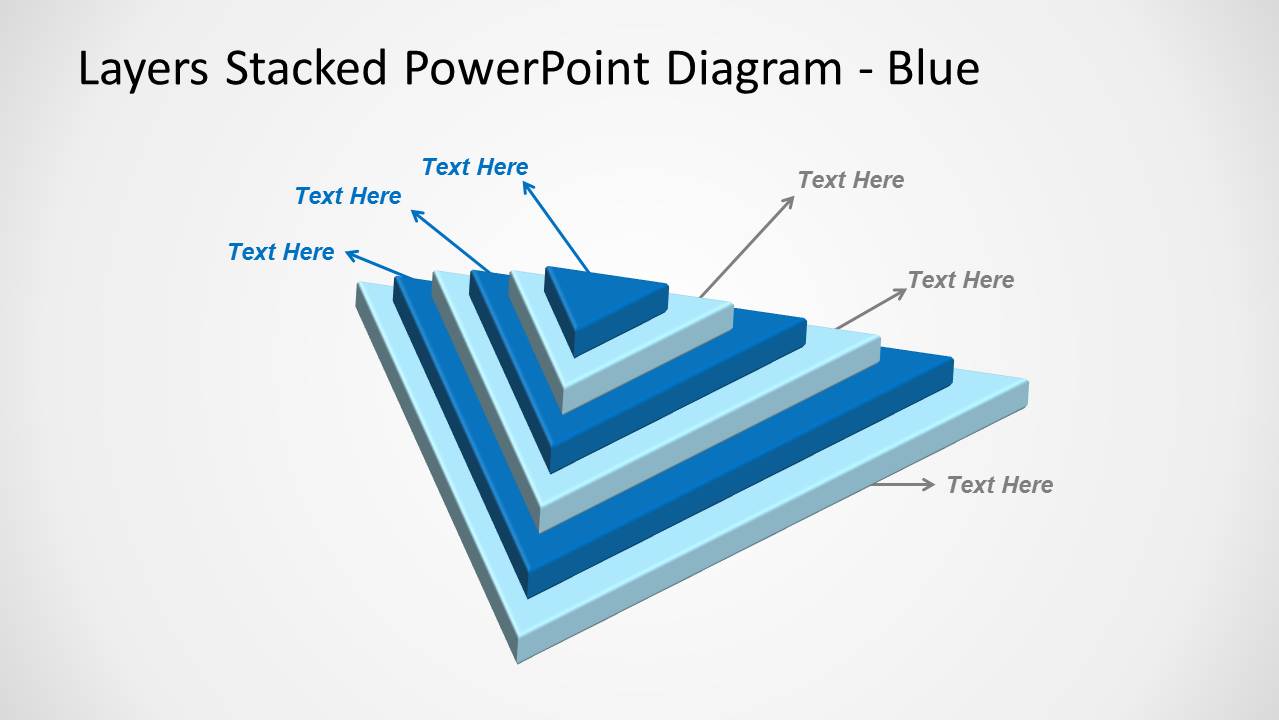
- A product manager can compare service tiers by labeling each triangular wedge layer with features, ownership, or customer value.
- An operations leader can present dependency levels in a workflow by using the callout labels to name each stacked layer and its role.
Features
- 100% editable presentation template
- Compatible with Microsoft PowerPoint and Google Slides
- Scalable vector shapes, icons and illustrations
- AI-Ready for Microsoft Copilot and Claude
- Instant access and download
Frequently asked questions
Q: How should a presenter explain a layered system with this template?
A: Start with the base layer and work upward so the audience understands dependencies before outcomes. Use one label per tier and keep each callout short. The square pyramid is best for architecture or organizational hierarchy, while the circular tiers are clearer for maturity, priority, or market coverage models.
Q: Who is this template best suited for in a business presentation?
A: This template fits presenters who need to make invisible structures tangible, such as consultants explaining operating models, IT architects describing system layers, or product managers showing service tiers. It works best when the message is hierarchical and each level must be discussed as part of a larger stack.
Q: Why use 3D stacked diagrams instead of a flat bullet list?
A: The 3D stack creates a visual metaphor for dependency, priority, and build-up. A flat list treats all items as equal, but these pyramids, circular tiers, and triangular wedges show that some layers support others. That helps audiences remember the relationship between components, not just their names.

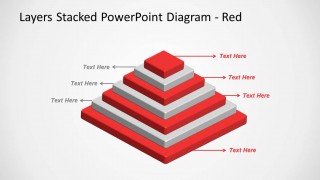
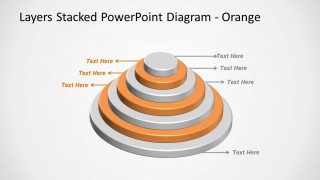
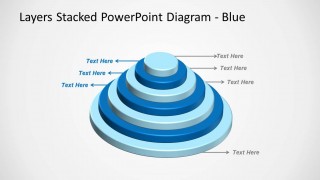
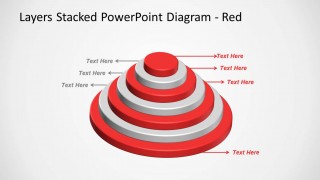
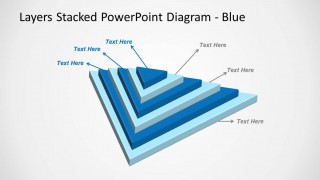
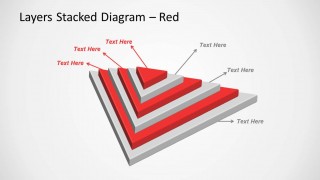
3D Stacked & Multi-Layer Diagram for PowerPoint
9-slide PowerPoint presentation template with 3D stacked pyramids, circular layers, and callout labels
3D Stacked & Multi-Layer Diagram for PowerPoint is a 9-slide diagram template for explaining layered systems, hierarchy, or architecture. It includes square stacked pyramids, circular tier stacks, triangular layer wedges, and callout-label variants. It is intended for business, IT, and consulting presenters working in PowerPoint.


 Loading...
 Microsoft PowerPoint
  Microsoft Copilot
  Claude for PowerPoint
 Other formats supported
Subscribe today and get immediate
access to download our PowerPoint templates.