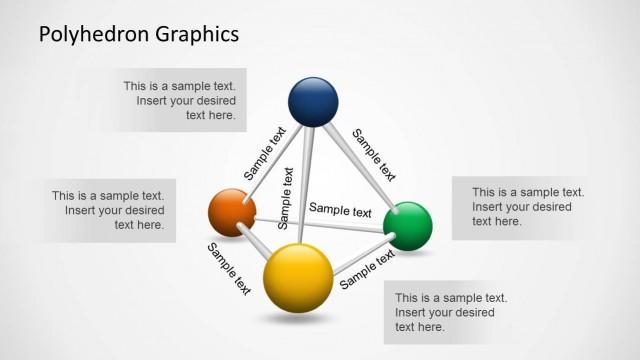
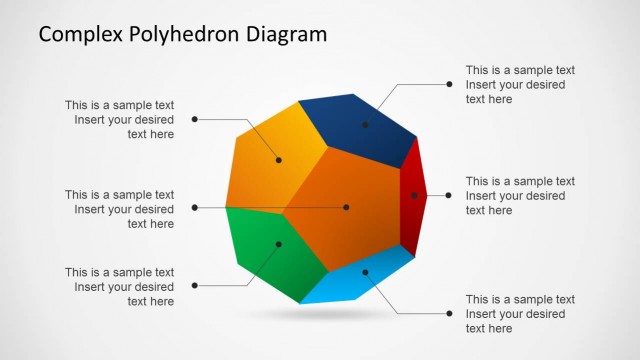
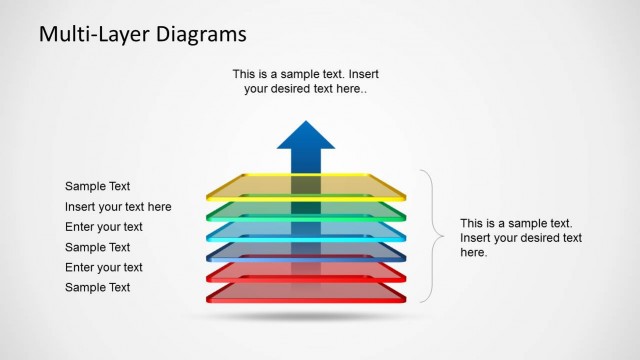
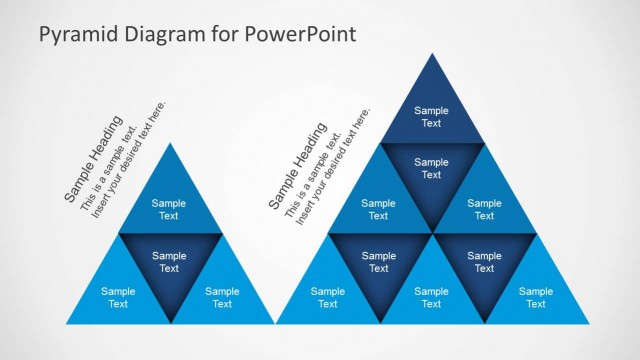
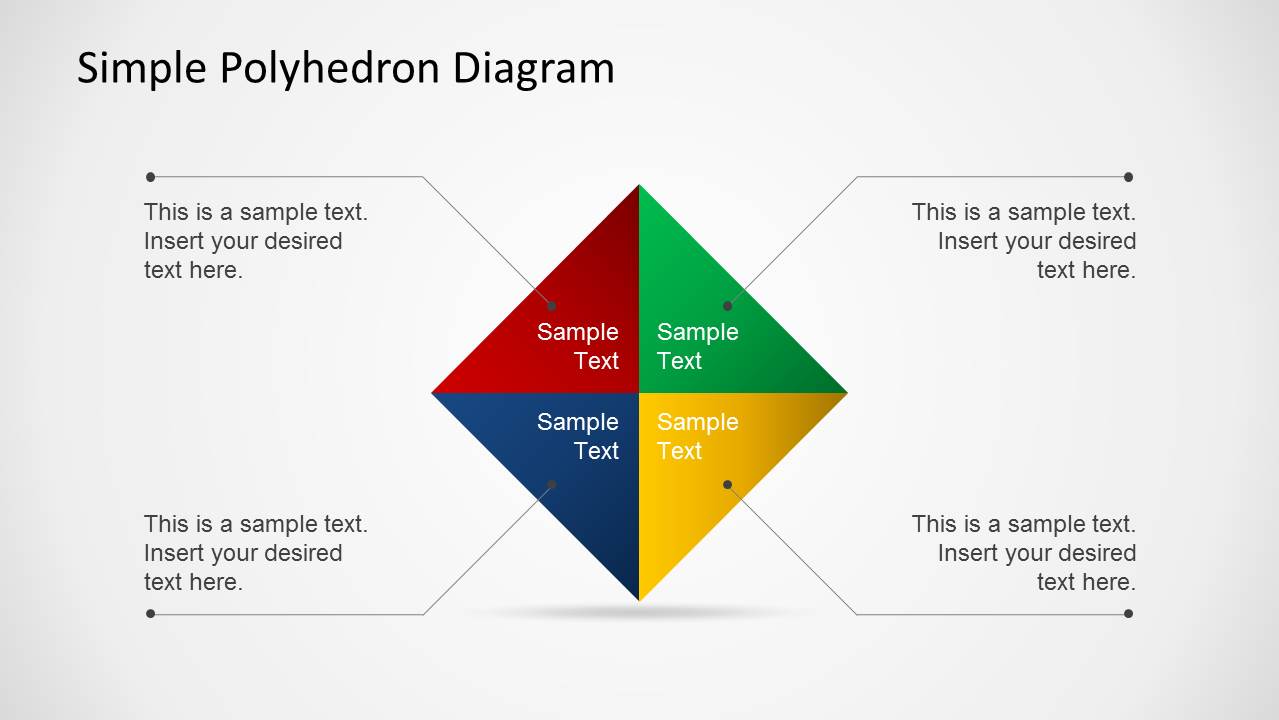
Simple Polyhedron Diagram for PowerPoint is an easy to edit diagram template for making slides with Polyhedron Diagrams.
Whether you require making a presentation regarding geometry or wish to use a simple diagram to present different parts of an argument, this template can help you create diagram slides in PowerPoint with a minimalist, yet attractive layout.
For more Polyhedron themed slide designs, see our collection of Polyhedron Diagram Templates for PowerPoint.
What’s inside this template
Example presentation scenarios
- A consultant can use the callout diagram to introduce a four-part strategic framework before discussing each facet in a separate focused slide.
- An educator can use the colored polyhedron facets to explain geometry-related concepts, shape properties, or grouped examples with a visual anchor.
- A project manager can present four workstreams by placing each stream name inside a facet and using the right-side text panels for risks, owners, or next steps.
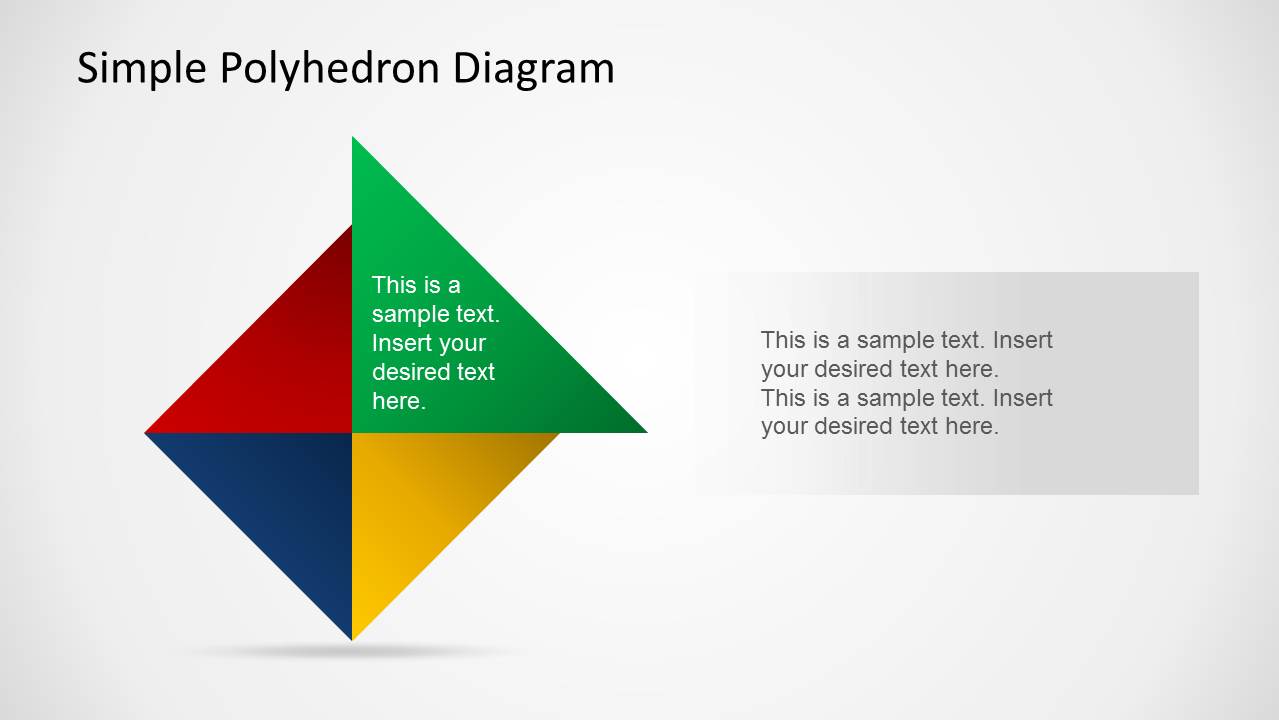
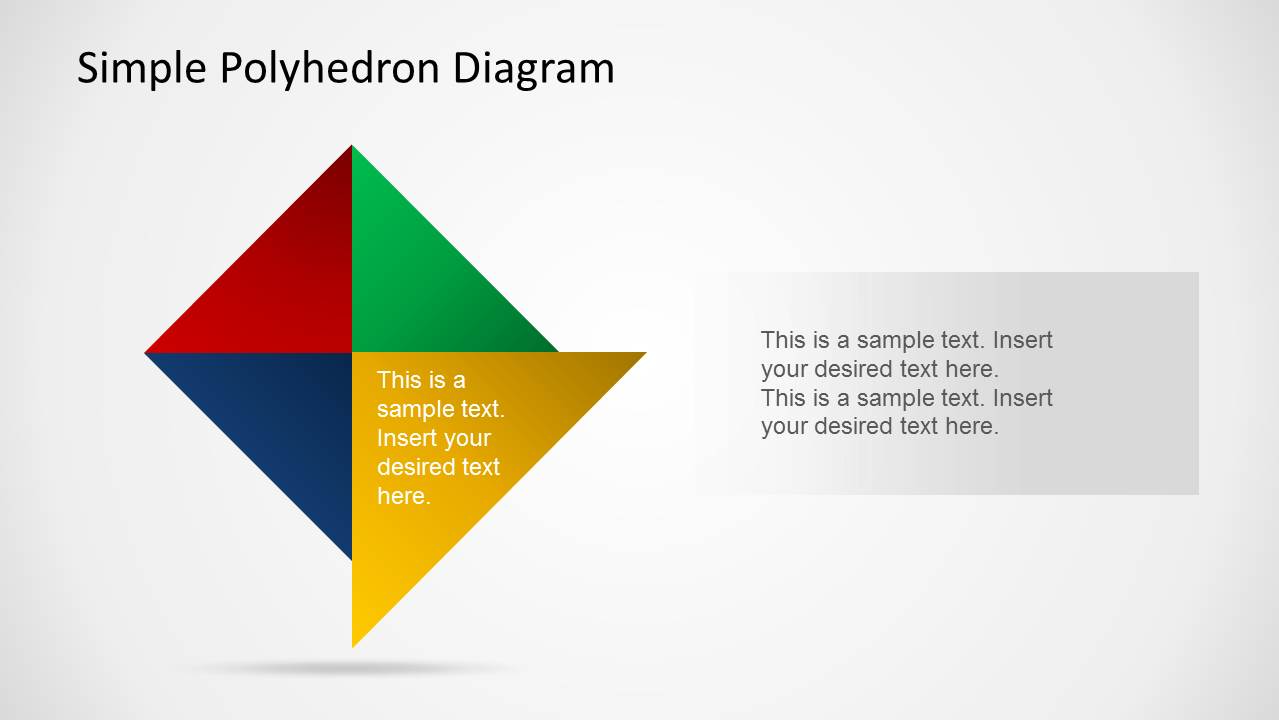
- A trainer can use the focused red, green, blue, and yellow facet slides to teach one component at a time while keeping the same diagram visible for context.
Features
- 100% editable presentation template
- Compatible with Microsoft PowerPoint and Google Slides
- Scalable vector shapes, icons and illustrations
- AI-Ready for Microsoft Copilot and Claude
- Instant access and download
Frequently asked questions
Q: How should a presenter structure a message with this polyhedron diagram?
A: Start with Slide 1 to name the four parts and give the audience a complete mental model. Then move through the focused-facet slides to explain one part at a time. Keep each facet label short, and use the right-side text panel for the main takeaway, not a full paragraph of background.
Q: What presentation situations fit this template best?
A: This template works best when a presenter needs to explain four related categories, process steps, decision criteria, or argument points. It is useful for consultants, trainers, educators, and project leads who want a simple visual structure rather than a dense report slide or numeric dashboard.
Q: Why does the polyhedron metaphor help communicate a four-part concept?
A: The polyhedron makes separate ideas feel connected because each colored facet belongs to the same geometric form. That visual metaphor supports messages where the parts are distinct but interdependent. The repeated shape across slides also gives the audience continuity while attention shifts to one colored facet at a time.


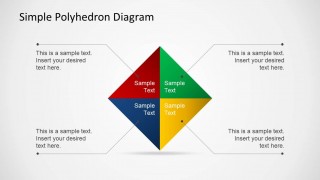
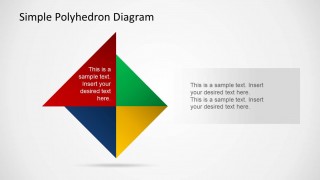
Simple Polyhedron Diagram for PowerPoint
5-slide PowerPoint diagram template with four-part polyhedron facets and callout text panels
Simple Polyhedron Diagram for PowerPoint is a 5-slide diagram template built around a four-part geometric polyhedron. It includes a callout diagram, single-facet focus slides, and right-side text panel layouts for explaining related components, steps, or argument parts in PowerPoint using editable vector shapes.


 Loading...
 Microsoft PowerPoint
  Microsoft Copilot
  Claude for PowerPoint
 Other formats supported
Subscribe today and get immediate
access to download our PowerPoint templates.