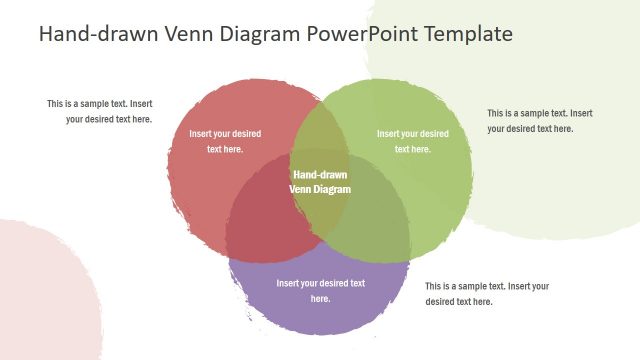
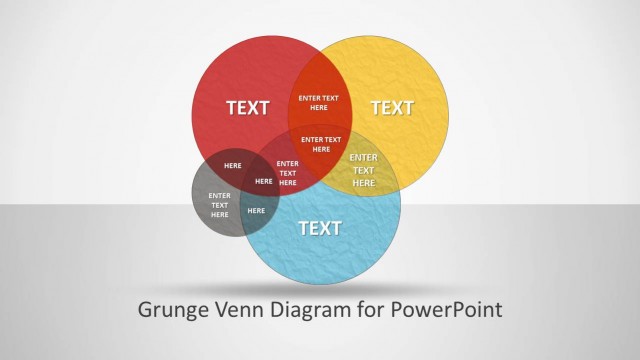
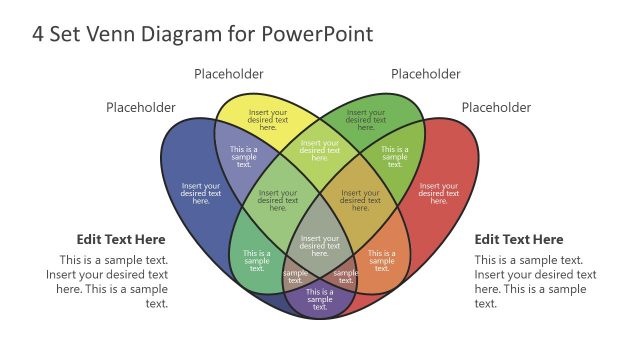
Colorful Intersected Circles & Venn Diagrams for PowerPoint is the perfect slide set for constructing Venn Diagrams in the form of PowerPoint slides.
With the colorful, yet minimalist slide designs, you can create Venn Diagrams to display logical connections between different sets. The objects within each slide can be customized to change their overall look, such as the color, shape and size. This gives you the flexibility to create custom PowerPoint Diagrams with the aid of clean slide layouts.
What’s inside this template
Example presentation scenarios
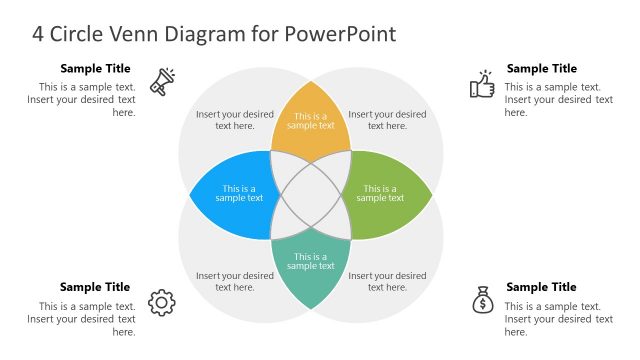
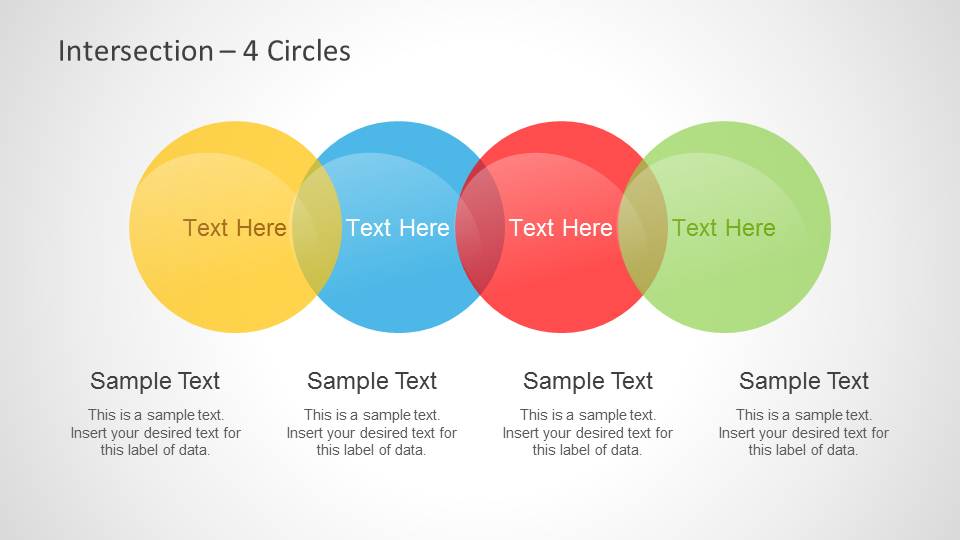
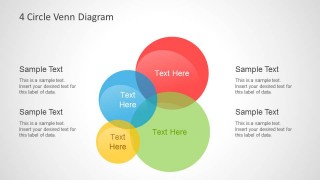
- A consultant can use the 4-circle intersection slide to compare strategic options, show where criteria overlap, and explain which areas have shared value.
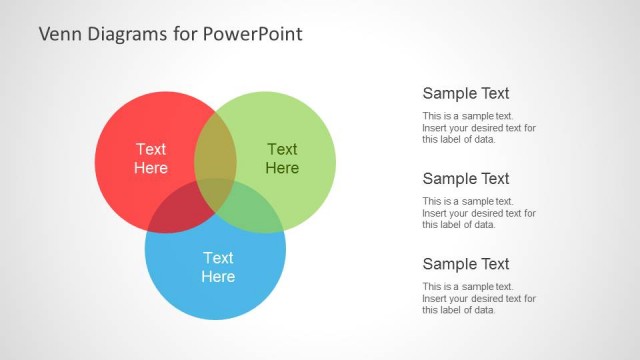
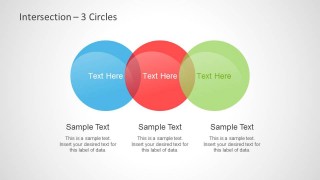
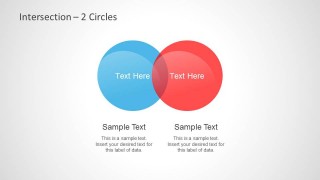
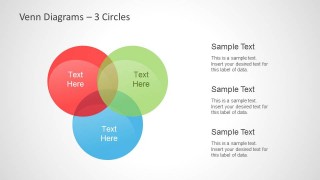
- An educator can use the 2-circle and 3-circle Venn diagrams to teach logical reasoning, unions, and intersections with clear colored sets and short notes.
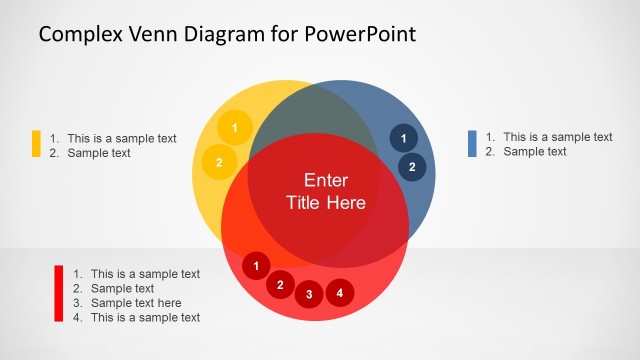
- A product manager can use the three-circle Venn layout to compare customer needs, product capabilities, and business priorities while keeping the overlap visible.
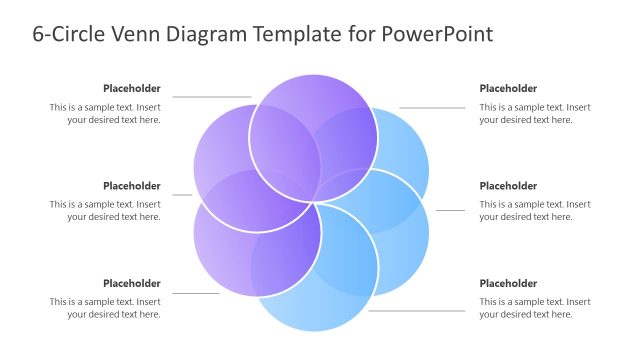
- A marketing analyst can use the clustered 4-circle Venn diagram to map overlapping audience segments and support discussion with the surrounding text callouts.
Features
- 100% editable presentation template
- Compatible with Microsoft PowerPoint and Google Slides
- Scalable vector shapes, icons and illustrations
- AI-Ready for Microsoft Copilot and Claude
- Instant access and download
Frequently asked questions
Q: How should a presenter explain overlap without confusing the audience?
A: Start with the simplest relevant diagram before moving to more complex intersections. For a basic comparison, use the 2-circle slide and define each set clearly. When using the 3-circle or 4-circle layouts, keep labels short inside the circles and place supporting explanation in the text blocks outside the diagram.
Q: Who is this Venn diagram template best suited for?
A: This template fits presenters who need to explain relationships between categories rather than display numeric results. Consultants, educators, analysts, and product teams can use it to compare criteria, audience groups, responsibilities, or feature sets. The visible layouts work best when the main insight is what categories share and where they differ.
Q: Why do the translucent circles improve the message?
A: The translucent circle metaphor makes abstract overlap visible. Each colored set remains distinct, while the darker blended areas signal shared meaning without requiring a long explanation. The surrounding text blocks support the diagram by giving the presenter space to define each category and explain why the intersection matters.
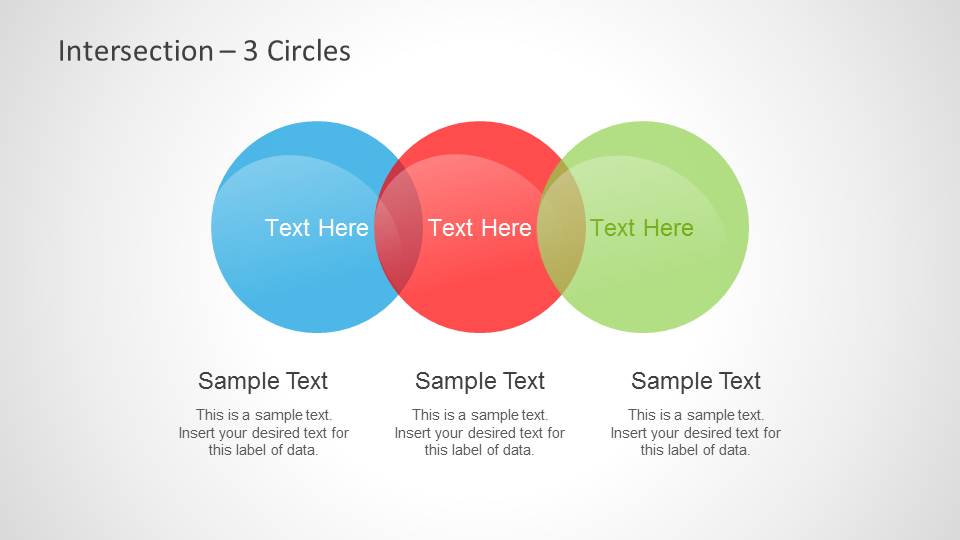
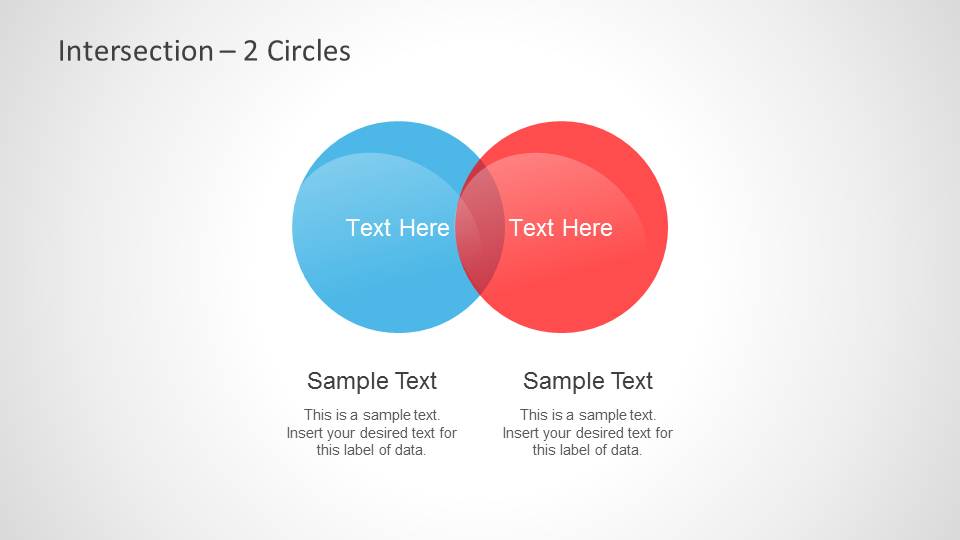
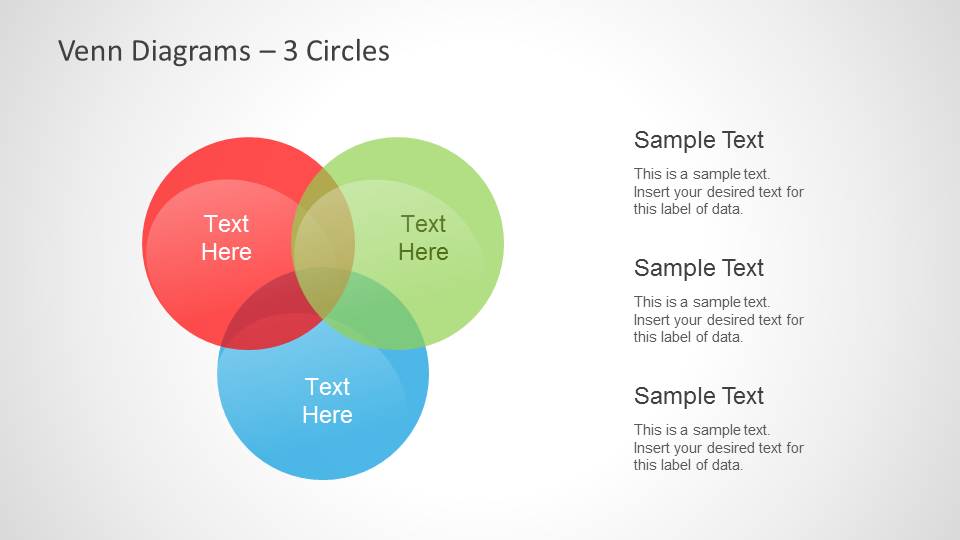

Colorful Intersected Circles & Venn Diagrams for PowerPoint
5-slide PowerPoint diagram template with intersected circles and Venn layouts for set relationships
Colorful Intersected Circles & Venn Diagrams for PowerPoint is a 5-slide diagram template for explaining overlaps, unions, and logical set relationships. It includes 2-circle, 3-circle, and 4-circle intersection diagrams plus text callouts for labels, descriptions, and comparison notes.


 Loading...
 Microsoft PowerPoint
  Microsoft Copilot
  Claude for PowerPoint
 Other formats supported
Subscribe today and get immediate
access to download our PowerPoint templates.