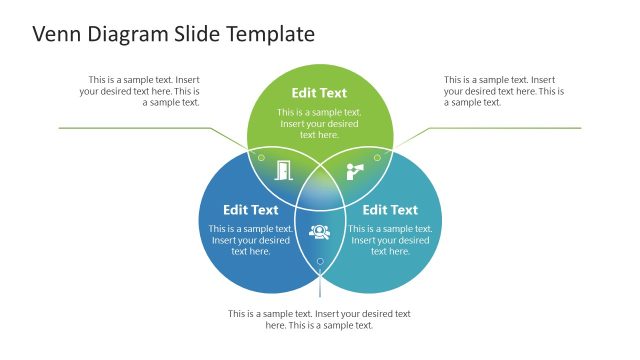
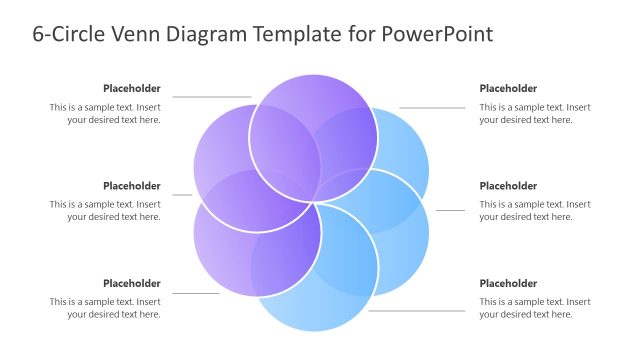
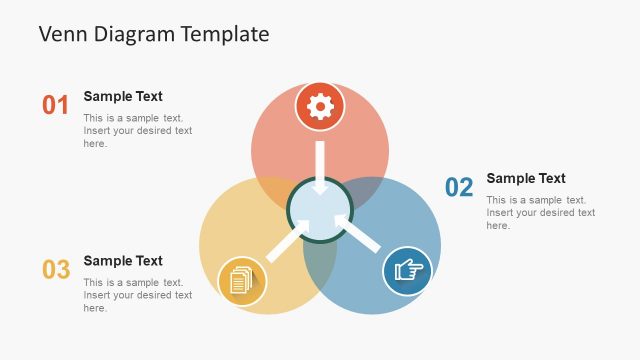
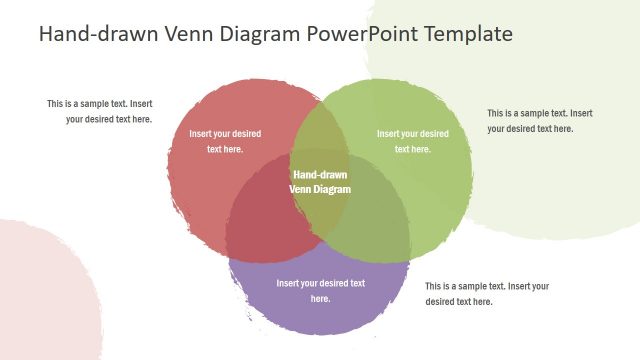
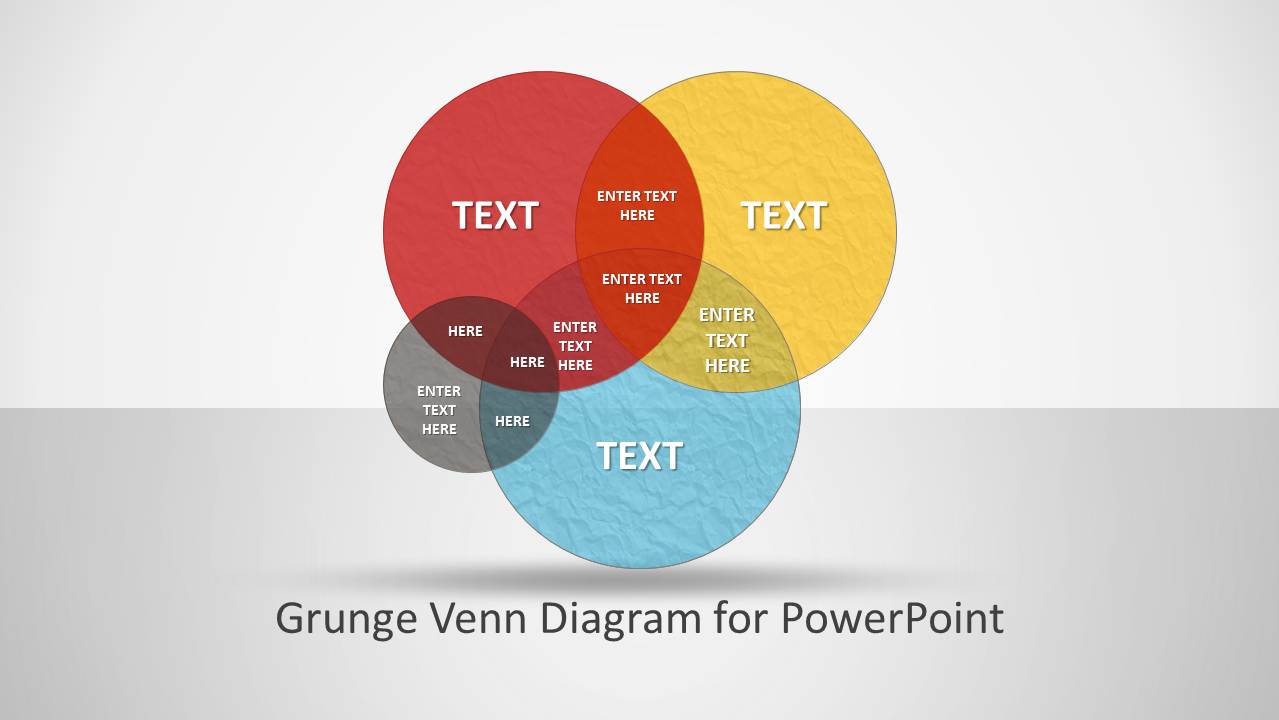
This is a Grunge Venn Diagram template compatible with PowerPoint and Google Slides. John Venn introduced the concept of The Venn Diagram on its paper “On the Diagrammatic and Mechanical Representation of Propositions and Reasonings” in 1880. A Venn Diagram is a logical tool representing sets through circular shapes and a rectangular frame. The Venn Diagram PowerPoint template develops the tool by adding colors to sets and a grunge texture. Visually attractive to all audiences, the design of the slide can ensure information retention.
The diagram is created to picture the size, value, difference and relationship between sets. The enclosing rectangle is considered as the universal set. All numbers and elements can be found in it. The circles and elements inside it all belong to the universal set. Each circle refers to a group of elements. Common elements are found in the points where the circles intersect or overlap. However, a single color variation shows the curves with no similar elements. There is no overlapping in dissimilar areas.
Venn diagrams are used to compare and contrast. They are used mathematically where numbers are represented. Business, science, and personality concepts are also ideal for this template. To add more, computer science and statistics find this diagram handy, too.
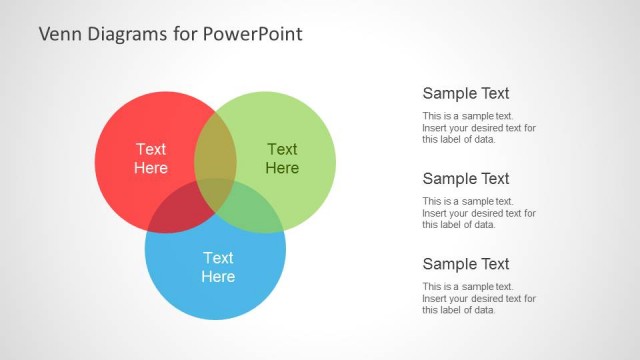
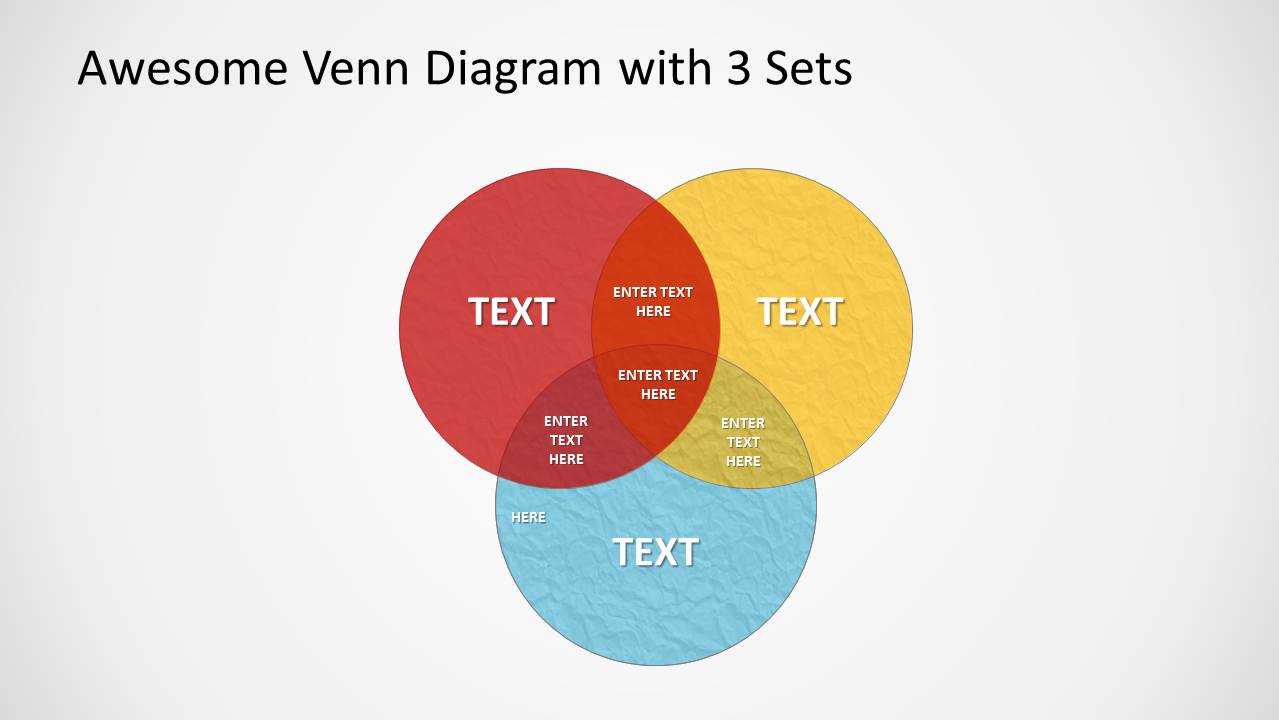
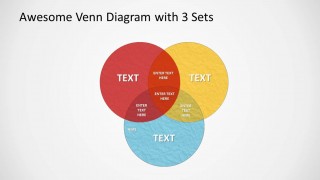
The 3 circle venn diagram template for PowerPoint & Google Slides include colored shapes that are fully customizable. Its colors can be changed, making a mood and illustrating each set clearly. The sizes are editable by dragging them using PowerPoint shapes. Text placeholders can be moved around to satisfy the needs of the user. This allows the user to label each set correctly and add the necessary information. The photographic display of this information can help the audience grasp the idea and easily remember them.
If you want to have additional you can check our article on how to use Venn Diagrams Templates. Create fresh and stunning reports using Grunge Venn Diagram PowerPoint Template. With its flexible features, it is the perfect template for a wide array of presentation ideas. Flat Venn Diagram Intersection Icons is another awesome design, downloadable from the SlideModel gallery.
What’s inside this template
Example presentation scenarios
- A consultant can use the 3-set Venn diagram to compare client priorities, operational constraints, and market opportunities while showing where the strongest recommendation sits.
- An educator can use the wireframe Venn slide to teach set relationships before adding labels, examples, or class discussion notes to the overlapping circles.
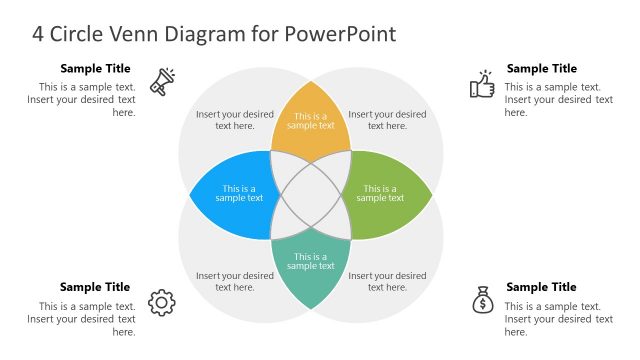
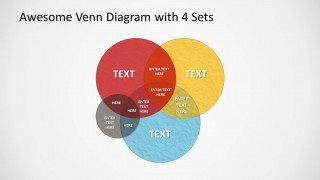
- A product manager can use the 4-set Venn diagram to map shared requirements across customer needs, technical feasibility, business value, and delivery risk.
- A marketing presenter can use the cover diagram and colored intersections to explain where audience segments overlap before moving into campaign targeting.
Features
- 100% editable presentation template
- Compatible with Microsoft PowerPoint and Google Slides
- 16:9 aspect ratio slides
- Scalable vector shapes, icons and illustrations
- AI-Ready for Microsoft Copilot and Claude
- Instant access and download
Frequently asked questions
Q: How should a presenter explain a complex comparison with this Venn diagram template?
A: Start with the set labels before discussing intersections. On the 3-set or 4-set slide, define each circle in plain language, then move inward to the overlap areas. Keep each intersection label short so the audience understands the relationship instead of reading dense text inside the diagram.
Q: Who is this template best suited for?
A: This template fits analysts, consultants, educators, and product teams who need to show shared and unique attributes across categories. It is strongest when the message depends on relationships, such as customer segment overlap, capability fit, project requirements, or concept classification, rather than on numerical trends.
Q: Why use a grunge-style Venn diagram instead of a plain comparison table?
A: The overlapping circles make common ground visible immediately, while the textured fills give the diagram a less sterile look. A table lists differences well, but it does not show intersection logic as quickly. The Venn metaphor helps audiences see where separate ideas, groups, or conditions meet.


Grunge Venn Diagram for PowerPoint
4-slide Venn diagram presentation template with grunge set intersections for PowerPoint and Google Slides
Grunge Venn Diagram for PowerPoint is a 4-slide diagram template with grunge-textured Venn layouts for comparing sets in Microsoft PowerPoint and Google Slides. It includes a cover diagram, a wireframe Venn, a 3-set overlap diagram, and a 4-set overlap diagram for explaining similarities, differences, and intersections.
- Category
- Diagrams
- Rating


 Loading...
- Aspect ratio
- 16:9, 4:3
- Item ID
- 390-01
- Colors
 Microsoft PowerPoint
  Microsoft Copilot
  Claude for PowerPoint
 Other formats supported
Subscribe today and get immediate
access to download our PowerPoint templates.