Colorful Alpha PowerPoint Template is a selection of creative and colorful PowerPoint diagrams and shapes. Maximize the PowerPoint template by utilizing the features to decorate personal presentations. Make quality reports with this powerful template design.
Eight slides compose the Colorful Alpha PowerPoint Template. Each slide includes a 4-step diagram. The text placeholders are colored red, orange, green and blue. The collection has unique icons that can be related to multiple concepts. Biking can be associated to the first slide. The user can generate posters and tutorials with it. In the second slide, a runner is shown in a gray silhouette icon. Sport details can be written in the relative text boxes. SWOT Analysis model is available on with sixth slide, alternatively you can reuse any of the other SWOT PPT templates. This can display business concepts and personal awareness. The remaining slides are mostly generic. PowerPoint Icons like alarm clock, coin stacks, microphone, mobile gadgets, connectivity and many more are also attached. The presenter can opt to copy and paste the icons to enhance a particular layout.
The PowerPoint design is ideal for any 4-step processes. It can support sport presentations. Business concepts are applicable to the template. A SWOT Analysis diagram can be utilized for analyzing the strength, weaknesses, opportunities and threats. This can be in terms of an individual, company or organization. The icons can be related to ideas of science and technology. Themes such as finance and sales are likewise perfect for this Office template.
The Colorful Alpha PowerPoint Template is a creative PowerPoint presentation design containing colorful diagrams that can be used either for business PowerPoint presentations but also for sport presentations. It is 100% customizable, therefore, it can be very flexible. Color schemes and shapes can be modified to suit the presenter’s needs. Check out the SlideModel gallery for more outstanding PowerPoint templates. Alternatively, you can download other diagrams for PowerPoint with a large compilation of diagram designs available and fully compatible with Microsoft 365, PowerPoint and Google Slides.
What’s inside this template
Example presentation scenarios
- A sports coach can present an activity plan by using the cyclist panels or runner progress bands to explain four training stages, checkpoints, or performance focus areas.
- A business analyst can compare strengths, weaknesses, opportunities, and threats with the SWOT hexagon slide before moving into action items or recommendations.
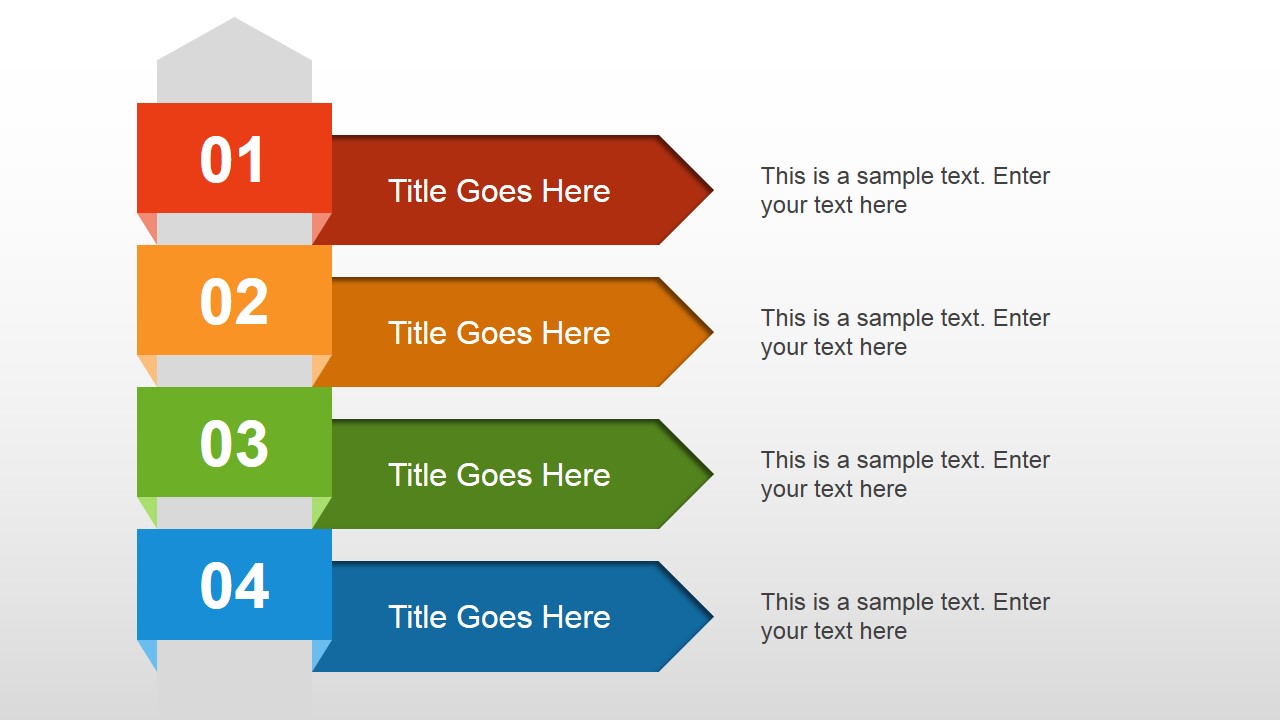
- A trainer can explain a four-step tutorial by using the stacked ribbon arrows or rounded process bars to pair each instruction with a short title, icon, and supporting text.
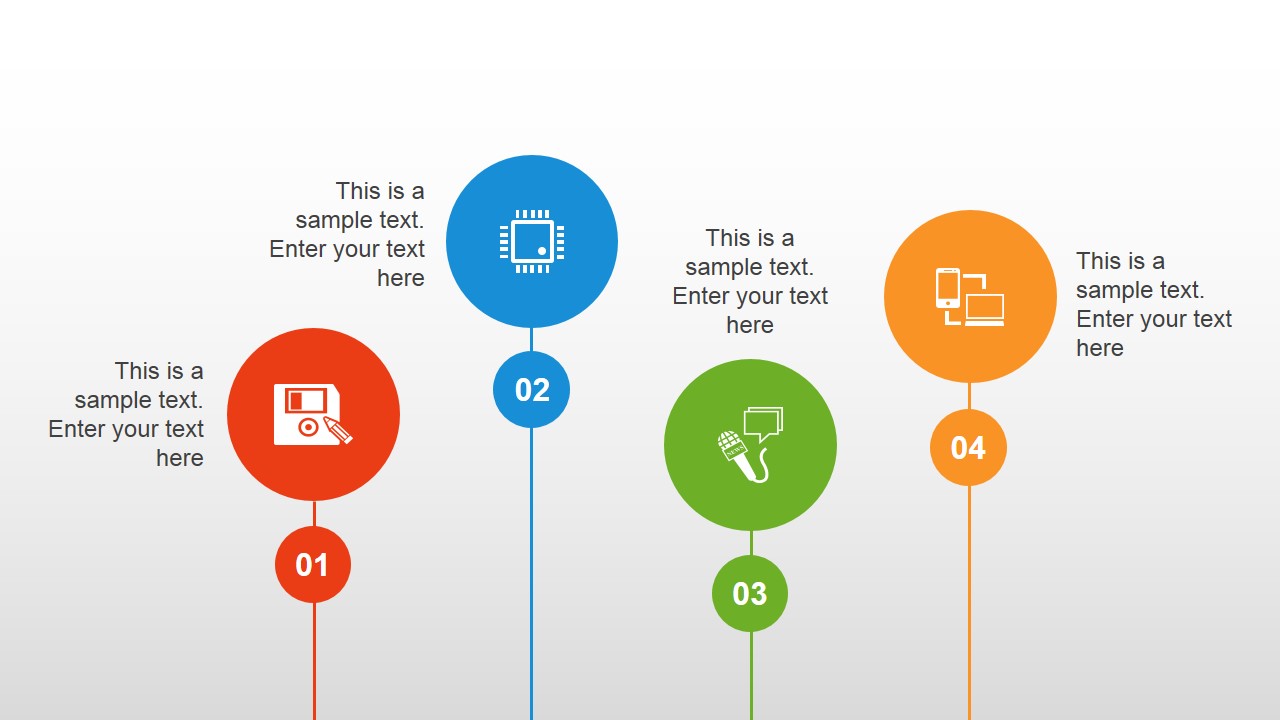
- A marketing presenter can organize campaign ideas with the vertical icon markers, assigning each color to a channel, audience segment, message theme, or content type.
Features
- 100% editable presentation template
- Compatible with Microsoft PowerPoint and Google Slides
- 16:9 aspect ratio slides
- Scalable vector shapes, icons and illustrations
- AI-Ready for Microsoft Copilot and Claude
- Instant access and download
Frequently asked questions
Q: How should a presenter make the four-step layouts easy to follow?
A: Treat the color sequence as a reading path. Keep the same meaning for red, orange, green, and blue across the deck, and limit each text placeholder to one short point. On the runner and arrow layouts, present one step at a time so the audience sees progression instead of four unrelated boxes.
Q: Who is this template best suited for?
A: This template fits presenters who need to explain a compact four-part structure rather than a long report. Coaches can map training phases, trainers can show a tutorial path, and business teams can summarize categories with the process bars or SWOT slide. It works best when the message is simple and visual.
Q: Why do the sports and cycle metaphors help the message?
A: The cyclist, runner, and circular arrow visuals imply movement, sequence, and completion. That makes them useful for process communication because the audience can see action rather than just read labels. The repeated four-color system also creates visual memory, helping viewers connect each category across different slide layouts.






Colorful Alpha PowerPoint Template
8-slide presentation template with four-step process diagrams, sports icons, and a SWOT slide
Colorful Alpha PowerPoint Template is an 8-slide presentation template with bright four-step diagrams for process, sports, and business topics. Visible layouts include cyclist panels, runner progress bands, tabbed process arrows, a SWOT hexagon, vertical icon markers, and a circular arrow cycle. It is for Microsoft PowerPoint and Google Slides.
- Category
- Template Backgrounds
- Rating


 Loading...
- Aspect ratio
- 16:9
- Item ID
- 4114-01
 Microsoft PowerPoint
 Microsoft Copilot
 Claude for PowerPoint
Other formats supported
Subscribe today and get immediate
access to download our PowerPoint templates.