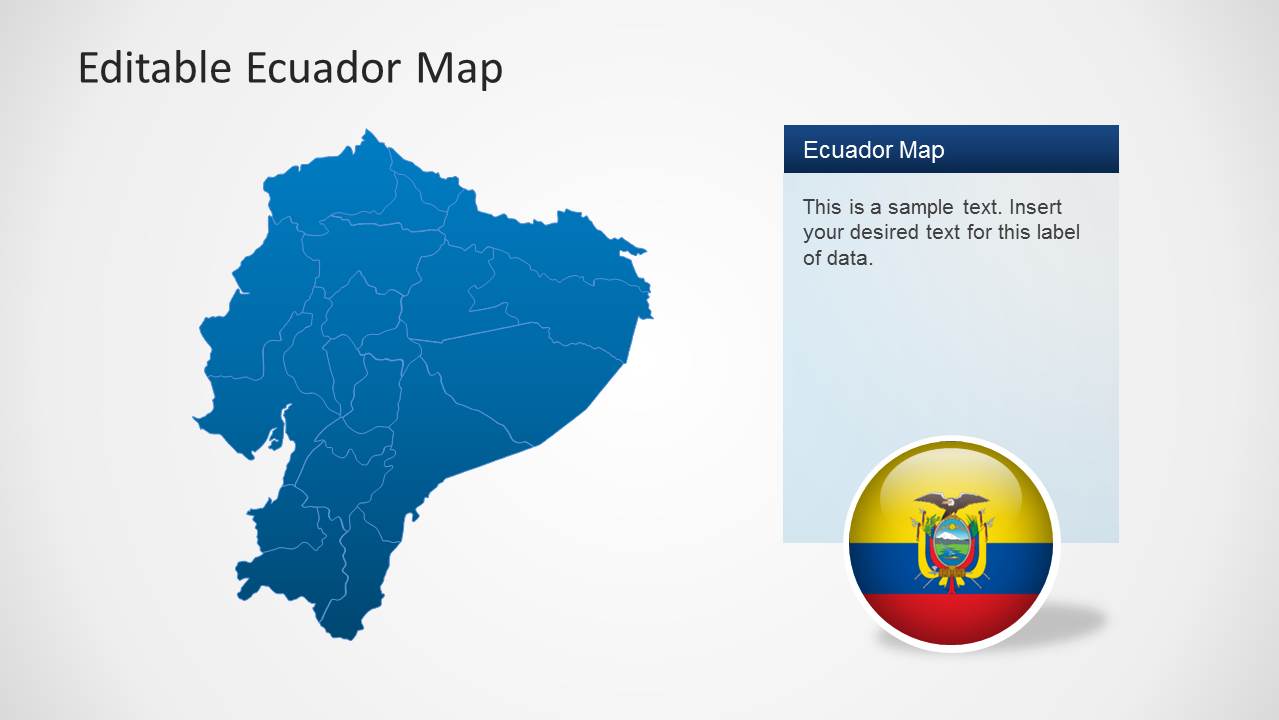
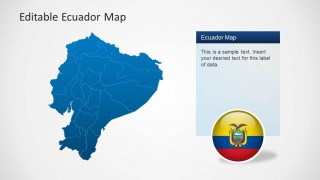
Ecuador Map Template for PowerPoint is a presentation containing outline and political representations of Republic of Ecuador maps. Each shape is constructed of independent PowerPoint object , enabling the user to manipulate each piece individually and build different slides with partial shapes. The user can customize the colors and backgrounds of the states.
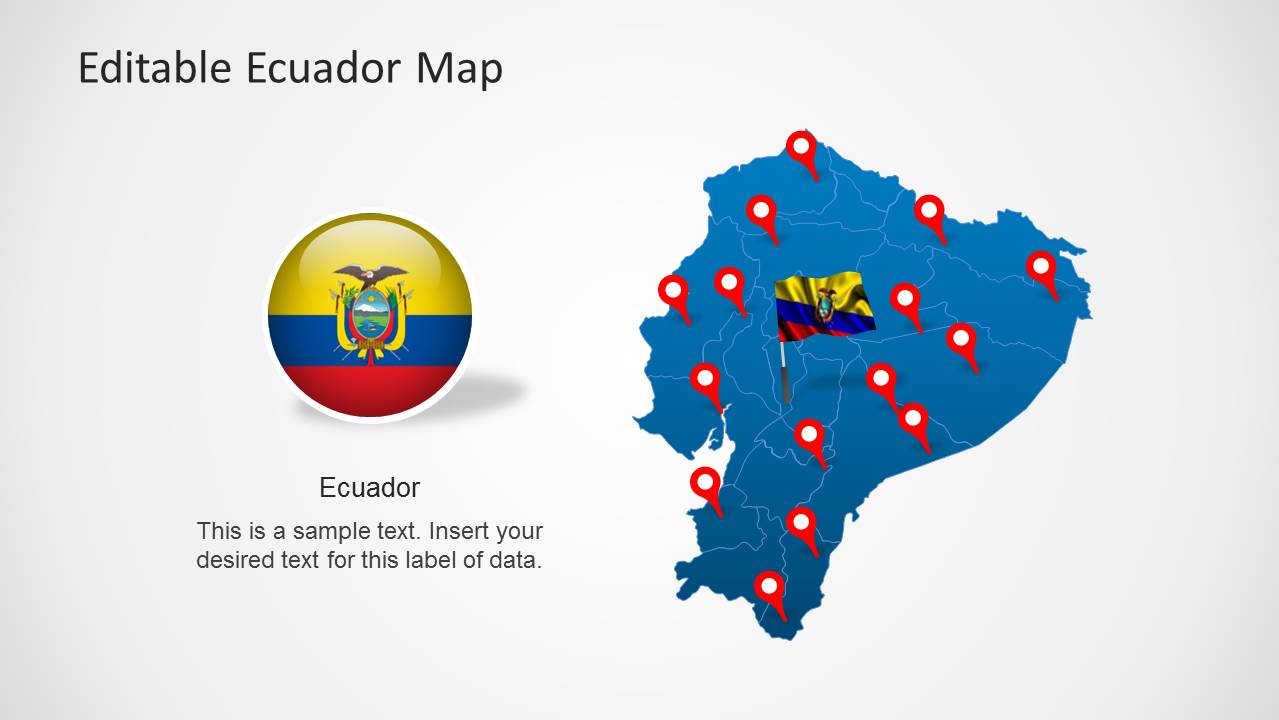
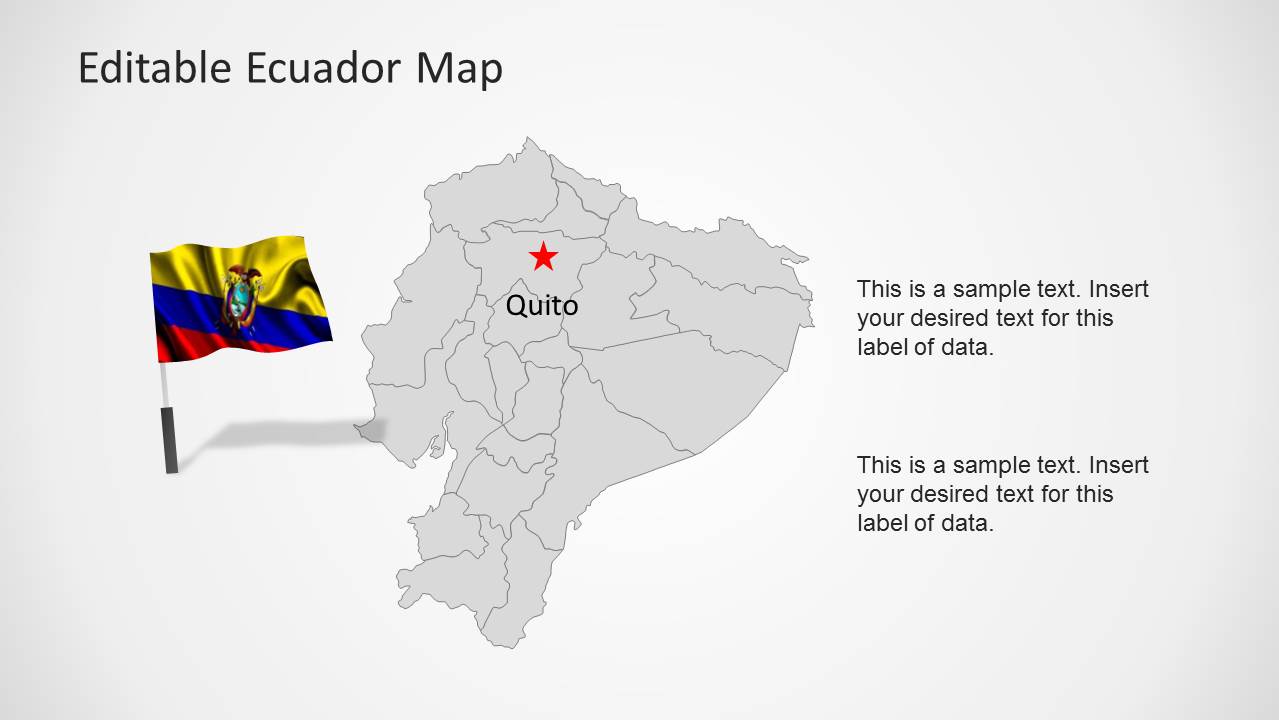
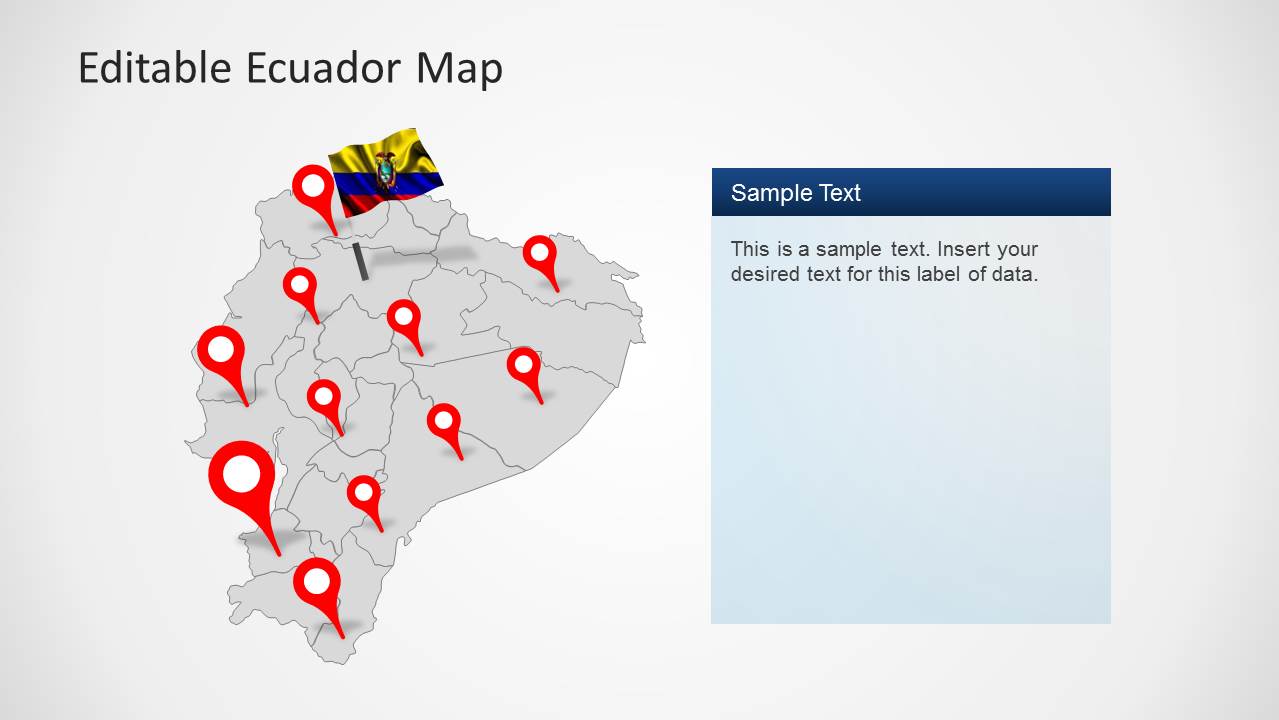
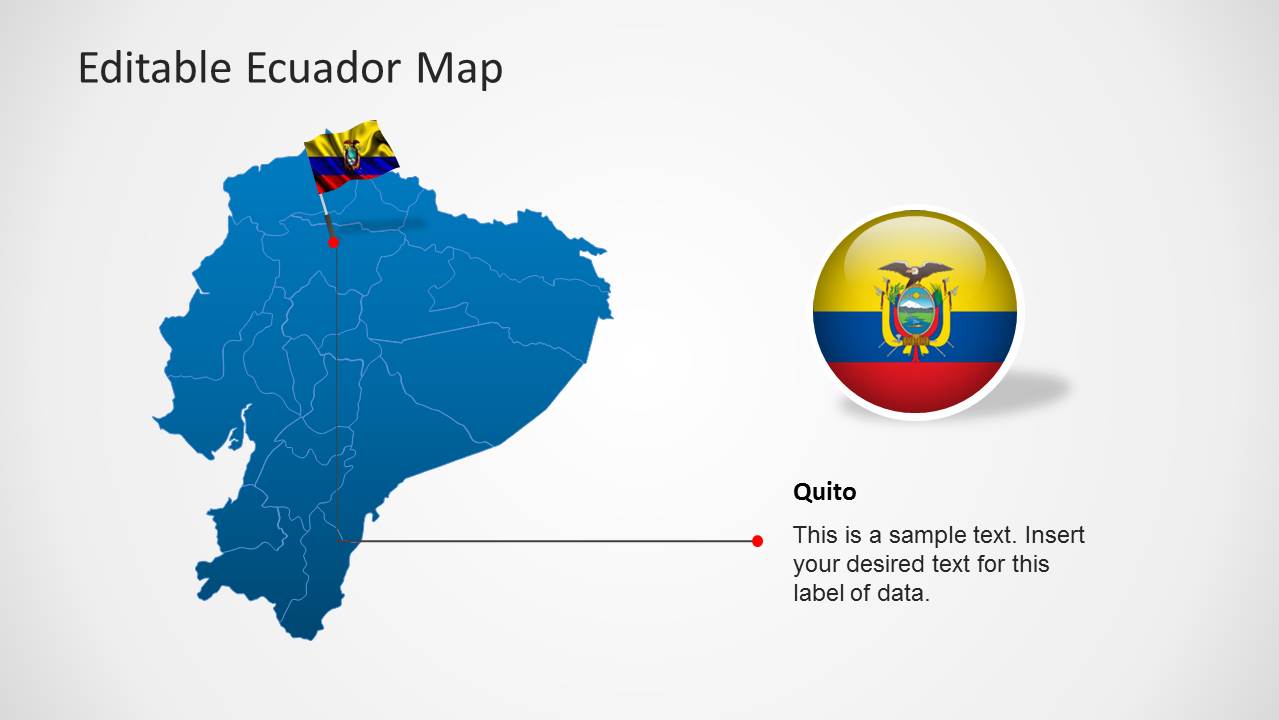
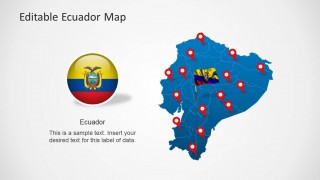
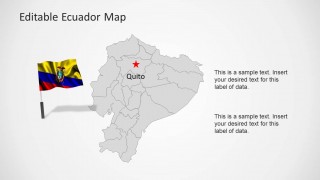
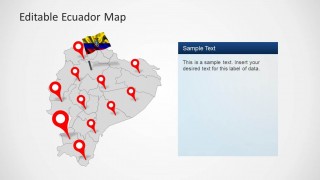
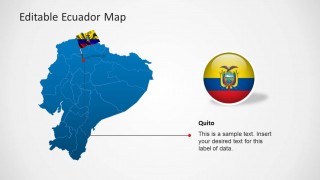
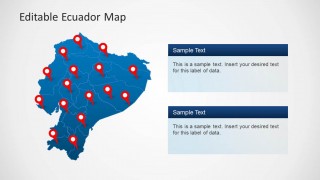
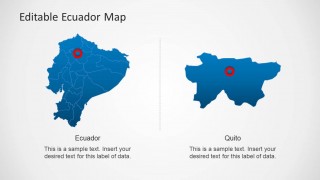
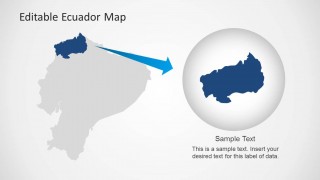
The presentations contains Ecuador flags representations, a highlighting shape for magnifying specific states and different text boxed to add to the layout. Also locating icons are provided and a specific reference to Quito, Ecuador’s capital.
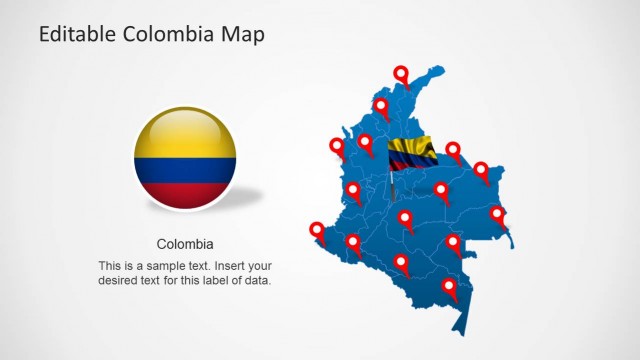
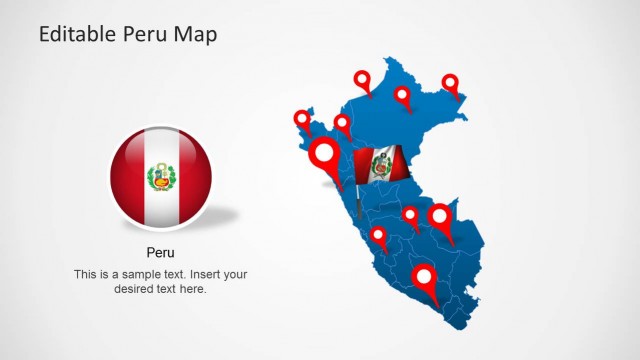
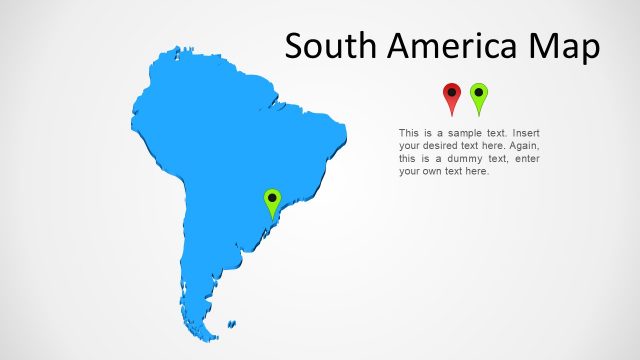
Ecuador is located at the east of South America and borders with Colombia at the north, and Peru at the South and East.
What’s inside this template
Example presentation scenarios
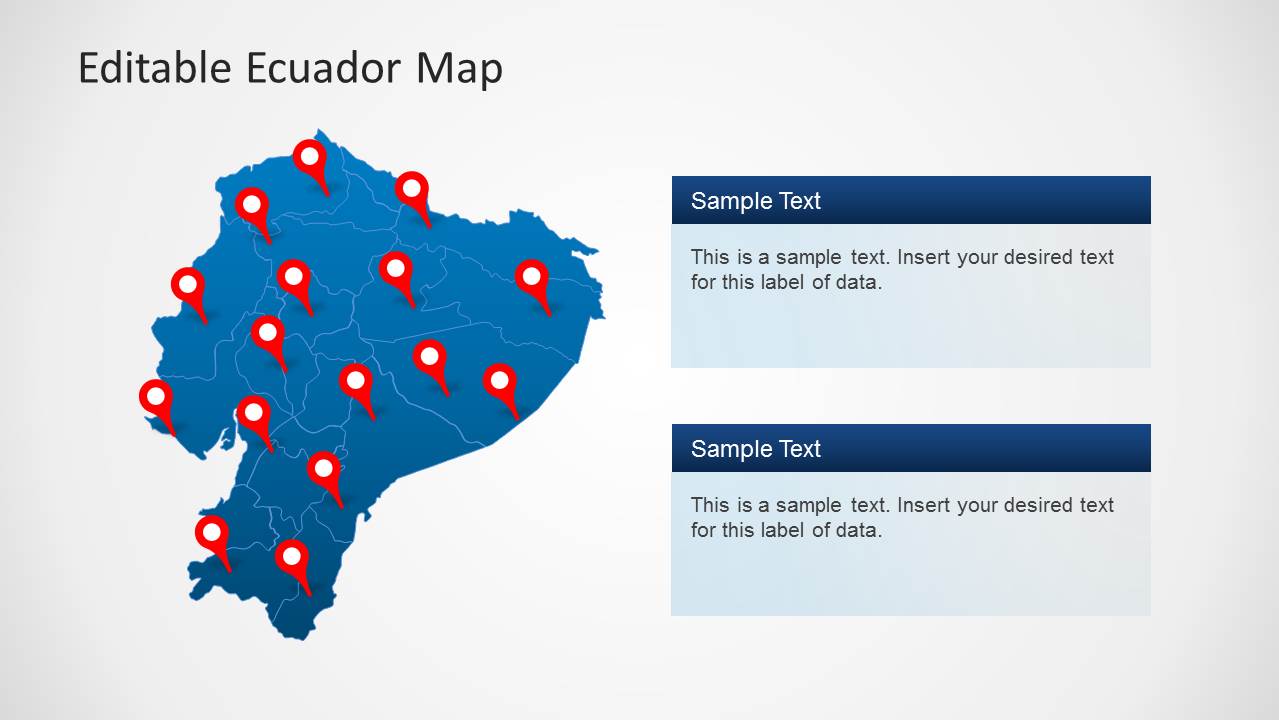
- A business development manager can present Ecuador market coverage by placing office, client, or distributor locations on the locator-pin maps and using the text panels to explain priority regions.
- An educator can introduce Ecuador geography by showing the political map with province boundaries, the Quito callout, and the Ecuador flag elements as visual anchors.
- An NGO program manager can report field activity locations with the pin-heavy maps and use the stacked text panels to separate current programs from planned coverage.
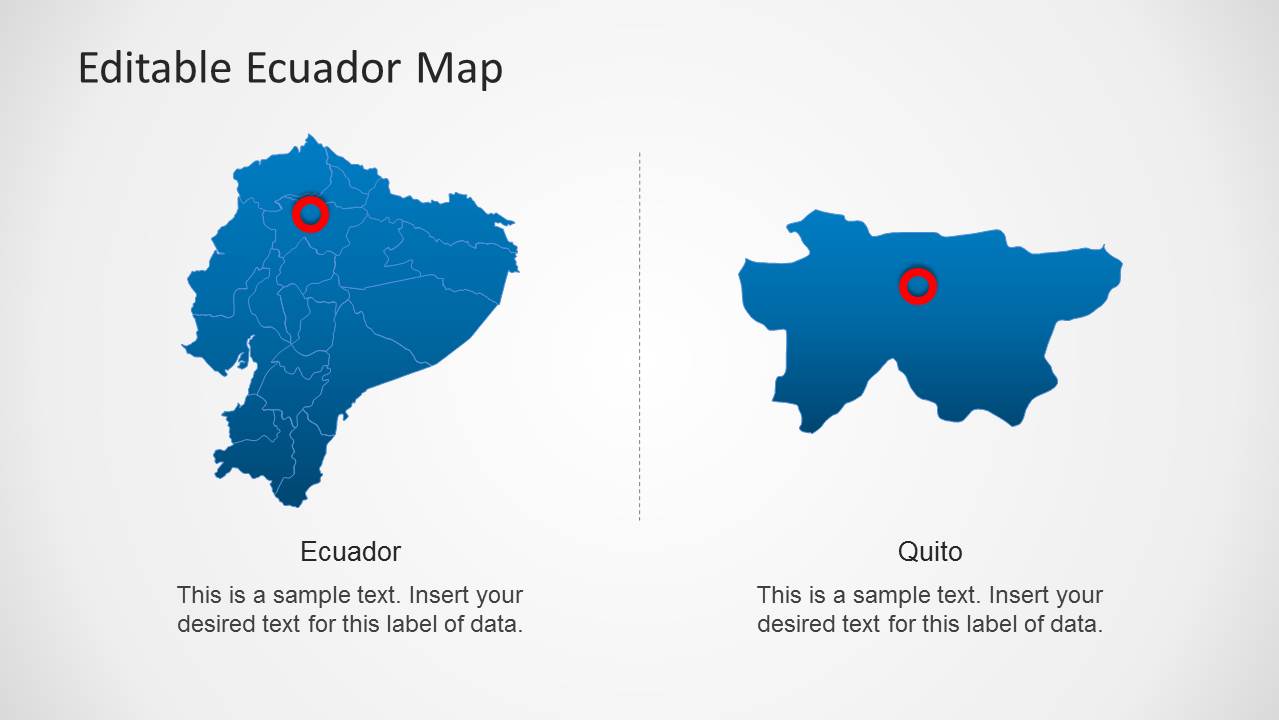
- A logistics planner can explain service areas or route focus by using the highlighted-region zoom slide and the two-column Ecuador and Quito comparison layout.
Features
- 100% editable presentation template
- Compatible with Microsoft PowerPoint and Google Slides
- Scalable vector shapes, icons and illustrations
- AI-Ready for Microsoft Copilot and Claude
- Instant access and download
Frequently asked questions
Q: How should a presenter organize a clear Ecuador location briefing with this template?
A: Start with the full Ecuador map and flag to orient the audience, then move to the political map or locator-pin map to show where activity happens. Use the Quito callout only when the capital is central to the message. Reserve the zoom slide for one priority area so the audience understands both national context and local detail.
Q: Who is this Ecuador map template best suited for?
A: This template fits presenters who need to explain where something happens inside Ecuador: market teams, educators, NGOs, government offices, tourism planners, and logistics groups. The locator pins support coverage maps, the province boundaries support geographic explanation, and the text panels provide room for short regional notes without turning the slide into a dense report.
Q: Why do the pins, flags, and magnified region improve the message?
A: The design uses familiar map metaphors to reduce explanation time. Pins signal specific locations, flags identify national context, the Quito marker names the capital, and the magnified region separates detailed discussion from the full-country view. This sequence helps the audience move from recognition to interpretation without losing geographic orientation.

Ecuador Map Template for PowerPoint
8-slide PowerPoint map template with Ecuador outline maps, Quito callouts, flags, and locator pins
Ecuador Map Template for PowerPoint is an 8-slide map presentation template for showing Ecuador geography. It includes outline and political map views with province boundaries, locator-pin maps, Quito callouts, Ecuador flag graphics, zoomed regional shapes, and editable text panels for business, education, government, or travel presentations.

 Loading...
 Microsoft PowerPoint
  Microsoft Copilot
  Claude for PowerPoint
 Other formats supported
Subscribe today and get immediate
access to download our PowerPoint templates.